What is the community yard sale registration form template?
A community yard sale lives or dies by its map. Shoppers want to know which streets to walk, which driveway has the furniture and who opens early. This registration form collects exactly what goes on that map — the sale address, the hours, the kinds of things on offer and a few star items — from every household that's taking part.
It also handles the two ways people join. Households selling from home give their address and tick a consent to have it published, because a public map of addresses shouldn't be a surprise. Households without a good driveway can choose the shared site instead, such as a church lot or school field, and say how many table spaces they need and whether they'll bring a table.
The whole thing fits on one page and takes a couple of minutes. Each registration is filed as a PDF in your FileIt vault, and the Responses table gives you the list you need to draw the map.
- Best for
- HOAs, neighbourhood associations, apartment communities, schools and churches
- Filled in by
- Each household that wants to sell
- Time to complete
- About 3 minutes
- Includes
- Home or shared-site choice, map address with consent, table spaces, days, hours, categories, payment methods, sale rules
Who uses a community yard sale registration form?
- An HOA's spring community-wide garage sale weekend
- A town-wide sale where dozens of streets take part
- An apartment complex sale in the shared parking lot
- A school or church rummage sale with rented table spaces
- A charity sale where households donate part of their takings
Questions on this community yard sale registration form
17 questions · includes conditional questions, consent checkbox.
1 Register your sale
- Contact name*
- Email*
- Phone
- Where will you sell?* At my home · At the shared site
- Sale address for the map* asked only when it applies
- Publishing your address* asked only when it applies
- How many table spaces do you need?* asked only when it applies
- Tables* asked only when it applies I'll bring my own · Please provide one
- Which sale days are you in?* Saturday · Sunday
- Opening time*
- Closing time*
- What will you be selling?* Clothing and shoes · Kids' clothes and toys · Baby gear · Furniture · Kitchen and housewares · Books, music and movies · Tools and garden · Electronics · Sports and outdoor gear · Collectibles and antiques · Crafts and handmade
- Star items for the listing
- Payment you'll accept Cash · Payment apps · Card reader
- Will any of the money go to a school or charity?
- Which one? asked only when it applies
- Sale rules*
The community yard sale registration form, page by page
1 Register your sale
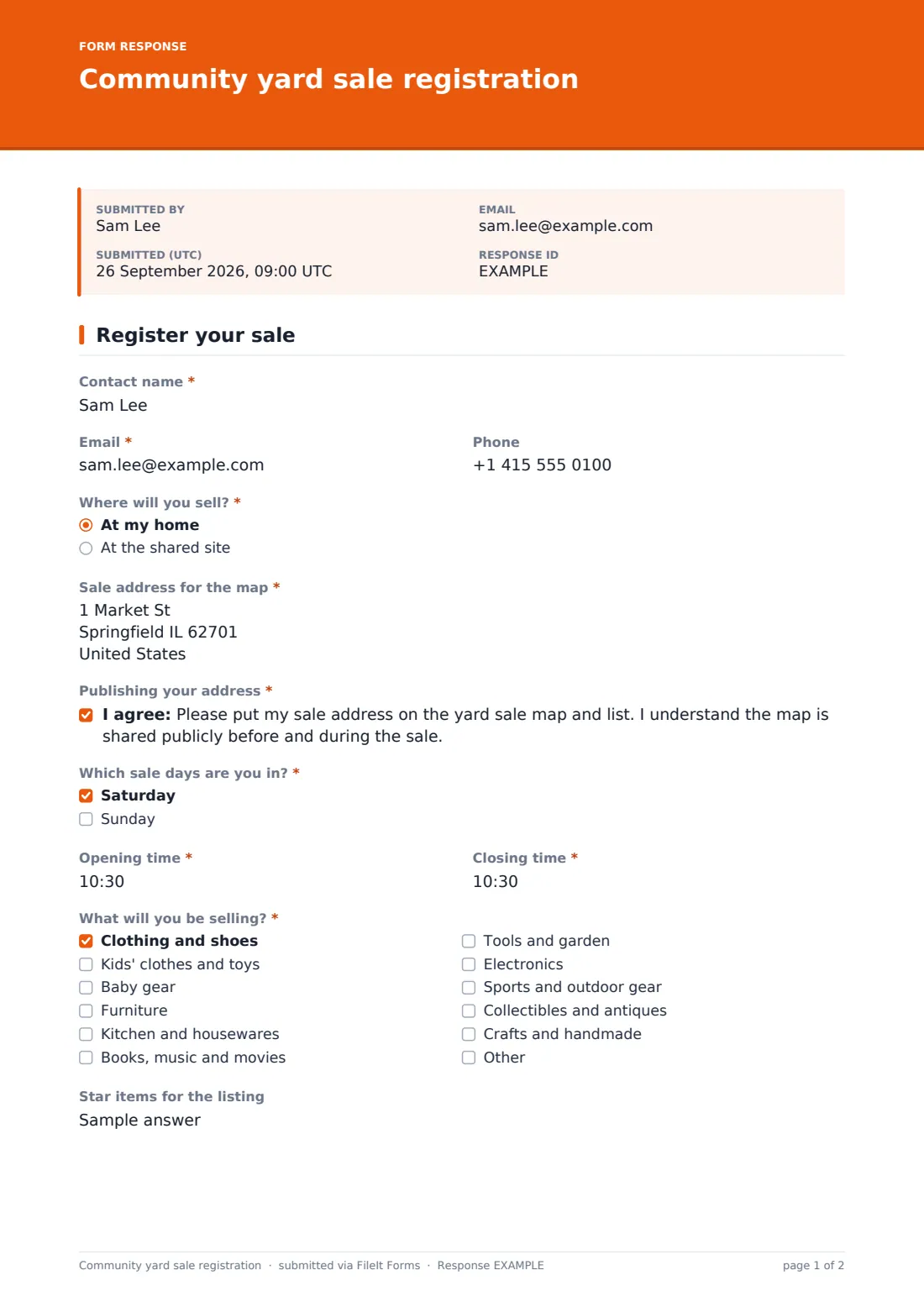
The contact gives their name, email and an optional phone number for sale-day updates. "Where will you sell?" offers "At my home" or "At the shared site". Selling from home opens "Sale address for the map" and a required consent to publish it on the shopper map. Choosing the shared site opens "How many table spaces do you need?" (up to four) and a choice between bringing their own table or asking for one.
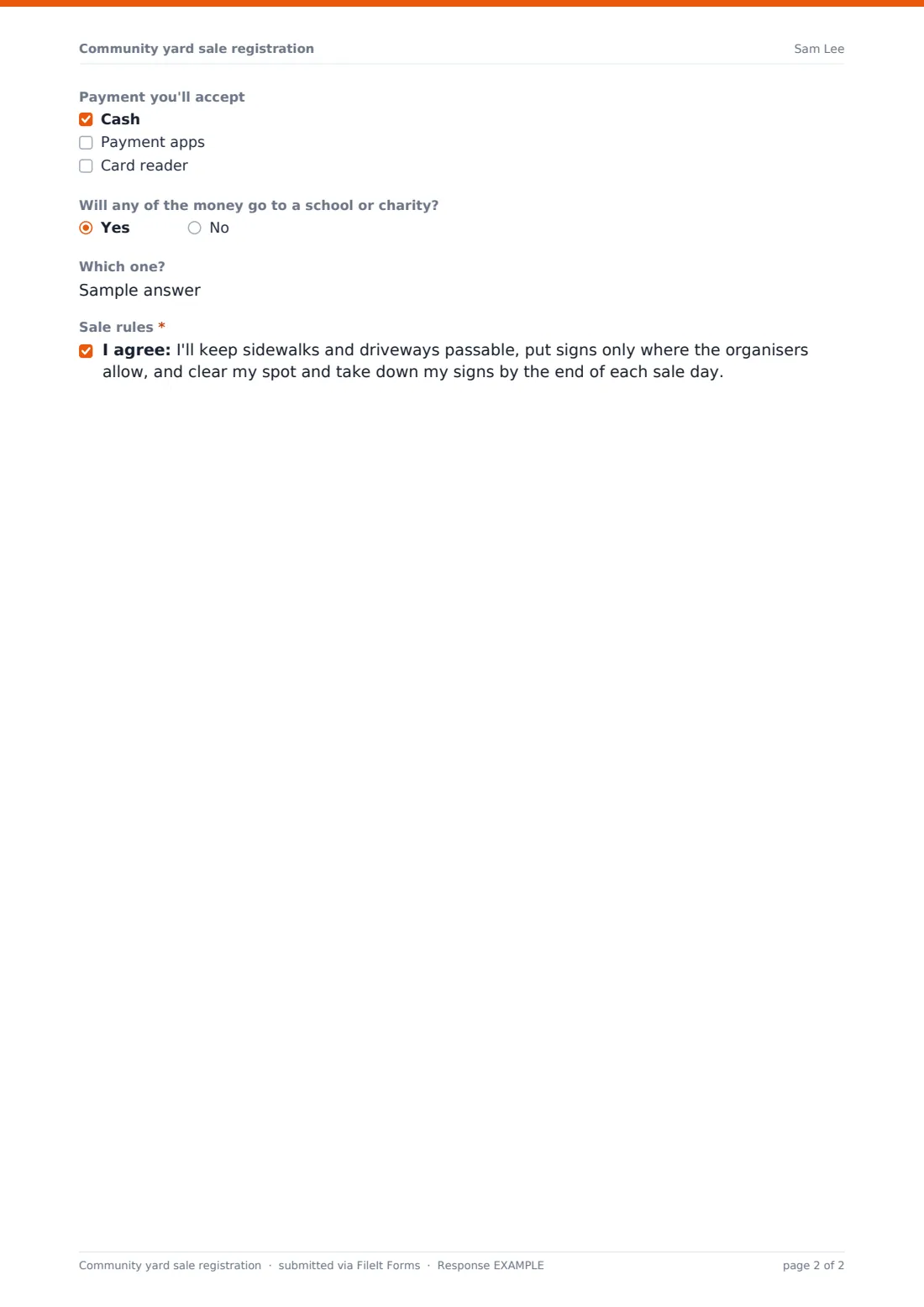
Everyone then picks the sale days, opening and closing times, and ticks what they'll be selling, from clothing and kids' toys to furniture, tools, electronics, collectibles and crafts, with room for something else. "Star items for the listing" is the line shoppers will read on the map. They note which payments they'll take, say whether any money is going to a school or charity (and which), and agree to the sale rules: passable sidewalks, signs only where allowed and everything cleared away at the end of each day.
Make the template yours
- Put the sale dates, the shared site's location and any sign-up fee in the cover text
- Change the sale day options to match your event, or swap them for a single date
- Set a maximum number of responses equal to the table spaces at the shared site
- Set a close date a few days before the sale so you have time to make the map
- Edit the sale rules to match your HOA or town's sign and parking rules
Tips for a better community yard sale registration form
- Export the Responses table to CSV and import the addresses into a free online map tool
- Sort by opening time so the early birds are marked on the map
- Publish the star items with each pin — they're what draw shoppers down a street
- Remind sellers who chose the shared site when to arrive for set-up
- Plan where unsold items go, such as a donation truck at the end of the day
Every response becomes a PDF in your vault
Each registration is saved as a PDF in the vault folder you pick, and you get an email for every new sign-up. Households get a copy of their registration if you leave that turned on, so they have their own hours and table request in writing.
In the Responses table you can search by street name or category and export the list to CSV for your map, your table plan and the sale-day email.
- Start from this template. It opens in the FileIt Forms designer — change any question, add pages, set the rules for when questions appear.
- Share it. Turn on a public link, or send it to people by email, each with their own link. They don’t need a FileIt account.
- Get the answers as PDFs. Each response is saved as a PDF in the vault folder you choose, with uploaded files attached — and listed in a Responses table you can export to CSV.
Community yard sale registration form: frequently asked questions
Is this yard sale registration template free?
Yes. It's part of the Forms app on every FileIt account, including the free plan.
Does FileIt draw the map for me?
No. The form collects the addresses, hours and items you need. Export them to CSV and use them in the map tool of your choice.
What if someone doesn't want their address published?
Publishing is a required consent for home sellers. Anyone who'd rather not can choose the shared site instead.
Can I charge for a table at the shared site?
The form doesn't take payments. Explain the fee and how to pay in the cover text or your confirmation message.
Do households need a FileIt account?
No. They open the link, fill in one page and submit.