What is the bike storage registration form template?
A shared bike store fills up fast, and without a register it's hard to tell which bikes belong to residents, which were left by people who moved out, and who to call when one is locked across a doorway. Serial numbers and photos also make a theft report far more useful.
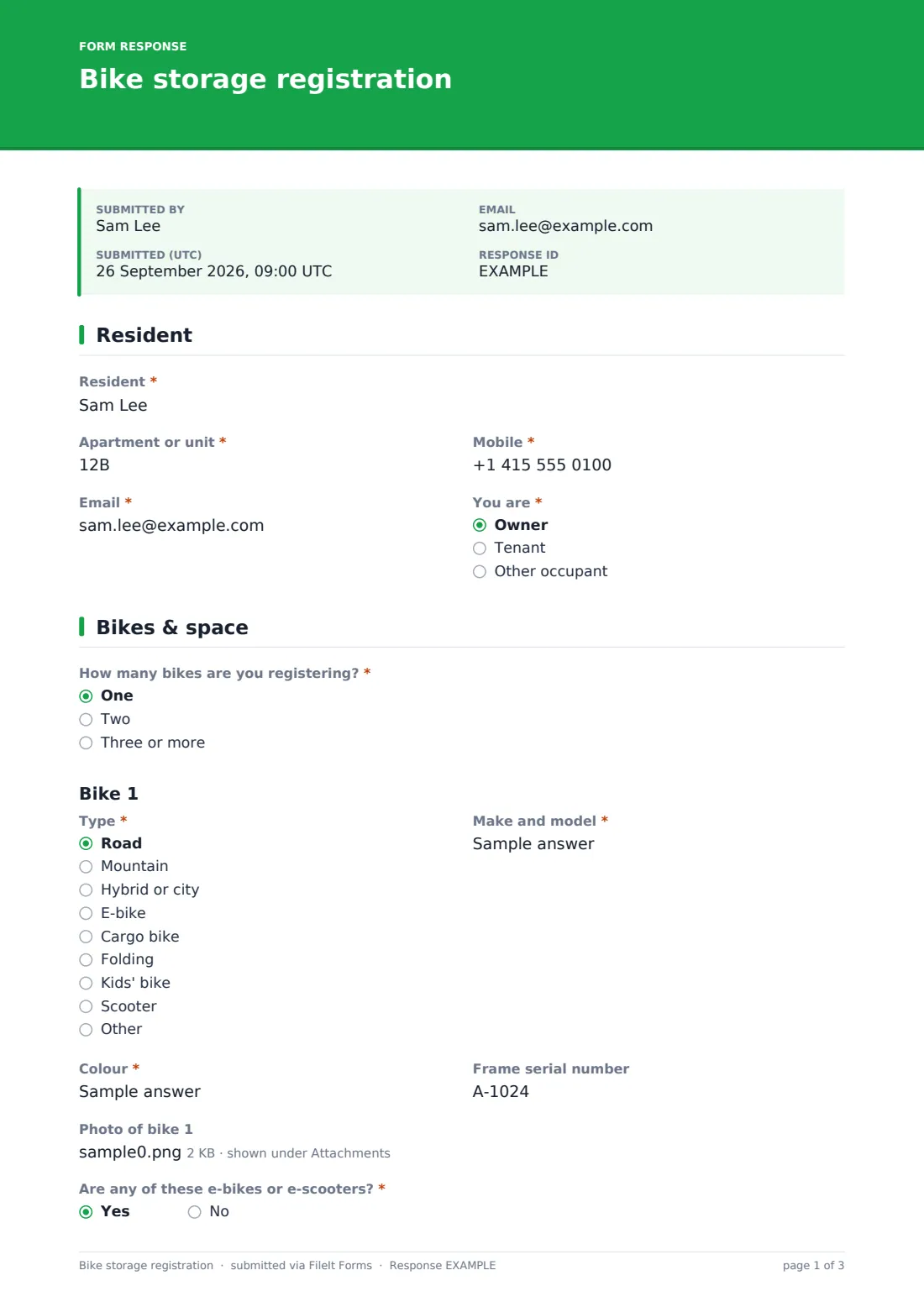
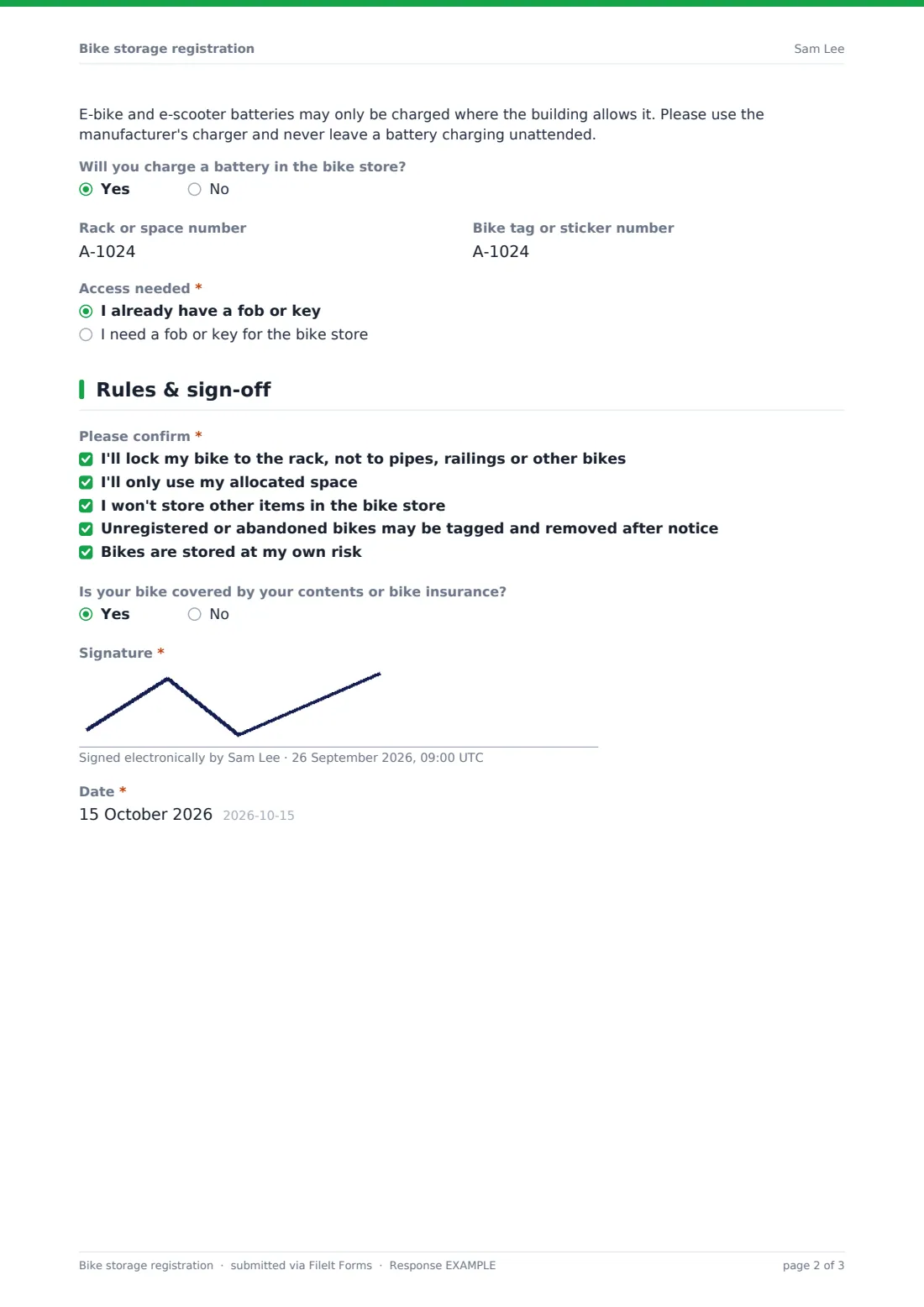
This bike storage registration template collects the resident's details, then each bike: type, make and model, colour, frame serial number and a photo, with space for a second bike and a box for any more. Registering an e-bike or e-scooter shows a battery charging note and asks whether the resident will charge in the store. The resident can give a rack and tag number, asks for a fob or key if needed, ticks the store's rules and signs.
Each registration is saved as a PDF in your FileIt vault with the photos attached, and the Responses table becomes the building's bike register.
- Best for
- Apartment buildings, condo associations, student housing, offices and property managers
- Filled in by
- Residents or staff who keep a bike in the store
- Time to complete
- About 4 minutes with bike photos ready
- Includes
- Resident and unit, up to two bikes in detail plus extras, serial numbers, photos, e-bike charging, rack and tag numbers, fob access, rules, signature
Who uses a bike storage registration form?
- A building manager clearing out abandoned bikes after a register deadline
- A condo association allocating numbered rack spaces
- Student housing registering bikes at the start of term
- An office tracking who uses the secure cycle store
- A residents' committee recording e-bike charging in the bike room
- A concierge desk handing out bike store fobs
Questions on this bike storage registration form
26 questions over 3 pages · includes signature, file upload, conditional questions, multiple pages.
1 Resident
- Resident*
- Apartment or unit*
- Mobile*
- Email*
- You are* Owner · Tenant · Other occupant
2 Bikes & space
- How many bikes are you registering?* One · Two · Three or more
- Type* Road · Mountain · Hybrid or city · E-bike · Cargo bike · Folding · Kids' bike · Scooter · Other
- Make and model*
- Colour*
- Frame serial number
- Photo of bike 1
- Type* asked only when it applies Road · Mountain · Hybrid or city · E-bike · Cargo bike · Folding · Kids' bike · Scooter · Other
- Make and model* asked only when it applies
- Colour* asked only when it applies
- Frame serial number asked only when it applies
- Photo of bike 2 asked only when it applies
- Other bikes: type, make, colour and serial* asked only when it applies
- Are any of these e-bikes or e-scooters?*
- Will you charge a battery in the bike store? asked only when it applies
- Rack or space number
- Bike tag or sticker number
- Access needed* I already have a fob or key · I need a fob or key for the bike store
3 Rules & sign-off
- Please confirm* I'll lock my bike to the rack, not to pipes, railings or other bikes · I'll only use my allocated space · I won't store other items in the bike store · Unregistered or abandoned bikes may be tagged and removed after notice · Bikes are stored at my own risk
- Is your bike covered by your contents or bike insurance?
- Signature*
- Date*
The bike storage registration form, page by page
1 Resident
The resident gives their name, unit, mobile, email and whether they're an owner, tenant or other occupant.
2 Bikes & space
The resident says how many bikes they're registering. For bike 1, they choose the type, enter make and model, colour and frame serial number, and upload a photo; a second bike gets the same fields, and three or more opens a box for the rest. If any of the bikes is an e-bike or e-scooter, a charging safety note appears with a question about charging in the store. The rack or space number, tag number and whether they need a fob or key complete the page.
3 Rules & sign-off
The resident ticks five rules: lock to the rack, use only their space, no other items, abandoned bikes may be removed after notice, and storage is at their own risk. They say whether the bike is insured and sign and date.
Make the template yours
- Replace the rules with your building's bike store policy
- Change the e-bike note to say whether charging is allowed and where
- Add a dropdown of rack numbers if spaces are allocated in advance
- Ask for a vehicle sticker or tag number if you issue them
- Set a closing date when you run an annual re-registration
Tips for a better bike storage registration form
- Announce a re-registration deadline before tagging unregistered bikes
- Encourage residents to photograph the serial number as well as the bike
- Check e-bike charging answers against your building's fire safety policy
- Export the register to CSV and print it for the concierge or caretaker
- Give notice before removing any bike, and keep a record of what was removed
Every response becomes a PDF in your vault
Each registration becomes a PDF in your chosen vault folder, with bike photos attached. The manager is notified, and the resident can get a copy that's useful for an insurance or theft report.
The Responses table lists every registered bike with its unit, colour and serial number; search it when a bike is reported or export it as a register.
- Start from this template. It opens in the FileIt Forms designer — change any question, add pages, set the rules for when questions appear.
- Share it. Turn on a public link, or send it to people by email, each with their own link. They don’t need a FileIt account.
- Get the answers as PDFs. Each response is saved as a PDF in the vault folder you choose, with uploaded files attached — and listed in a Responses table you can export to CSV.
Bike storage registration form: frequently asked questions
Is this bike storage registration template free?
Yes. It's one of the FileIt Forms starter templates available on every account.
Can residents register more than two bikes?
Yes. Choosing three or more opens a box to list the others.
Can we remove unregistered bikes?
The form's rules say abandoned bikes may be removed after notice, but what you're allowed to do depends on your lease, bylaws and local law. Check before removing anything.
Do residents need a FileIt account?
No. They fill in the form from the link.
Does the form issue a fob?
No. It records the request; you issue fobs or keys the usual way.
Can residents update their registration?
Yes, they can submit the form again when they get a new bike or move space.