What is the address collection form form template?
Sending save-the-dates or holiday cards usually starts with a dozen texts asking "what's your address again?" and ends with a spreadsheet that's half right. This address collection form does the asking for you. Share the link once and every friend, relative or guest fills in their own details, spelled the way they spell them.
The question people forget to ask is how the names should go on the envelope: "The Rivera Family", "Sam Lee and Jordan Park", or just the first names of the kids. That has its own field here, along with everyone who lives at the address, so invitations go to the right people. Guests in the US get a standard address block. Anyone outside the US answers one question and gets a country field and a free-form box instead, because a Japanese or Irish address doesn't fit neatly into city, state and ZIP.
Each response is filed as a PDF in your FileIt vault, and the Responses table exports to CSV, ready for a mail merge or label printing.
- Best for
- Couples planning a wedding, families, hosts, clubs and small businesses sending cards
- Filled in by
- Friends, relatives, guests or customers
- Time to complete
- About 1 minute
- Includes
- Envelope names, household members, US or international address, email, phone, mail preferences, moving date
Who uses a address collection form form?
- Collecting addresses for wedding save-the-dates and invitations
- Building a holiday card list that's actually current
- Gathering addresses for a baby shower or birth announcement
- A family updating its address book after several moves
- A small business sending thank-you cards to regular customers
- A club mailing a printed newsletter or annual dinner invitation
Questions on this address collection form form
14 questions · includes conditional questions, consent checkbox.
1 Your address
- Your name*
- Names as they should appear on the envelope*
- Everyone who lives at this address
- Is your mailing address outside the US?*
- Mailing address* asked only when it applies
- Country* asked only when it applies
- Full address, exactly as it should be written on the envelope* asked only when it applies
- Phone
- What would you like to receive? Invitations · Holiday cards · Announcements (births, moves, graduations) · Thank-you notes
- Are you moving in the next six months?
- Roughly when? asked only when it applies
- Anything else we should know?
- Keeping your details*
The address collection form form, page by page
1 Your address
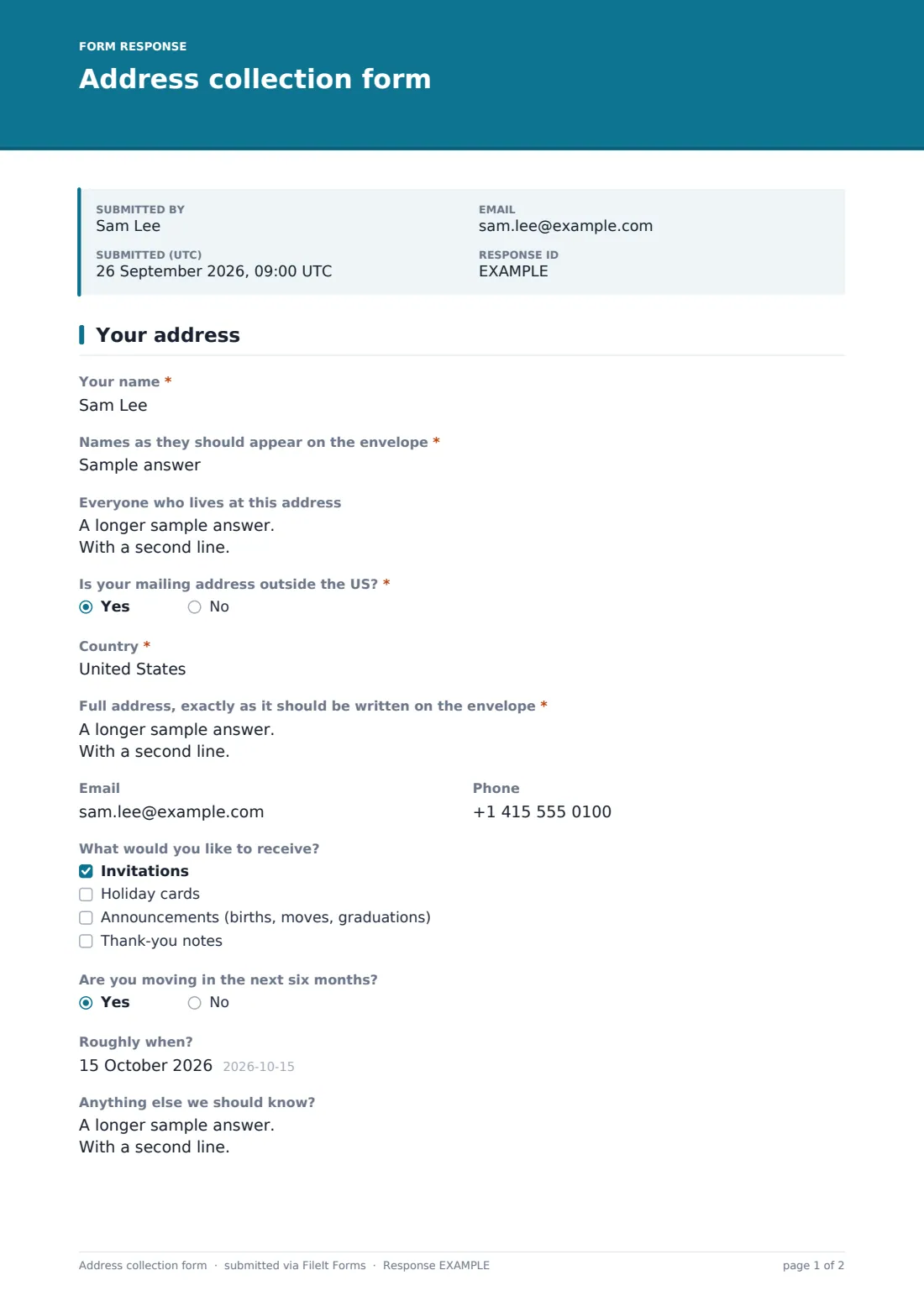
The guest gives their name and "Names as they should appear on the envelope", then optionally lists "Everyone who lives at this address". "Is your mailing address outside the US?" decides what comes next: no shows a standard "Mailing address" block, yes shows "Country" and "Full address, exactly as it should be written on the envelope", one line at a time.
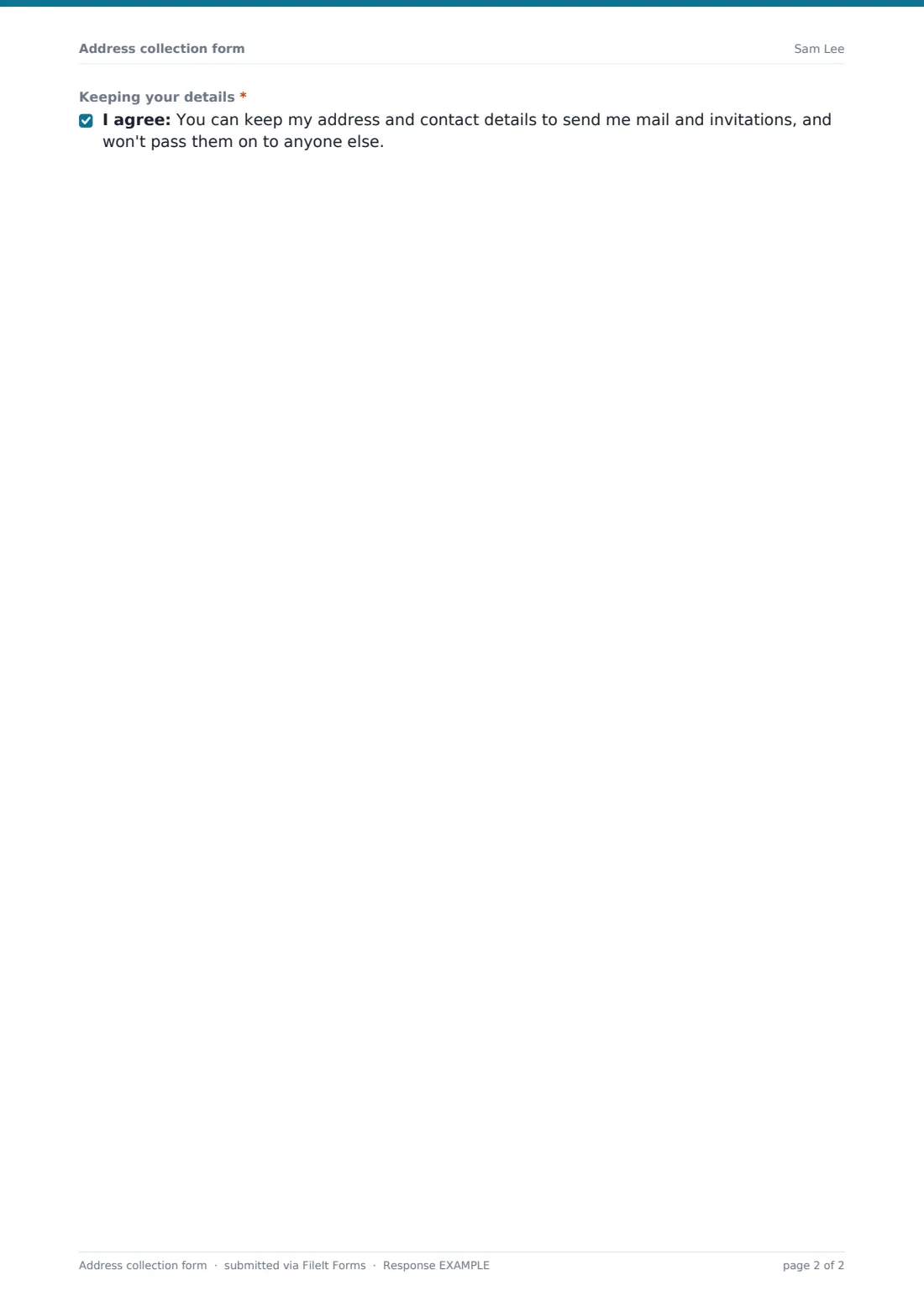
Email and phone are optional. "What would you like to receive?" lets people choose invitations, holiday cards, announcements or thank-you notes. "Are you moving in the next six months?" asks roughly when, so you know whose address will change before the cards go out. A notes box covers care-of lines and preferred names, and a short consent confirms you'll keep the details for mail and invitations only.
Make the template yours
- Write the occasion into the cover text — a wedding, a reunion, a new baby
- Remove the international questions if everyone you're asking lives in the US
- Rename "outside the US" to your own country if you live somewhere else
- Add an RSVP-style question such as "Will you be able to come?" if it's for one event
- Set a close date so the list is final before you order envelopes
Tips for a better address collection form form
- Send the link in the same message as a personal note; people reply faster to someone they know
- Export to CSV and use the envelope names column directly in a mail merge
- Check the moving question before printing labels, and follow up with anyone moving soon
- Keep international addresses exactly as written — postal workers in that country will read them
- Re-use the same form next year: duplicate it and send it again
Every response becomes a PDF in your vault
Each address is saved as a PDF in your chosen vault folder, and you get an email when someone fills it in. If the guest gave an email address and you've left copies on, they get a copy of what they sent.
The Responses table lists everyone with search by name or city. Export to CSV for labels, a mail merge or your printer's address upload.
- Start from this template. It opens in the FileIt Forms designer — change any question, add pages, set the rules for when questions appear.
- Share it. Turn on a public link, or send it to people by email, each with their own link. They don’t need a FileIt account.
- Get the answers as PDFs. Each response is saved as a PDF in the vault folder you choose, with uploaded files attached — and listed in a Responses table you can export to CSV.
Address collection form form: frequently asked questions
Is this address collection template free?
Yes. It's included in the Forms app on every FileIt account, including the free plan.
Do people need an account to fill it in?
No. They tap the link and fill in one short page in their browser.
Can I print address labels from the responses?
Export the Responses table to CSV and use it with your label or mail merge software. FileIt doesn't print labels itself.
Can a household fill it in once for everyone?
Yes. One person fills it in with the envelope names and lists everyone at the address.
What if someone's address changes later?
They can fill in the form again; the newest response is the one to use. The moving question helps you spot those in advance.