What is a short-term rental co-host agreement?
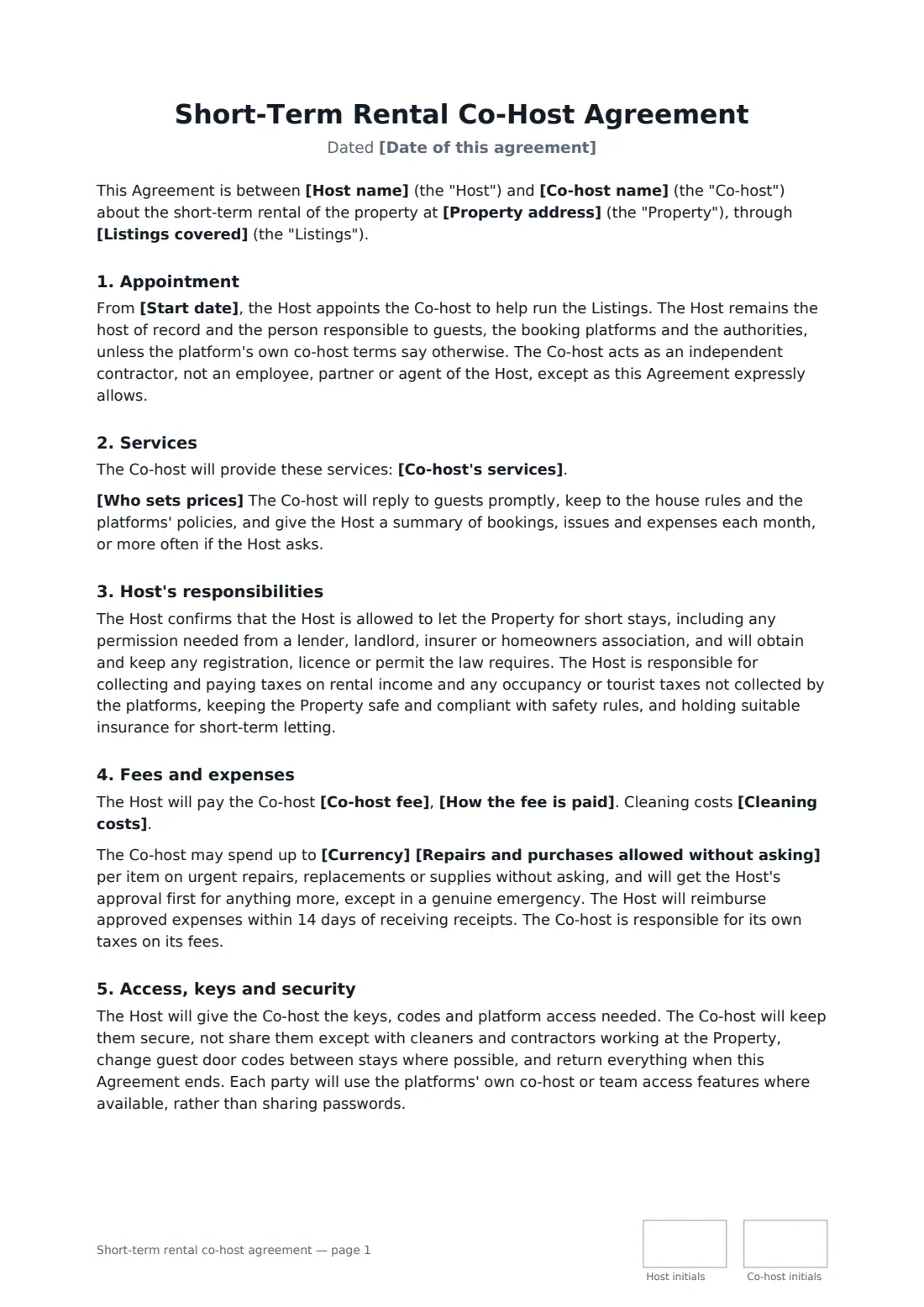
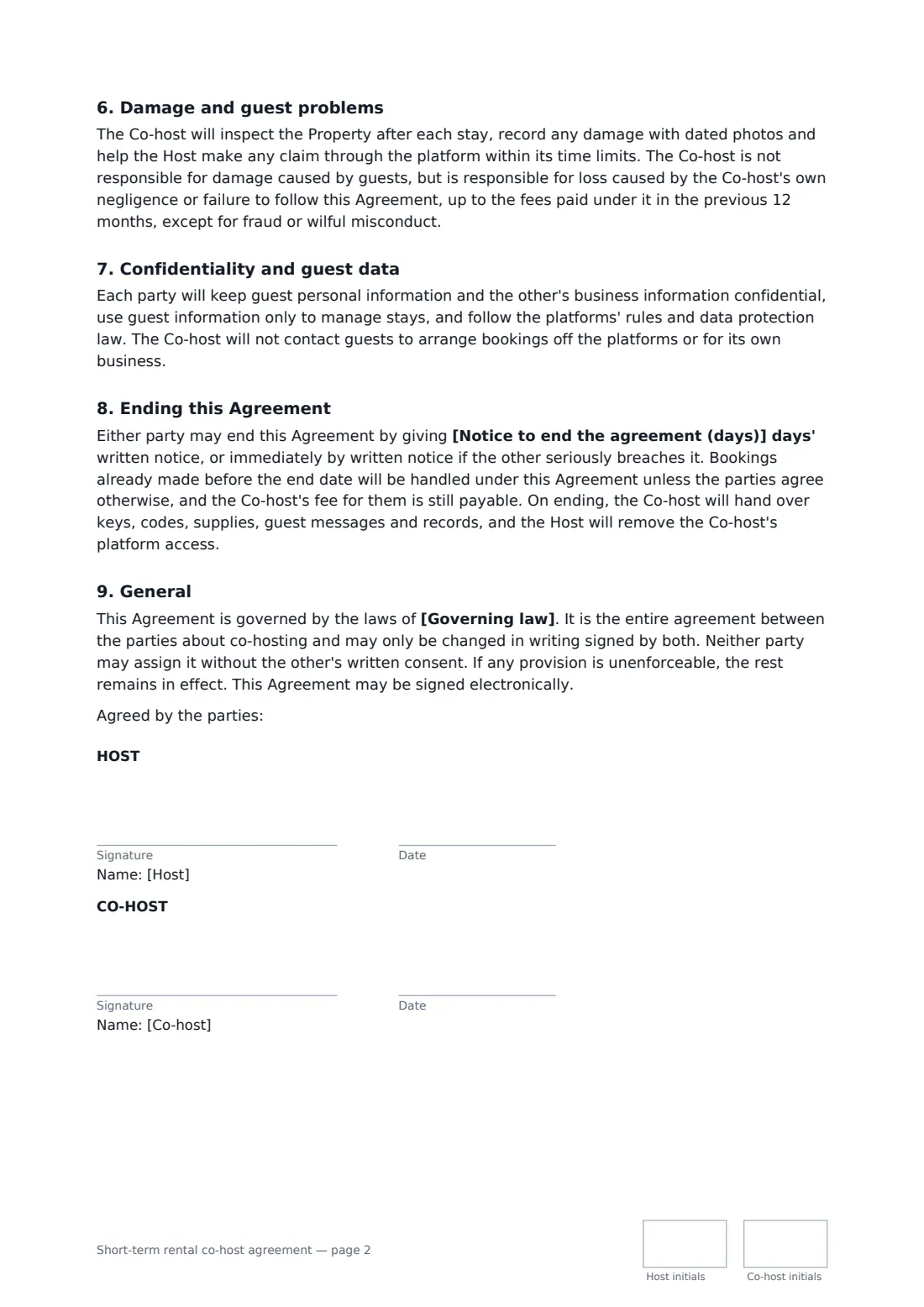
A host hires a co-host to run a holiday let or short-term rental listing — messaging guests, check-ins, cleaning turnovers, pricing and reviews — with the fee split, spending limits, access and how it ends. Start from this template in FileIt eSignature: fill in the blanks, add the people who sign, and send it. Everyone signs online and the signed PDF is filed in your vault.
What you fill in
15 blanks, then the name and email of each person who signs: host, co-host.
1 The parties
- Date of this agreement*
- Host name*
- Co-host name*
- Property address*
- Listings covered*
- Start date*
2 Services
- Co-host's services*
- Who sets prices* The Host sets nightly prices and minimum stays. The Co-host may suggest changes. · The Co-host may adjust nightly prices and minimum stays within the range the Host sets in writing.
3 Fees
- Currency*
- Co-host fee*
- How the fee is paid* through the booking platform's payout-split feature, where available, or otherwise by the Host within 7 days after each guest checks out · by the Host monthly, within 7 days after receiving the Co-host's statement for the previous month
- Cleaning costs* are paid by the Host (usually covered by the cleaning fee charged to guests) and are not part of the Co-host fee · are included in the Co-host fee, and the Co-host pays the cleaners
- Repairs and purchases allowed without asking*
4 Other terms
- Notice to end the agreement (days)*
- Governing law*
5 Who signs
- Host signature and date, initials on every page · The owner, or the tenant with permission to let, who holds the listing.
- Co-host signature and date, initials on every page · The person or business who will help run the listing.
What the short-term rental co-host agreement covers
- Appointment
- Services
- Host's responsibilities
- Fees and expenses
- Access, keys and security
- Damage and guest problems
- Confidentiality and guest data
- Ending this Agreement
- General
Sign it online in minutes
- Fill in the blanks. Names, dates and amounts go straight into the agreement — the preview shows exactly where.
- Name who signs. Tick “This is me” for your own part. FileIt builds the PDF with every signature, date and initials box on the right line, and you can check or move anything before sending.
- Send it. Each signer gets a secure link and signs from any device — no account needed. The signed PDF, with an audit trail and a Certificate of Completion, is filed in your vault and emailed to everyone.