What is a seller's property disclosure statement?
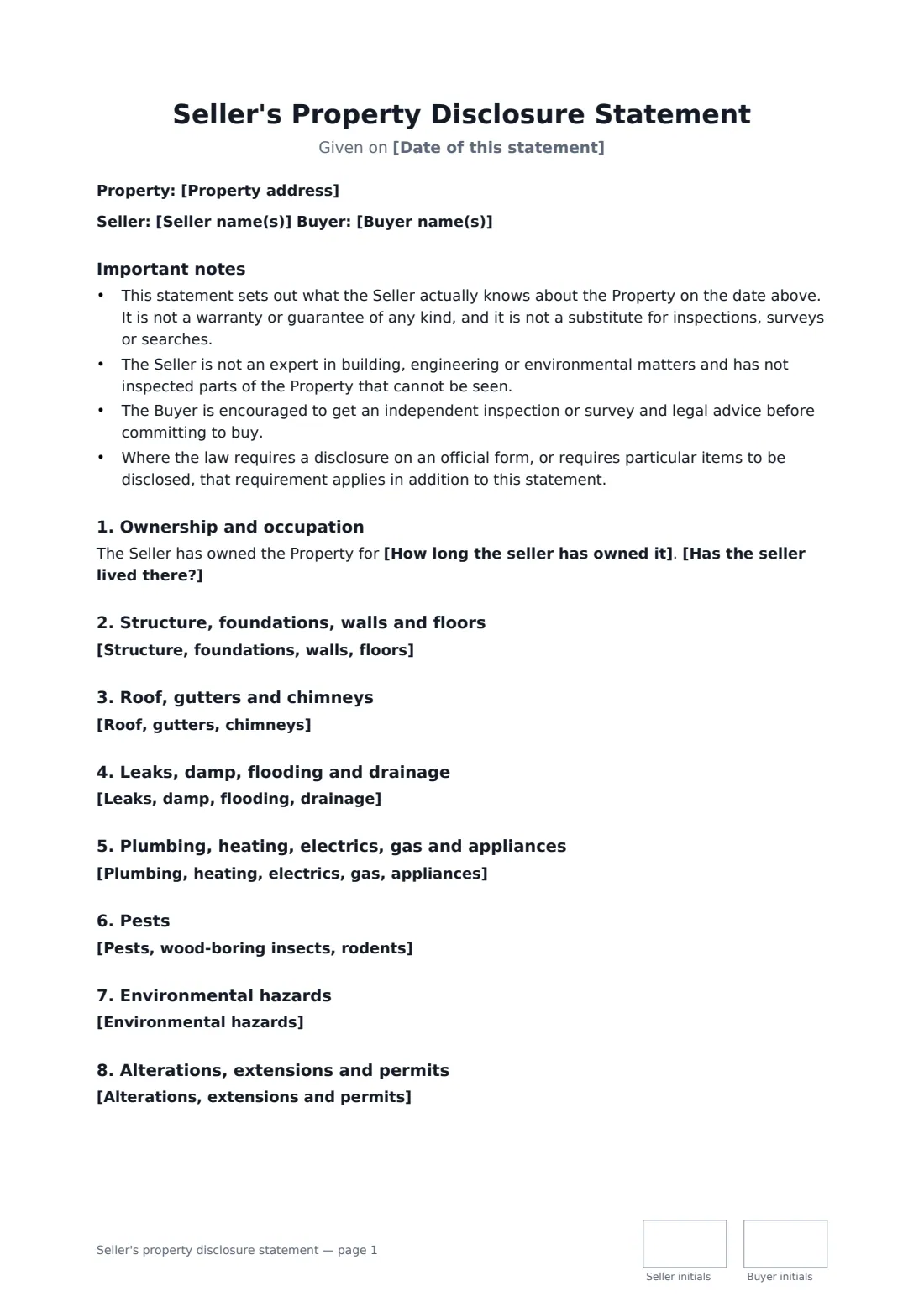
A seller tells a buyer what they know about the condition of a home — structure, roof, water, systems, boundaries, permits and hazards — and the buyer acknowledges receiving it. Start from this template in FileIt eSignature: fill in the blanks, add the people who sign, and send it. Everyone signs online and the signed PDF is filed in your vault.
What you fill in
18 blanks, then the name and email of each person who signs: seller, buyer.
1 The property
- Date of this statement*
- Seller name(s)*
- Buyer name(s)*
- Property address*
- How long the seller has owned it*
- Has the seller lived there?* The Seller lives, or has lived, at the Property. · The Seller has never lived at the Property, so the Seller's knowledge of its condition is limited. · The Property is let to tenants, so the Seller's knowledge of its day-to-day condition is limited.
2 What the seller knows
- Structure, foundations, walls, floors*
- Roof, gutters, chimneys*
- Leaks, damp, flooding, drainage*
- Plumbing, heating, electrics, gas, appliances*
- Pests, wood-boring insects, rodents*
- Environmental hazards*
- Alterations, extensions and permits*
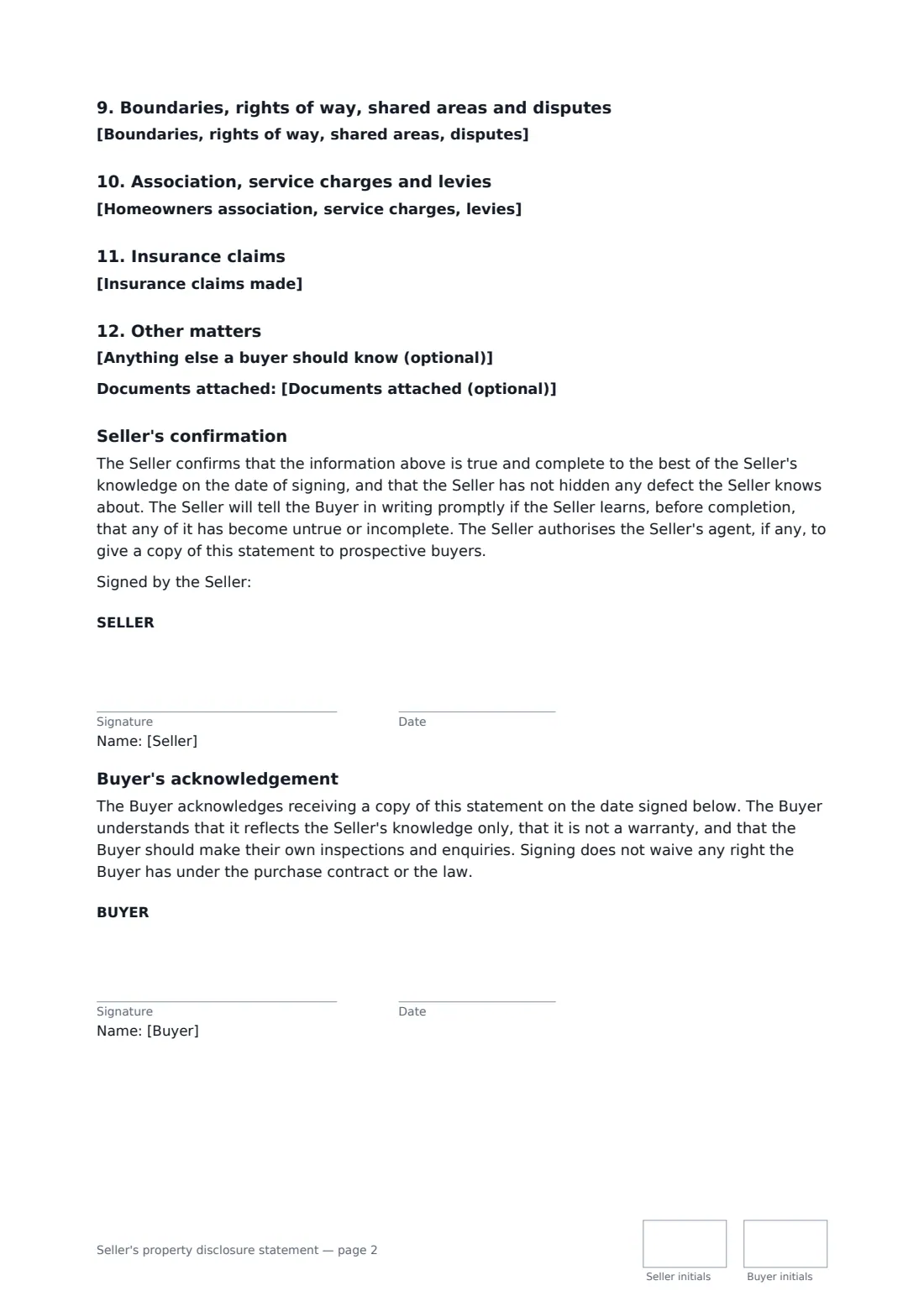
- Boundaries, rights of way, shared areas, disputes*
- Homeowners association, service charges, levies*
- Insurance claims made*
- Anything else a buyer should know (optional)
- Documents attached (optional)
3 Who signs
- Seller signature and date, initials on every page · The owner selling the property. If owned jointly, each owner should sign.
- Buyer signature and date, initials on every page · The prospective buyer who receives the statement and acknowledges it.
What the seller's property disclosure statement covers
- Important notes
- Ownership and occupation
- Structure, foundations, walls and floors
- Roof, gutters and chimneys
- Leaks, damp, flooding and drainage
- Plumbing, heating, electrics, gas and appliances
- Pests
- Environmental hazards
- Alterations, extensions and permits
- Boundaries, rights of way, shared areas and disputes
- Association, service charges and levies
- Insurance claims
- Other matters
- Seller's confirmation
- Buyer's acknowledgement
Sign it online in minutes
- Fill in the blanks. Names, dates and amounts go straight into the agreement — the preview shows exactly where.
- Name who signs. Tick “This is me” for your own part. FileIt builds the PDF with every signature, date and initials box on the right line, and you can check or move anything before sending.
- Send it. Each signer gets a secure link and signs from any device — no account needed. The signed PDF, with an audit trail and a Certificate of Completion, is filed in your vault and emailed to everyone.