What is a roofing contract?
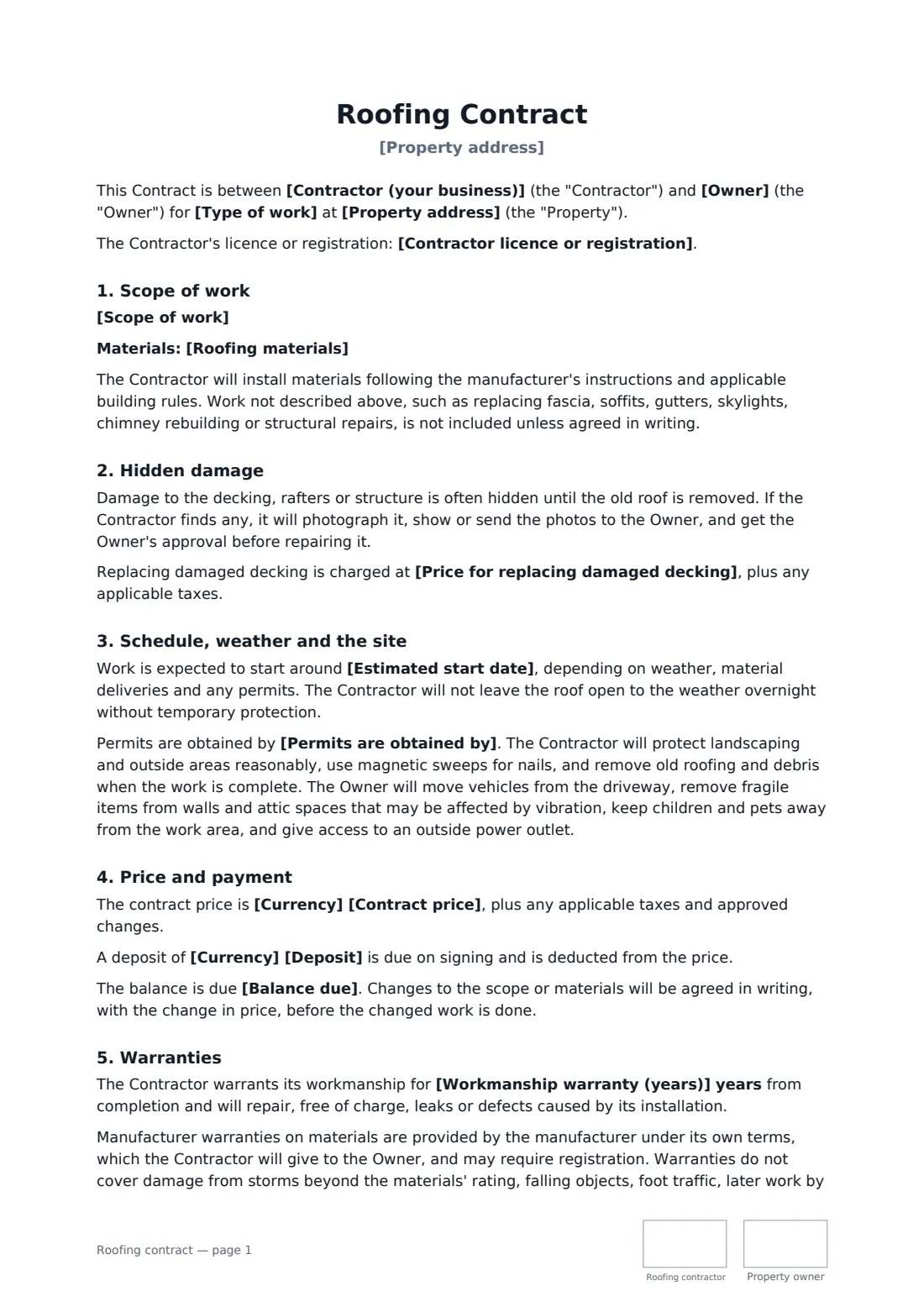
A roofer and property owner agree a roof replacement or repair — scope, materials, decking and hidden damage, permits, weather, debris, payment stages and warranties. Start from this template in FileIt eSignature: fill in the blanks, add the people who sign, and send it. Everyone signs online and the signed PDF is filed in your vault.
What you fill in
19 blanks, then the name and email of each person who signs: roofing contractor, property owner.
1 The parties
- Contractor (your business)*
- Your phone or email*
- Contractor licence or registration
- Owner*
- Owner phone or email
2 The work
- Property address*
- Type of work* a full roof replacement · a roof repair · a re-roof over the existing roof · a new roof on new construction · flat roof works
- Scope of work*
- Roofing materials*
3 Price and payment
- Currency*
- Contract price*
- Price for replacing damaged decking
- Deposit
- Balance due* on completion and final inspection · on delivery of materials (half) and on completion (the rest) · within 7 days of completion
- Paid through an insurance claim?* No · Yes
4 Schedule and warranty
- Estimated start date*
- Permits are obtained by* the Contractor, included in the price · the Contractor, charged at cost · the Owner · not required for this work
- Workmanship warranty (years)
- Governing law*
5 Who signs
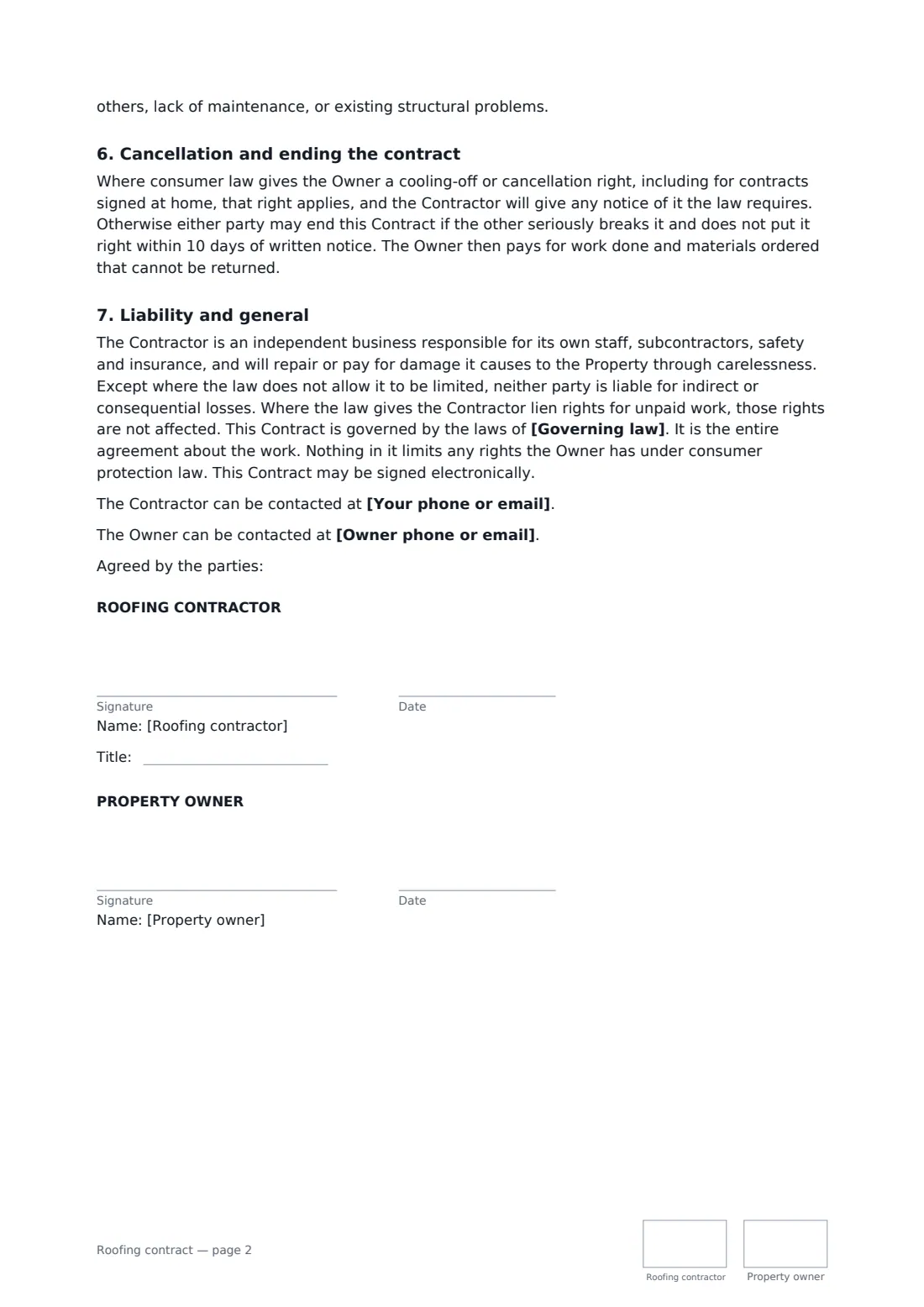
- Roofing contractor signature and date, job title, initials on every page · The roofing company.
- Property owner signature and date, initials on every page · The owner, or someone authorised by the owner.
What the roofing contract covers
- Scope of work
- Hidden damage
- Schedule, weather and the site
- Price and payment
- Warranties
- Cancellation and ending the contract
- Liability and general
Sign it online in minutes
- Fill in the blanks. Names, dates and amounts go straight into the agreement — the preview shows exactly where.
- Name who signs. Tick “This is me” for your own part. FileIt builds the PDF with every signature, date and initials box on the right line, and you can check or move anything before sending.
- Send it. Each signer gets a secure link and signs from any device — no account needed. The signed PDF, with an audit trail and a Certificate of Completion, is filed in your vault and emailed to everyone.