What is a overtime agreement?
Overtime causes friction when nobody wrote down the rules: one manager pays it, another expects it for free, and time off in lieu is promised but never taken. An overtime agreement settles it for one employee — how overtime is approved, whether they can say no, the limits, and how it is compensated.
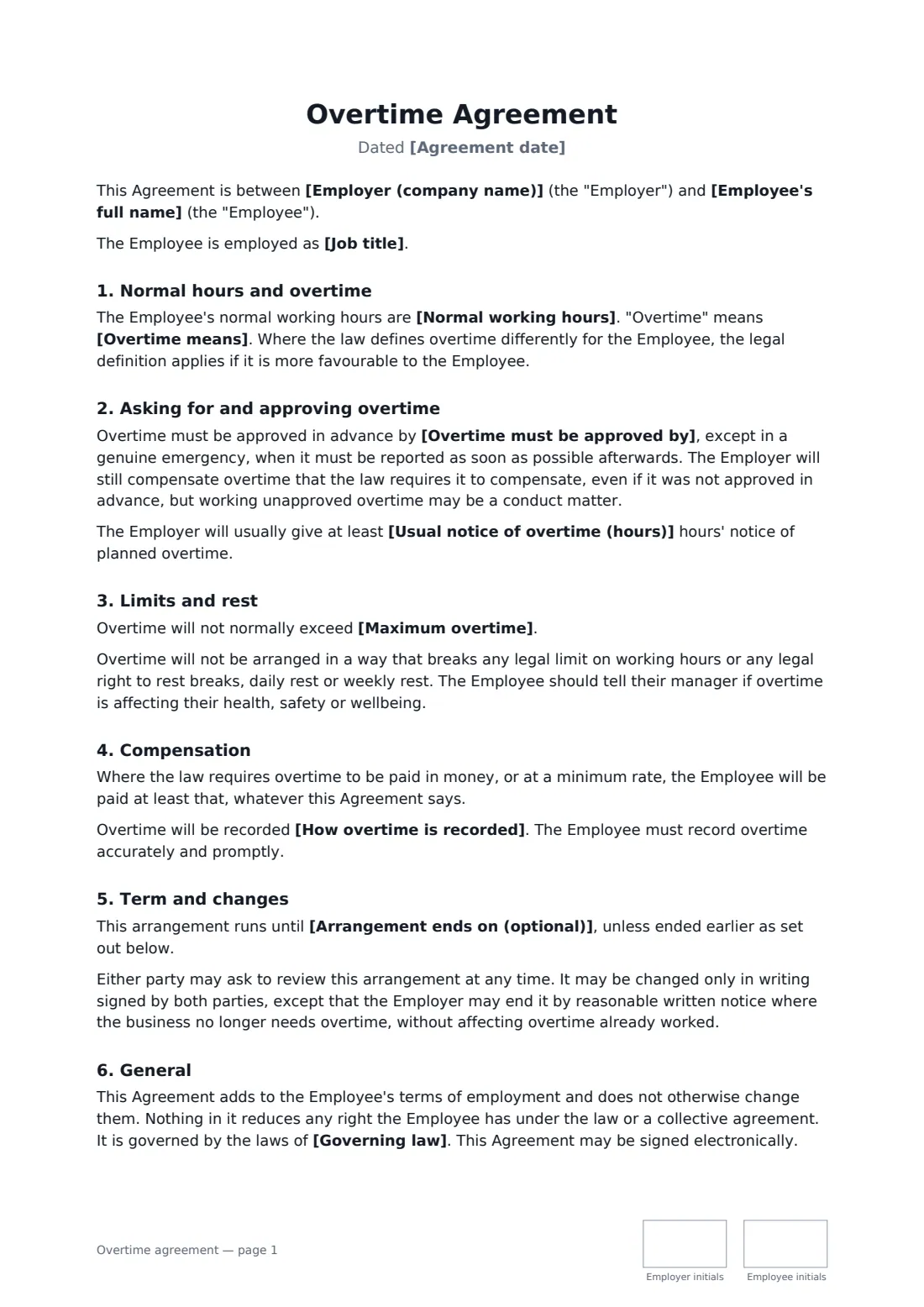
This template defines normal hours and overtime, names who approves it, and lets you choose whether overtime is voluntary or required when reasonably requested. It sets an optional cap and respects legal limits and rest breaks. You choose paid overtime, time off in lieu, or either by agreement each time — with a rate, a deadline for taking time off, and payment of any untaken time when employment ends. Throughout, it says that where the law gives the employee more, the law wins.
- Best for
- Employees who regularly or occasionally work extra hours
- Signed by
- The employer and the employee
- Compensation
- Paid, time off in lieu, or either by agreement
- Length
- About 2 pages, initialled on every page
When to use a overtime agreement
- Setting overtime rules for warehouse or retail staff during busy seasons
- Agreeing time off in lieu for an office employee who covers occasional evening events
- Making overtime voluntary for an employee with caring responsibilities
- Capping overtime to manage fatigue in safety-sensitive work
- Replacing an informal overtime arrangement with clear written terms
What you fill in
17 blanks, then the name and email of each person who signs: employer, employee.
1 The parties
- Agreement date*
- Employer (company name)*
- Employee's full name*
- Job title
2 Hours
- Normal working hours*
- Overtime means*
3 Approval
- Overtime must be approved by*
- Is overtime voluntary?* Voluntary — the Employee may decline · Required when reasonably requested, with reasonable notice
- Usual notice of overtime (hours)
4 Limits
- Maximum overtime
5 Compensation
- How overtime is compensated* Paid · Time off in lieu · Paid or time off in lieu, by agreement each time
- Overtime pay rate
- Time off in lieu earned
- Time off in lieu must be taken within
- How overtime is recorded*
6 Term
- Arrangement ends on (optional)
- Governing law*
7 Who signs
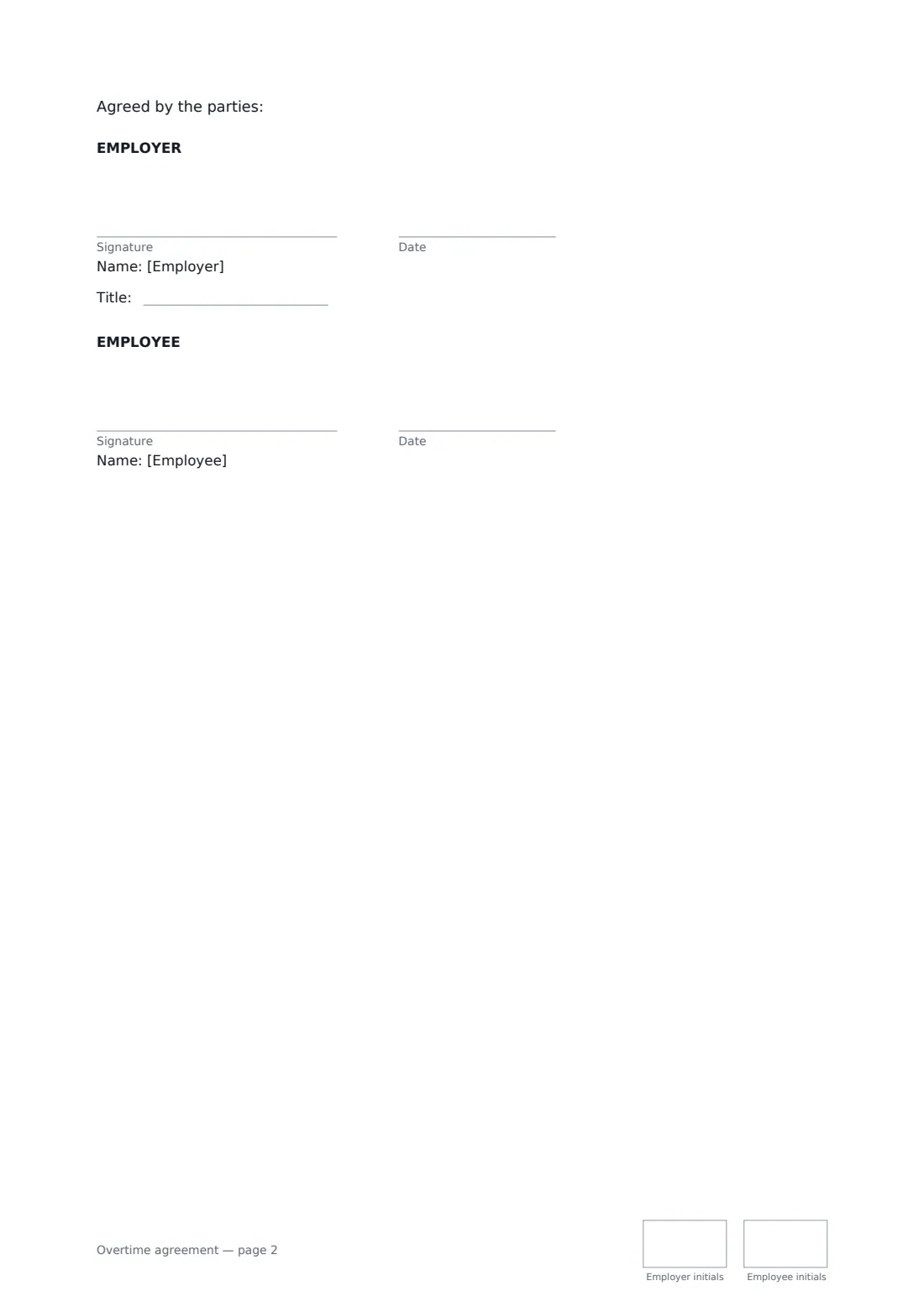
- Employer signature and date, job title, initials on every page · The manager or HR person agreeing the arrangement.
- Employee signature and date, initials on every page
What the overtime agreement covers
- Normal hours and overtime
- Asking for and approving overtime
- Limits and rest
- Compensation
- Term and changes
- General
Using the overtime agreement, step by step
1 Define the hours
Enter the normal working hours and what counts as overtime. The template notes that a legal definition prevails where it is more favourable.
2 Set approval and limits
Name who approves overtime, choose whether it is voluntary or required with notice, and set an optional maximum.
3 Choose compensation
Pick paid overtime, time off in lieu, or either by agreement, and fill in the pay rate and how time off is earned and when it must be taken.
4 Send for signature
Enter the governing law and send to the employee. Both parties initial each page and sign at the end.
Tips before you send it
- Check whether this employee must be paid for overtime by law. If so, time off in lieu alone may not be allowed.
- Always fill in a pay rate, even for time off in lieu — it's used for untaken time when employment ends.
- Make sure timesheets actually capture overtime, so pay and time-off balances are accurate.
- Review the arrangement if overtime becomes routine — it may mean the role needs more hours or more people.
Sign it online in minutes
- Fill in the blanks. Names, dates and amounts go straight into the agreement — the preview shows exactly where.
- Name who signs. Tick “This is me” for your own part. FileIt builds the PDF with every signature, date and initials box on the right line, and you can check or move anything before sending.
- Send it. Each signer gets a secure link and signs from any device — no account needed. The signed PDF, with an audit trail and a Certificate of Completion, is filed in your vault and emailed to everyone.
Overtime agreement: frequently asked questions
Can an employer make overtime compulsory?
Sometimes, depending on the contract and local law. The template lets you choose "required when reasonably requested" but still lets the employee refuse for good reason or where the law allows.
What is time off in lieu?
Time off in lieu (TOIL) means taking paid time off instead of being paid for overtime. The template sets how much time off each hour earns and a deadline for taking it.
Does this agreement set the legal overtime rate?
No. You enter your own rate, and the template says the employee will always receive at least what the law requires.
Can it be signed electronically?
Yes, in most places employment agreements like this can be signed electronically. FileIt records each signature in an audit trail.