What is a shift swap request?
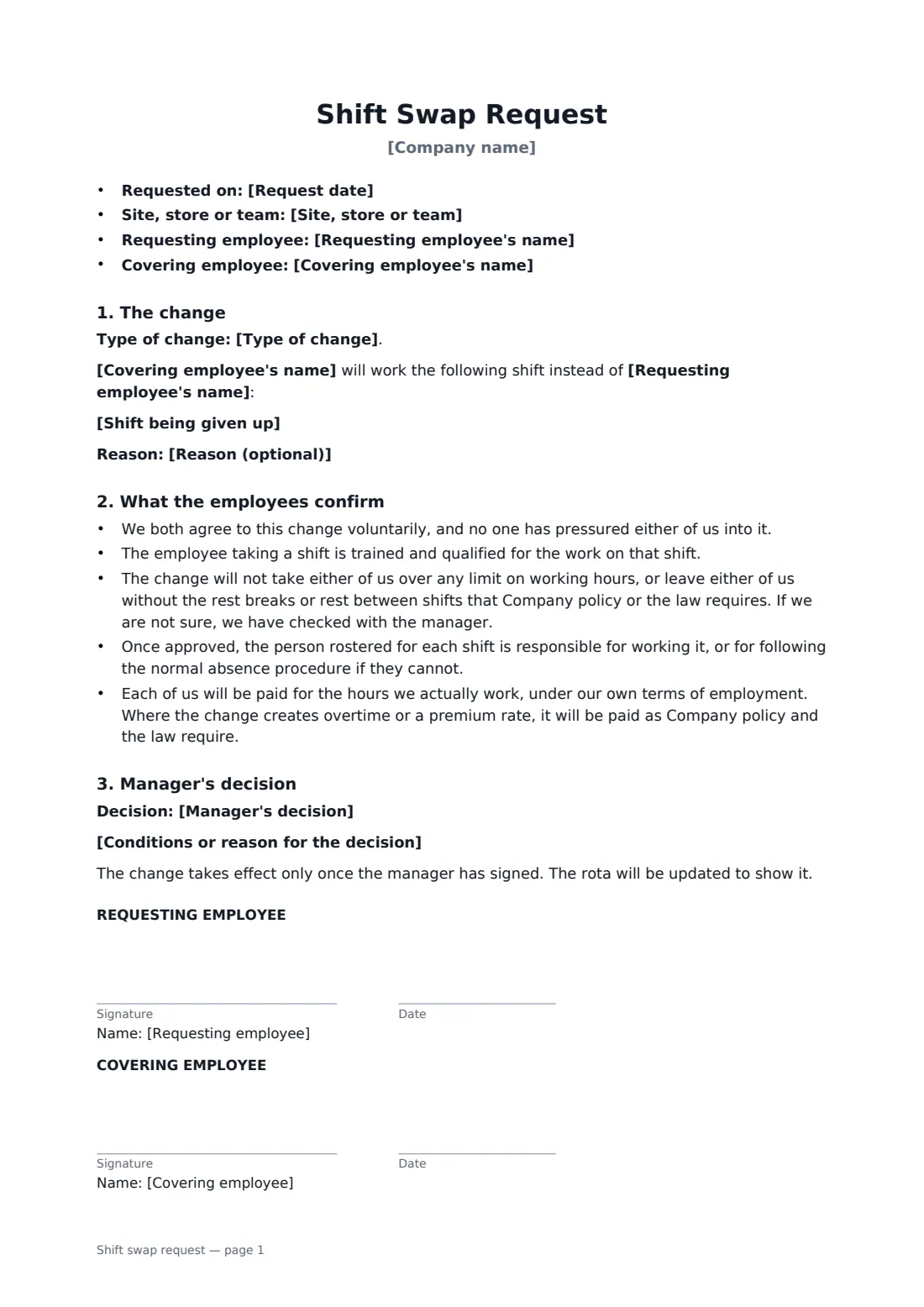
Shift swaps arranged by text message are easy to forget and hard to prove. When someone doesn't turn up, everyone remembers the conversation differently. A short signed form settles who is working which shift, and shows a manager approved it.
This form covers a two-way swap or one-way cover. It records both shifts with dates, times and location, the reason if given, and the manager's decision — approved, approved with conditions, or not approved. Both employees confirm they agreed freely, are trained for the shift, won't break working-time or rest rules, and will be paid for the hours they actually work. The change takes effect only once the manager signs.
- Best for
- Retail, hospitality, healthcare, warehouses and any rota-based team
- Signed by
- Both employees, then the manager
- Covers
- Two-way swaps and one-way shift cover
- Length
- 1 page
When to use a shift swap request
- Two shop assistants trading a Saturday for a weekday shift
- A nurse or carer asking a colleague to cover a shift for a family event
- Bar or restaurant staff swapping opening and closing shifts
- Warehouse staff swapping night shifts, with a check on rest between shifts
- Keeping an approved record of every swap for payroll and scheduling
What you fill in
11 blanks, then the name and email of each person who signs: requesting employee, covering employee, manager.
1 Details
- Company name*
- Site, store or team
- Request date*
- Requesting employee's name*
- Covering employee's name*
2 The shifts
- Type of change* A swap — each employee works the other's shift · Cover only — the covering employee takes the shift, nothing in return
- Shift being given up*
- Shift taken in return
- Reason (optional)
3 Decision
- Manager's decision* Approved · Approved with conditions · Not approved
- Conditions or reason for the decision
4 Who signs
- Requesting employee signature and date · The employee giving up a shift.
- Covering employee signature and date · The employee taking the shift.
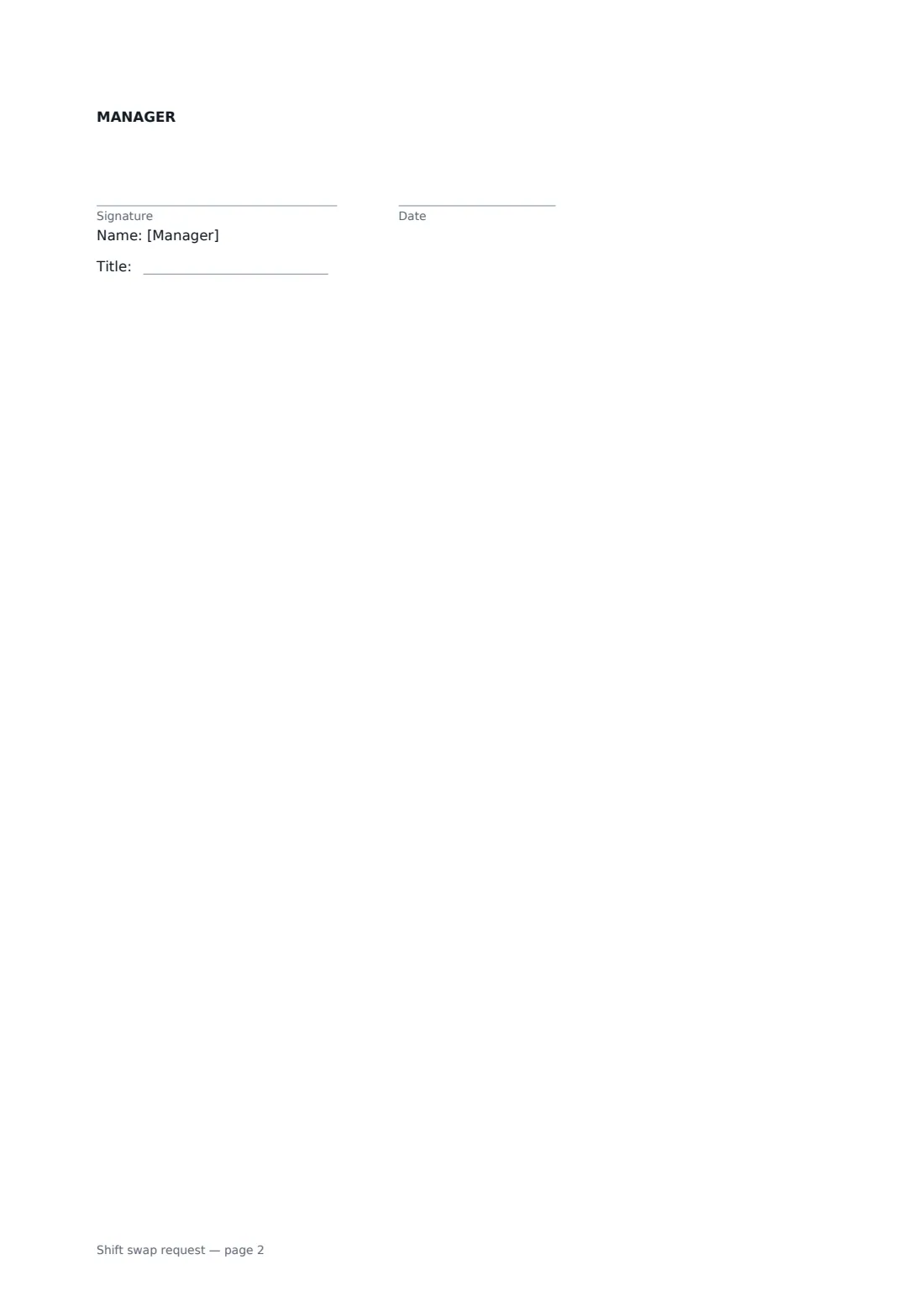
- Manager signature and date, job title · The manager who approves the swap. Ask both employees to sign before you do.
What the shift swap request covers
- The change
- What the employees confirm
- Manager's decision
Using the shift swap request, step by step
1 Enter the two employees
Add the company, site or team and the names of the employee giving up the shift and the one covering it.
2 Describe the shifts
Choose a swap or cover only, then enter the shift being given up and, for a swap, the shift taken in return — with date, times and role.
3 Record your decision
Pick approved, approved with conditions or not approved, and add any conditions or a reason.
4 Send for signatures
Use the signing order so both employees sign first and you sign last as the manager. Once you've signed, update the rota.
Tips before you send it
- Check that the covering employee is trained for that shift — especially for licensed or safety-critical roles.
- Watch for swaps that create back-to-back shifts without enough rest.
- A swap can push someone into overtime. Make sure payroll knows.
- Keep swaps optional. Nobody should feel pressured into covering.
Sign it online in minutes
- Fill in the blanks. Names, dates and amounts go straight into the agreement — the preview shows exactly where.
- Name who signs. Tick “This is me” for your own part. FileIt builds the PDF with every signature, date box on the right line, and you can check or move anything before sending.
- Send it. Each signer gets a secure link and signs from any device — no account needed. The signed PDF, with an audit trail and a Certificate of Completion, is filed in your vault and emailed to everyone.
Shift swap request: frequently asked questions
Who is responsible for the shift after a swap?
Once the manager approves, the person rostered for each shift is responsible for working it, or for following the normal absence procedure if they can't.
How is pay handled?
Each employee is paid for the hours they actually work, under their own terms. Any overtime or premium the change creates is paid as company policy and the law require.
Can the manager refuse a swap?
Yes. The manager can approve, approve with conditions, or not approve, and record the reason.
Can three people sign the same form?
Yes. FileIt eSignature supports several signers, and you can set a signing order so the manager signs last.