What is a temporary furlough agreement?
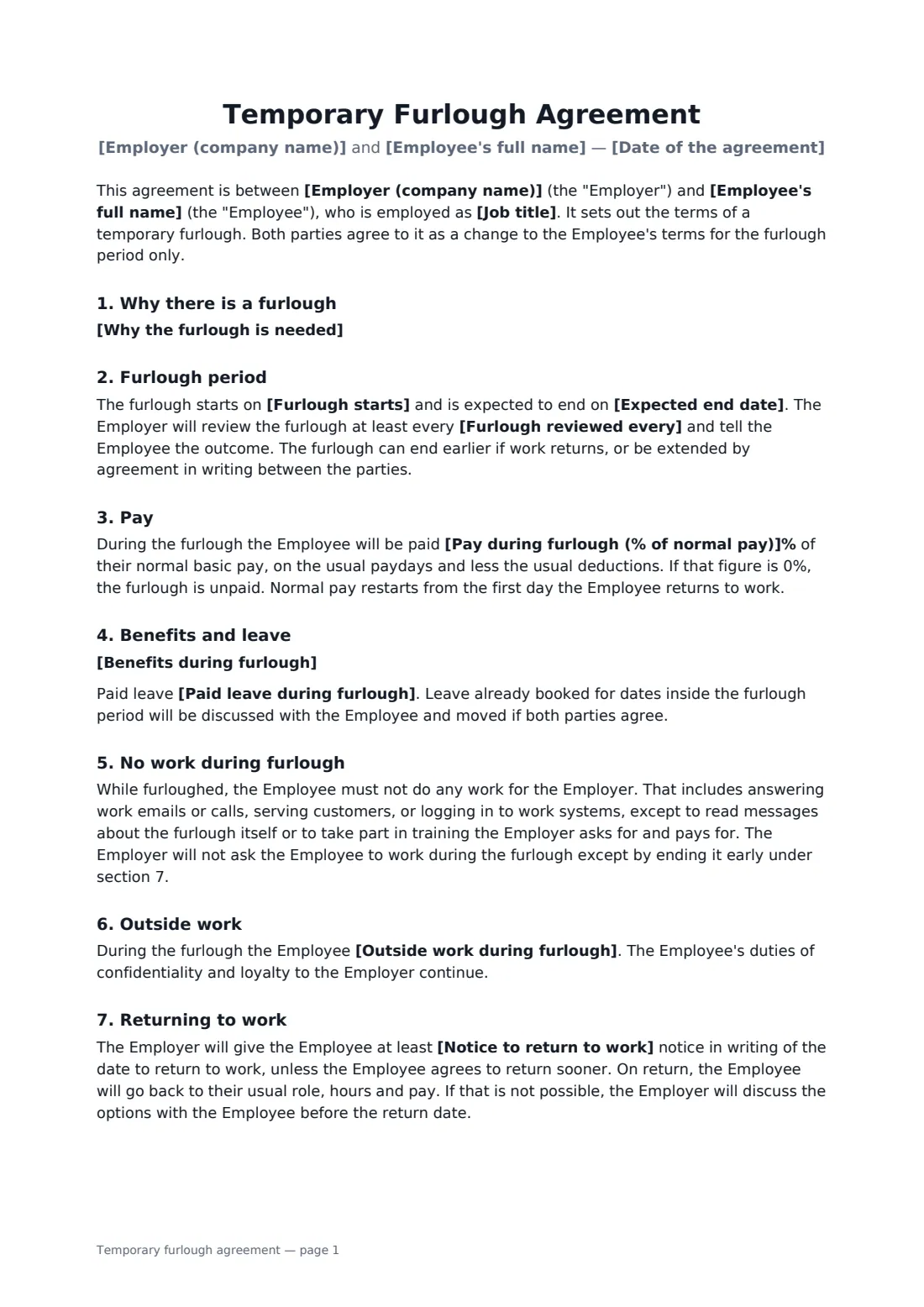
A furlough is a pause, not a goodbye. The business needs people to stop working for a while, during a closure, a renovation or a quiet season, but intends to bring them back. Because pay and duties change, it is worth agreeing the details with each employee in writing rather than relying on an announcement in the staff room.
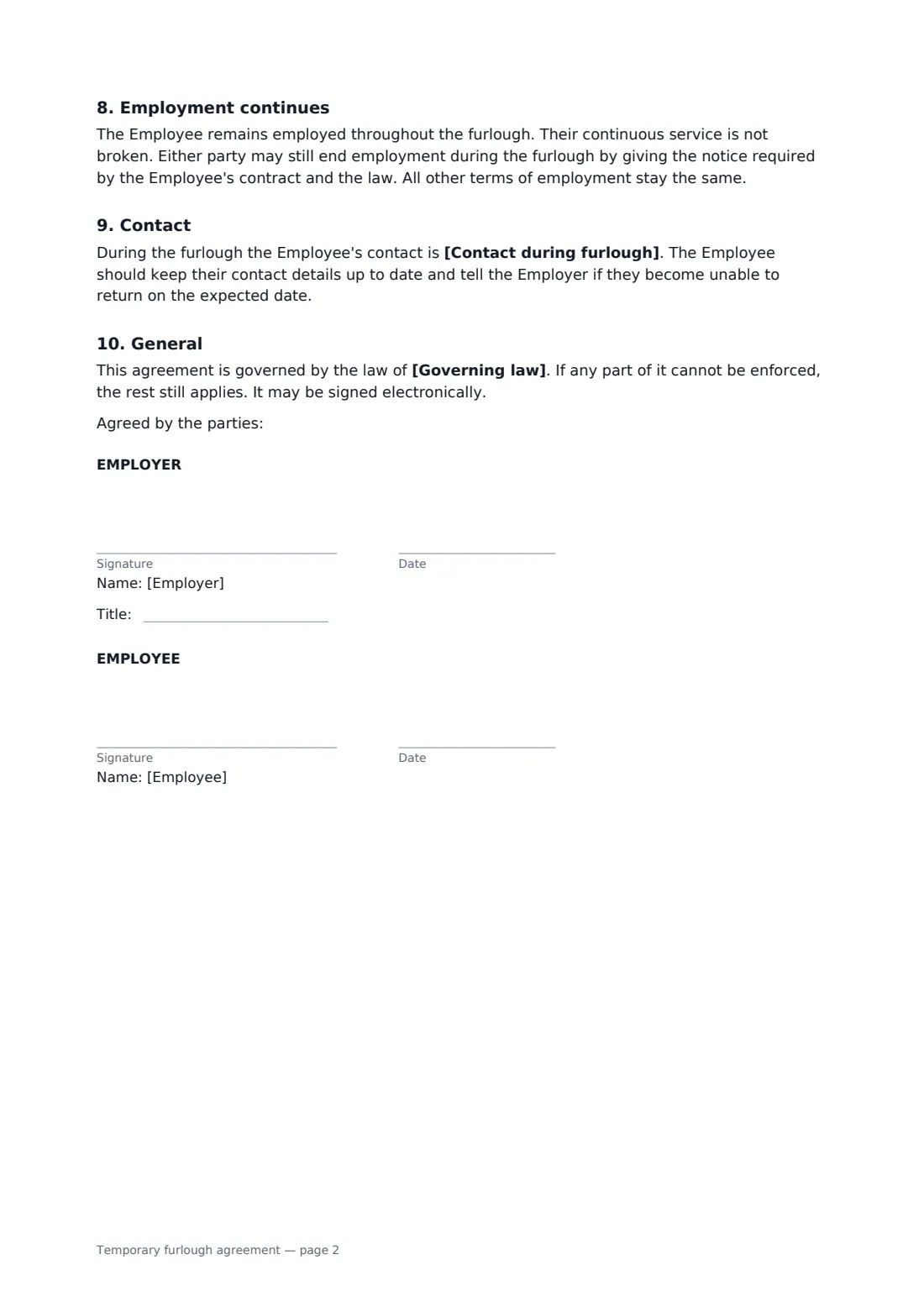
This template records why the furlough is needed, when it starts and roughly when it should end, and what the employee is paid as a percentage of normal pay, from 0% for an unpaid furlough upwards. It spells out what happens to health cover and other benefits and whether paid leave keeps building up. It also explains the no-work rule, whether outside work is allowed, and how much notice the employee gets before being called back. A closing clause confirms that employment and continuous service carry on through the pause.
- Best for
- Temporary closures, quiet seasons and short-term drops in work
- Signed by
- The employer and the employee
- Pay options
- Unpaid or any percentage of normal basic pay
- Length
- About 2 pages
When to use a temporary furlough agreement
- Closing a restaurant or shop for a refit
- Pausing a production line while a key machine is replaced
- Seasonal businesses waiting for the busy season to start
- Riding out a sudden loss of orders without making layoffs
- Putting part of a team on reduced pay while a contract is renegotiated
What you fill in
15 blanks, then the name and email of each person who signs: employer, employee.
1 The parties
- Date of the agreement*
- Employer (company name)*
- Employee's full name*
- Job title*
2 The furlough
- Why the furlough is needed*
- Furlough starts*
- Expected end date*
3 Pay and benefits
- Pay during furlough (% of normal pay)*
- Benefits during furlough*
- Paid leave during furlough* continues to build up as normal · does not build up while no work is done, unless the law requires it
4 Rules
- Outside work during furlough* may take other temporary work, as long as it does not compete with the Employer or use its confidential information · must ask the Employer in writing before taking other work, and permission will not be unreasonably refused
- Notice to return to work*
- Furlough reviewed every*
- Contact during furlough*
- Governing law*
5 Who signs
- Employer signature and date, job title · Someone with authority to agree changes to pay and hours.
- Employee signature and date · The employee being furloughed.
What the temporary furlough agreement covers
- Why there is a furlough
- Furlough period
- Pay
- Benefits and leave
- No work during furlough
- Outside work
- Returning to work
- Employment continues
- Contact
- General
Using the temporary furlough agreement, step by step
1 Explain the pause
Add the employee and their job title, then describe in a few words why the furlough is needed. Enter the start date and your best estimate of the end date.
2 Agree pay and benefits
Enter the percentage of normal pay, using 0 for unpaid. Describe what happens to health cover and pension contributions, and choose whether paid leave keeps building up.
3 Set the ground rules
Choose whether the employee may take other work or must ask first. Set the notice they will get before returning, how often you will review the furlough, and a contact.
4 Sign together
Add the governing law and send. You and the employee both sign. The agreement is stored in your FileIt vault, so the expected end date is easy to find when it is time to review.
Tips before you send it
- A cut in pay usually needs the employee's agreement or a clause in the contract that allows it. Signing this agreement records that agreement, but check local rules first.
- Some places have minimum pay rules for salaried staff who do any work at all in a week, which is why the no-work rule matters.
- Look into any government support or unemployment benefit employees may claim during a furlough, and tell them where to find it.
- Put a reminder in your calendar for each review date so the furlough doesn't drift on unnoticed.
Sign it online in minutes
- Fill in the blanks. Names, dates and amounts go straight into the agreement — the preview shows exactly where.
- Name who signs. Tick “This is me” for your own part. FileIt builds the PDF with every signature, date box on the right line, and you can check or move anything before sending.
- Send it. Each signer gets a secure link and signs from any device — no account needed. The signed PDF, with an audit trail and a Certificate of Completion, is filed in your vault and emailed to everyone.
Temporary furlough agreement: frequently asked questions
What is the difference between a furlough and a layoff?
A furloughed employee stays employed and expects to return, usually with benefits continuing. A layoff ends the employment, although some layoffs offer a chance of recall. Use a layoff notice letter if the job is ending.
Can a furlough be unpaid?
Often, yes, if the employee agrees and local law allows it. Enter 0% for an unpaid furlough. Some places restrict unpaid time off for certain staff, so check before you send it.
Can the employee work somewhere else during the furlough?
You choose. One option lets them take temporary work that doesn't compete with you; the other requires them to ask first. Their confidentiality duties continue either way.
Do both sides need to sign?
Yes. It changes pay and duties for a period, so it is written as an agreement. FileIt collects both e-signatures and keeps a Certificate of Completion with the PDF.