What is a employment contract variation agreement?
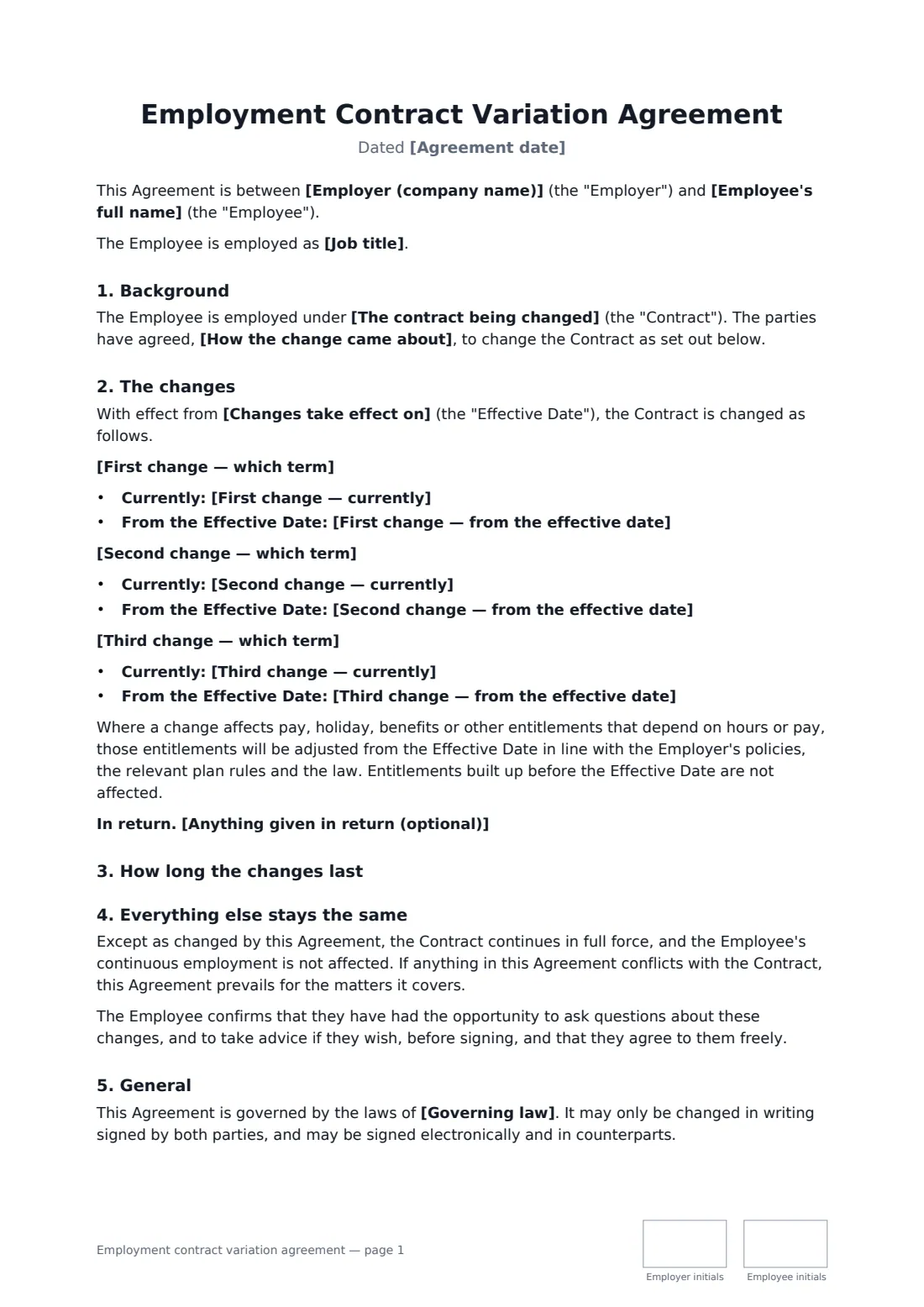
Employment terms change all the time: fewer hours, a new office, a different notice period, a revised bonus. When the change is only agreed in a conversation or an email, it's easy to lose track of what the contract now says. A short variation agreement fixes the change in writing and leaves the rest of the contract untouched.
This template names the contract being changed and how the change came about, then lists up to three changes, each with the term, what it says now and what it will say from the effective date. You choose whether the changes are permanent or temporary with an end date, and can record anything given in return. It confirms that entitlements built up before the change are kept, everything else stays the same, and the employee had the chance to ask questions and take advice.
- Best for
- Changing hours, pay, place of work, notice or other individual terms
- Signed by
- The employer and the employee
- Changes
- Up to three, each shown as before and after
- Length
- About 2 pages, initialled on every page
When to use a employment contract variation agreement
- Moving an employee from full time to four days a week
- Changing the contractual place of work after an office move
- A temporary change of hours while an employee studies or cares for a relative
- Updating notice periods or bonus terms for a group of staff, one agreement each
- Recording a change that follows a flexible working request
What you fill in
20 blanks, then the name and email of each person who signs: employer, employee.
1 The parties
- Agreement date*
- Employer (company name)*
- Employee's full name*
- Job title
2 The contract
- The contract being changed*
- How the change came about* at the Employee's request · at the Employer's proposal, after consultation with the Employee · following a flexible working request · following a review of the role
3 The changes
- Changes take effect on*
- First change — which term*
- First change — currently*
- First change — from the effective date*
- Second change — which term
- Second change — currently
- Second change — from the effective date
- Third change — which term
- Third change — currently
- Third change — from the effective date
4 Duration
- The changes are* permanent · temporary
- If temporary, they end on
5 Other terms
- Anything given in return (optional)
- Governing law*
6 Who signs
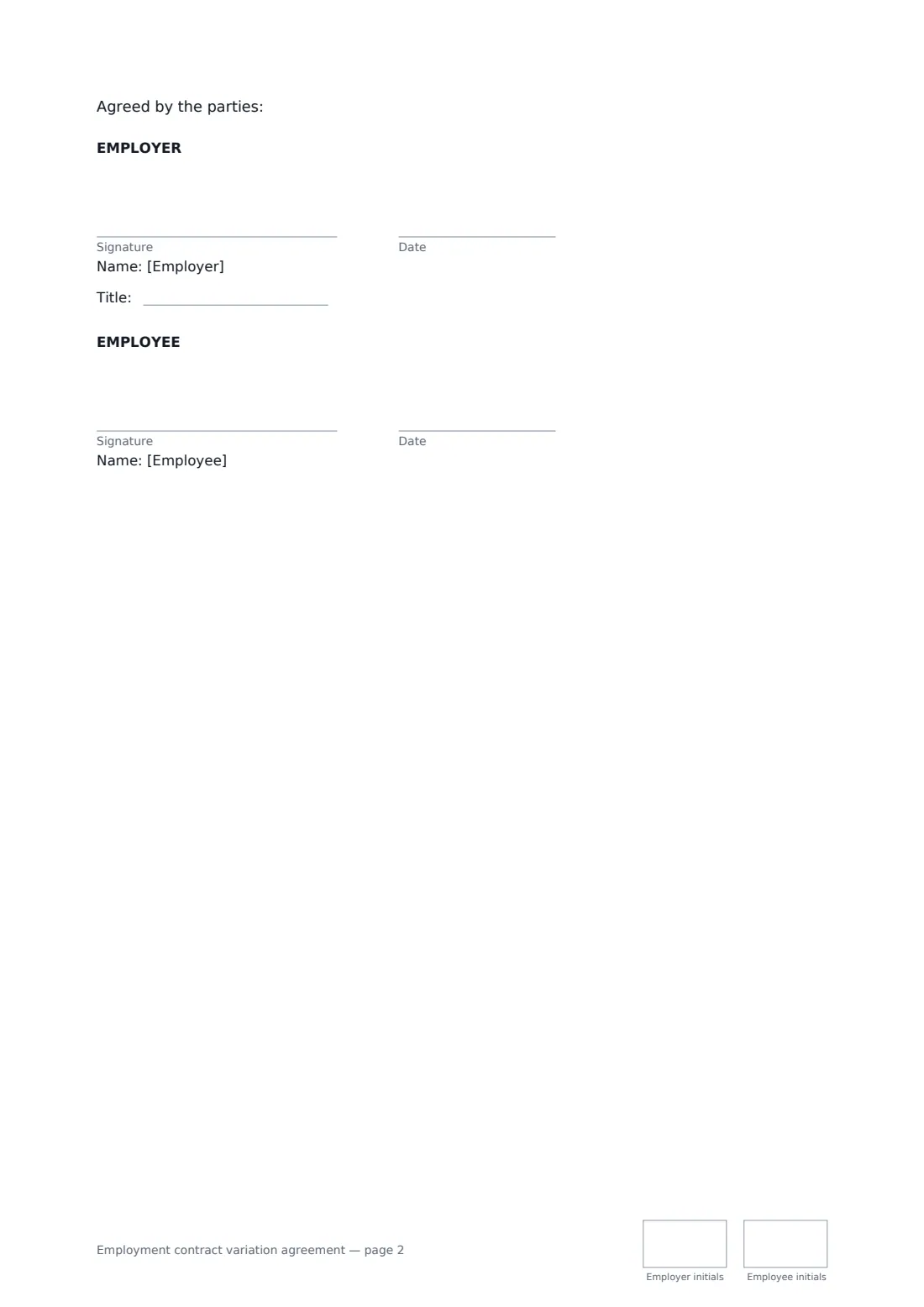
- Employer signature and date, job title, initials on every page · Someone authorised to agree changes to employment terms.
- Employee signature and date, initials on every page
What the employment contract variation agreement covers
- Background
- The changes
- How long the changes last
- Everything else stays the same
- General
Using the employment contract variation agreement, step by step
1 Name the contract
Enter the contract being changed — ideally with its date — and pick how the change came about.
2 List each change
For each change, name the term or clause, describe what it says now and what it will say from the effective date. Leave the second and third changes empty if you don't need them.
3 Permanent or temporary
Choose permanent, or temporary with an end date when the old terms come back. Add anything given in return, and the governing law.
4 Send for signature
Both parties initial every page and sign at the end. The signed agreement is filed in your vault next to the original contract.
Tips before you send it
- Quote the clause numbers from the original contract, so there's no doubt which term changed.
- If the change is to the employee's disadvantage, consult them first and take advice — in many places you can't impose it.
- Update payroll, benefits and holiday records on the effective date.
- For a promotion, demotion or transfer, the dedicated letters may fit better.
Sign it online in minutes
- Fill in the blanks. Names, dates and amounts go straight into the agreement — the preview shows exactly where.
- Name who signs. Tick “This is me” for your own part. FileIt builds the PDF with every signature, date and initials box on the right line, and you can check or move anything before sending.
- Send it. Each signer gets a secure link and signs from any device — no account needed. The signed PDF, with an audit trail and a Certificate of Completion, is filed in your vault and emailed to everyone.
Employment contract variation agreement: frequently asked questions
Do I need a new contract, or is a variation enough?
For a few specific changes, a variation agreement is usually enough. It changes only what it lists and keeps the rest of the original contract in force.
Can I change an employee's contract without their agreement?
Generally, changes need the employee's agreement unless the contract or the law allows otherwise. This template records an agreed change; take advice for anything contested.
What happens when a temporary change ends?
On the end date, the terms in place before the change apply again, unless both parties agree in writing to extend it or make it permanent.
Can contract changes be signed electronically?
In most places, yes. FileIt records each signature and initial in the audit trail and attaches a Certificate of Completion to the signed PDF.