What is a employee emergency contact form?
If an employee collapses at work or is hurt on a site visit, the first question is who to call. An up-to-date emergency contact form answers it in seconds — and makes clear the employee agreed to those details being held and used.
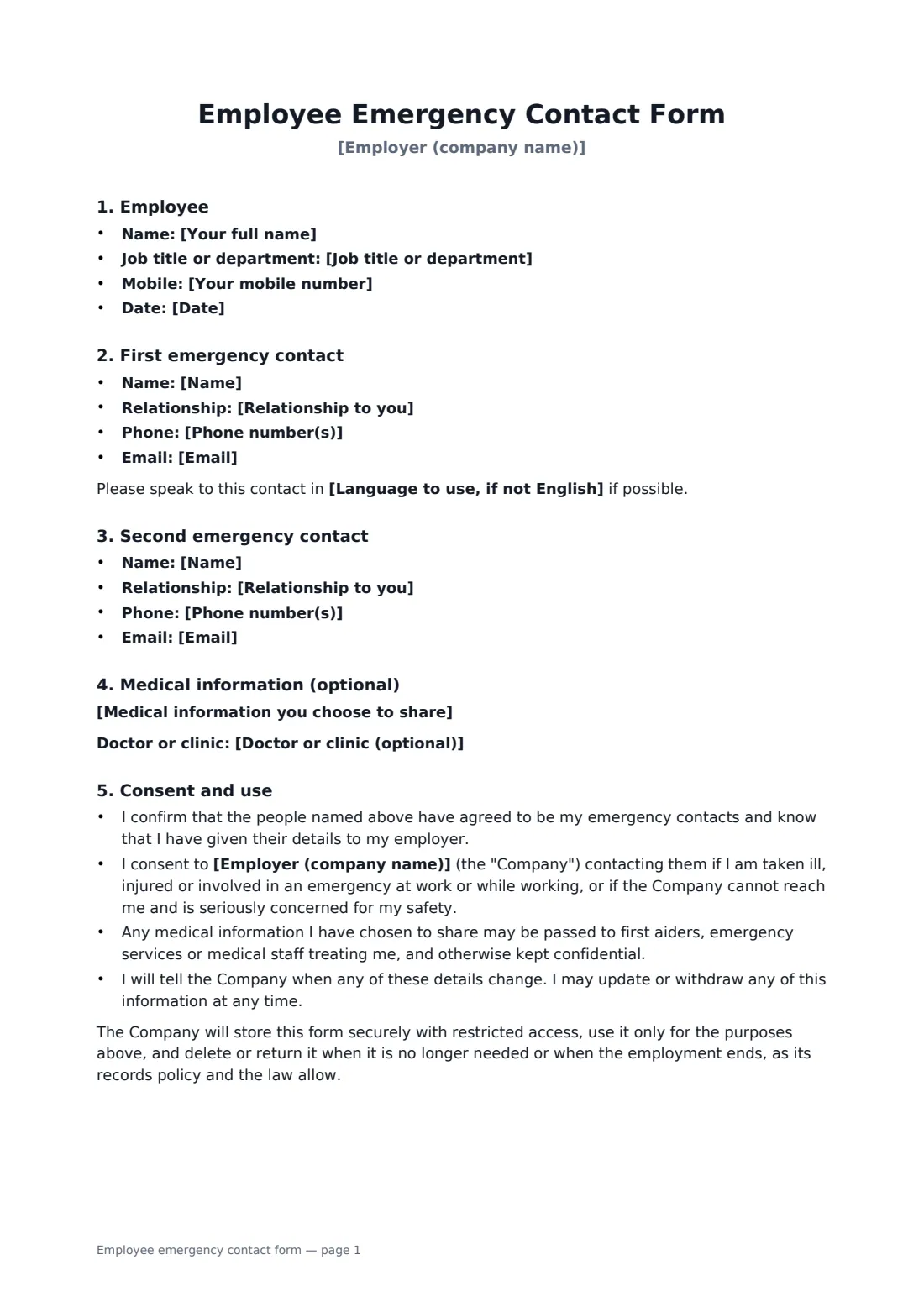
This form records the employee's own mobile number and two emergency contacts with relationship, phone, email and a preferred language. There is an optional section for medical information that would help a first aider, such as a severe allergy, which stays entirely the employee's choice. The consent section says when the company may contact the people named, who may see medical details, and that the employee can update or withdraw the information at any time. The employer signs to confirm receipt.
- Best for
- New starters and yearly updates of personnel records
- Signed by
- The employee, and the employer to confirm receipt
- Contacts
- Two, with relationship, phone, email and language
- Length
- 1 to 2 pages
When to use a employee emergency contact form
- Collecting emergency contacts as part of new hire paperwork
- An annual refresh of contact details for all staff
- Staff working alone, travelling or on remote sites
- An employee who wants first aiders to know about a serious allergy or condition
- Updating details after a move, marriage or change of next of kin
What you fill in
16 blanks, then the name and email of each person who signs: employee, employer.
1 About you
- Employer (company name)*
- Your full name*
- Job title or department
- Your mobile number
- Date*
2 First emergency contact
- Name
- Relationship to you
- Phone number(s)
- Language to use, if not English
3 Second emergency contact
- Name
- Relationship to you
- Phone number(s)
4 Optional medical information
- Medical information you choose to share
- Doctor or clinic (optional)
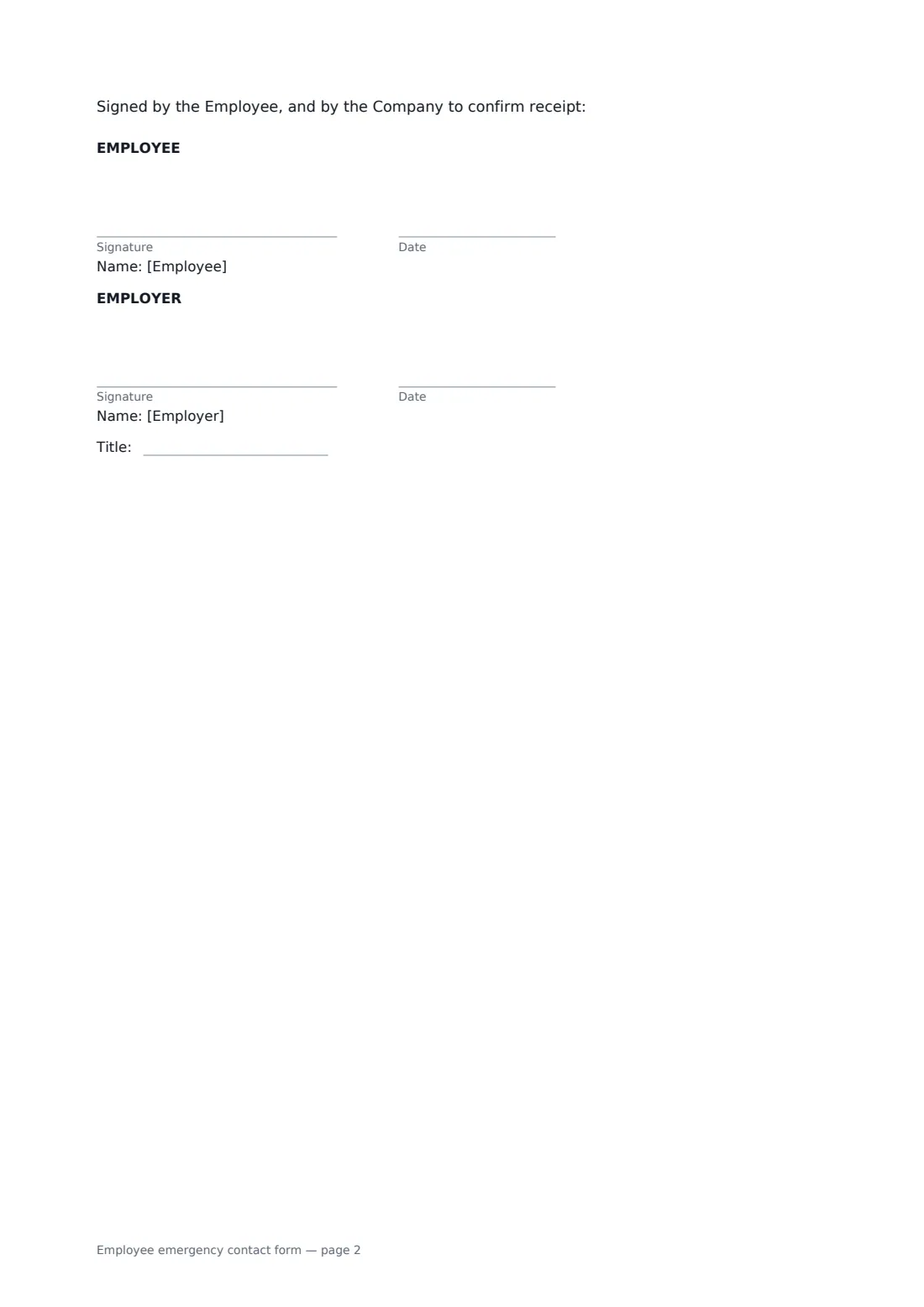
5 Who signs
- Employee signature and date · The employee giving their emergency contacts. If you are the employer sending this to an employee to complete, leave the contact fields empty — they print as lines — and place Text boxes over them in the editor.
- Employer signature and date, job title · The HR contact or manager who receives the form.
What the employee emergency contact form covers
- Employee
- First emergency contact
- Second emergency contact
- Medical information (optional)
- Consent and use
Using the employee emergency contact form, step by step
1 Enter your details
Add your employer's name, your name, job title and mobile number. As the employee you send this form; your name can be pre-filled from your account.
2 Add your contacts
Enter two people the company can call, with their relationship to you and how to reach them. Add a language if they prefer one other than English.
3 Decide about medical information
Share medical details only if they would help in an emergency. Leave the section empty if you prefer not to share anything.
4 Send to your employer
Add your HR contact or manager as the second signer. Employers sending the form to an employee can leave the contact fields empty and place Text boxes over the lines in the editor.
Tips before you send it
- Ask your contacts first — they should know they're listed.
- Give at least one contact who is usually reachable during your working hours.
- Employers: remind staff once a year to check their details are current.
- Keep medical information to what a first aider or paramedic would actually need.
Sign it online in minutes
- Fill in the blanks. Names, dates and amounts go straight into the agreement — the preview shows exactly where.
- Name who signs. Tick “This is me” for your own part. FileIt builds the PDF with every signature, date box on the right line, and you can check or move anything before sending.
- Send it. Each signer gets a secure link and signs from any device — no account needed. The signed PDF, with an audit trail and a Certificate of Completion, is filed in your vault and emailed to everyone.
Employee emergency contact form: frequently asked questions
Do I have to share medical information?
No. The medical section is optional, and the form says so. You can also update or withdraw what you share at any time.
Who sends this form — the employee or the employer?
Either. It's set up for the employee to fill in and send. An employer can send it instead, leaving the contact fields empty and adding Text boxes in the editor for the employee to type into.
When will the company contact my emergency contacts?
If you are taken ill, injured or involved in an emergency at work or while working, or if the company can't reach you and is seriously concerned for your safety.
Where is the signed form kept?
The signed PDF is stored in FileIt with its audit trail. The form says the employer will keep it securely with restricted access.