What is a background check authorization?
Before you check someone's identity, work history, qualifications, criminal record or credit, you normally need to tell them what you're checking and get their permission. A clear written authorization protects the candidate's privacy and gives you a dated record that consent was given before the screening began.
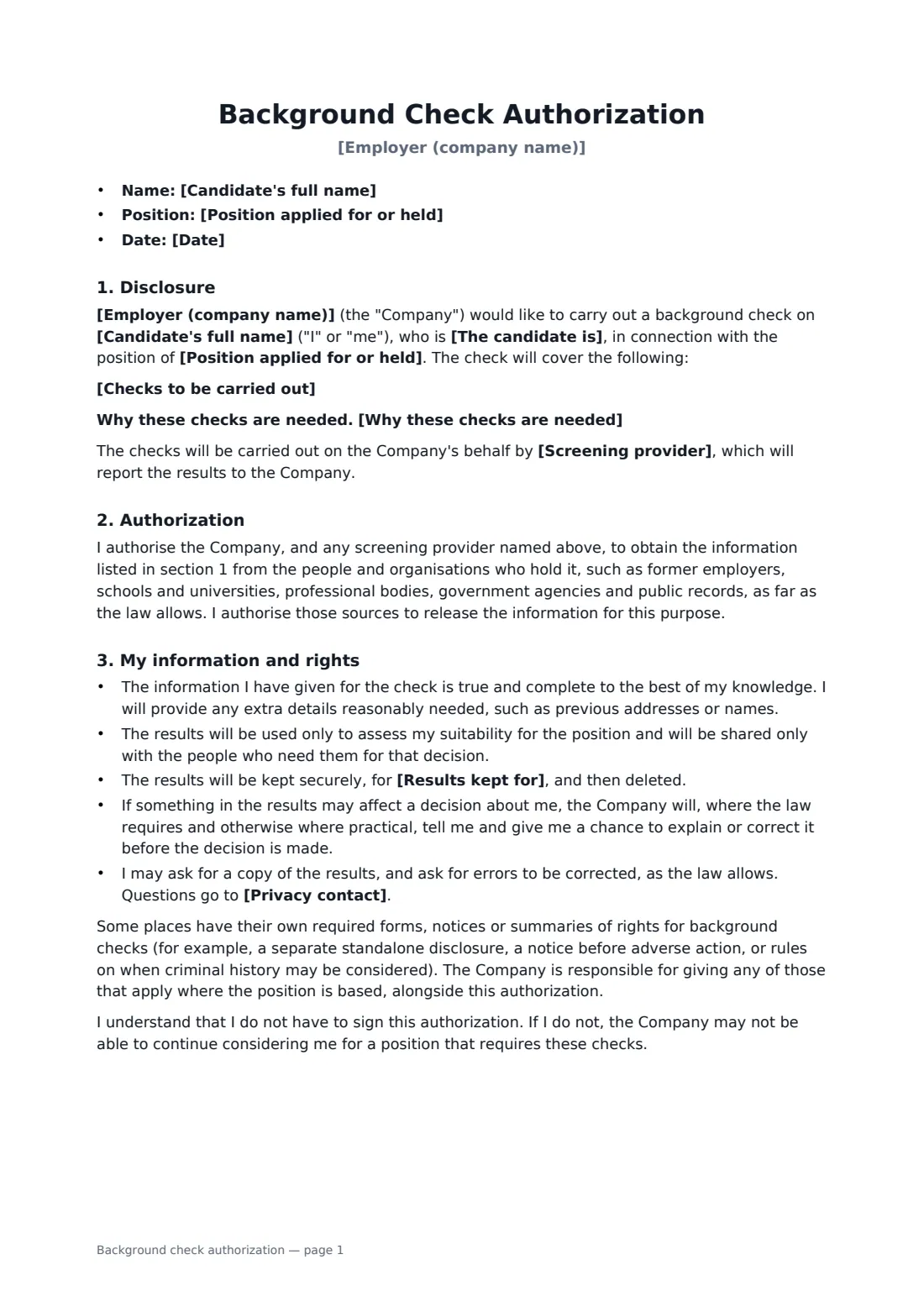
This form lists the checks one per line, explains why they are needed for the role, names the screening provider if you use one, and says whether the checks may be repeated during employment. It sets out how the results are used, who sees them, how long they are kept, and the candidate's chance to explain or correct anything before a decision is made. It also reminds you that some places require their own separate notices — this form sits alongside those, not in place of them.
- Best for
- Pre-employment screening and re-checks for current staff
- Signed by
- The candidate and the employer
- Checks
- You list them — identity, right to work, history, qualifications and more
- Length
- About 2 pages
When to use a background check authorization
- Screening a candidate after a conditional job offer
- Verifying qualifications and professional memberships for a regulated role
- Checking driving records for a role that involves driving
- Re-screening a current employee moving into a finance or security-sensitive role
- Recording consent when an outside screening agency runs the checks
What you fill in
11 blanks, then the name and email of each person who signs: candidate, employer.
1 Details
- Employer (company name)*
- Candidate's full name*
- Position applied for or held*
- The candidate is* a job candidate who has received a conditional offer · a job candidate · a current employee
- Date*
2 The checks
- Checks to be carried out*
- Why these checks are needed
- Screening provider
- Can the checks be repeated during employment?* No — this authorization covers this screening only · Yes — they may be repeated during employment where the role requires it
3 Privacy
- Results kept for*
- Privacy contact*
4 Who signs
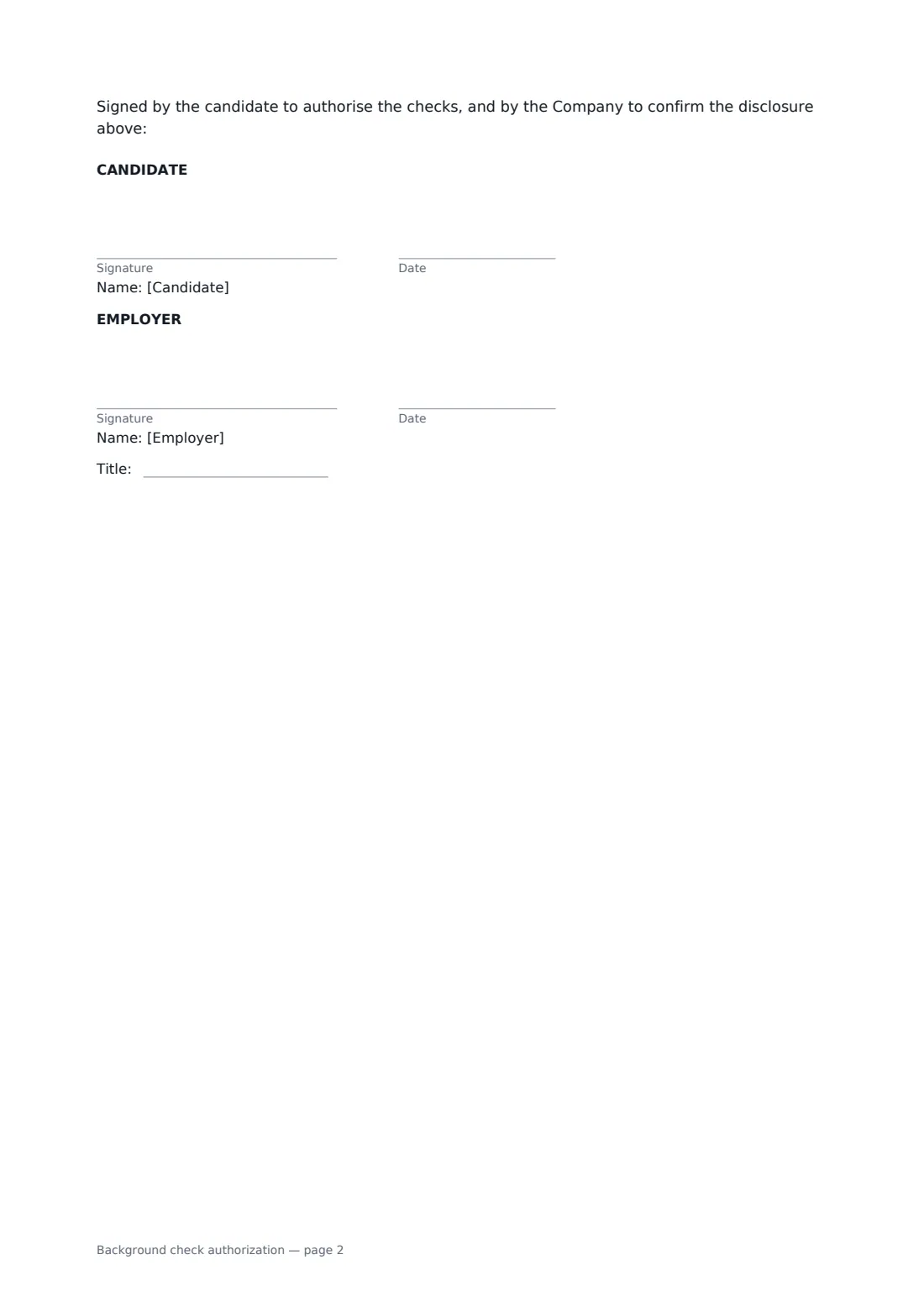
- Candidate signature and date · The person being screened — a job candidate or a current employee.
- Employer signature and date, job title · The HR or hiring contact requesting the check.
What the background check authorization covers
- Disclosure
- Authorization
- My information and rights
Using the background check authorization, step by step
1 Enter the candidate and the role
Add the candidate's name, the position and whether they are a candidate, a candidate with a conditional offer, or a current employee.
2 List the checks
Edit the default list so it covers only what the role genuinely needs, and explain why in a sentence or two. Name the screening provider if one is involved.
3 Set privacy details
Choose whether the checks may be repeated later, say how long results are kept, and give a contact for questions and corrections.
4 Send for signature
Add the candidate as a signer and yourself as the employer. The signed authorization is stored with its audit trail, so you can show when consent was given.
Tips before you send it
- Run only the checks the role really needs. Criminal record, credit and medical checks are restricted in many places.
- Find out whether the place the job is based requires a standalone disclosure, a specific notice of rights, or a pre-decision notice — and send those too.
- Wait for the signed authorization before passing the candidate's details to a screening provider.
- If a result could count against the candidate, let them explain before you decide. Records can be wrong or out of date.
Sign it online in minutes
- Fill in the blanks. Names, dates and amounts go straight into the agreement — the preview shows exactly where.
- Name who signs. Tick “This is me” for your own part. FileIt builds the PDF with every signature, date box on the right line, and you can check or move anything before sending.
- Send it. Each signer gets a secure link and signs from any device — no account needed. The signed PDF, with an audit trail and a Certificate of Completion, is filed in your vault and emailed to everyone.
Background check authorization: frequently asked questions
Is this the same as a reference check authorization?
No. A reference check covers contacting referees and former employers for their views. This form covers screening checks such as identity, right to work, records and qualifications. Many employers use both.
Does this form meet every country's or state's background check rules?
No single form can. The template says plainly that some places require their own notices or forms, and that the employer is responsible for providing them. Check the rules where the job is based, or ask an employment lawyer.
Can the candidate refuse?
Yes. The form says they don't have to sign, and that if they don't, the employer may not be able to continue with a role that requires the checks.
Can a candidate sign this electronically?
In most places, yes. FileIt records who signed and when in the audit trail, and the candidate signs without needing a FileIt account.