What is the yearbook ad order form template?
Yearbook ads are a lovely tradition and a useful source of funds, but collecting them is fiddly. The message arrives in one email, the photos in another, the payment note on a paper slip, and the business logo as a blurry screenshot a week after the deadline. This one-page form gathers everything for one ad in a single submission.
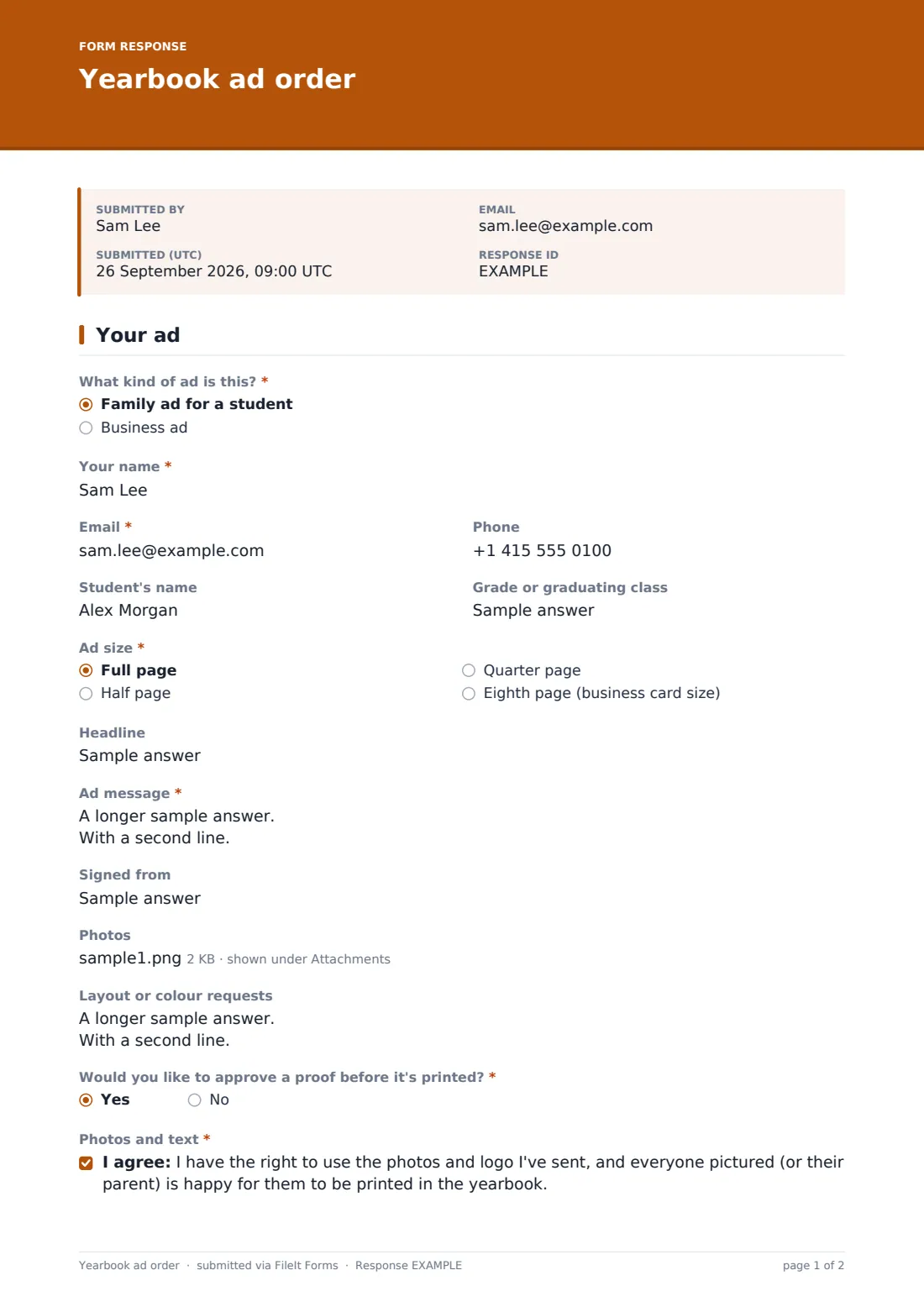
It opens with "What kind of ad is this?" Families choose "Family ad for a student" and fill in the student's name and graduating class. Local businesses choose "Business ad", which opens fields for the business name, the website and phone number to print, and a required logo upload. Everyone then picks an ad size, writes the headline and message, adds up to four photos, and says how they're paying.
Each order is saved as a PDF with its photos and logo attached, filed in the vault folder you choose. The yearbook editor has the full order in one place when it's time to lay out the pages.
- Best for
- High school and middle school yearbook teams, PTAs and booster clubs
- Filled in by
- Parents and families, and local businesses buying a sponsor ad
- Time to complete
- About 5 minutes, plus choosing photos
- Includes
- Photo upload, a logo upload for business ads, proof request and payment details
Who uses a yearbook ad order form?
- Senior tribute ads from parents for the graduating class
- Business sponsor ads sold by students as a yearbook fundraiser
- Baby-photo ads for an eighth-grade or senior section
- Club or team shout-out ads bought by a booster group
- Reopening the same form next year with a new deadline and prices
Questions on this yearbook ad order form
21 questions · includes file upload, conditional questions, consent checkbox.
1 Your ad
- What kind of ad is this?* Family ad for a student · Business ad
- Your name*
- Email*
- Phone
- Student's name
- Grade or graduating class
- Business name* asked only when it applies
- Website or social handle to print asked only when it applies
- Business phone to print asked only when it applies
- Business logo* asked only when it applies
- Ad size* Full page · Half page · Quarter page · Eighth page (business card size)
- Headline
- Ad message*
- Signed from
- Photos
- Layout or colour requests
- Would you like to approve a proof before it's printed?*
- Photos and text*
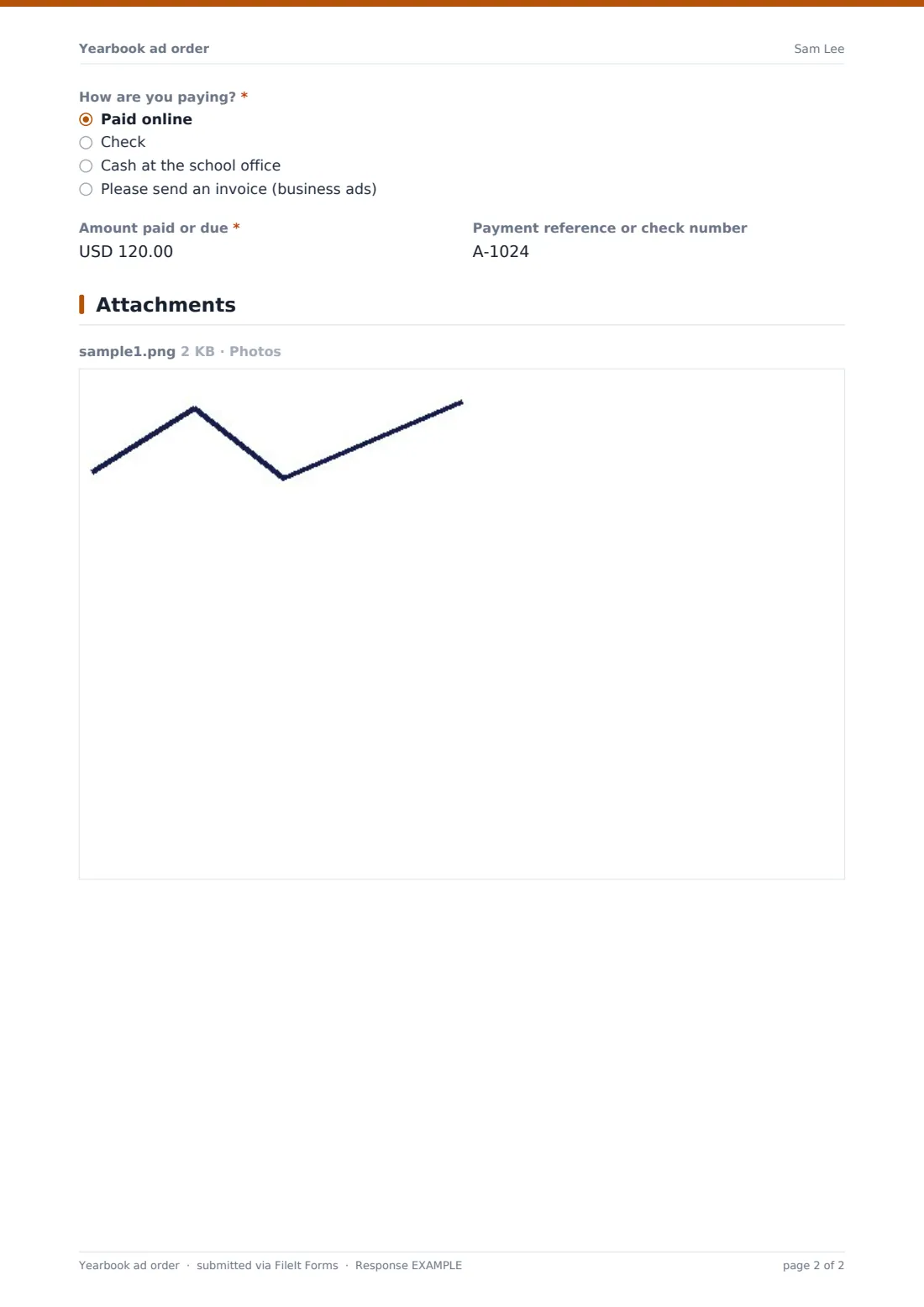
- How are you paying?* Paid online · Check · Cash at the school office · Please send an invoice (business ads)
- Amount paid or due*
- Payment reference or check number
The yearbook ad order form, page by page
1 Your ad
The required "What kind of ad is this?" splits family ads from business ads. Buyers then give their name, an email for the proof, and an optional phone number. "Student's name" and "Grade or graduating class" follow. For a business ad, the form also asks for the "Business name", an optional "Website or social handle to print" and "Business phone to print", and a required "Business logo" upload that takes PNG, JPG or PDF. "Ad size" offers a full, half, quarter or eighth page, with help text pointing to the prices on your order letter. The content comes next: an optional "Headline", the required "Ad message" of up to 600 characters, a "Signed from" line, up to four "Photos", and "Layout or colour requests". The buyer says whether they'd like to approve a proof and confirms they have the right to use the photos and logo. Payment closes the form: "How are you paying?" (online, check, cash at the office, or an invoice for business ads), the amount, and a reference or check number.
Make the template yours
- Put your prices into the "Ad size" options, for example "Half page — $60", so families see them while choosing
- Set a close date on the form for your ad deadline and it will stop taking orders on that day
- Add a question for the yearbook section, such as seniors, eighth grade or sports
- Change the currency on the amount field if you're not charging in US dollars
- Shorten the message limit for smaller ad sizes if your designers need it
- Add a business-only question for the name of the student who sold the ad, to credit sales
Tips for a better yearbook ad order form
- Ask families to send original photo files, not screenshots or social media downloads, which often print soft
- Send business buyers a proof even if they don't ask. Logos are where mistakes show most
- Check each order's payment in the Responses table before the ad goes on the page
- Use the CSV export to build a list of ads by size, which helps when planning page layouts
- Name the vault folder by year, such as "Yearbook 2027 ads", so next year's orders stay separate
Every response becomes a PDF in your vault
Every order becomes a PDF titled with the buyer's name, with the photos and logo filed as attachments of that document. The yearbook adviser gets an email for each new order, and the buyer can receive a copy of what they sent, which is handy for checking the wording before the proof goes out.
When it's time for layout, open the Responses table to see every ad side by side, or download the CSV and sort by ad size. Each photo can be downloaded from the response it came with, so nothing gets matched to the wrong family.
- Start from this template. It opens in the FileIt Forms designer — change any question, add pages, set the rules for when questions appear.
- Share it. Turn on a public link, or send it to people by email, each with their own link. They don’t need a FileIt account.
- Get the answers as PDFs. Each response is saved as a PDF in the vault folder you choose, with uploaded files attached — and listed in a Responses table you can export to CSV.
Yearbook ad order form: frequently asked questions
Can businesses and families use the same form?
Yes. The first question asks what kind of ad it is. Choosing "Business ad" opens the business name, contact details to print and a logo upload. Families don't see those fields.
What photo files can people upload?
JPG, PNG and HEIC images, up to four per order, each up to 10 MB. Business logos can also be a PDF.
Does the form take card payments?
No. FileIt Forms doesn't process payments. The form records how the buyer is paying, the amount and a reference, and you collect payment through your school's usual method.
Can I stop orders after the deadline?
Yes. Set a close date in the form's settings and the link stops accepting orders after that date. You can also cap the number of responses.
Do buyers need an account?
No. Share the link in a newsletter, on the school website or as a QR code on the order letter.
Is the template free?
Yes, it's included in the Forms app on every FileIt plan, including the free one.