What is the school fundraiser order form form template?
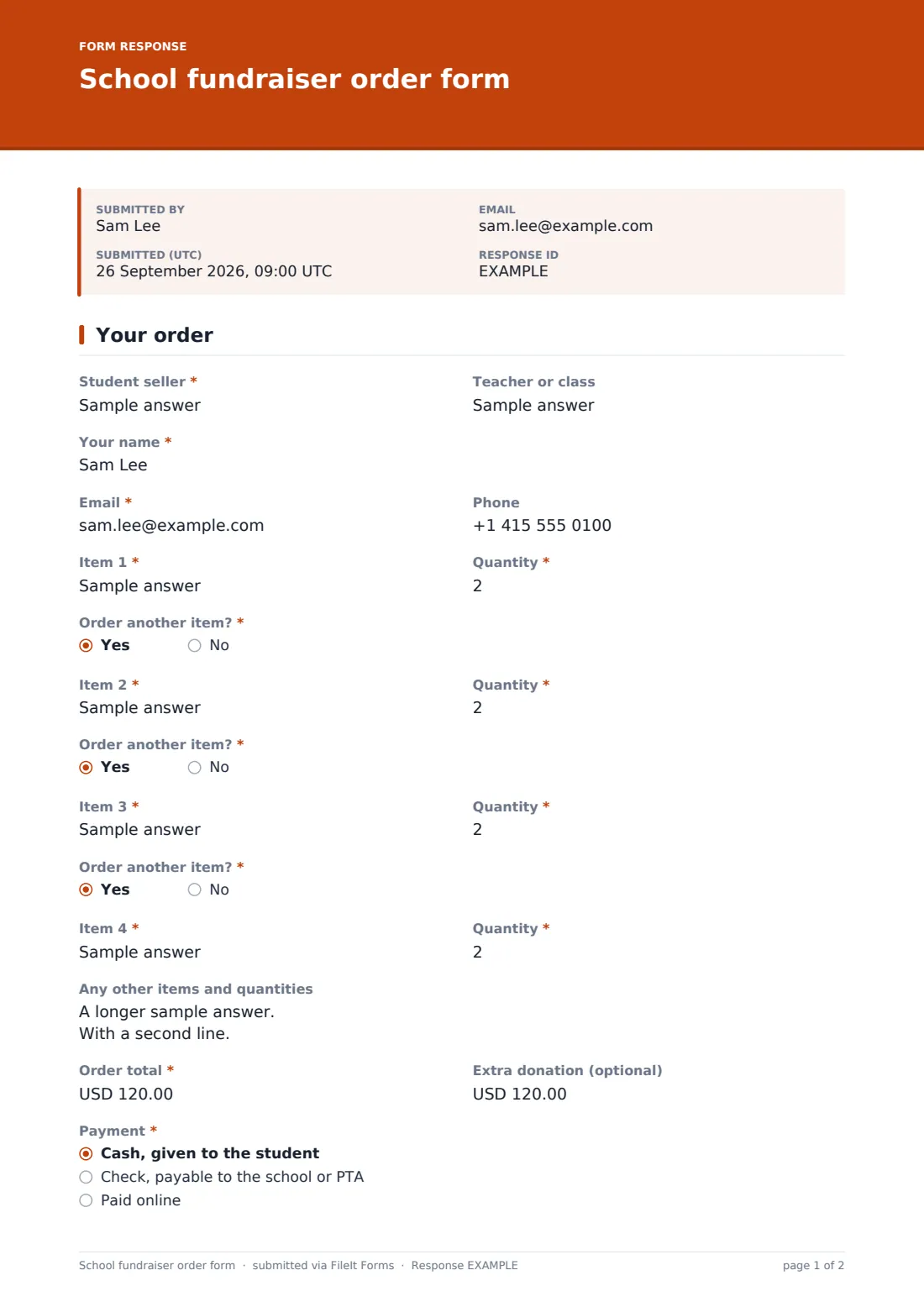
Cookie dough, wrapping paper, popcorn, plants, coffee: school fundraisers run on order forms. The paper version has its problems. Grandma's order gets written in the wrong column, the totals don't add up, a check goes missing, and nobody is sure which orders need delivering. This form takes one customer's order at a time and keeps the details straight.
Every order starts with the "Student seller" and their teacher or class, so credit for prizes and class totals goes to the right child. The customer gives their name and contact details, then lists items with a quantity for each. "Order another item?" adds the next line, up to four, with a box for anything beyond that.
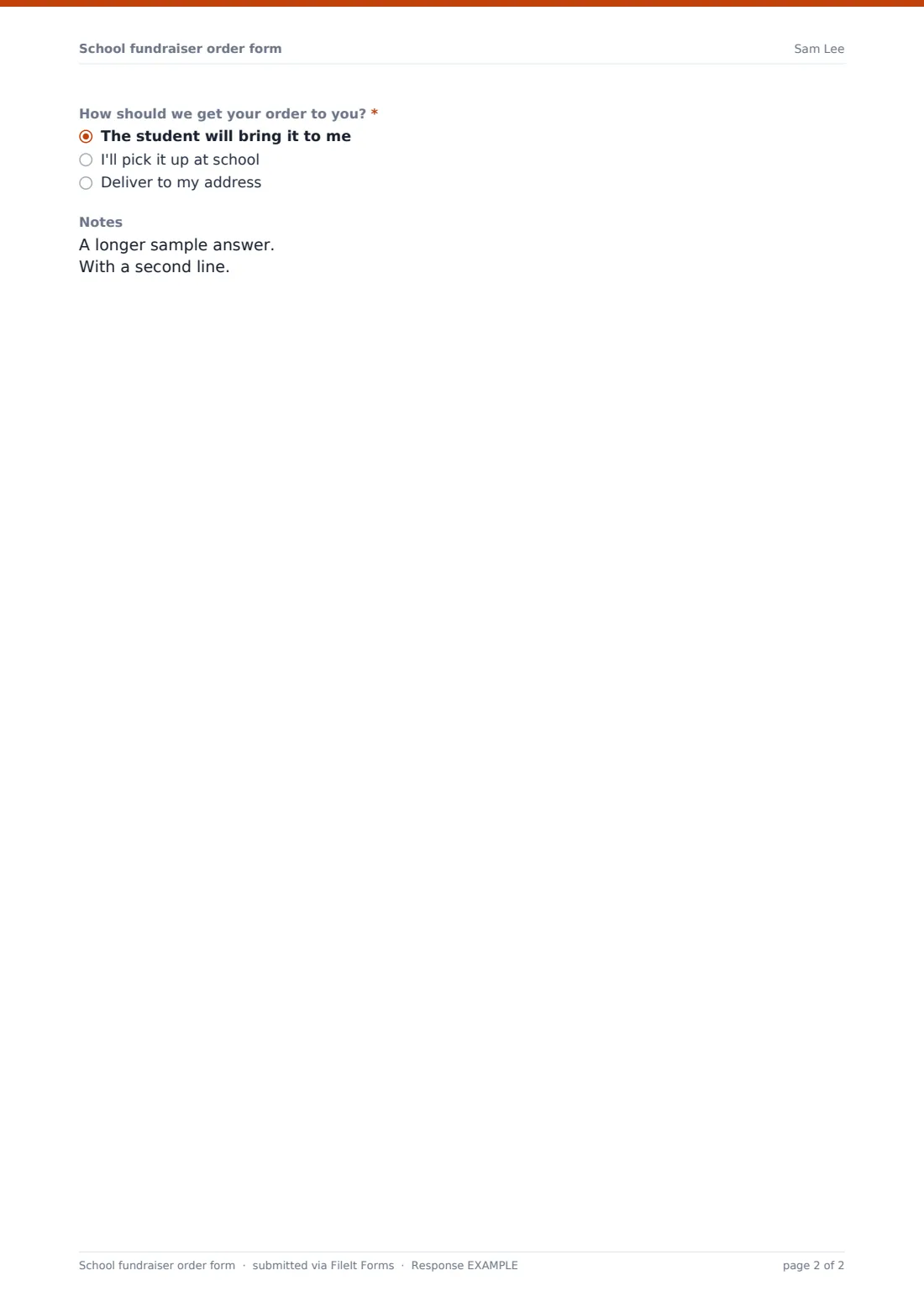
The customer then enters the "Order total" from your price list, an optional extra donation, how they're paying and how they'd like to receive the order. Choosing "Deliver to my address" opens a required delivery address and instructions. Each order is filed as a PDF in your FileIt vault.
- Best for
- PTAs, PTOs, booster clubs, school sports teams and scout troops
- Filled in by
- Customers: family, friends and neighbours buying from a student
- Time to complete
- About 2 minutes
- Includes
- Student seller credit, up to four item lines, payment method, delivery address when needed
Who uses a school fundraiser order form form?
- A PTA catalogue sale where students share the link with relatives
- A band or choir booster club selling poinsettias for the holidays
- A sports team's discount card or coffee fundraiser
- A spring plant sale with pickup on a set day at school
- A class bake sale taking pre-orders for collection
Questions on this school fundraiser order form form
26 questions · includes conditional questions.
1 Your order
- Student seller*
- Teacher or class
- Your name*
- Email*
- Phone
- Item 1*
- Quantity*
- Order another item?*
- Item 2* asked only when it applies
- Quantity* asked only when it applies
- Order another item?* asked only when it applies
- Item 3* asked only when it applies
- Quantity* asked only when it applies
- Order another item?* asked only when it applies
- Item 4* asked only when it applies
- Quantity* asked only when it applies
- Any other items and quantities asked only when it applies
- Order total*
- Extra donation (optional)
- Payment* Cash, given to the student · Check, payable to the school or PTA · Paid online
- Check number asked only when it applies
- Payment confirmation number asked only when it applies
- How should we get your order to you?* The student will bring it to me · I'll pick it up at school · Deliver to my address
- Delivery address* asked only when it applies
- Delivery instructions asked only when it applies
- Notes
The school fundraiser order form form, page by page
1 Your order
"Student seller" is required, with help text explaining that this student gets the credit, and "Teacher or class" is optional. The customer's name and email are required, and phone is optional. "Item 1" and its "Quantity" are required. Each "Order another item?" yes opens the next item and quantity, up to "Item 4", after which "Any other items and quantities" covers the rest. "Order total" is required, and "Extra donation (optional)" sits beside it. "Payment" offers cash given to the student, a check payable to the school or PTA, or paid online. A check asks for the check number, and online asks for the confirmation number. "How should we get your order to you?" offers delivery by the student, pickup at school, or "Deliver to my address". Delivery opens a required address and optional instructions, and a final "Notes" box takes anything else.
Make the template yours
- Change the item lines to a dropdown of your actual products so customers can't mistype them
- Add the price list as a paragraph at the top, or link to the catalogue in the help text
- Remove home delivery if your volunteers can't offer it
- Change the currency if your fundraiser isn't priced in US dollars
- Set a close date for the end of the sale so late orders don't slip in
- Add a dropdown of classes so totals by class are easy to count
Tips for a better school fundraiser order form form
- Give each family the link with a short message they can forward to relatives
- Ask customers to double-check the student's name. It's what the prize totals depend on
- Use the CSV export to add up quantities per item for the supplier order
- Sort orders by delivery method to plan pickup day and delivery routes
- Reconcile cash and checks against the payment answers before sending money to the bank
Every response becomes a PDF in your vault
Every order becomes a PDF titled with the customer's name and the date, saved in the vault folder you chose. The fundraiser coordinator gets an email for each one, and customers can receive a copy as their receipt of what they ordered.
When the sale closes, open the Responses table to see all orders together. Export the CSV to total items for the supplier, count sales per student for prizes, and list the addresses that need delivery.
- Start from this template. It opens in the FileIt Forms designer — change any question, add pages, set the rules for when questions appear.
- Share it. Turn on a public link, or send it to people by email, each with their own link. They don’t need a FileIt account.
- Get the answers as PDFs. Each response is saved as a PDF in the vault folder you choose, with uploaded files attached — and listed in a Responses table you can export to CSV.
School fundraiser order form form: frequently asked questions
Does the form take card payments?
No. FileIt Forms doesn't process payments. The form records how the customer is paying (cash, check or online) and a check or confirmation number, and you collect the money your usual way.
How many items can a customer order?
Four item lines with quantities, opened one at a time, plus a box for any other items. You can add more lines in the designer.
How does the student get credit?
Every order starts with a required "Student seller" field. Filter or sort by it in the Responses table or the CSV export.
Can customers ask for home delivery?
Yes. Choosing "Deliver to my address" opens a required address and delivery instructions. Remove that option if you only offer pickup.
Do customers need an account?
No. Anyone with the link can place an order.
Is this template free?
Yes. It's one of the starter templates in FileIt Forms, available on every plan.