What is the worship service planner form template?
A service involves many people — the preacher, worship leader, readers, welcome team, children's team and whoever runs the slides — and each needs the same information. When the plan lives in a chain of messages, the band learns the songs late, the AV team gets the readings wrong and announcements are missed.
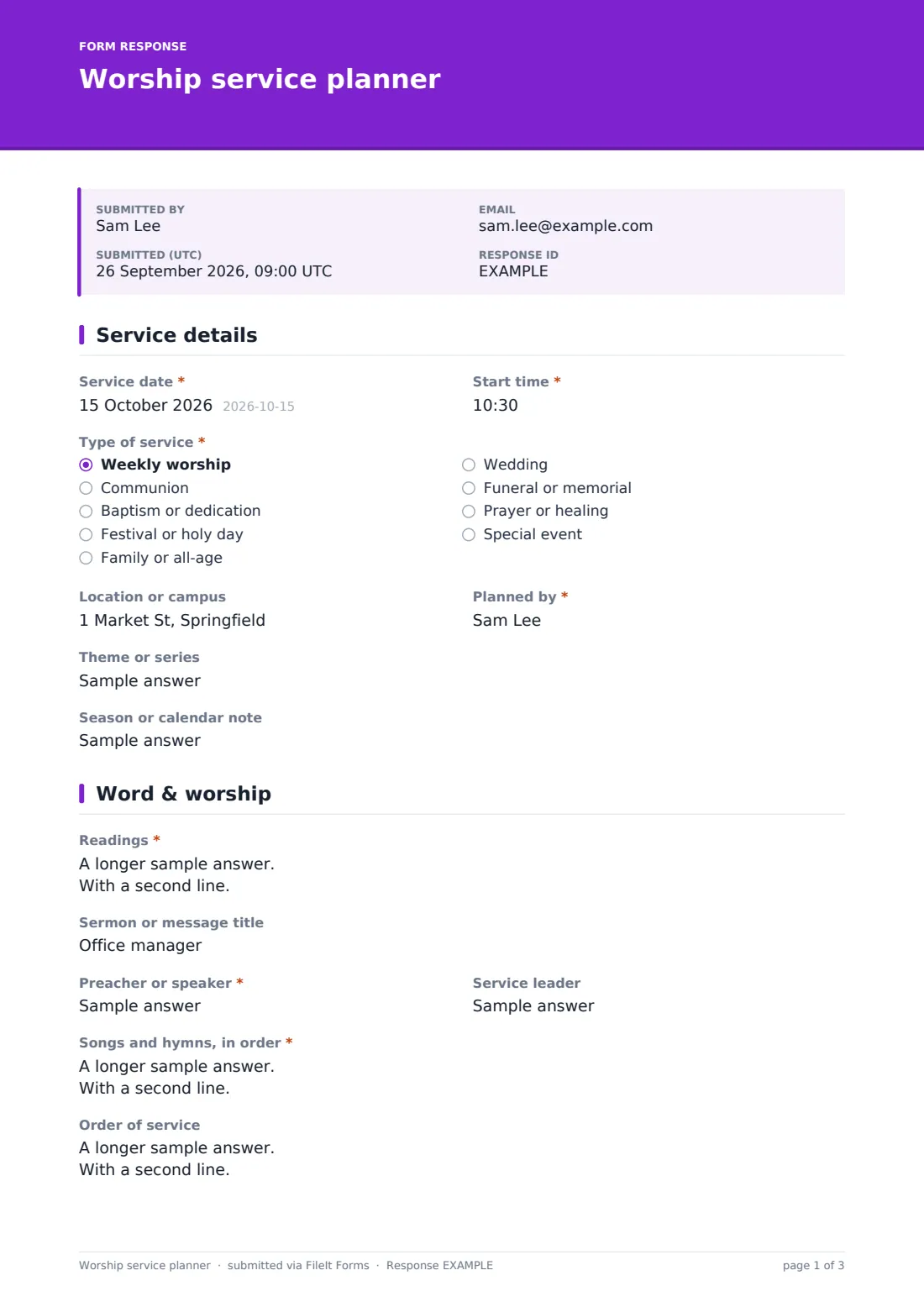
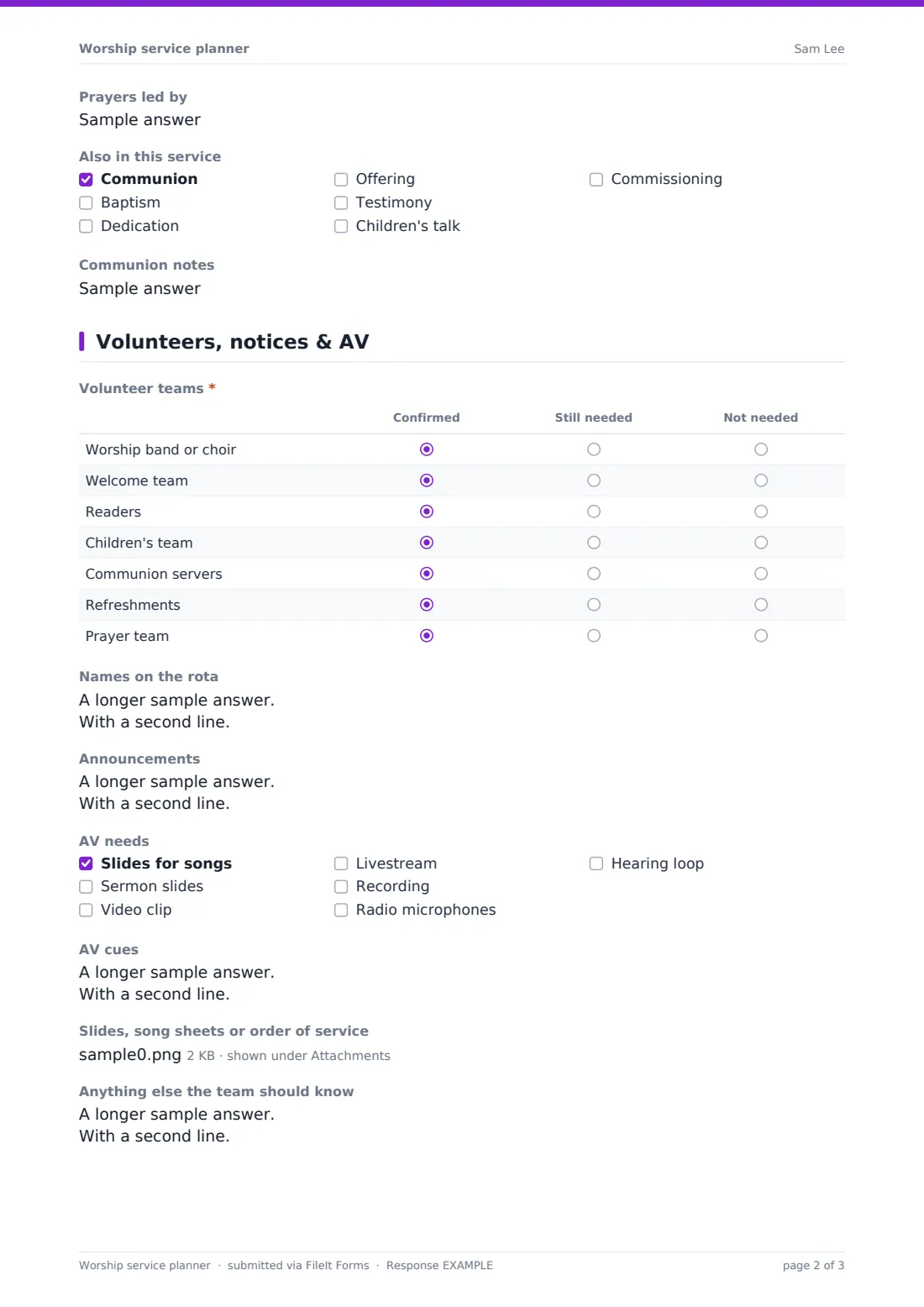
This planner collects the whole service. The first page sets the date, time, type of service, location, planner, theme and season. The second holds the readings, sermon title, speaker, leader, songs in order, the order of service, prayers and anything like communion or baptism. The third tracks volunteer teams in a grid, the rota, announcements, AV needs and cues, and uploads.
Each plan is filed as a PDF in your FileIt vault, which you can share with the team and keep as a record of past services.
- Best for
- Churches, chapels, worship teams and faith communities
- Filled in by
- The minister, worship leader or service planner
- Time to complete
- About 10-15 minutes per service
- Includes
- Service details, readings and songs, order of service, communion notes, volunteer grid, announcements, AV cues and file uploads
Who uses a worship service planner form?
- A church planning each Sunday's service a week ahead
- A worship leader sharing song keys and order with the band
- A multi-campus church keeping service plans consistent
- Planning special services for festivals, baptisms or funerals
- Keeping a searchable record of readings and songs used over the year
Questions on this worship service planner form
23 questions over 3 pages · includes file upload, conditional questions, multiple pages, ratings.
1 Service details
- Service date*
- Start time*
- Type of service* Weekly worship · Communion · Baptism or dedication · Festival or holy day · Family or all-age · Wedding · Funeral or memorial · Prayer or healing · Special event
- Location or campus
- Planned by*
- Theme or series
- Season or calendar note
2 Word & worship
- Readings*
- Sermon or message title
- Preacher or speaker*
- Service leader
- Songs and hymns, in order*
- Order of service
- Prayers led by
- Also in this service Communion · Baptism · Dedication · Offering · Testimony · Children's talk · Commissioning
- Communion notes asked only when it applies
3 Volunteers, notices & AV
- Volunteer teams* Confirmed · Still needed · Not needed
- Names on the rota
- Announcements
- AV needs Slides for songs · Sermon slides · Video clip · Livestream · Recording · Radio microphones · Hearing loop
- AV cues asked only when it applies
- Slides, song sheets or order of service
- Anything else the team should know
The worship service planner form, page by page
1 Service details
The planner sets the service date and start time, type of service — from weekly worship and communion to weddings and funerals — location or campus, their name, the theme or series and a season or calendar note.
2 Word & worship
Readings are listed one per line with who's reading, followed by the sermon title, preacher or speaker, and service leader. "Songs and hymns, in order" has a prompt for title, key and placement, and an order of service box covers the full flow. The planner names who leads prayers and ticks anything else in the service, such as communion, baptism, offering or a children's talk — choosing communion asks for communion notes.
3 Volunteers, notices & AV
A "Volunteer teams" grid marks each team — band, welcome, readers, children's, communion servers, refreshments and prayer — as confirmed, still needed or not needed, with a box for names on the rota. Announcements follow. Ticking any AV need — slides, video, livestream, recording, microphones or hearing loop — shows a box for AV cues. Slides and song sheets can be uploaded, and a notes box closes the plan.
Make the template yours
- Replace the service types and volunteer teams with your own
- Add your tradition's liturgical elements to the order of service prompt
- Add a CCLI or licence reporting field for songs, if you report usage
- Share the form with your worship leaders through personal links
- Route plans into a Services folder by month
- Add a separate children's ministry section if your children's team plans alongside
Tips for a better worship service planner form
- Finish the plan early enough for the band to rehearse
- Put song keys in the songs list to save a message to the band
- Write AV cues as a list of moments in the service
- Check the volunteer grid for anything still needed before the weekend
- Look back at past plans to avoid repeating the same songs too often
Every response becomes a PDF in your vault
Each plan is saved as a PDF in your FileIt vault with uploaded slides and song sheets, and the planner gets a copy by email to forward to the team.
The Responses table lists every service by date, so you can find what was sung or read on any Sunday and export the list to a CSV.
- Start from this template. It opens in the FileIt Forms designer — change any question, add pages, set the rules for when questions appear.
- Share it. Turn on a public link, or send it to people by email, each with their own link. They don’t need a FileIt account.
- Get the answers as PDFs. Each response is saved as a PDF in the vault folder you choose, with uploaded files attached — and listed in a Responses table you can export to CSV.
Worship service planner form: frequently asked questions
Is the worship service planner template free?
Yes. It's one of the FileIt Forms starter templates, on every plan.
Can the whole team see the plan?
The planner receives the PDF by email and it's saved in your vault. Share it with the team by email or through a shared vault folder.
Does it schedule volunteers?
No. It records the rota for the service. Use your volunteer system or a sign-up form to fill rotas.
Can we upload slides?
Yes. Up to five files — PDF, Word, images or text — can be attached.
Can we use it for weddings and funerals?
Yes. Choose the type of service and use the order of service box for the details.
Does it work for traditions other than Christian worship?
Yes. Edit the labels and lists — readings, songs and order of service apply to many traditions.