What is the student placement evaluation form template?
Work placements, internships, clinical rotations and work experience weeks all end the same way: the college needs to hear from the person who supervised the student. Paper forms get lost in a manager's in-tray, and long free-text questionnaires come back half done. This template keeps the questions specific and quick to answer, and saves room for comments where they matter.
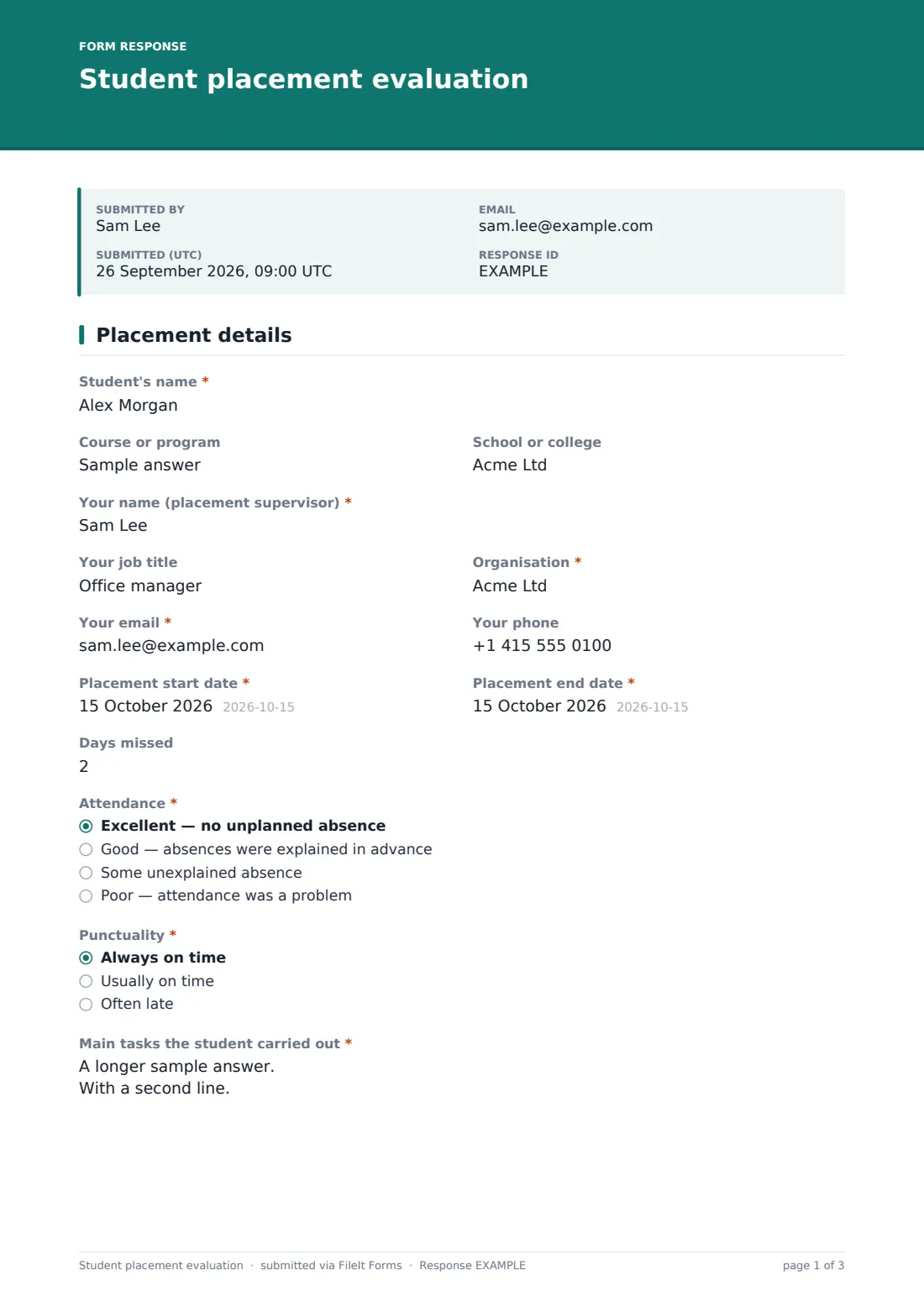
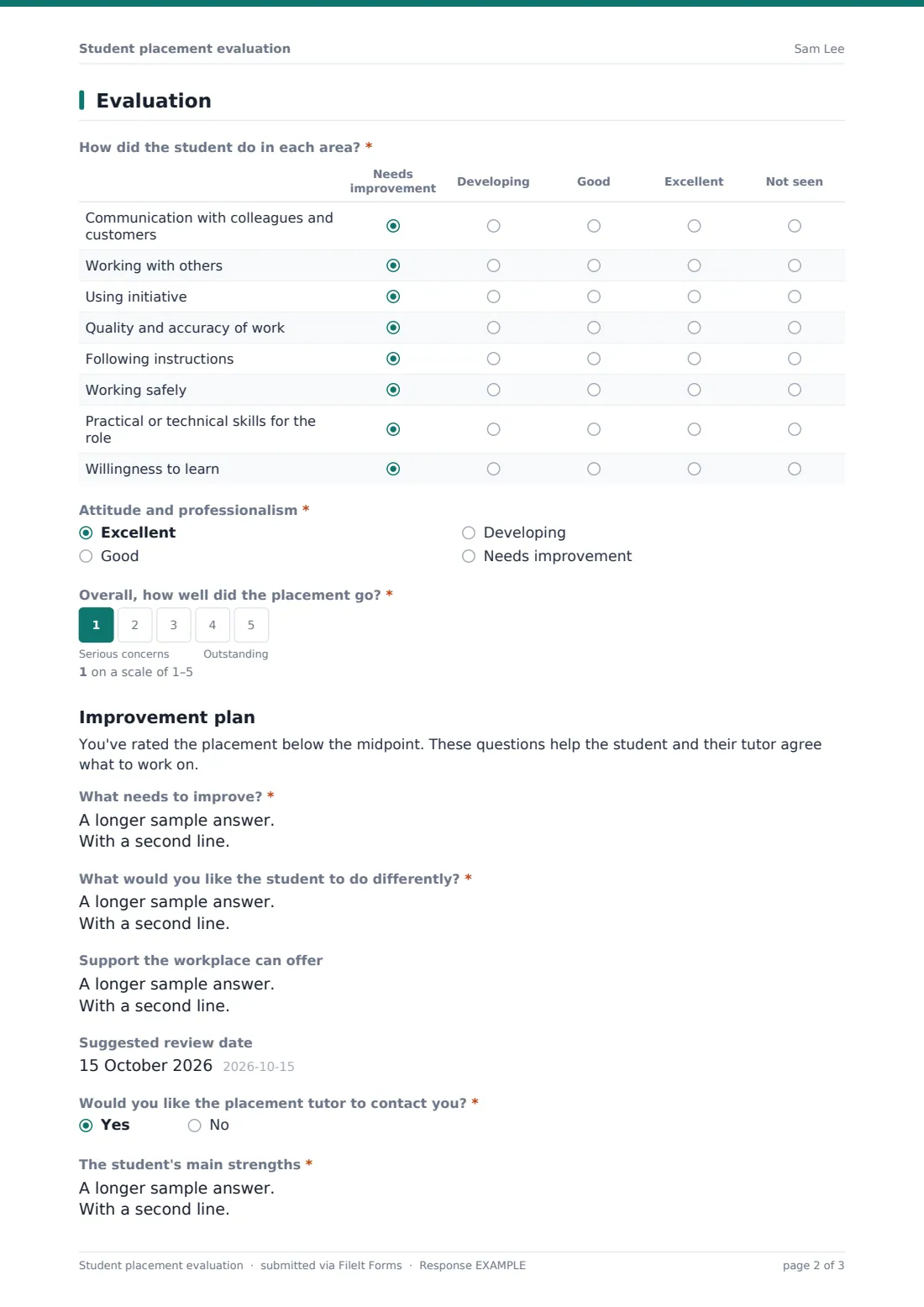
Page one covers the placement itself: the student, the course, the supervisor's details, the dates, "Days missed", "Attendance", "Punctuality" and the main tasks the student carried out. Page two is the evaluation: a grid of eight skills rated from "Needs improvement" to "Excellent", "Attitude and professionalism", and a 1 to 5 scale, "Overall, how well did the placement go?"
If the overall rating is 1 or 2, an improvement-plan section opens with questions about what needs to change and whether the supervisor would like the tutor to call. Every completed evaluation is filed as a signed PDF in your FileIt vault.
- Best for
- Colleges, schools, universities and apprenticeship providers running work placements
- Filled in by
- The student's workplace supervisor or mentor
- Time to complete
- About 10 minutes
- Includes
- Skills grid, 1–5 overall scale, improvement plan for low ratings, supervisor signature
Who uses a student placement evaluation form?
- End-of-placement reports for vocational and technical courses
- Mid-point reviews on longer placements, sent again at the end
- Work experience weeks for secondary school students
- Internship feedback for university career services
- Practice placements in care, education or hospitality courses
- Evidence for a student's portfolio or apprenticeship record
Questions on this student placement evaluation form
30 questions over 2 pages · includes signature, conditional questions, multiple pages, ratings.
1 Placement details
- Student's name*
- Course or program
- School or college
- Your name (placement supervisor)*
- Your job title
- Organisation*
- Your email*
- Your phone
- Placement start date*
- Placement end date*
- Days missed
- Attendance* Excellent — no unplanned absence · Good — absences were explained in advance · Some unexplained absence · Poor — attendance was a problem
- Punctuality* Always on time · Usually on time · Often late
- Anything we should know about attendance? asked only when it applies
- Main tasks the student carried out*
2 Evaluation
- How did the student do in each area?* Needs improvement · Developing · Good · Excellent · Not seen
- Attitude and professionalism* Excellent · Good · Developing · Needs improvement
- Overall, how well did the placement go?*
- What needs to improve?* asked only when it applies
- What would you like the student to do differently?* asked only when it applies
- Support the workplace can offer asked only when it applies
- Suggested review date asked only when it applies
- Would you like the placement tutor to contact you?* asked only when it applies
- The student's main strengths*
- What should they focus on next?
- Would you offer this student another placement? Yes · Possibly · No
- Have you talked this evaluation through with the student?*
- Student's comments, if they'd like to add any asked only when it applies
- Supervisor's signature*
- Date*
The student placement evaluation form, page by page
1 Placement details
"Student's name" and "Your name (placement supervisor)" are required, with optional fields for the course, the college and the supervisor's job title. "Organisation" and "Your email" are required so the college can follow up. The start and end dates are required. "Days missed" is a number, and "Attendance" runs from "Excellent — no unplanned absence" to "Poor — attendance was a problem". Choosing "Some unexplained absence" opens a box for more detail. "Punctuality" has three options, and the page ends with the required "Main tasks the student carried out".
2 Evaluation
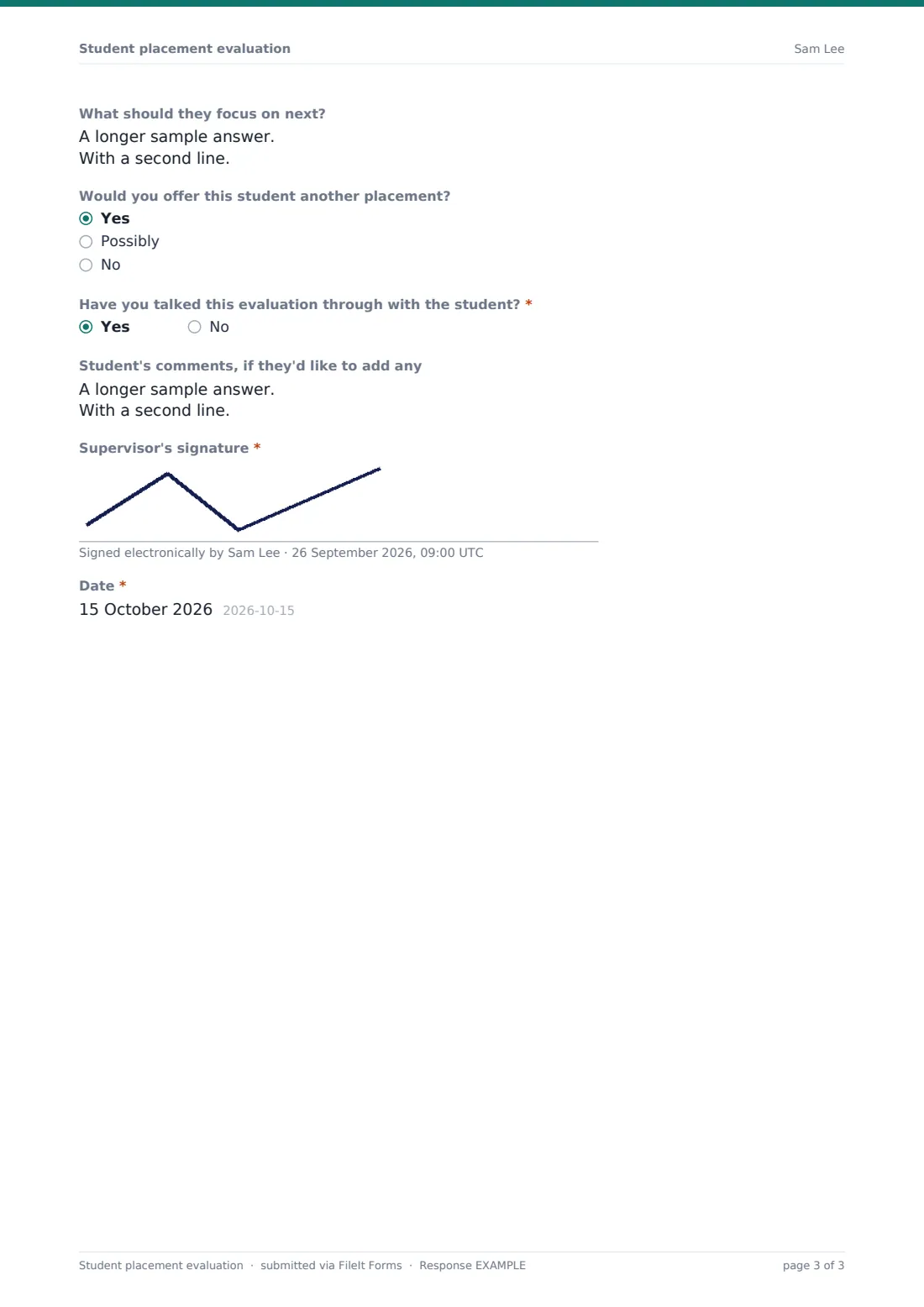
The required grid "How did the student do in each area?" covers communication, working with others, using initiative, quality and accuracy, following instructions, working safely, practical skills and willingness to learn. Each is rated from "Needs improvement" to "Excellent", or "Not seen". Then come "Attitude and professionalism" and the 1–5 overall scale. A rating below 3 reveals the improvement plan: "What needs to improve?", "What would you like the student to do differently?", support the workplace can offer, a suggested review date and "Would you like the placement tutor to contact you?" Everyone answers "The student's main strengths", what to focus on next and whether they'd offer another placement. If the evaluation has been talked through with the student, a box opens for the student's own comments. The supervisor signs and dates at the end.
Make the template yours
- Rename the skills in the grid to match your course's learning outcomes or employability framework
- Change the 1–5 overall scale labels to match the grading words your college uses
- Add a question for hours completed if the course requires a minimum
- Send it as an emailed request to each supervisor so the response arrives already linked to them
- Add the placement coordinator's address to notifications so low ratings are seen the same day
- File evaluations in a folder for each cohort or each course
Tips for a better student placement evaluation form
- Send the link a few days before the placement ends, while the supervisor still sees the student every day
- Ask supervisors to share the evaluation with the student before signing. The form asks whether they have
- Look first at responses with an overall rating below 3, which carry the improvement plan
- Use the "Not seen" column rather than guessing when a skill wasn't part of the role
- Thank supervisors when they've finished. Many host students year after year
Every response becomes a PDF in your vault
Each evaluation becomes a signed PDF titled with the student's name and the date and filed in the vault folder you've chosen. The placement coordinator is emailed when it arrives, and the supervisor can receive a copy for their own records.
The Responses table shows every evaluation for the cohort. Export to CSV to compare overall ratings across placements, find students who may need support, or see which employers consistently give strong, detailed feedback.
- Start from this template. It opens in the FileIt Forms designer — change any question, add pages, set the rules for when questions appear.
- Share it. Turn on a public link, or send it to people by email, each with their own link. They don’t need a FileIt account.
- Get the answers as PDFs. Each response is saved as a PDF in the vault folder you choose, with uploaded files attached — and listed in a Responses table you can export to CSV.
Student placement evaluation form: frequently asked questions
When does the improvement plan appear?
Only when the overall rating is 1 or 2 on the 1–5 scale. Those questions stay hidden for placements that went well, so most supervisors never see them.
Do supervisors need a FileIt account?
No. Send them the link or an emailed request and they complete it in the browser, including the signature.
Can we use our own skills list?
Yes. The grid's rows and rating columns are fully editable in the Forms designer.
Can the student add their own comments?
Yes. If the supervisor says the evaluation has been talked through with the student, a box opens for the student's comments.
Is this template free?
Yes. It's included in the Forms app on every FileIt plan, including the free plan.