What is the student device agreement form template?
When a school lends out hundreds of laptops, Chromebooks or tablets, the handout day paperwork is what makes the end of the year manageable. Which student has asset tag 4471? Was that crack in the screen there in September? Did the family join the protection plan, or decline it? Without a signed record for each device, those questions turn into awkward conversations.
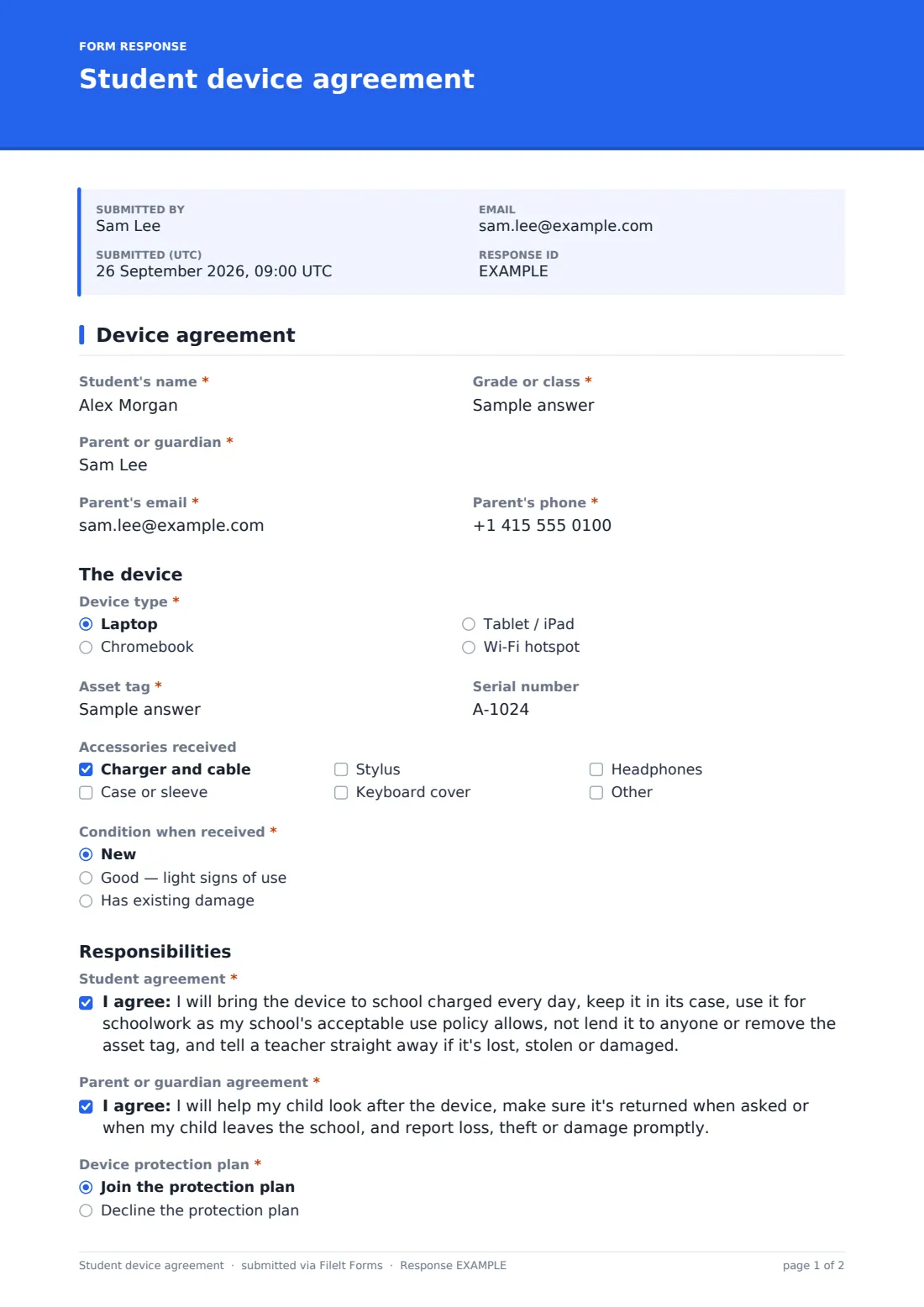
This single-page agreement records the student and parent or guardian, the "Device type", the "Asset tag" and serial number, the accessories handed over and the "Condition when received". Choosing "Has existing damage" asks for a description and photos, so earlier damage is on file from day one. Two consent statements set out the student's and the parent's responsibilities in plain language.
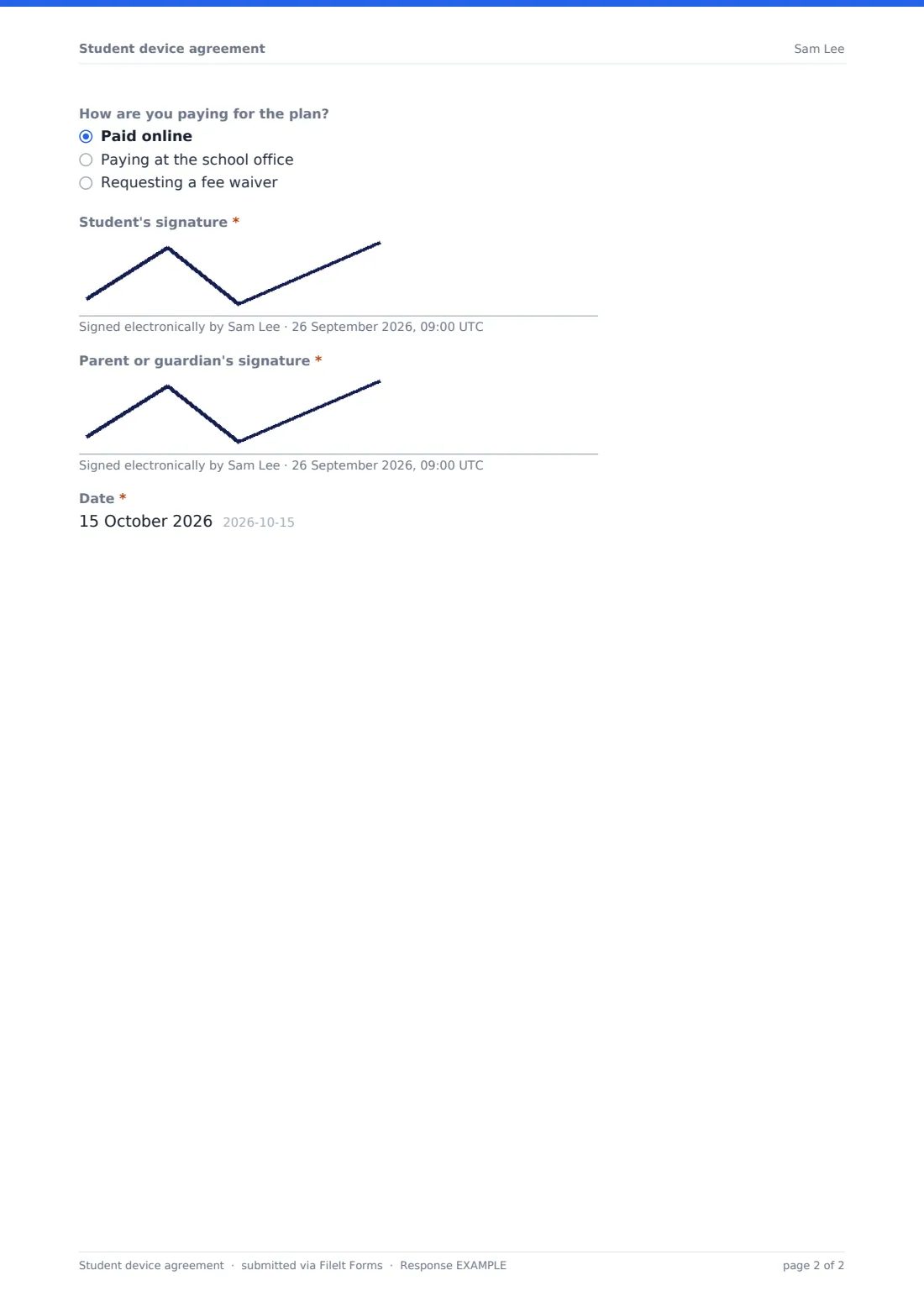
Families then choose a "Device protection plan". Declining it reveals a separate acknowledgement that the family may be asked to pay for repairs under the school's policy. Both the student and the parent sign, and the agreement is saved as a PDF in your FileIt vault.
- Best for
- Schools and districts running 1:1 device programmes or take-home loans
- Filled in by
- The student and a parent or guardian, together
- Time to complete
- About 5 minutes
- Includes
- Asset tag and serial, condition photos, protection plan choice, two signatures
Who uses a student device agreement form?
- Start-of-year Chromebook handout for a whole grade
- Lending a laptop to a student who joins mid-year
- Take-home tablets for younger pupils with a parent co-signing
- Wi-Fi hotspot loans for families without home internet
- Replacement devices issued after a repair, with a fresh condition record
- Short-term loans for exam season or a remote-learning period
Questions on this student device agreement form
20 questions · includes signature, file upload, conditional questions, consent checkbox.
1 Device agreement
- Student's name*
- Grade or class*
- Parent or guardian*
- Parent's email*
- Parent's phone*
- Device type* Laptop · Chromebook · Tablet / iPad · Wi-Fi hotspot
- Asset tag*
- Serial number
- Accessories received Charger and cable · Case or sleeve · Stylus · Keyboard cover · Headphones
- Condition when received* New · Good — light signs of use · Has existing damage
- Describe the existing damage* asked only when it applies
- Photos of the damage asked only when it applies
- Student agreement*
- Parent or guardian agreement*
- Device protection plan* Join the protection plan · Decline the protection plan
- How are you paying for the plan? asked only when it applies Paid online · Paying at the school office · Requesting a fee waiver
- Liability without the protection plan* asked only when it applies
- Student's signature*
- Parent or guardian's signature*
- Date*
The student device agreement form, page by page
1 Device agreement
The form starts with "Student's name", "Grade or class", the "Parent or guardian" and their email and phone, all required. Under the heading "The device", the family or the IT technician picks the "Device type" (laptop, Chromebook, tablet or Wi-Fi hotspot), enters the required "Asset tag" and an optional serial number, and ticks the "Accessories received". "Condition when received" is required. "Has existing damage" opens a required description and an optional upload of up to four photos. Under "Responsibilities", the "Student agreement" covers charging, the case, acceptable use, not lending the device, keeping the tag on and reporting problems. The "Parent or guardian agreement" covers helping look after it and returning it. "Device protection plan" is required. Joining asks how the family is paying, and declining shows the required "Liability without the protection plan" acknowledgement. The student and parent then sign, and the form is dated.
Make the template yours
- Rewrite the agreement statements in your own acceptable use policy's words, and link the policy in the help text
- Put the plan's cost and what it covers into the "Device protection plan" help text
- Remove the hotspot option or add other equipment you lend, such as graphing calculators
- Send it as an emailed request to each family so every response is linked to the right parent
- Add a question for the device's charger serial if your chargers are tracked separately
- File agreements in one folder per school year to make end-of-year collection simpler
Tips for a better student device agreement form
- Fill in the asset tag at the handout table rather than at home, so the number always matches the device
- Photograph any existing damage at handout, even small scratches. It saves disputes in June
- Search the Responses table by asset tag when a device is handed in or reported lost
- Have a translated version ready for families who'd prefer another language
- Remind families that declining the plan is a real choice, and make fee waivers easy to ask for
Every response becomes a PDF in your vault
Every signed agreement becomes a PDF titled with the student's name and the date, with any condition photos attached, filed in the vault folder you chose. The IT team or office gets an email for each one, and the family can receive a copy of what they signed.
Throughout the year, search the Responses table by name or asset tag to find who holds a device. At collection time, the CSV export lists every device out on loan, its starting condition and whether the family took the protection plan.
- Start from this template. It opens in the FileIt Forms designer — change any question, add pages, set the rules for when questions appear.
- Share it. Turn on a public link, or send it to people by email, each with their own link. They don’t need a FileIt account.
- Get the answers as PDFs. Each response is saved as a PDF in the vault folder you choose, with uploaded files attached — and listed in a Responses table you can export to CSV.
Student device agreement form: frequently asked questions
Can the student and parent both sign?
Yes. The form has separate signature fields for the student and the parent or guardian, plus a date.
What happens when a family declines the protection plan?
Choosing "Decline the protection plan" shows a required acknowledgement that they may be asked to pay for repairs or replacement under the school's device policy.
Can we record damage that's already on the device?
Yes. Choosing "Has existing damage" asks for a description and lets you upload up to four photos.
Is this a legal contract?
It's a record of what the family agreed to, in your school's words. Check the wording against your district's policies. FileIt doesn't give legal advice.
Do families need a FileIt account?
No. They can sign on any phone, tablet or computer from the link or an emailed request.
Is the template free?
Yes. It's included in the Forms app on every FileIt plan.