What is the spill incident report form template?
Spills happen on any site that stores fuel, oil or chemicals. The first job is always to stop and contain it. The second is writing down what happened clearly enough that a supervisor, a client or an environmental lead can act on it — and that's where a consistent form helps.
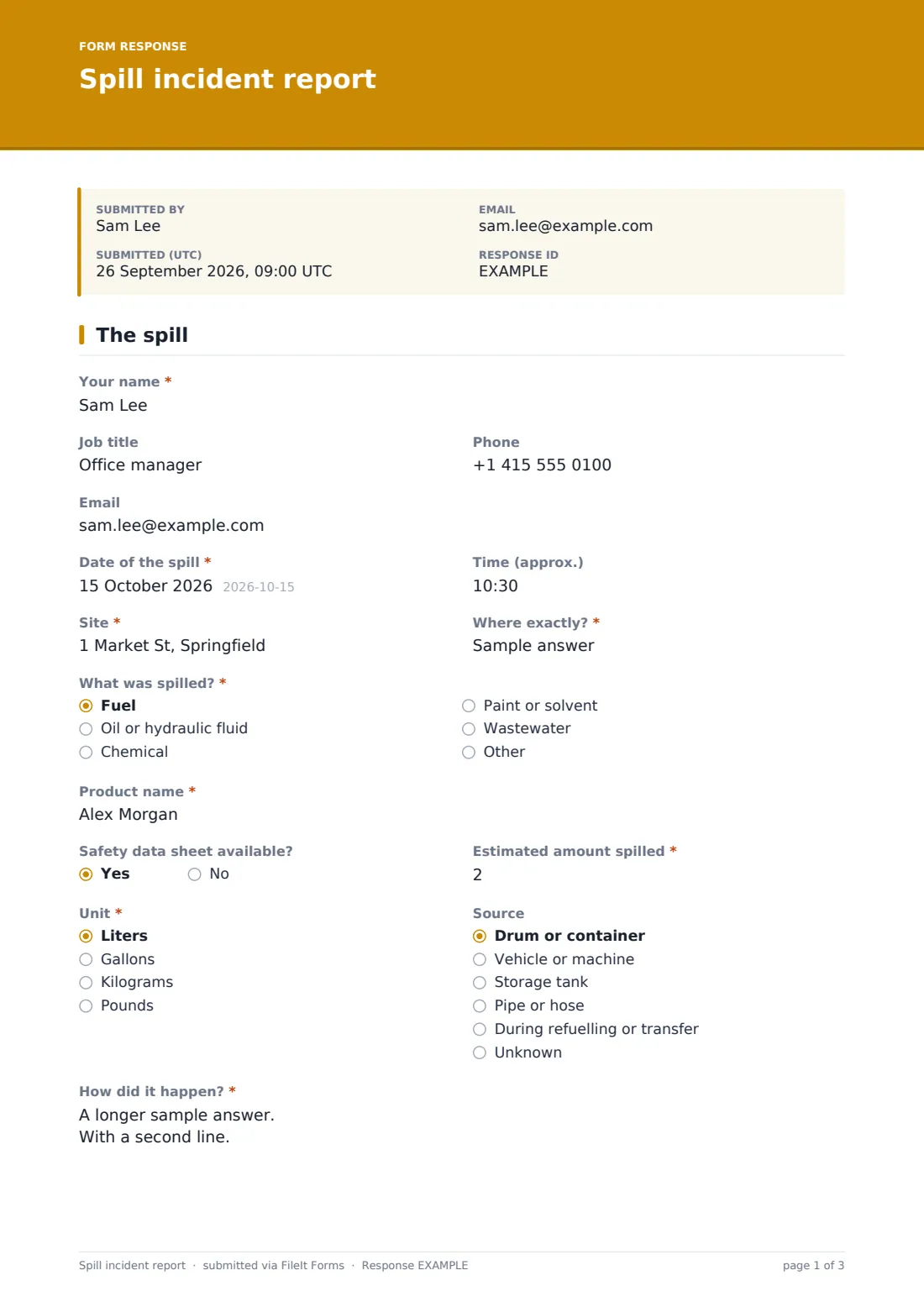
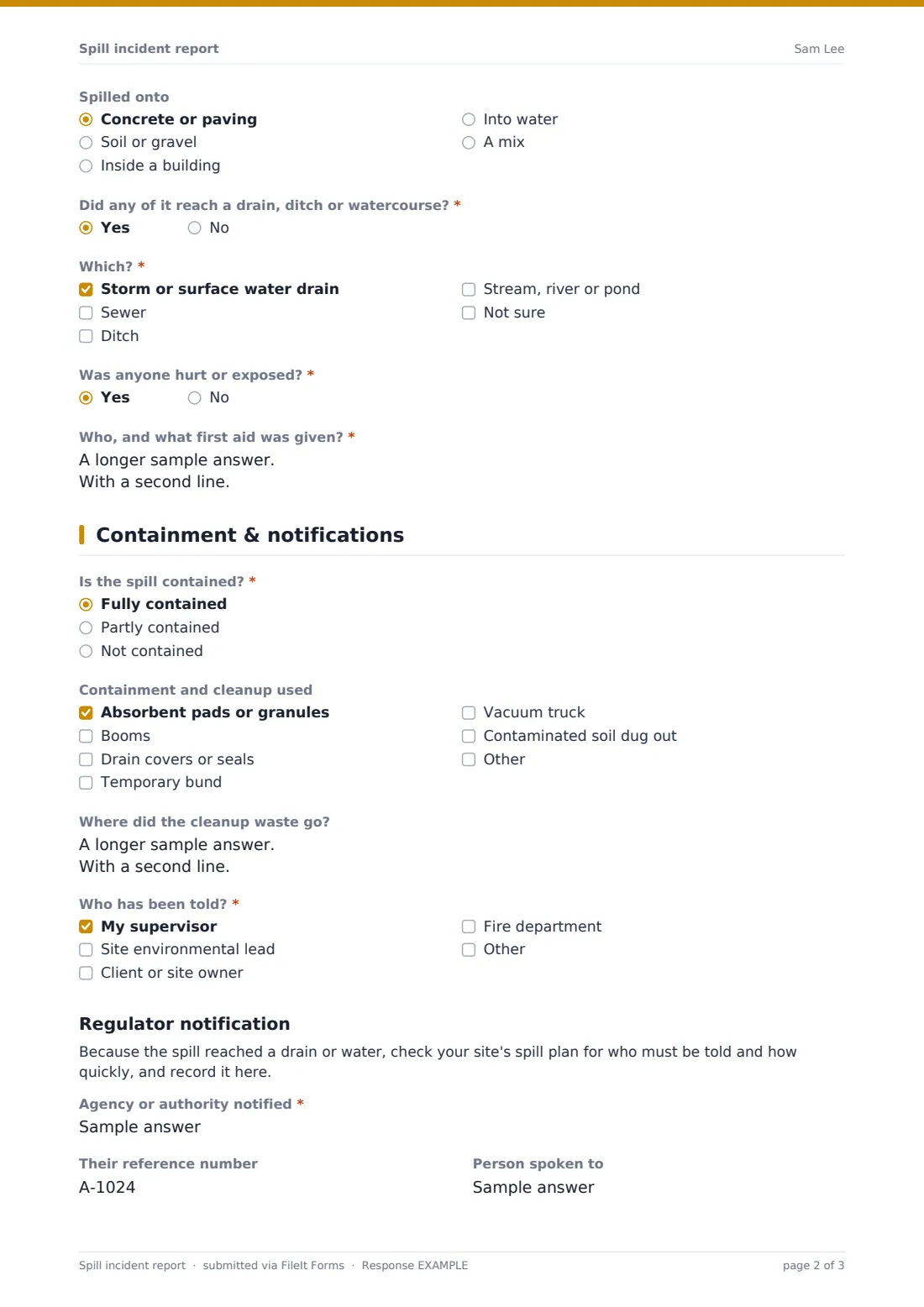
This template takes the person who found or caused the spill through two pages. Page one records what was spilled and how much, where, from what source, how it happened, what it landed on and whether anyone was hurt or exposed. A single question — "Did any of it reach a drain, ditch or watercourse?" — decides what comes next. Answer yes and the form asks which kind, then adds a Regulator notification section on page two for the agency told, their reference number, the person spoken to and when.
Every report is filed as a PDF in your FileIt vault with photos, the reporter gets a copy, and the account owner is notified straight away.
- Best for
- Construction sites, depots, workshops, farms and facilities that store fuel or chemicals
- Filled in by
- The worker who found or caused the spill, or their supervisor
- Time to complete
- About 5–7 minutes
- Includes
- Substance and amount, cause, containment, notifications, regulator fields, photos
Who uses a spill incident report form?
- Diesel overflowing during refuelling of a site generator
- A burst hydraulic hose on an excavator
- A dropped drum of cleaning chemical in a warehouse aisle
- Paint washed into a yard gully after a rainstorm
- A leaking storage tank found on a routine walk-round
- A contractor reporting a spill to the site owner's environmental team
Questions on this spill incident report form
34 questions over 2 pages · includes signature, file upload, conditional questions, multiple pages, consent checkbox.
1 The spill
- Your name*
- Job title
- Phone
- Date of the spill*
- Time (approx.)
- Site*
- Where exactly?*
- What was spilled?* Fuel · Oil or hydraulic fluid · Chemical · Paint or solvent · Wastewater
- Product name*
- Safety data sheet available?
- Estimated amount spilled*
- Unit* Liters · Gallons · Kilograms · Pounds
- Source Drum or container · Vehicle or machine · Storage tank · Pipe or hose · During refuelling or transfer · Unknown
- How did it happen?*
- Spilled onto Concrete or paving · Soil or gravel · Inside a building · Into water · A mix
- Did any of it reach a drain, ditch or watercourse?*
- Which?* asked only when it applies Storm or surface water drain · Sewer · Ditch · Stream, river or pond · Not sure
- Was anyone hurt or exposed?*
- Who, and what first aid was given?* asked only when it applies
2 Containment & notifications
- Is the spill contained?* Fully contained · Partly contained · Not contained
- Containment and cleanup used Absorbent pads or granules · Booms · Drain covers or seals · Temporary bund · Vacuum truck · Contaminated soil dug out
- Where did the cleanup waste go?
- Who has been told?* My supervisor · Site environmental lead · Client or site owner · Fire department
- Agency or authority notified* asked only when it applies
- Their reference number asked only when it applies
- Person spoken to asked only when it applies
- Date notified asked only when it applies
- Time notified asked only when it applies
- How asked only when it applies Phone hotline · Online report · Email · In person
- Photos
- What would stop this happening again?
- Declaration*
- Signature*
The spill incident report form, page by page
1 The spill
The reporter gives Your name, Job title, Phone and Email, then the Date of the spill, an approximate time, the Site and "Where exactly?". "What was spilled?" is fuel, oil or hydraulic fluid, chemical, paint or solvent, wastewater or something else, with the Product name as it appears on the label and whether a safety data sheet is available.
Estimated amount spilled and Unit record the quantity, Source says where it came from, and "How did it happen?" is required. Spilled onto notes the surface. "Did any of it reach a drain, ditch or watercourse?" is required — yes asks which. "Was anyone hurt or exposed?" opens a box for who and what first aid was given.
2 Containment & notifications
"Is the spill contained?" is fully, partly or not contained. Containment and cleanup used covers absorbents, booms, drain covers, a temporary bund, a vacuum truck and dug-out soil, and "Where did the cleanup waste go?" records disposal. "Who has been told?" lists the supervisor, environmental lead, client and fire department.
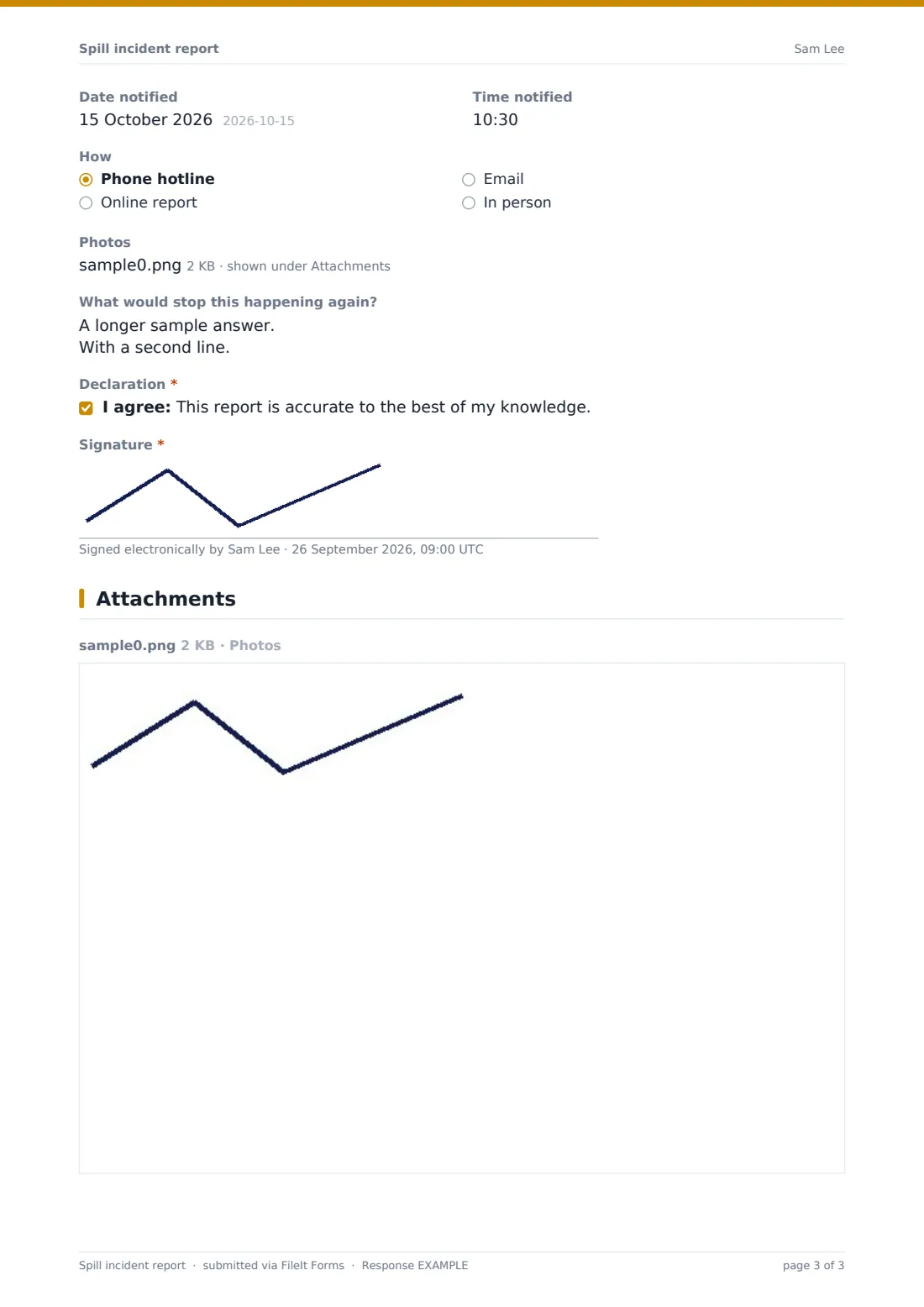
When the spill reached a drain or water, the Regulator notification section appears with a reminder to check the site's spill plan, then Agency or authority notified, Their reference number, Person spoken to, Date notified, Time notified and How. Photos, "What would stop this happening again?", a short declaration and a signature finish the report.
Make the template yours
- Add the products you store most often as a dropdown to speed up reporting
- Pre-fill the agency name for your area in the regulator section
- Add your environmental lead to the notification emails so they hear at once
- Change the units to suit what's on your site
- Add a site map upload if your sites are large
- Make photos required if your procedures expect them for every spill
Tips for a better spill incident report form
- Contain first, report second — the form will still be here in ten minutes
- Use the product name from the label, not a nickname for it
- Estimate the quantity honestly; a range in the notes is better than a guess presented as fact
- Photograph the drain or ditch even if you think nothing reached it
- Write down the regulator's reference number while you're still on the phone
- Fill in the prevention box while the cause is obvious
Every response becomes a PDF in your vault
The report is saved as a PDF in your FileIt vault, named with the date and reporter, with all photos attached. The reporter receives a copy at the email they entered, and the account owner is notified.
Safety and environmental teams typically review spills from the Responses table, filter for ones that reached a drain, and export to CSV for monthly reporting or trend reviews.
- Start from this template. It opens in the FileIt Forms designer — change any question, add pages, set the rules for when questions appear.
- Share it. Turn on a public link, or send it to people by email, each with their own link. They don’t need a FileIt account.
- Get the answers as PDFs. Each response is saved as a PDF in the vault folder you choose, with uploaded files attached — and listed in a Responses table you can export to CSV.
Spill incident report form: frequently asked questions
Is this spill incident report template free?
Yes. It's included in the Forms app on every FileIt account, including the free plan.
Does the form notify the regulator for me?
No. FileIt files the report and notifies the people you choose. It records who you told and their reference — the call or online report to the authority is made separately.
When does the regulator section appear?
When the reporter answers yes to "Did any of it reach a drain, ditch or watercourse?".
Can workers fill it in on their phone?
Yes. Share the link or a QR code at the spill kit, and the form works on any phone without an account.
Can I add photos?
Yes. Up to eight photos can be attached and they're included in the PDF.
Does it tell me how to clean up a particular chemical?
No. Follow the product's safety data sheet and your site's spill plan. The form records what was done.