What is the pR campaign brief form template?
A press release is the easy part. What a PR team really needs before it can pitch is the reason a journalist should care, who can speak about it and when, which outlets matter, whether there's an embargo, and who has to approve the final words. Without that, the first week of a campaign is spent asking.
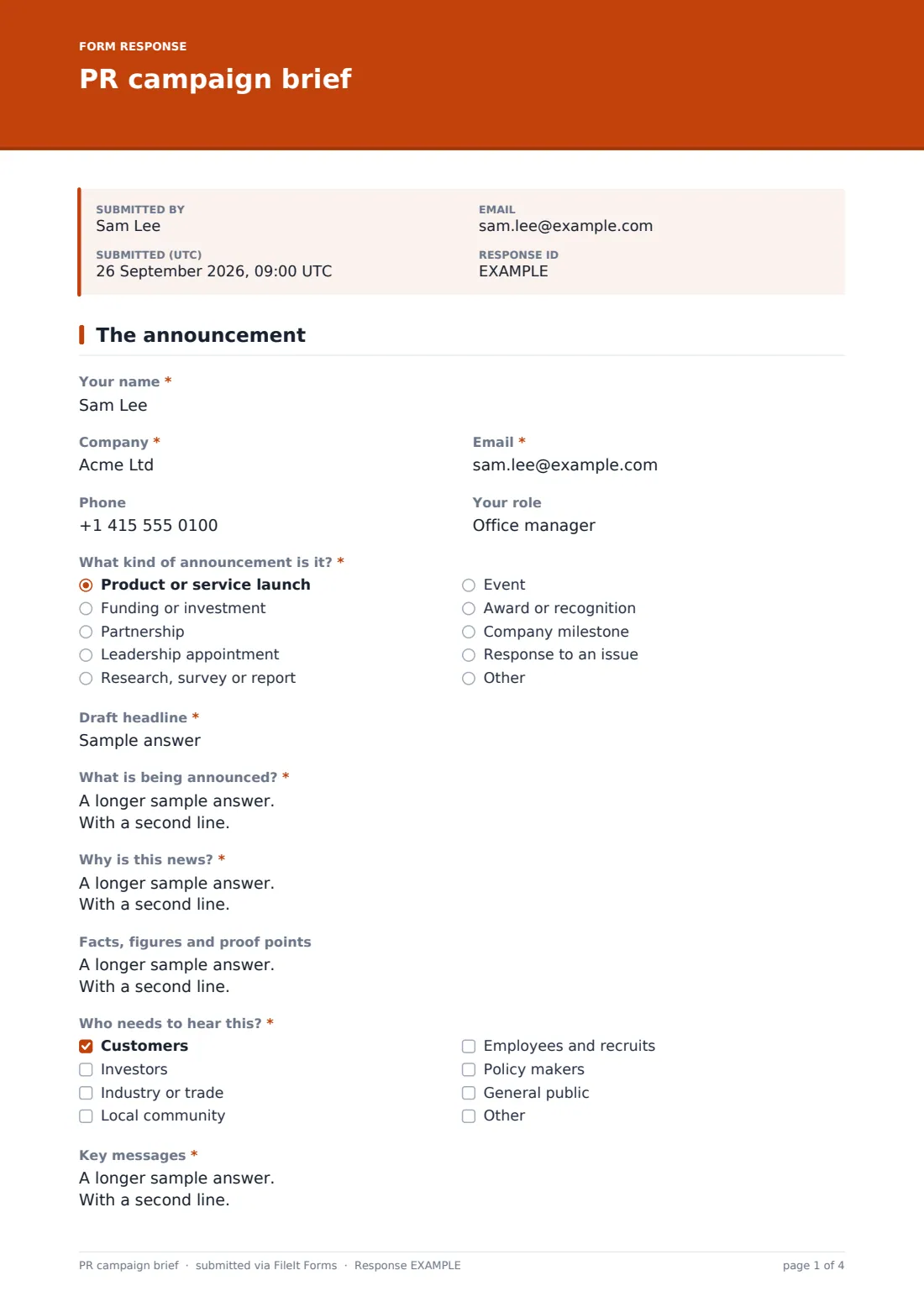
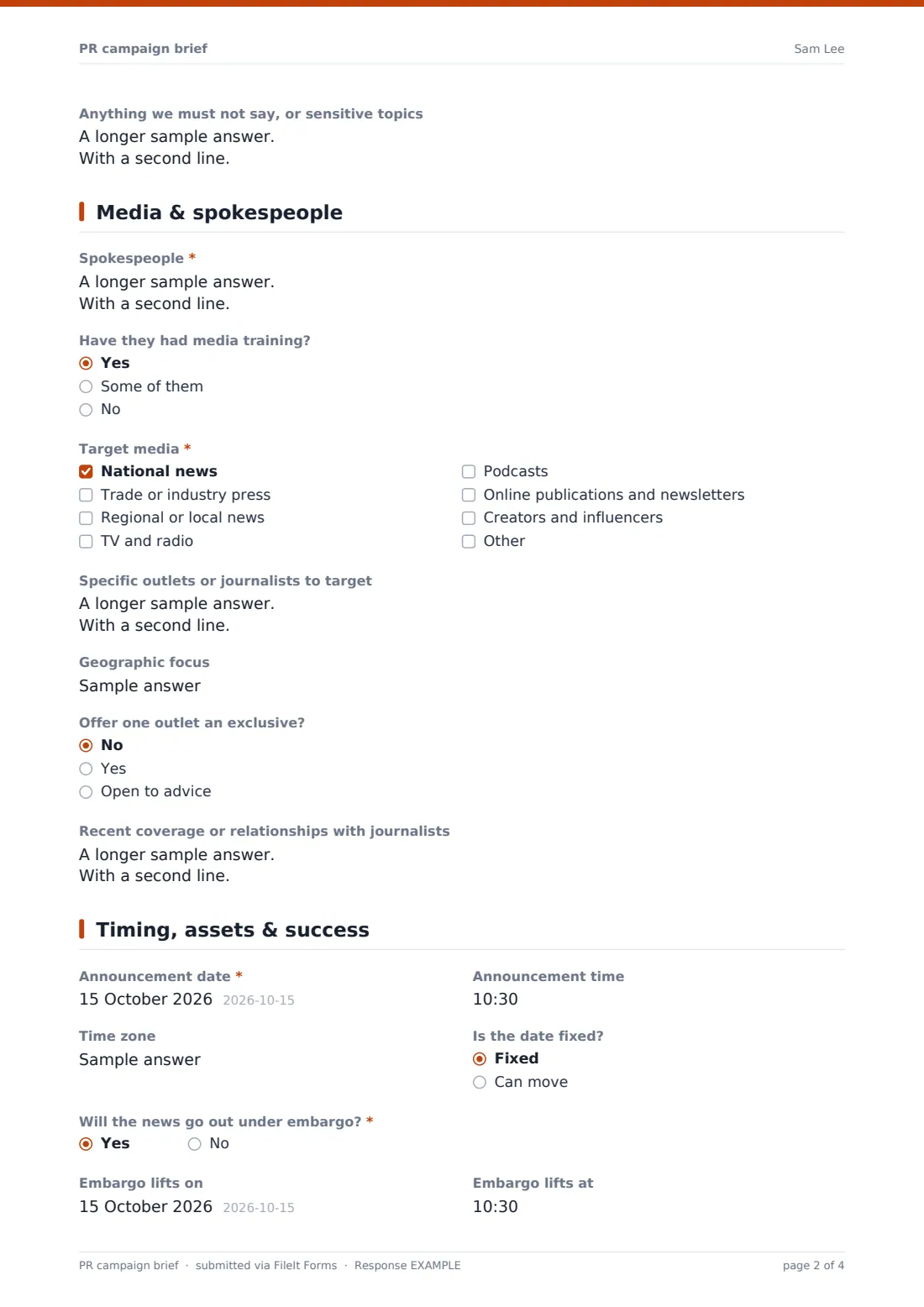
This PR campaign brief collects it all. The first page covers the kind of announcement, a draft headline, what's being announced, why it's news, proof points, the audiences that need to hear it, up to three key messages and anything that must not be said. The second page lists spokespeople and their media training, target media types, specific outlets or journalists, geographic focus and whether to offer an exclusive.
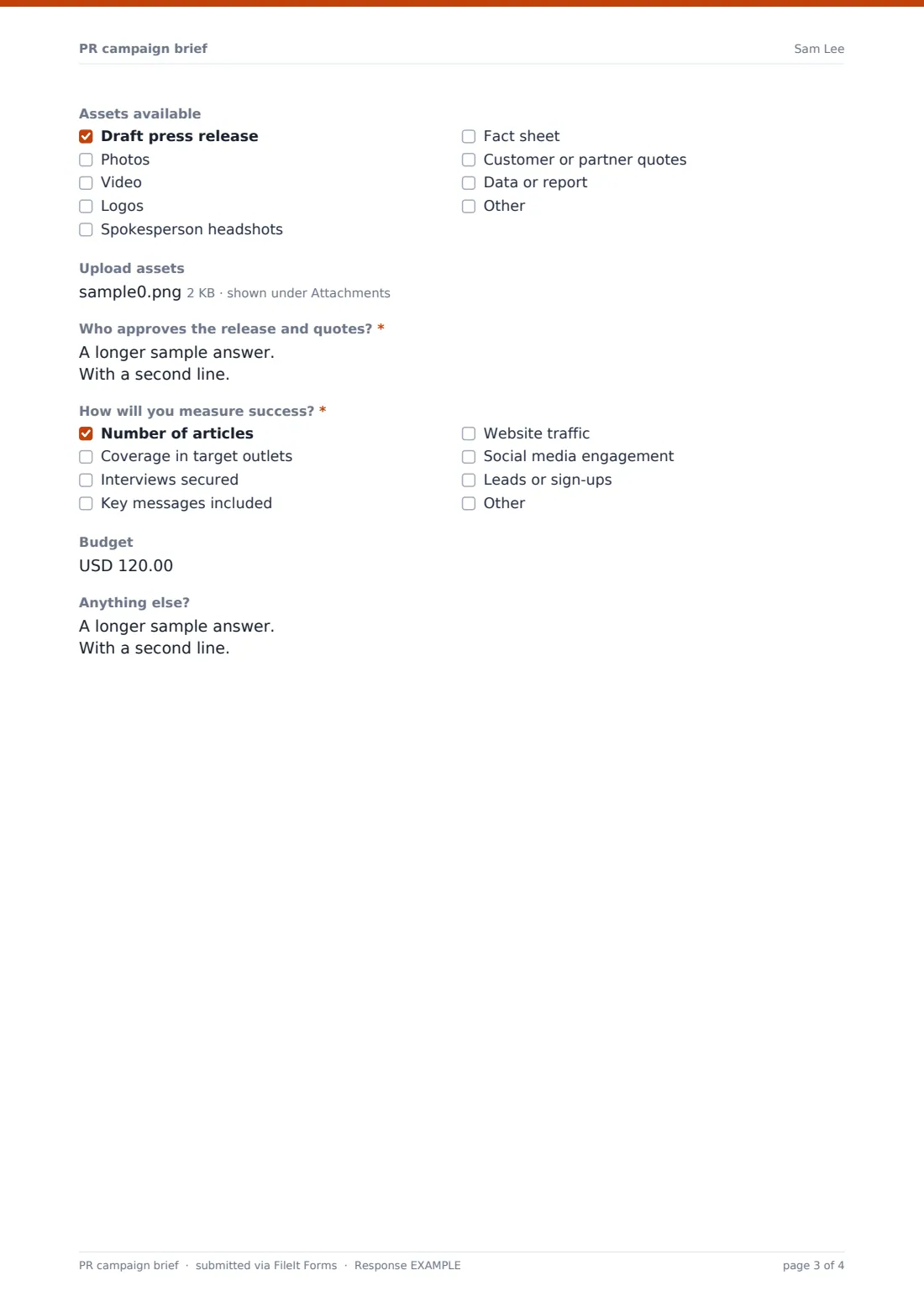
The final page sets the announcement date and time, the embargo if there is one, the assets ready to share, who approves the release and quotes, how success will be measured, and the budget. Each brief is saved as a PDF in your FileIt vault, with the uploaded assets alongside.
- Best for
- PR agencies, freelance PR consultants and in-house communications teams
- Filled in by
- The client or the internal team with news to announce
- Time to complete
- About 15 minutes
- Includes
- News angle and key messages, spokespeople, target media, embargo timing, asset upload and success measures
Who uses a pR campaign brief form?
- A PR agency onboarding a client's product launch
- A startup briefing a consultant on a funding announcement
- An in-house comms team collecting announcements from business units
- Planning coverage for a research report or survey
- Announcing a leadership appointment under embargo
- Briefing a local PR push for an event or opening
Questions on this pR campaign brief form
33 questions over 3 pages · includes file upload, conditional questions, multiple pages.
1 The announcement
- Your name*
- Company*
- Email*
- Phone
- Your role
- What kind of announcement is it?* Product or service launch · Funding or investment · Partnership · Leadership appointment · Research, survey or report · Event · Award or recognition · Company milestone · Response to an issue · Other
- Draft headline*
- What is being announced?*
- Why is this news?*
- Facts, figures and proof points
- Who needs to hear this?* Customers · Investors · Industry or trade · Local community · Employees and recruits · Policy makers · General public
- Key messages*
- Anything we must not say, or sensitive topics
2 Media & spokespeople
- Spokespeople*
- Have they had media training? Yes · Some of them · No
- Target media* National news · Trade or industry press · Regional or local news · TV and radio · Podcasts · Online publications and newsletters · Creators and influencers
- Specific outlets or journalists to target
- Geographic focus
- Offer one outlet an exclusive? No · Yes · Open to advice
- Recent coverage or relationships with journalists
3 Timing, assets & success
- Announcement date*
- Announcement time
- Time zone
- Is the date fixed? Fixed · Can move
- Will the news go out under embargo?*
- Embargo lifts on asked only when it applies
- Embargo lifts at asked only when it applies
- Assets available Draft press release · Photos · Video · Logos · Spokesperson headshots · Fact sheet · Customer or partner quotes · Data or report
- Upload assets
- Who approves the release and quotes?*
- How will you measure success?* Number of articles · Coverage in target outlets · Interviews secured · Key messages included · Website traffic · Social media engagement · Leads or sign-ups
- Budget
- Anything else?
The pR campaign brief form, page by page
1 The announcement
After contact details, the client chooses the kind of announcement — launch, funding, partnership, leadership appointment, research, event, award, milestone or response to an issue — and writes a draft headline. What is being announced? asks for the plain facts, and Why is this news? asks why a journalist would care now.
Facts, figures and proof points carries a reminder to include only figures that can be backed up. The client ticks the audiences who need to hear it, lists up to three key messages and notes anything that must not be said, such as confidential details or legal constraints.
2 Media & spokespeople
Spokespeople are required, with job titles and interview availability, followed by whether they've had media training. Target media is a checklist of national, trade, regional, broadcast, podcasts, online publications and creators.
The client can name specific outlets or journalists, set a geographic focus, say whether to offer one outlet an exclusive, and mention recent coverage or existing journalist relationships.
3 Timing, assets & success
Announcement date is required, with optional time, time zone and whether the date can move. If the news goes out under embargo, fields appear for the date and time the embargo lifts.
The client ticks the assets available — draft release, photos, video, logos, headshots, fact sheet, quotes or data — and can upload up to 10 files. Who approves the release and quotes? is required, and How will you measure success? covers article count, coverage in target outlets, interviews, key message pickup, traffic, social engagement and leads.
Make the template yours
- Add your agency's standard success metrics to the measurement checklist
- Remove the budget field if PR is billed on a fixed retainer
- Add a crisis-specific question set that appears for Response to an issue
- Change the media list to the sectors you specialise in
- Route each client's briefs to that client's vault folder
- Set the confirmation message to explain when the client will see a draft release
Tips for a better pR campaign brief form
- Challenge the news angle early — if the team can't say why it's news, journalists won't either
- Confirm spokesperson availability around the announcement date before pitching
- Agree in writing which journalists receive embargoed material and when
- Get every approver named before drafting; late sign-offs are a common reason announcements slip
- Check every figure in the release against its source before it goes out
- Decide how success will be measured before launch, so reporting isn't argued about afterwards
Every response becomes a PDF in your vault
The brief is filed as a PDF in the vault folder you choose, with uploaded photos, logos and documents kept alongside. You're emailed when it's submitted, and the client can receive a copy of their answers.
The Responses table lists every brief, so you can open one in full, compare announcements across a year, or export them to CSV for planning.
- Start from this template. It opens in the FileIt Forms designer — change any question, add pages, set the rules for when questions appear.
- Share it. Turn on a public link, or send it to people by email, each with their own link. They don’t need a FileIt account.
- Get the answers as PDFs. Each response is saved as a PDF in the vault folder you choose, with uploaded files attached — and listed in a Responses table you can export to CSV.
PR campaign brief form: frequently asked questions
Is this template free?
Yes. It's included in the FileIt Forms app on every account, including the free plan, and every question can be edited, removed or added to.
Does the client need a FileIt account?
No. Anyone with the form's link can fill it in without creating a FileIt account.
Does the form handle embargoes?
Yes. Answering yes to the embargo question opens fields for the date and time it lifts. Managing the embargo with journalists is still up to your team.
Can the client upload a draft press release?
Yes. The asset upload takes up to 10 files, including Word, PDF, images and spreadsheets.
Does FileIt send the press release to journalists?
No. The form is a brief for the PR team. It doesn't distribute releases or contact media.
Can in-house teams use it?
Yes. Business units can use it to send announcements to a central communications team.
Can I change the success measures?
Yes. The checklist can be edited in the designer, and clients can add their own under Other.
Can I prefill the client's details?
Yes. You can email personal links prefilled with each client's name and email.