What is the planogram compliance check form template?
A planogram only works if the shelf actually matches it. Products drift into the wrong place, facings shrink when stock runs low, new lines sit in the back room, and shelf-edge labels stop matching the products above them.
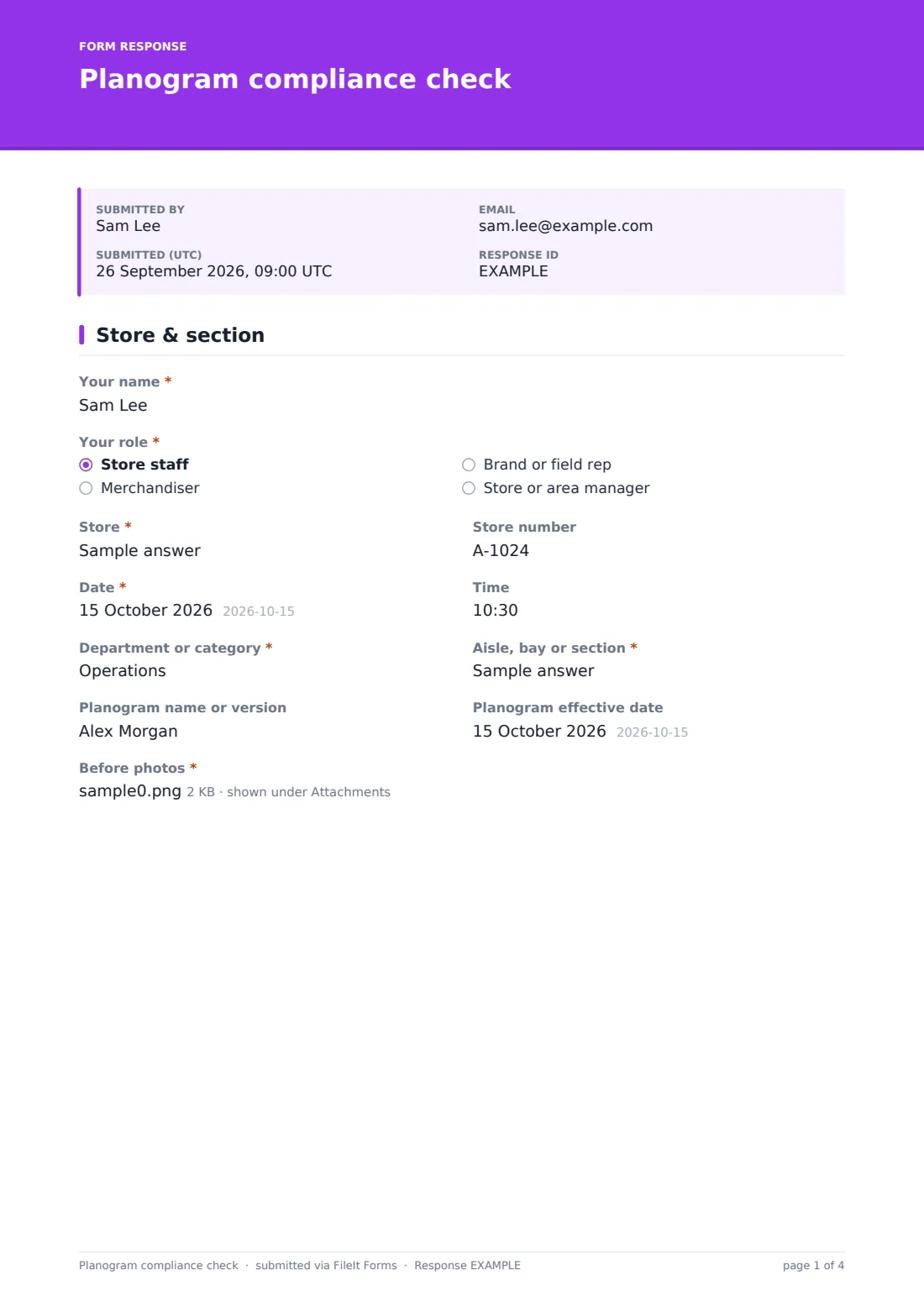
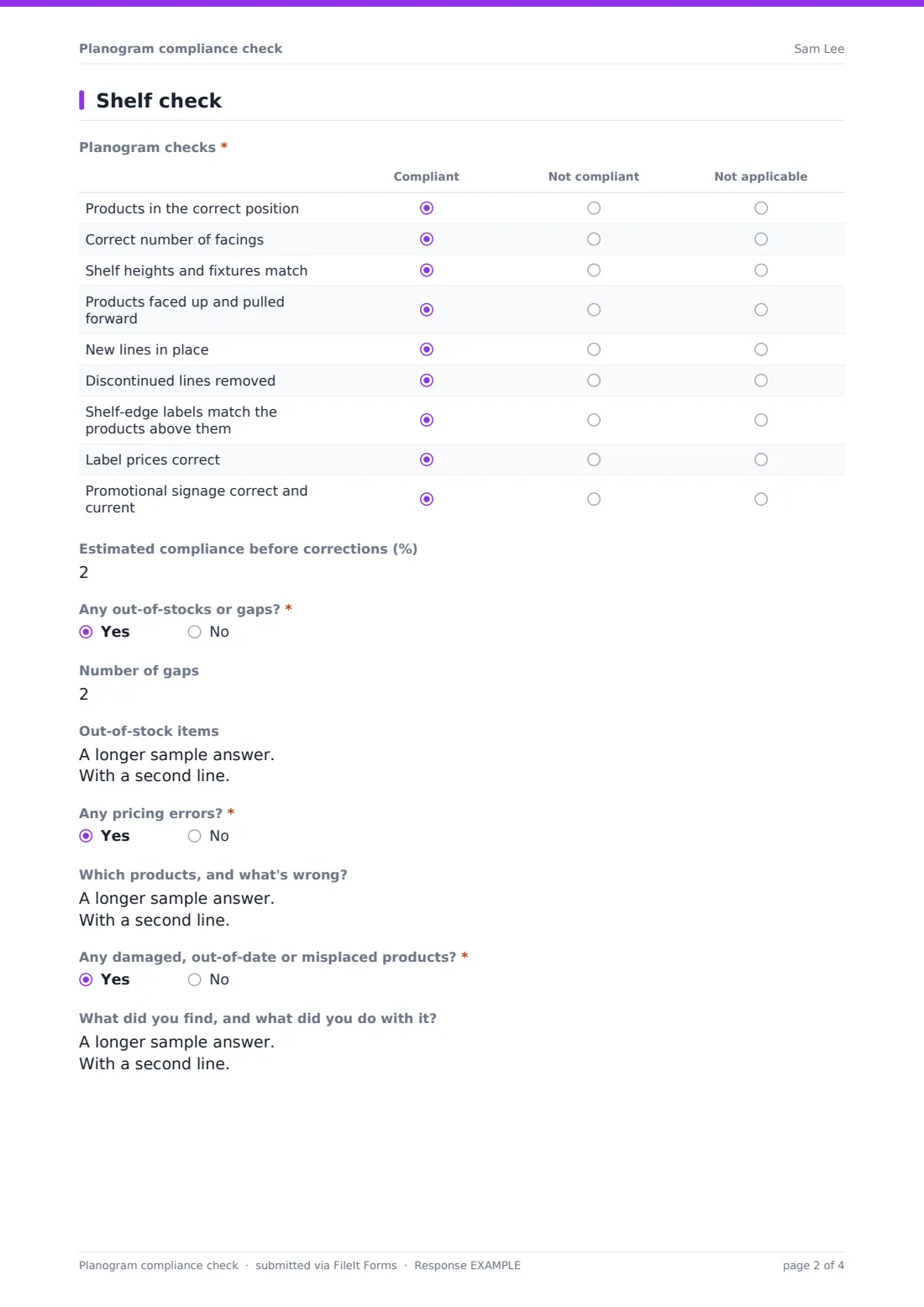
This planogram compliance check records one section per form. The first page identifies who did the check and in what role, the store, date and time, department, aisle or bay, the planogram name and effective date, and requires before photos taken prior to any changes. The second page rates nine checks — position, facings, shelf heights, facing-up, new and discontinued lines, labels, prices and promotional signage — and records estimated compliance, out-of-stocks, pricing errors and damaged or out-of-date products.
The last page covers corrections made during the visit, whether the section is now compliant, what's outstanding and what's needed to finish, after photos and whether the store manager was told. Every check is saved as a PDF in your FileIt vault with its photos attached.
- Best for
- Retailers, merchandising agencies, brand field teams and category managers
- Filled in by
- Store staff, merchandisers or field reps at the shelf
- Time to complete
- About 10–15 minutes per section
- Includes
- Before and after photos, nine-point compliance grid, out-of-stock and pricing follow-ups, and corrections
Who uses a planogram compliance check form?
- Store teams checking a category reset was done correctly
- Merchandising agencies proving shelf work to brand clients
- Brand reps checking their products' position and facings
- Area managers spot-checking compliance across stores
- Logging out-of-stocks and pricing errors for head office
- Recording before and after photos for each visit
Questions on this planogram compliance check form
27 questions over 3 pages · includes file upload, conditional questions, multiple pages, ratings.
1 Store & section
- Your name*
- Your role* Store staff · Merchandiser · Brand or field rep · Store or area manager
- Store*
- Store number
- Date*
- Time
- Department or category*
- Aisle, bay or section*
- Planogram name or version
- Planogram effective date
- Before photos*
2 Shelf check
- Planogram checks* Compliant · Not compliant · Not applicable
- Estimated compliance before corrections (%)
- Any out-of-stocks or gaps?*
- Number of gaps asked only when it applies
- Out-of-stock items asked only when it applies
- Any pricing errors?*
- Which products, and what's wrong? asked only when it applies
- Any damaged, out-of-date or misplaced products?*
- What did you find, and what did you do with it? asked only when it applies
3 Corrections & photos
- Corrections made during the visit
- Is the section now compliant?* Yes, fully · Partly · No
- What's still outstanding, and why?* asked only when it applies
- What's needed to finish? asked only when it applies Stock order for missing lines · New shelf-edge labels · Fixtures or shelving · Updated planogram · Point-of-sale material · More time or staff
- After photos
- Store manager informed?
- Notes
The planogram compliance check form, page by page
1 Store & section
The checker gives their name and role — store staff, merchandiser, brand or field rep, or manager — then the store, store number, date and time. Department or category and aisle, bay or section are required, with the planogram name or version and effective date optional.
Before photos are required, with a reminder to photograph the whole section front-on before changing anything.
2 Shelf check
A required grid marks nine checks as compliant, not compliant or not applicable: position, facings, shelf heights and fixtures, facing up, new lines, discontinued lines, shelf-edge labels, label prices and promotional signage. An estimated compliance percentage before corrections can be added.
Three required yes/no questions cover out-of-stocks or gaps, pricing errors, and damaged, out-of-date or misplaced products. Each yes opens a box for detail; out-of-stocks also ask for the number of gaps and whether stock is in the back room.
3 Corrections & photos
The checker lists corrections made during the visit and says whether the section is now compliant, partly compliant or not. Anything short of fully compliant requires an explanation of what's outstanding and shows a checklist of what's needed — stock orders, labels, fixtures, an updated planogram, POS material or more time.
After photos, whether the store manager was informed, and notes complete the check.
Make the template yours
- Add a dropdown of your categories or store list instead of free text
- Add rows to the grid for checks specific to your format, such as chilled or frozen
- Remove the role question if only one team uses the form
- Send personal links to each merchandiser, prefilled with their name
- File checks in a vault folder per store or per brand client
- Set owner notifications so head office sees pricing errors quickly
Tips for a better planogram compliance check form
- Always take the before photo first — it's the evidence of what was found
- Check the planogram version and effective date before you start
- Look in the back room before recording a gap as out of stock
- Fix pricing errors or report them straight away; they affect customers at the till
- Take after photos from the same angle as the before photos
- Review outstanding items on the next visit to the same section
Every response becomes a PDF in your vault
Each check is saved as a PDF in the vault folder you choose, with the before and after photos attached. Owner notifications email head office or the brand client when a check is submitted.
The Responses table lists every check, so you can find sections still not compliant, review out-of-stocks across stores and export to CSV for reporting.
- Start from this template. It opens in the FileIt Forms designer — change any question, add pages, set the rules for when questions appear.
- Share it. Turn on a public link, or send it to people by email, each with their own link. They don’t need a FileIt account.
- Get the answers as PDFs. Each response is saved as a PDF in the vault folder you choose, with uploaded files attached — and listed in a Responses table you can export to CSV.
Planogram compliance check form: frequently asked questions
Is this template free?
Yes. It's included in the FileIt Forms app on every account, including the free plan, and every question can be edited, removed or added to.
Can it be filled in on a phone in the aisle?
Yes. The form works in a mobile browser, and photos can be taken and uploaded directly from the phone.
How many photos can be uploaded?
Up to 5 before photos and 5 after photos per check, each up to 10 MB.
Does it compare photos against the planogram automatically?
No. The checker compares the shelf with the planogram and records the result; the photos are evidence for review.
Can I attach the planogram itself?
You can add a file upload for the planogram, or put a link to it in the first page's help text.
Should one form cover the whole store?
It's designed for one section at a time, which keeps the photos and findings clear. Submit a form for each section checked.
Can brand reps use it in stores they don't work for?
Yes. Anyone with the link can submit without a FileIt account, and the role question records who did the check.
Can I change the compliance checks?
Yes. Edit the grid rows in the designer to match what your team checks.