What is the meeting agenda item request form template?
Board and committee secretaries spend a lot of time chasing agenda items: a vague email the night before, no background, no papers, and nobody sure whether it's for discussion or a vote. This request form puts the right questions to whoever wants an item on the agenda, so the chair can decide where it goes and the secretary can send papers out on time.
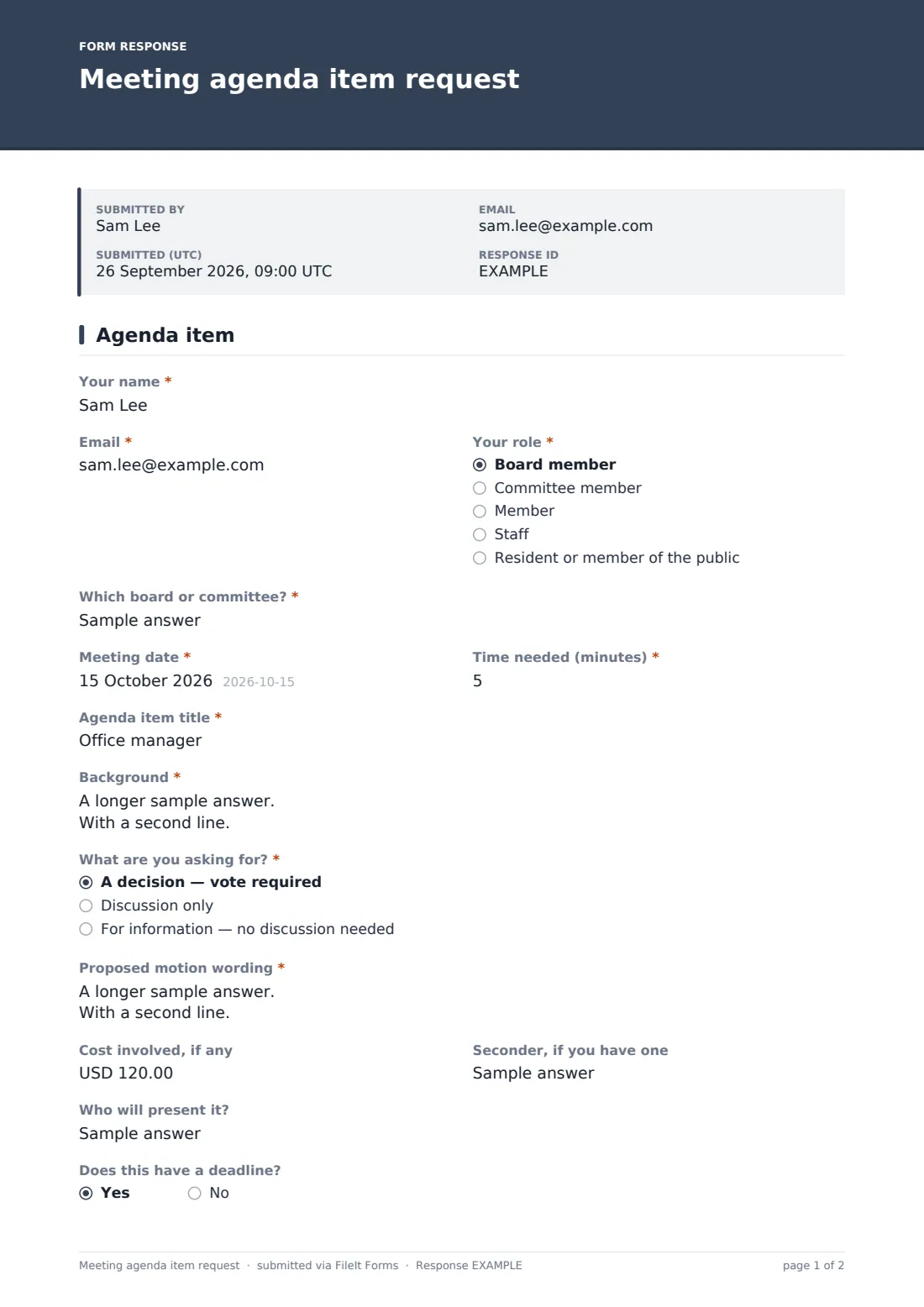
The key question is "What are you asking for?": a decision with a vote, discussion only, or information. Choosing a decision opens the proposed motion wording, with a prompt to start "That the board…", plus any cost involved and a seconder if there is one. Everything else is about planning the meeting — how long the item needs, who will present, whether there's a deadline behind it, and whether it touches a named person or legal matter that the chair might take in a closed part of the meeting.
Each request is saved as a PDF in your FileIt vault with its papers attached, so building the agenda pack is a matter of putting them in order.
- Best for
- Boards, committees, HOAs, nonprofits, clubs, school councils and parish councils
- Filled in by
- Board and committee members, members, staff and the public
- Time to complete
- About 5 minutes
- Includes
- Meeting and date, time needed, title, background, decision sought, motion wording, cost, seconder, deadline, sensitivity flag, supporting papers
Who uses a meeting agenda item request form?
- A nonprofit board collecting items before each monthly meeting
- An HOA letting homeowners request time on the board agenda
- A finance committee receiving spending proposals from staff
- A school council or PTA planning its termly meeting
- A club committee that keeps running out of time on the night
Questions on this meeting agenda item request form
18 questions · includes file upload, conditional questions.
1 Agenda item
- Your name*
- Email*
- Your role* Board member · Committee member · Member · Staff · Resident or member of the public
- Which board or committee?*
- Meeting date*
- Time needed (minutes)*
- Agenda item title*
- Background*
- What are you asking for?* A decision — vote required · Discussion only · For information — no discussion needed
- Proposed motion wording* asked only when it applies
- Cost involved, if any asked only when it applies
- Seconder, if you have one asked only when it applies
- Who will present it?
- Does this have a deadline?
- Deadline asked only when it applies
- What happens then? asked only when it applies
- Does it involve a named person, personnel or legal matters?
- Supporting papers
The meeting agenda item request form, page by page
1 Agenda item
The requester gives their name, email and role, from board member to member of the public, then "Which board or committee?", the meeting date and "Time needed (minutes)" in five-minute steps. The "Agenda item title" is kept short enough to print, and "Background" explains what's happened and why it needs attention now.
"What are you asking for?" offers "A decision — vote required", "Discussion only" or "For information". A vote opens "Proposed motion wording", "Cost involved, if any" and "Seconder, if you have one". The requester names a presenter and answers "Does this have a deadline?", which asks for the date and what happens then. A yes/no flags items involving a named person, personnel or legal matters, and up to five supporting papers can be attached for the meeting pack.
Make the template yours
- Change the roles to match who can request items under your rules
- Set a close date each cycle that matches your agenda deadline
- Add the chair and secretary to the notification list
- Change the currency on the cost field if you're outside the US
- Add a question about which strategic goal the item supports
Tips for a better meeting agenda item request form
- Read the motion wording early; a clear motion saves ten minutes of the meeting
- Add up the time needed across requests before you finalize the agenda
- Put information-only items in a consent agenda or the meeting pack
- Reply to every requester with where their item landed, or why it didn't
- Keep requests with the minutes so you can see where each decision started
Every response becomes a PDF in your vault
Each request is filed as a PDF in the vault folder you pick, with the supporting papers attached to the same document. You get an email notice, and the requester gets a copy if you leave that on.
The Responses table shows every request with search by meeting or topic, and exports to CSV to draft the agenda in order.
- Start from this template. It opens in the FileIt Forms designer — change any question, add pages, set the rules for when questions appear.
- Share it. Turn on a public link, or send it to people by email, each with their own link. They don’t need a FileIt account.
- Get the answers as PDFs. Each response is saved as a PDF in the vault folder you choose, with uploaded files attached — and listed in a Responses table you can export to CSV.
Meeting agenda item request form: frequently asked questions
Is this agenda item request template free?
Yes. It's in the Forms app on every FileIt account, including the free plan.
Does submitting a request put the item on the agenda?
No. The chair or secretary reviews each request and decides what goes on the agenda.
Can members of the public use it?
Yes, if your rules allow. Share the public link; requesters don't need a FileIt account.
Can I use the same form for every meeting?
Yes. Requesters enter the meeting date, so one form can run all year; filter or search the responses by date.
Can papers be attached?
Yes. Up to five files — PDFs, Word, Excel or images — are attached to the request in your vault.