What is the lease violation notice form template?
Most lease problems are fixed with a conversation. When they aren't — the dog that isn't on the lease is still there, the parking space is still blocked — a written notice makes the issue and the expected fix clear to everyone. It also starts a paper trail, which matters if the same thing keeps happening.
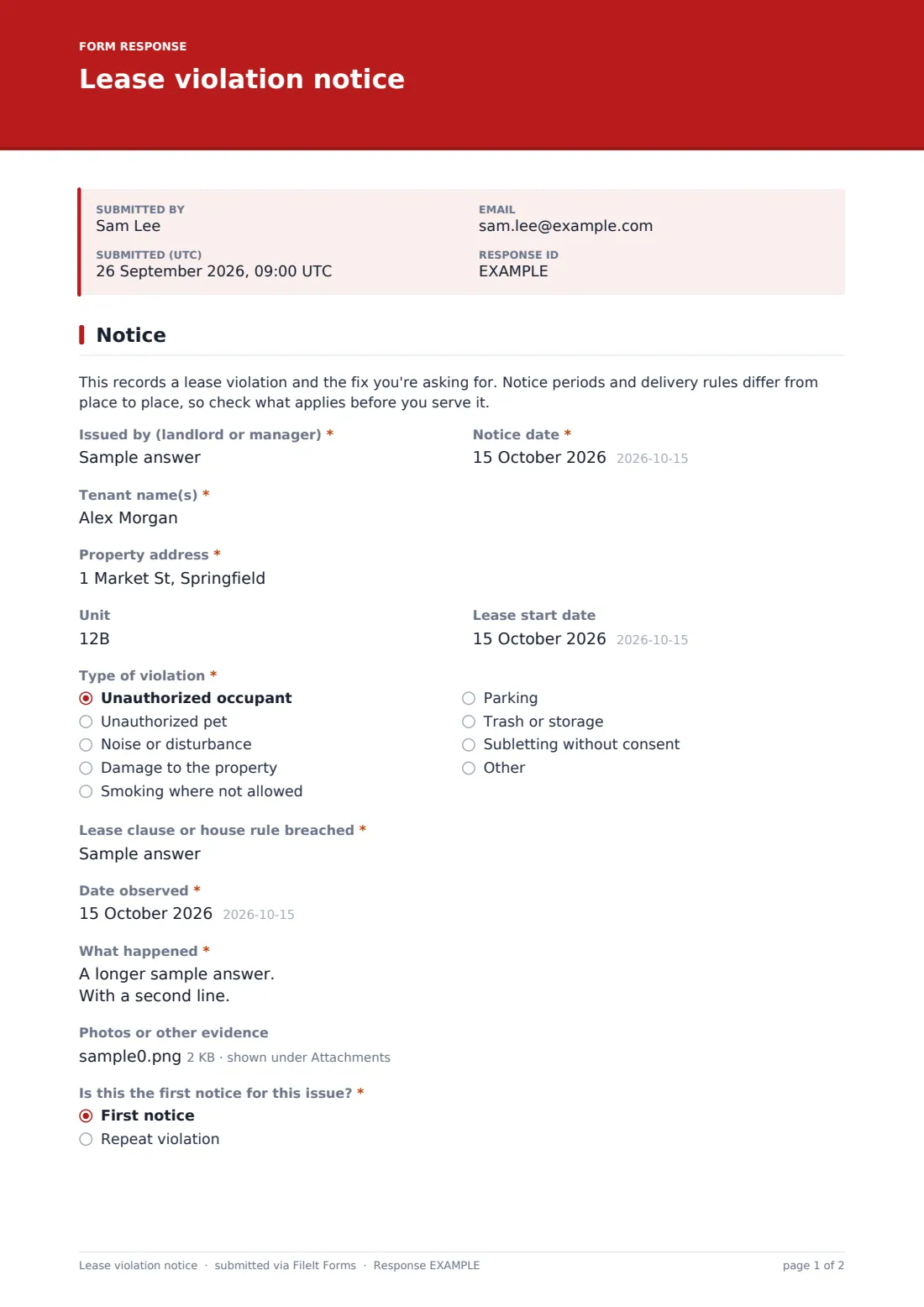
This one-page template is filled in by the landlord or manager. It records the tenant, property, unit and lease start date, then "Type of violation" from a list that includes unauthorized occupants and pets, noise, damage, smoking, parking, trash and subletting, with room for anything else. The "Lease clause or house rule breached" field ties the notice to the exact wording in the lease. "What happened" asks for facts — what was seen or reported, by whom and when — and photos or other evidence can be attached.
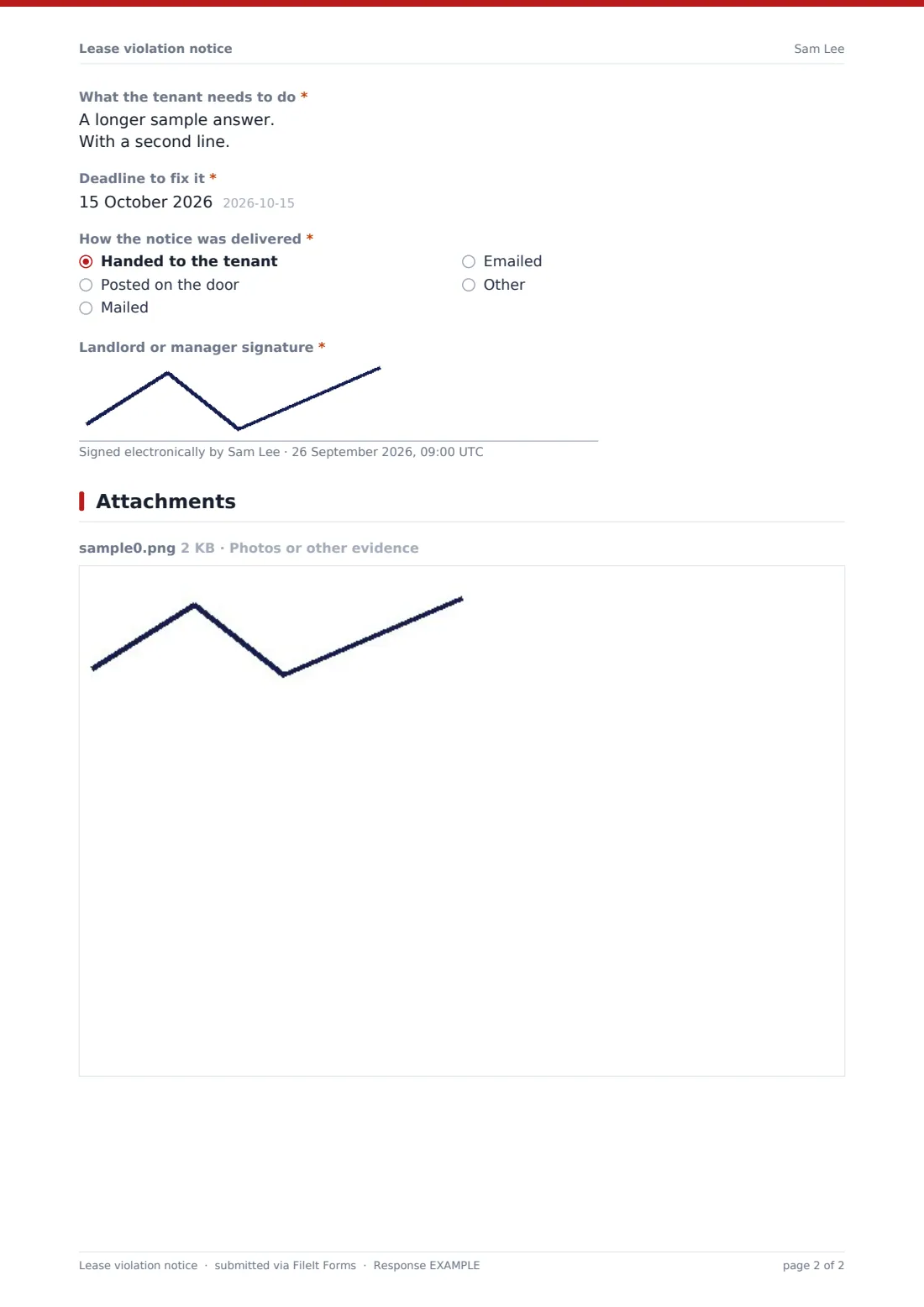
"Is this the first notice for this issue?" changes the form for repeat problems: choose "Repeat violation" and it asks for the dates of earlier notices and how many there were. The notice finishes with "What the tenant needs to do", a "Deadline to fix it", the delivery method and your signature. A short note at the top reminds you that notice periods and delivery rules vary, so check what applies where your property is. Every notice is filed as a PDF in your FileIt vault.
- Best for
- Independent landlords, property managers and building managers
- Filled in by
- The landlord or manager issuing the notice
- Time to complete
- About 5 minutes
- Includes
- Violation type, clause reference, evidence upload, repeat-notice history, remedy, deadline, delivery method and signature
Who uses a lease violation notice form?
- A pet or extra occupant that isn't on the lease
- Repeated noise complaints from neighbours in the building
- Trash, bikes or furniture left in shared hallways
- Smoking in a non-smoking unit or common area
- Parking in someone else's space or on the lawn
- Recording a second or third notice for the same problem
Questions on this lease violation notice form
18 questions · includes signature, file upload, conditional questions.
1 Notice
- Issued by (landlord or manager)*
- Notice date*
- Tenant name(s)*
- Property address*
- Unit
- Lease start date
- Type of violation* Unauthorized occupant · Unauthorized pet · Noise or disturbance · Damage to the property · Smoking where not allowed · Parking · Trash or storage · Subletting without consent
- Lease clause or house rule breached*
- Date observed*
- What happened*
- Photos or other evidence
- Is this the first notice for this issue?* First notice · Repeat violation
- Dates of earlier notices* asked only when it applies
- Number of earlier notices asked only when it applies
- What the tenant needs to do*
- Deadline to fix it*
- How the notice was delivered* Handed to the tenant · Posted on the door · Mailed · Emailed
- Landlord or manager signature*
The lease violation notice form, page by page
1 Notice
The note at the top comes first. Then "Issued by (landlord or manager)", the notice date, "Tenant name(s)", the property address, unit and lease start date. Choose the "Type of violation", name the lease clause or house rule, and give the date observed. "What happened" asks for a factual description, with up to five photos or documents. "Is this the first notice for this issue?" opens "Dates of earlier notices" and a count when you choose repeat violation. Then say what the tenant needs to do and the deadline, how the notice was delivered — handed over, posted on the door, mailed or emailed — and sign.
Make the template yours
- Replace the violation types with the rules in your own leases
- Add a tenant acknowledgement signature if you deliver the notice in person
- Add a question for the next step if the problem isn't fixed
- File notices in a vault folder per property or per tenant
- Copy a property manager or owner on every notice through the notification list
- Rewrite the note at the top for the place your properties are in
Tips for a better lease violation notice form
- Talk to the tenant first if you can — many issues end there
- Quote the lease clause word for word so there's no argument about the rule
- Describe what you saw, not what you think the tenant intended
- Give a deadline the tenant can realistically meet
- Check the notice period and delivery method that apply before serving it
- Diary the deadline and follow up on the day
Every response becomes a PDF in your vault
The signed notice is filed as a PDF in your vault with any evidence attached, and you're emailed a copy. Print it or send the PDF to the tenant, depending on the delivery method you chose.
Search the Responses table by tenant or unit to see every notice for that tenancy, oldest to newest. That history is what the repeat-violation questions ask for next time.
- Start from this template. It opens in the FileIt Forms designer — change any question, add pages, set the rules for when questions appear.
- Share it. Turn on a public link, or send it to people by email, each with their own link. They don’t need a FileIt account.
- Get the answers as PDFs. Each response is saved as a PDF in the vault folder you choose, with uploaded files attached — and listed in a Responses table you can export to CSV.
Lease violation notice form: frequently asked questions
Is this lease violation notice template free?
Yes. It's a starter template in FileIt's Forms app, available on every plan including free.
Is this a legal eviction notice?
No. It records a breach and the fix you're asking for. Formal notices often have set wording and timelines depending on where you are, so check the local rules or ask a professional.
Does the tenant fill anything in?
No. The landlord or manager completes it. You can add a tenant signature in the designer if you want an acknowledgement.
How do I record a repeat problem?
Choose "Repeat violation" and the form asks for the dates of earlier notices and how many there were.
Can I attach photos?
Yes, up to five photos or documents per notice.