What is the eye exam intake form template?
A rushed few minutes on a clipboard in the waiting room rarely captures a patient's full vision history. This eye exam intake form template asks the same questions an optometrist or optician would ask at the start of an appointment — reason for the visit, symptoms, glasses and contact lens habits, screen time, and relevant health and family history — but lets the patient answer them calmly at home beforehand.
Putting this online instead of on paper means nothing is illegible, nothing gets left blank by accident, and the practice doesn't need to transcribe handwriting into a record afterwards. Conditional logic also means the form can react to what a patient says: mention flashes of light, for example, and the form immediately surfaces guidance about seeking prompt care rather than waiting.
Every completed intake becomes a PDF, filed automatically in the patient's folder in your FileIt vault, so it's sitting there ready to open before the appointment starts — no printing, faxing or scanning required.
- Best for
- Optometry and ophthalmology practices, opticians
- Filled in by
- The patient, or a parent/guardian for a child
- Time to complete
- About 4 minutes
- Includes
- Conditional symptom follow-up, urgent-symptom alert, health and family history
Who uses a eye exam intake form?
- A new patient fills this in before their first appointment at an optometry practice
- An existing patient updates their history ahead of an annual check-up
- A patient booking specifically for a contact lens fitting completes the lens-related questions
- Someone needing an eye test for driving or work certification gives the reason up front
- A practice screens incoming patients for symptoms that need a same-day rather than routine slot
- A patient with a family history of eye conditions flags it so the optometrist can look more closely
Questions on this eye exam intake form
23 questions over 4 pages · includes conditional questions, multiple pages, consent checkbox.
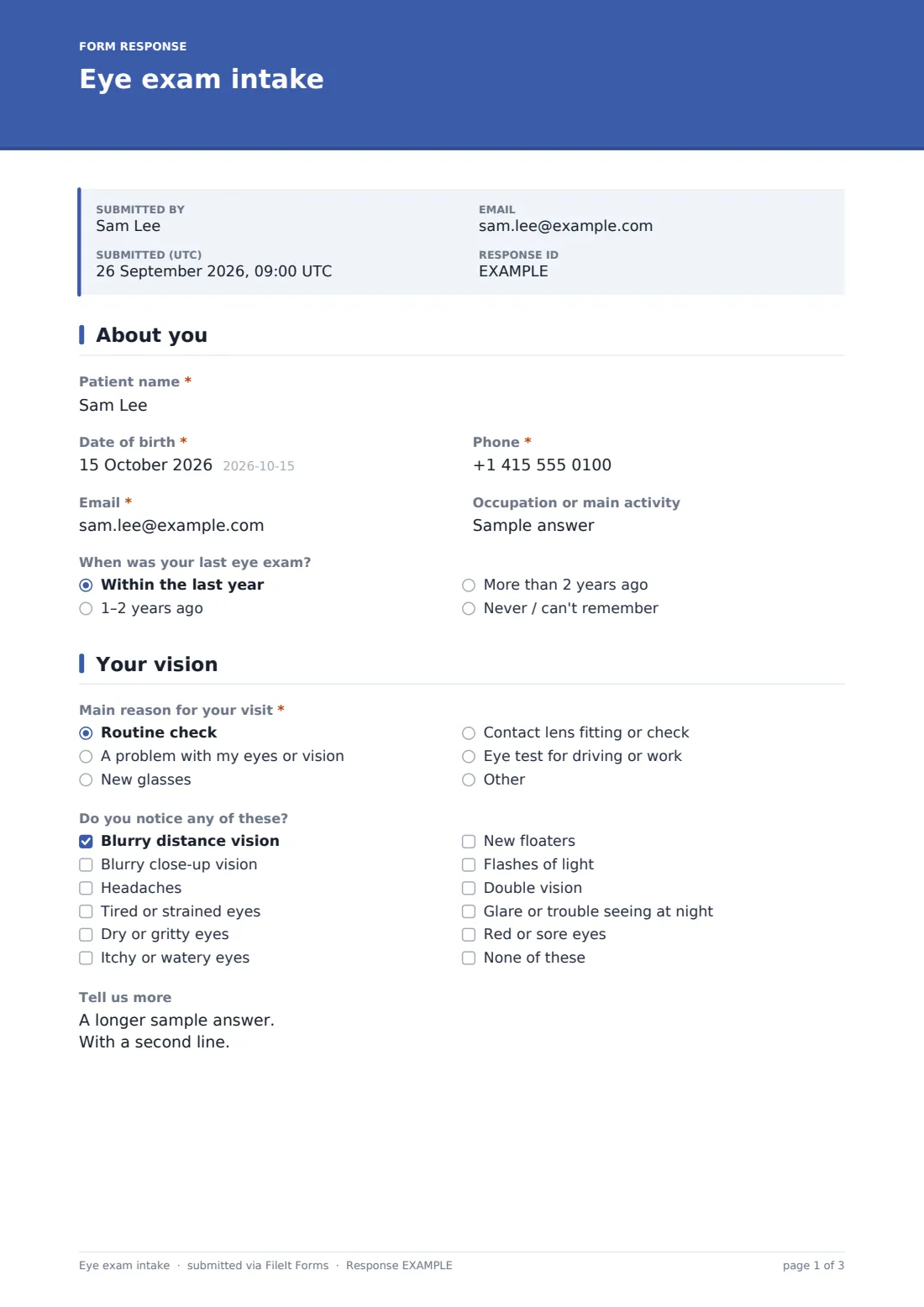
1 About you
- Patient name*
- Date of birth*
- Phone*
- Email*
- Occupation or main activity
- When was your last eye exam? Within the last year · 1–2 years ago · More than 2 years ago · Never / can't remember
2 Your vision
- Main reason for your visit* Routine check · A problem with my eyes or vision · New glasses · Contact lens fitting or check · Eye test for driving or work
- Do you notice any of these? Blurry distance vision · Blurry close-up vision · Headaches · Tired or strained eyes · Dry or gritty eyes · Itchy or watery eyes · New floaters · Flashes of light · Double vision · Glare or trouble seeing at night · Red or sore eyes · None of these
- Tell us more asked only when it applies
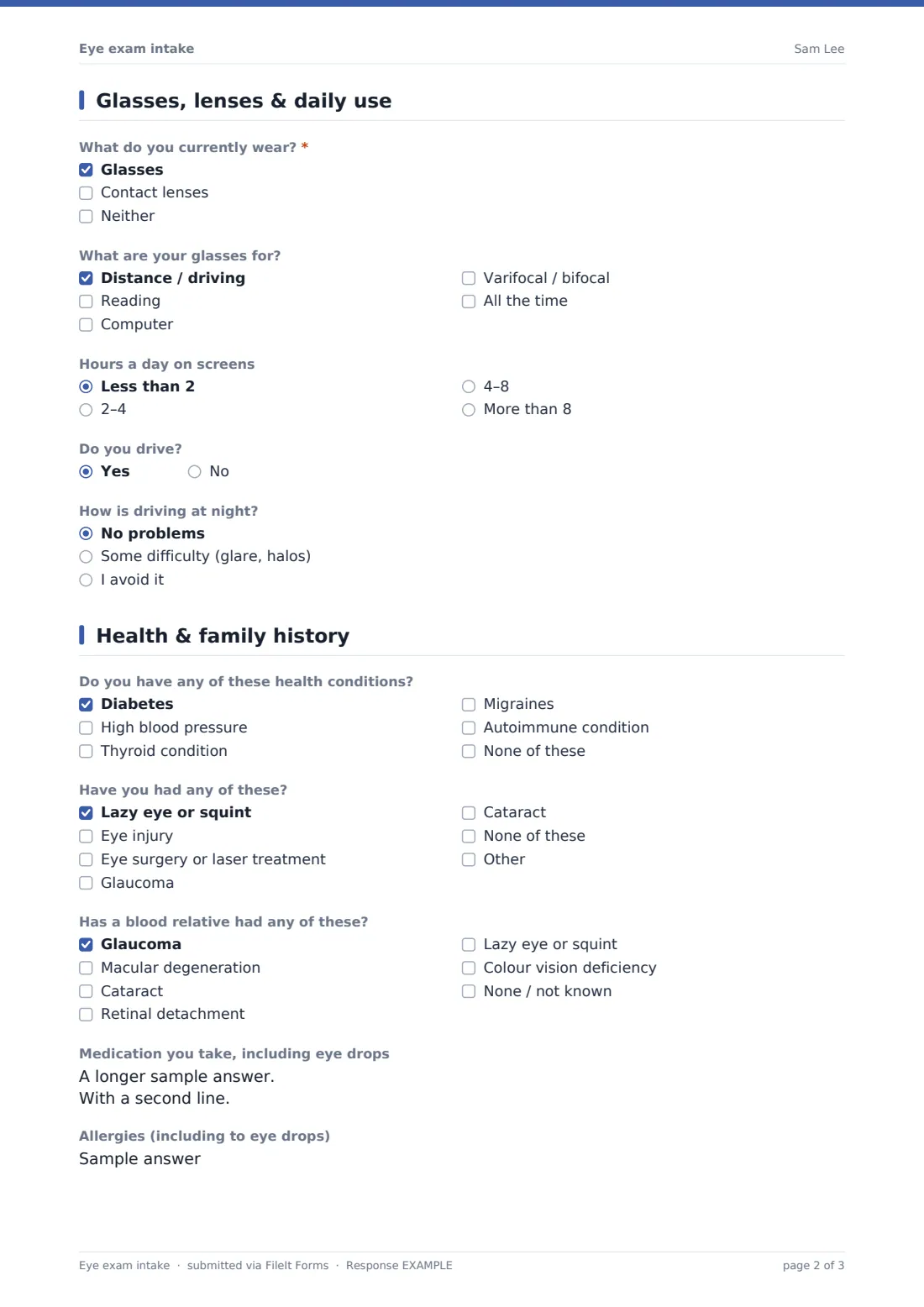
3 Glasses, lenses & daily use
- What do you currently wear?* Glasses · Contact lenses · Neither
- What are your glasses for? asked only when it applies Distance / driving · Reading · Computer · Varifocal / bifocal · All the time
- Type of contact lenses asked only when it applies Daily disposable · Two-weekly or monthly · Rigid gas permeable · Other / not sure
- Hours a day you wear them asked only when it applies
- Any problems with your lenses? asked only when it applies
- Hours a day on screens Less than 2 · 2–4 · 4–8 · More than 8
- Do you drive?
- How is driving at night? asked only when it applies No problems · Some difficulty (glare, halos) · I avoid it
4 Health & family history
- Do you have any of these health conditions? Diabetes · High blood pressure · Thyroid condition · Migraines · Autoimmune condition · None of these
- Have you had any of these? Lazy eye or squint · Eye injury · Eye surgery or laser treatment · Glaucoma · Cataract · None of these
- Has a blood relative had any of these? Glaucoma · Macular degeneration · Cataract · Retinal detachment · Lazy eye or squint · Colour vision deficiency · None / not known
- Medication you take, including eye drops
- Allergies (including to eye drops)
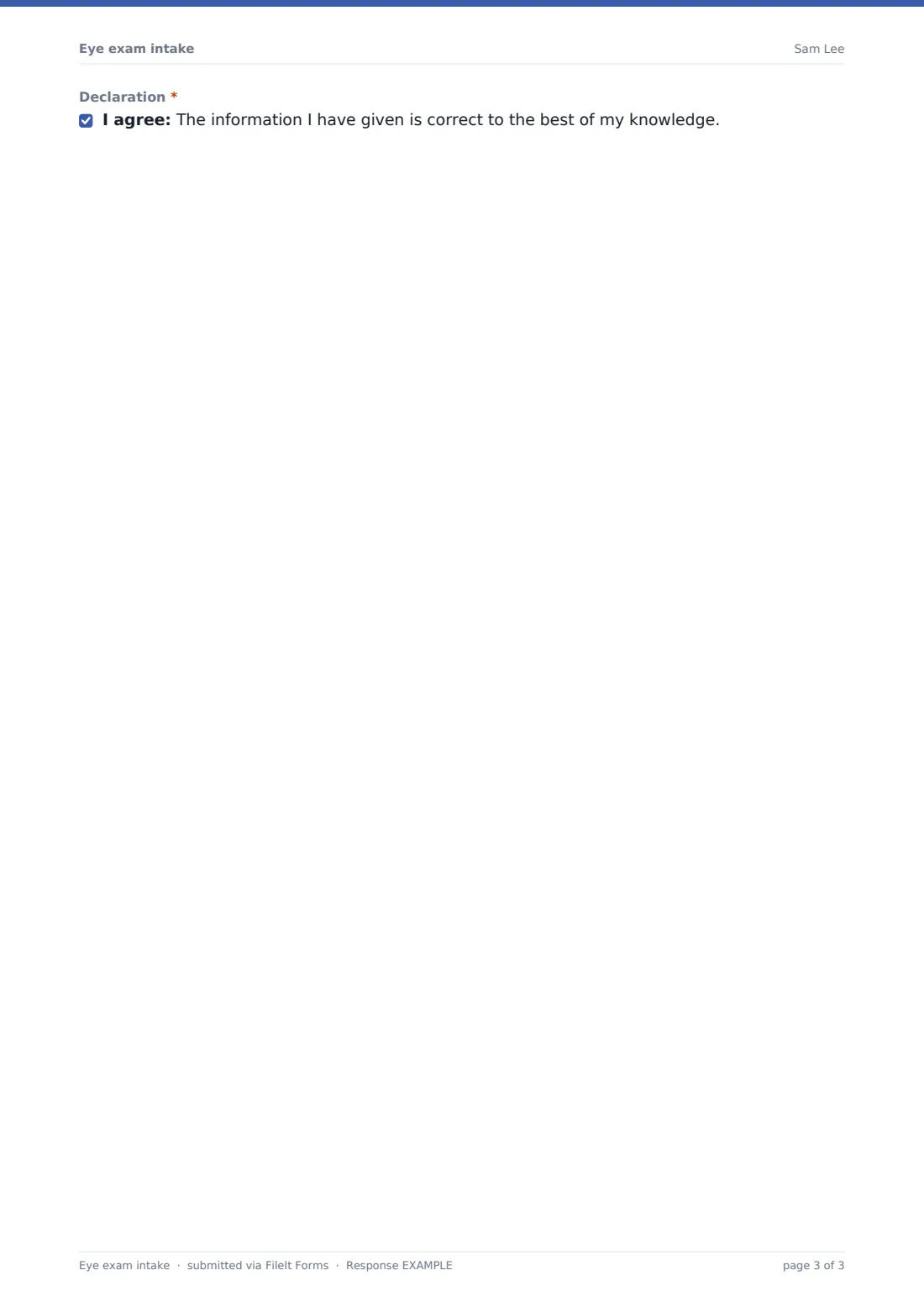
- Declaration*
The eye exam intake form, page by page
1 About you
The form starts with Patient name, Date of birth, Phone and Email, plus an optional Occupation or main activity — useful context, since a driver and a graphic designer have different visual demands. A When was your last eye exam dropdown (within the last year, 1–2 years ago, more than 2 years ago, or never / can't remember) helps the practice judge how overdue a check is.
2 Your vision
A Main reason for your visit question (routine check, a problem with vision, new glasses, contact lens fitting or check, or a driving/work test, with room to add another reason) sets the tone for the appointment. A Do you notice any of these checkbox list covers common symptoms like blurry distance or close-up vision, headaches, strained or dry eyes, floaters, flashes, double vision, glare at night, or red eyes.
Here the conditional logic matters: ticking 'flashes of light' immediately shows a plain-language note that new flashes or floaters, or a curtain across the vision, can need prompt attention and that the patient should call the practice or seek urgent care rather than wait. Ticking any symptom also opens a Tell us more box asking which eye, when it started, and whether it comes and goes.
3 Glasses, lenses & daily use
What do you currently wear (glasses, contact lenses or neither) branches the form: choosing glasses reveals what they're for — distance/driving, reading, computer, varifocals or all the time — while choosing contacts reveals lens type, hours worn per day and any problems noticed. Everyone answers Hours a day on screens and Do you drive, and driving yes reveals a question about night driving, glare and halos.
4 Health & family history
The final page covers health conditions that can affect the eyes (diabetes, high blood pressure, thyroid conditions, migraines, autoimmune conditions), personal eye history (lazy eye, injury, surgery, glaucoma, cataract) and family history of glaucoma, macular degeneration, cataract, retinal detachment or colour vision deficiency. Medication (including eye drops) and allergies round out the picture, and a declaration confirms the answers are accurate.
Make the template yours
- Add or remove symptoms from the checkbox list to match the conditions your practice most often screens for
- Change the urgent-symptom note's wording to match your own practice's advice and phone number
- Add a question about preferred appointment times if you also use this form to help schedule
- Set the vault folder so intakes file under the right family member for households with several patients
- Add an insurance or vision plan field on the About you page if that's part of your check-in process
- Turn on an email copy to the patient so they have a record of what they told the practice
Tips for a better eye exam intake form
- Keep the urgent-symptom note visible but calm — the aim is to prompt a phone call, not alarm the patient
- Only ask about health conditions that genuinely inform an eye exam, to keep the form focused and quick
- Remind patients in the confirmation message to bring their current glasses or lens box to the appointment
- Review flagged symptoms (like flashes) before the appointment rather than waiting to read the form on the day
- This form is a starting point for gathering history, not a substitute for a professional eye examination or medical advice — always have the optometrist confirm findings directly with the patient
Every response becomes a PDF in your vault
The moment a patient submits their intake, FileIt turns every answer into a PDF and saves it in the vault folder you've set up — typically filed under that patient or family member, so it sits alongside any previous visit records. You get an email notification straight away, and can choose to send the patient a copy for their own reference too.
Practices typically open the Responses table shortly before the day's appointments to skim through anything flagged, such as new symptoms or a family history of a condition, so the optometrist starts the consultation already informed. Because it's stored as a PDF in the vault, it stays with the patient's other paperwork for future reference rather than sitting in an inbox.
- Start from this template. It opens in the FileIt Forms designer — change any question, add pages, set the rules for when questions appear.
- Share it. Turn on a public link, or send it to people by email, each with their own link. They don’t need a FileIt account.
- Get the answers as PDFs. Each response is saved as a PDF in the vault folder you choose, with uploaded files attached — and listed in a Responses table you can export to CSV.
Eye exam intake form: frequently asked questions
Is this eye exam intake form template free?
Yes — it's included with the Forms app on every FileIt account, including the free plan, and you can edit every question to suit your practice.
Do patients need a FileIt account to fill it in?
No. Send the link by email or publish it for patients to complete before their appointment; no account is needed on their end.
How do we get patient intakes as PDFs?
Each submission is automatically converted to a PDF and filed in your FileIt vault, ready to open before the appointment.
Does this form replace a professional eye examination?
No. It only gathers history and symptoms for the optometrist to review — the actual examination, diagnosis and any advice still happen with a qualified professional.
What happens if a patient reports flashes or floaters on the form?
The form shows them a note suggesting they call the practice or seek prompt care rather than wait for their scheduled appointment, since these can occasionally need urgent attention.
Can this be used for a child's eye exam?
Yes — a parent or guardian can complete it on the child's behalf; just adjust the wording if you want it addressed to parents.
Can we ask about insurance or a vision plan on this form?
You can add a field for that in the designer if it's part of your check-in process; it isn't included by default.