What is the college application checklist form template?
Applying to college means keeping a dozen moving parts straight for several schools at once. Early action here, regular decision there, a supplement that's due a week before the main deadline, a teacher you still need to ask for a letter. A notes app full of half-finished lists doesn't show you what's actually left.
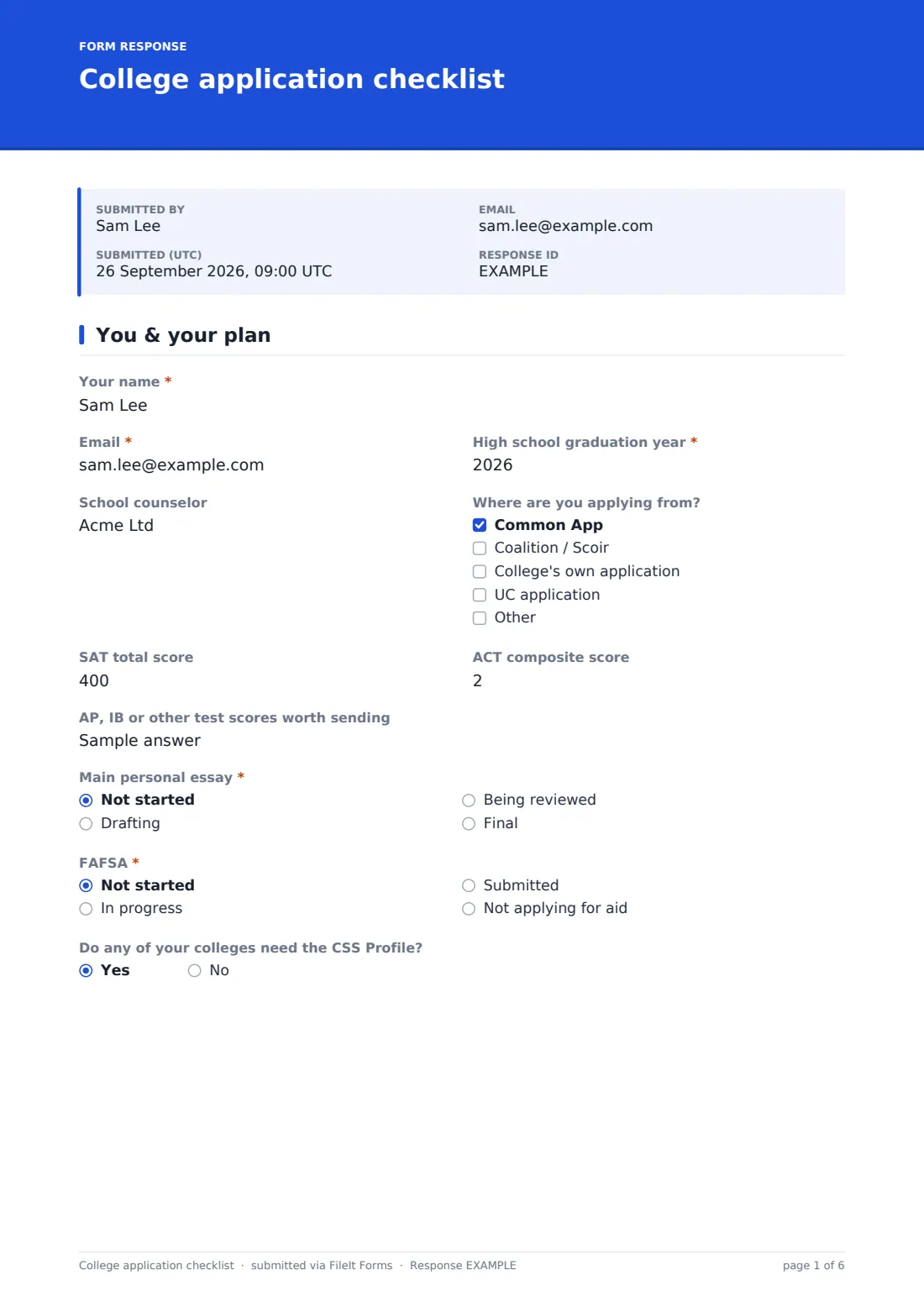
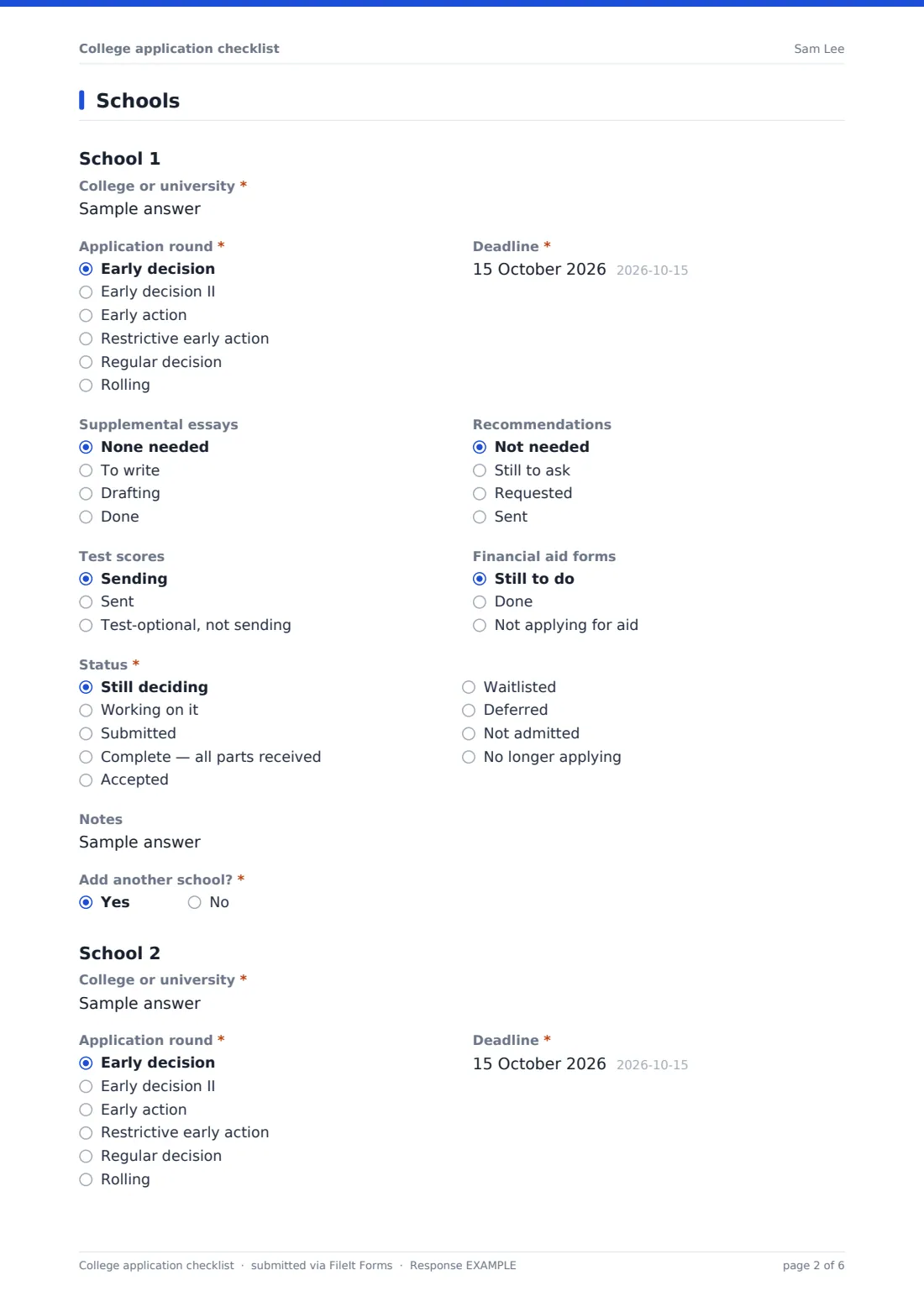
This checklist puts the whole picture on one form. The first page covers what applies everywhere: graduation year, counselor, SAT and ACT scores, the main personal essay, the FAFSA and the CSS Profile. The second page repeats the same short section for each school: the "Application round", the "Deadline", supplemental essays, recommendations, test scores, aid forms and "Status". Answering "Add another school?" opens the next one, up to six, with a box for any more.
Fill it in again whenever things change. Each submission is saved as a dated PDF in your FileIt vault, so you, a parent or a counselor can see how the list has moved from first draft to final decisions.
- Best for
- High school juniors and seniors, and the families and counselors helping them
- Filled in by
- The student, or a parent working through the list with them
- Time to complete
- 10 minutes the first time, a few minutes for each update
- Includes
- Up to six schools with a repeating section, score fields and aid-form status
Who uses a college application checklist form?
- A senior keeping one up-to-date snapshot of every application
- A school counselor asking each advisee to submit their list before a check-in meeting
- A parent and student reviewing deadlines together each Sunday
- A college access program tracking where each student stands in the cycle
- Keeping the final decisions on file for scholarship and transcript requests later
Questions on this college application checklist form
72 questions over 2 pages · includes conditional questions, multiple pages.
1 You & your plan
- Your name*
- Email*
- High school graduation year*
- School counselor
- Where are you applying from? Common App · Coalition / Scoir · College's own application · UC application
- SAT total score
- ACT composite score
- AP, IB or other test scores worth sending
- Main personal essay* Not started · Drafting · Being reviewed · Final
- FAFSA* Not started · In progress · Submitted · Not applying for aid
- Do any of your colleges need the CSS Profile?
2 Schools
- College or university*
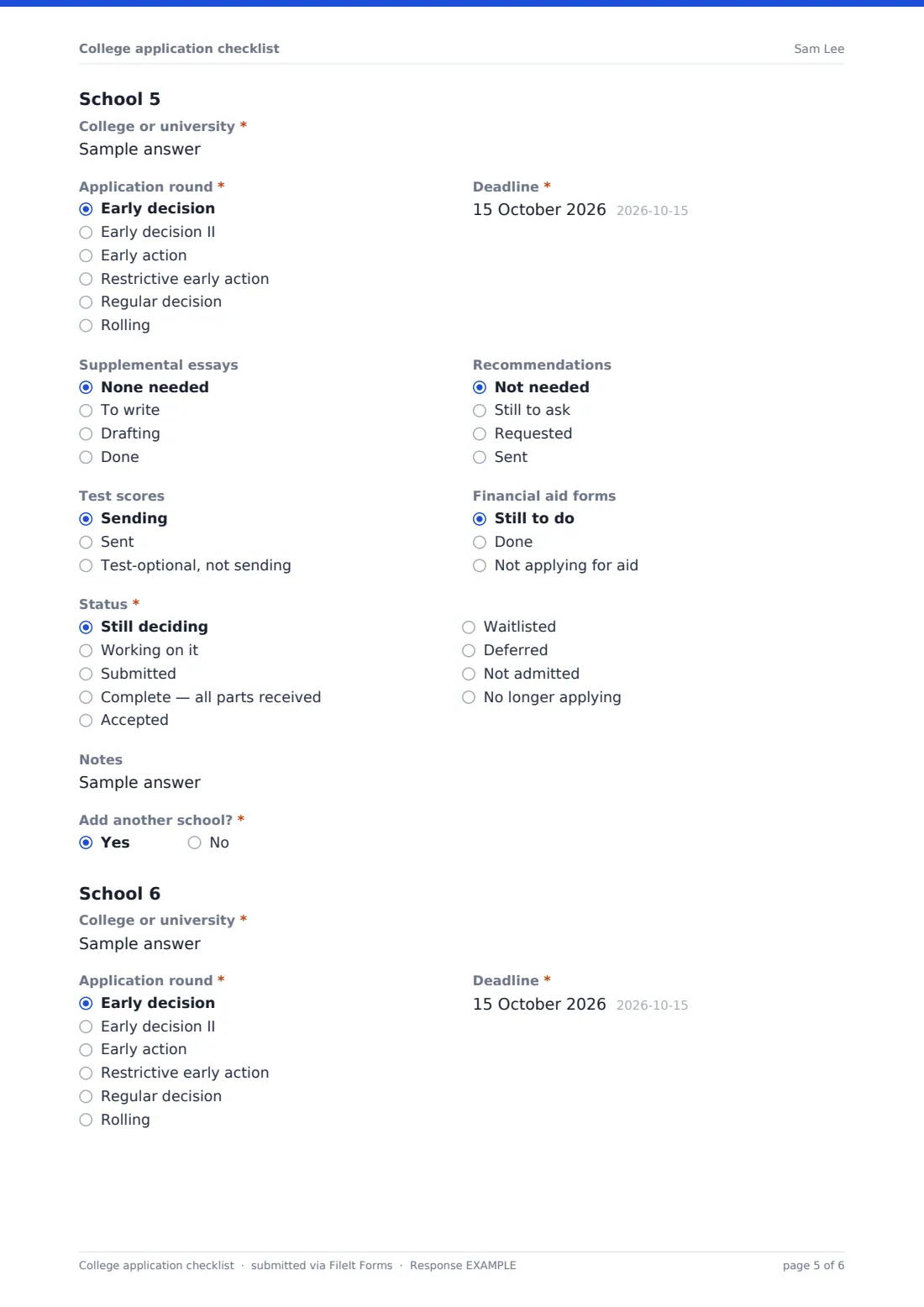
- Application round* Early decision · Early decision II · Early action · Restrictive early action · Regular decision · Rolling
- Deadline*
- Supplemental essays None needed · To write · Drafting · Done
- Recommendations Not needed · Still to ask · Requested · Sent
- Test scores Sending · Sent · Test-optional, not sending
- Financial aid forms Still to do · Done · Not applying for aid
- Status* Still deciding · Working on it · Submitted · Complete — all parts received · Accepted · Waitlisted · Deferred · Not admitted · No longer applying
- Notes
- Add another school?*
- College or university* asked only when it applies
- Application round* asked only when it applies Early decision · Early decision II · Early action · Restrictive early action · Regular decision · Rolling
- Deadline* asked only when it applies
- Supplemental essays asked only when it applies None needed · To write · Drafting · Done
- Recommendations asked only when it applies Not needed · Still to ask · Requested · Sent
- Test scores asked only when it applies Sending · Sent · Test-optional, not sending
- Financial aid forms asked only when it applies Still to do · Done · Not applying for aid
- Status* asked only when it applies Still deciding · Working on it · Submitted · Complete — all parts received · Accepted · Waitlisted · Deferred · Not admitted · No longer applying
- Notes asked only when it applies
- Add another school?* asked only when it applies
- College or university* asked only when it applies
- Application round* asked only when it applies Early decision · Early decision II · Early action · Restrictive early action · Regular decision · Rolling
- Deadline* asked only when it applies
- Supplemental essays asked only when it applies None needed · To write · Drafting · Done
- Recommendations asked only when it applies Not needed · Still to ask · Requested · Sent
- Test scores asked only when it applies Sending · Sent · Test-optional, not sending
- Financial aid forms asked only when it applies Still to do · Done · Not applying for aid
- Status* asked only when it applies Still deciding · Working on it · Submitted · Complete — all parts received · Accepted · Waitlisted · Deferred · Not admitted · No longer applying
- Notes asked only when it applies
- Add another school?* asked only when it applies
- College or university* asked only when it applies
- Application round* asked only when it applies Early decision · Early decision II · Early action · Restrictive early action · Regular decision · Rolling
- Deadline* asked only when it applies
- Supplemental essays asked only when it applies None needed · To write · Drafting · Done
- Recommendations asked only when it applies Not needed · Still to ask · Requested · Sent
- Test scores asked only when it applies Sending · Sent · Test-optional, not sending
- Financial aid forms asked only when it applies Still to do · Done · Not applying for aid
- Status* asked only when it applies Still deciding · Working on it · Submitted · Complete — all parts received · Accepted · Waitlisted · Deferred · Not admitted · No longer applying
- Notes asked only when it applies
- Add another school?* asked only when it applies
- College or university* asked only when it applies
- Application round* asked only when it applies Early decision · Early decision II · Early action · Restrictive early action · Regular decision · Rolling
- Deadline* asked only when it applies
- Supplemental essays asked only when it applies None needed · To write · Drafting · Done
- Recommendations asked only when it applies Not needed · Still to ask · Requested · Sent
- Test scores asked only when it applies Sending · Sent · Test-optional, not sending
- Financial aid forms asked only when it applies Still to do · Done · Not applying for aid
- Status* asked only when it applies Still deciding · Working on it · Submitted · Complete — all parts received · Accepted · Waitlisted · Deferred · Not admitted · No longer applying
- Notes asked only when it applies
- Add another school?* asked only when it applies
- College or university* asked only when it applies
- Application round* asked only when it applies Early decision · Early decision II · Early action · Restrictive early action · Regular decision · Rolling
- Deadline* asked only when it applies
- Supplemental essays asked only when it applies None needed · To write · Drafting · Done
- Recommendations asked only when it applies Not needed · Still to ask · Requested · Sent
- Test scores asked only when it applies Sending · Sent · Test-optional, not sending
- Financial aid forms asked only when it applies Still to do · Done · Not applying for aid
- Status* asked only when it applies Still deciding · Working on it · Submitted · Complete — all parts received · Accepted · Waitlisted · Deferred · Not admitted · No longer applying
- Notes asked only when it applies
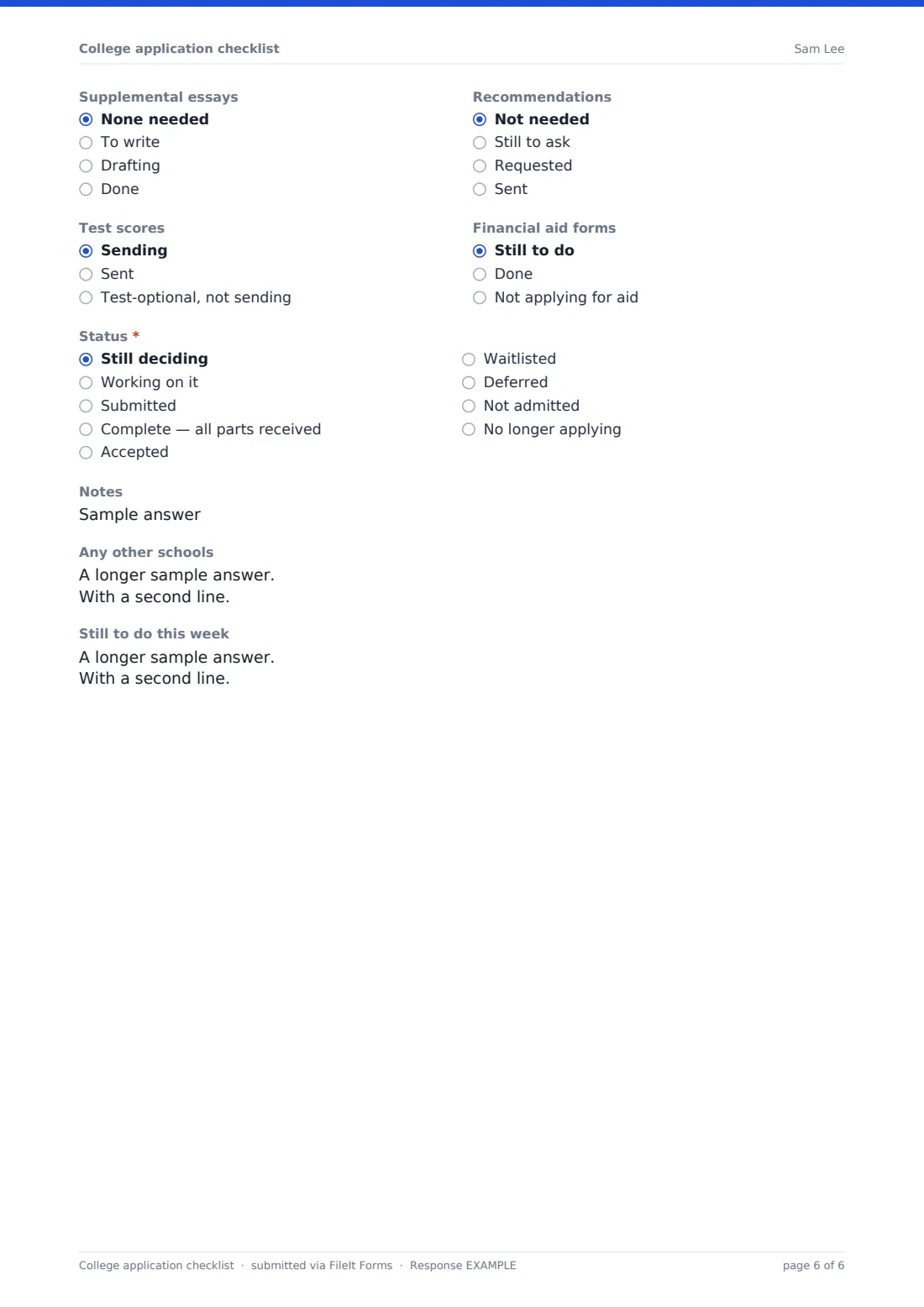
- Any other schools asked only when it applies
- Still to do this week
The college application checklist form, page by page
1 You & your plan
The student gives their name, email and "High school graduation year", which must be a four-digit year. An optional "School counselor" field and "Where are you applying from?" (Common App, Coalition / Scoir, the college's own application or the UC application) come next. "SAT total score" and "ACT composite score" are optional and only accept real score ranges. A box for AP, IB or other scores follows. Two required questions set the baseline: "Main personal essay" (not started through final) and "FAFSA". A last yes/no asks whether any college needs the CSS Profile.
2 Schools
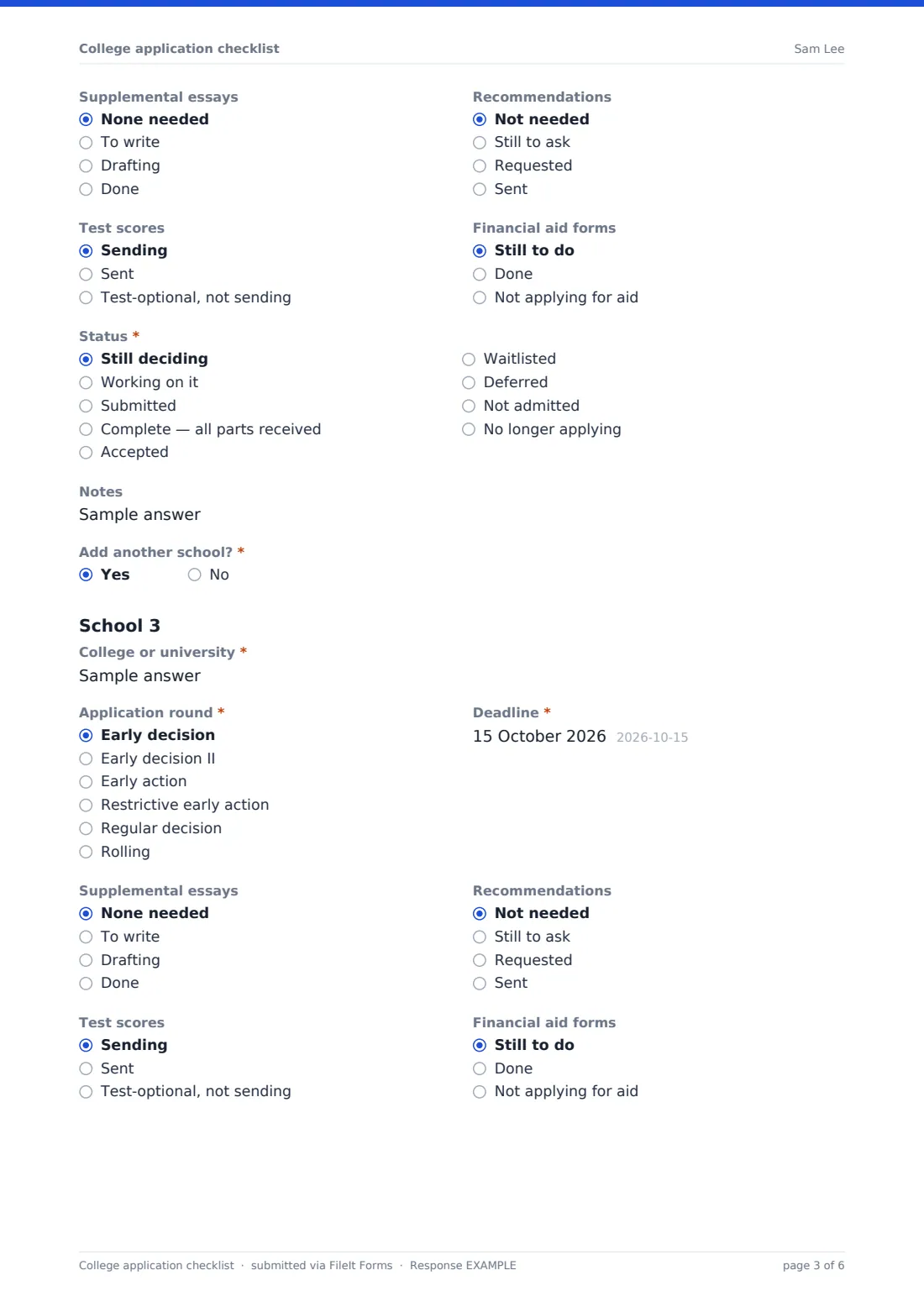
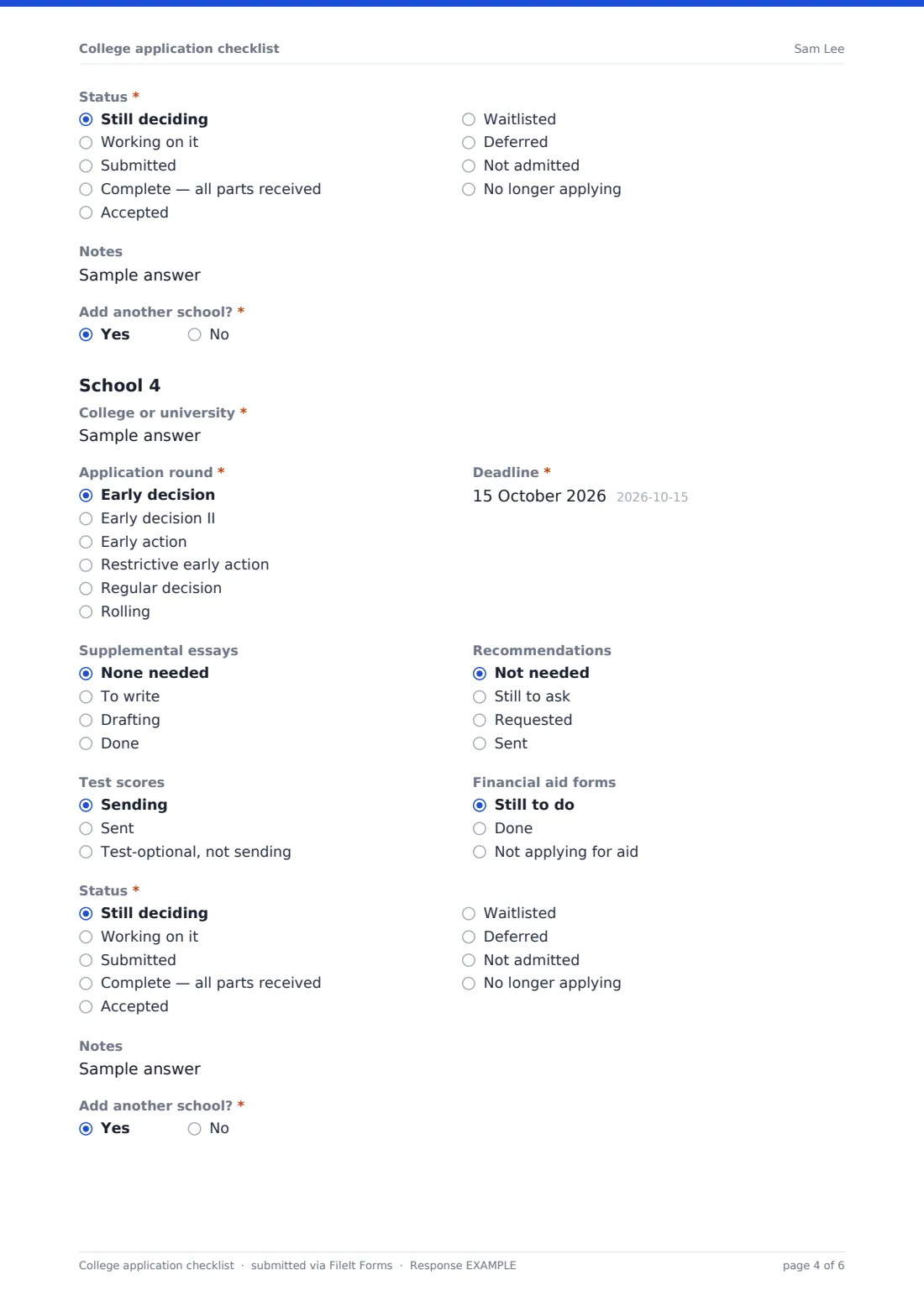
Each school starts with a heading and the same set of questions: "College or university", "Application round" (early decision, early decision II, early action, restrictive early action, regular decision or rolling), "Deadline", and quick status choices for "Supplemental essays", "Recommendations", "Test scores" and "Financial aid forms". "Status" runs from "Still deciding" to submitted, complete, and the decision itself: accepted, waitlisted, deferred or not admitted. A short "Notes" line covers things like interview dates. A required "Add another school?" after each one opens the next, up to six. After the sixth, "Any other schools" takes the rest. The page closes with "Still to do this week".
Make the template yours
- Raise the number of schools by copying a school's questions in the designer and linking them to a new "Add another school?"
- Add a scholarship deadline field to each school if merit aid matters to your students
- Remove the SAT and ACT fields for a cohort applying mostly test-optional
- Swap the application platforms for the ones used in your country, such as UCAS
- Add the counselor's email to notifications so every update reaches them
- File each student's updates in a folder named for them, so the history stays together
Tips for a better college application checklist form
- Submit a fresh copy each time a status changes. The dated PDFs become a timeline of your applications
- List schools in deadline order so the most urgent one is always School 1
- Ask for recommendations at least a month before the earliest deadline
- Use the Notes line for portal logins you need to check, never for passwords
- Choose "Complete — all parts received" only once the college's portal confirms it
Every response becomes a PDF in your vault
Each update is saved as a PDF titled with your name and the date, in the vault folder the form owner chose. If a counselor or parent set the form up, they get an email each time you submit, and you can get a copy of your own.
Over the application season the Responses table shows every version in order. A counselor managing several students can export the CSV to see, at a glance, who has an early deadline coming up and whose recommendations are still outstanding.
- Start from this template. It opens in the FileIt Forms designer — change any question, add pages, set the rules for when questions appear.
- Share it. Turn on a public link, or send it to people by email, each with their own link. They don’t need a FileIt account.
- Get the answers as PDFs. Each response is saved as a PDF in the vault folder you choose, with uploaded files attached — and listed in a Responses table you can export to CSV.
College application checklist form: frequently asked questions
How many colleges can I track?
Six in full, one section each, plus an "Any other schools" box for the rest. The form owner can add more sections in the designer.
Should I fill it in once or keep updating it?
Keep updating it. Each submission is a dated snapshot, so it's easy to see what changed between versions. Multiple responses are turned on by default.
Can my counselor see my checklist?
If your counselor shares the form with you, every submission goes to their FileIt account. If you set it up yourself, it stays in your own vault unless you share it.
Does it remind me about deadlines?
No. The form records your deadlines but doesn't send reminders for them. Keep your own calendar alongside it.
Is it free?
Yes. It's a starter template in the FileIt Forms app, included on every account, including the free plan.
Can I change the status options?
Yes. Every dropdown, radio list and label can be edited in the Forms designer.