What is the code review checklist form template?
Most code review happens in the pull request, and that's where comments belong. But some teams also need a consistent checklist: to train new reviewers, to show that security was considered on sensitive changes, or to keep an auditable record of who reviewed what for a regulated system or a customer audit.
This form covers the pull request and its risk, then three grids: correctness and tests, security, and performance, readability and documentation, each item marked OK, needs work or N/A. A separate question asks whether there are any security concerns, and a yes requires details.
The reviewer records a decision, blocking issues when changes are requested, non-blocking suggestions, what was done well, time spent and any follow-up ticket. Each review is saved as a PDF in your FileIt vault.
- Best for
- Engineering teams that want a consistent or auditable review record
- Filled in by
- The reviewer of a pull or merge request
- Time to complete
- About 3-5 minutes on top of the review
- Includes
- Change type and risk, 17 checklist items in three grids, security concern follow-up, decision, blocking issues and suggestions
Who uses a code review checklist form?
- Training new reviewers on what to look for
- Recording reviews of changes to regulated or safety-related software
- Security-focused reviews of authentication or payment code
- Evidence of peer review for a customer or certification audit
- Agencies documenting review before delivery to a client
- Reviewing contributions from outside the core team
Questions on this code review checklist form
21 questions over 3 pages · includes conditional questions, multiple pages, ratings.
1 Pull request
- Reviewer*
- Review date*
- Repository*
- Pull request number or link*
- Author
- Linked ticket or issue
- Type of change* New feature · Bug fix · Refactor · Dependency update · Configuration or infrastructure · Database migration · Tests only · Documentation
- Size Small · Medium · Large — consider splitting
- Risk if it goes wrong Low · Medium · High
2 Checklist
- Correctness & tests* OK · Needs work · N/A
- Security* OK · Needs work · N/A
- Any security concerns to raise?*
- Security concern details* asked only when it applies
- Performance, readability & documentation* OK · Needs work · N/A
3 Decision & comments
- Decision* Approve · Approve with minor comments · Request changes · Needs discussion or another reviewer
- Blocking issues* asked only when it applies
- Who else should review it? asked only when it applies
- Non-blocking suggestions
- What's done well
- Time spent reviewing (minutes)
- Follow-up ticket
The code review checklist form, page by page
1 Pull request
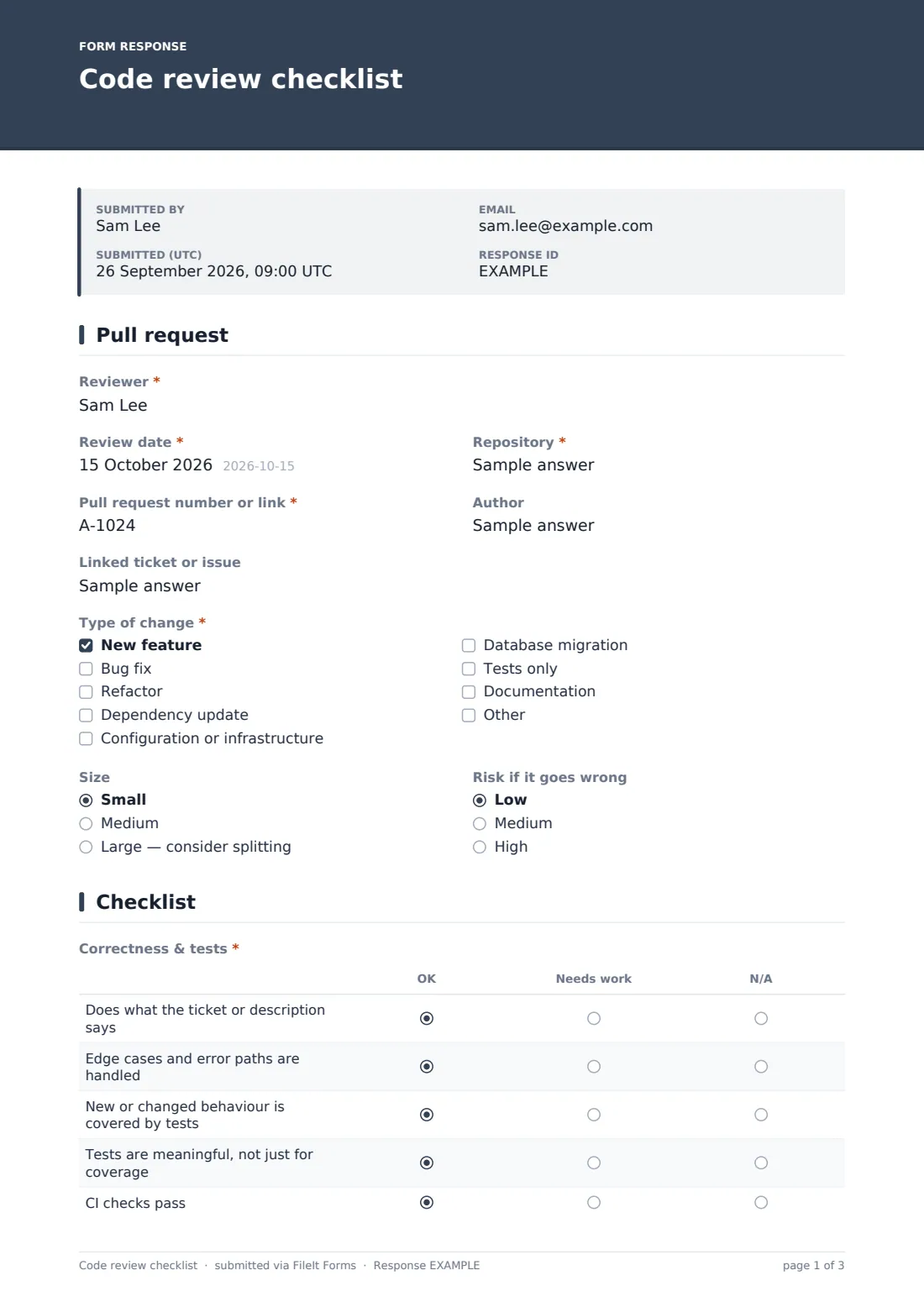
The reviewer, review date, repository and pull request number or link are required, with the author and linked ticket. Type of change covers features, fixes, refactors, dependency updates, configuration, migrations, tests and documentation. Size and risk if it goes wrong help decide how deep the review should be.
2 Checklist
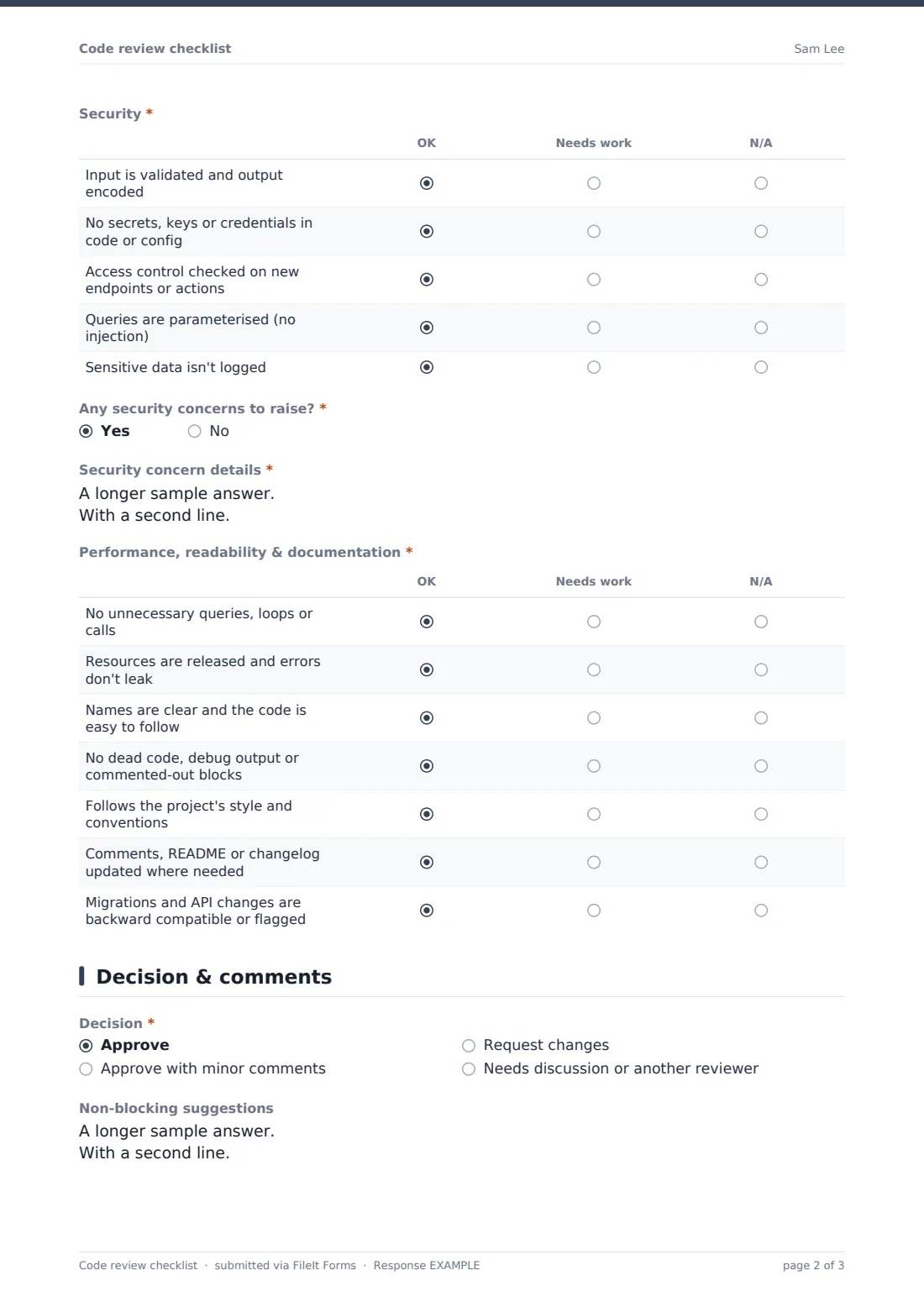
Correctness & tests checks the change does what it says, handles edge cases and errors, is covered by meaningful tests and passes CI. Security checks input validation, secrets, access control, parameterised queries and logging of sensitive data. Any security concerns to raise? is required, and a yes asks for details.
Performance, readability & documentation covers unnecessary queries, resource handling, clear naming, dead code, style, documentation and backward compatibility of migrations and APIs.
3 Decision & comments
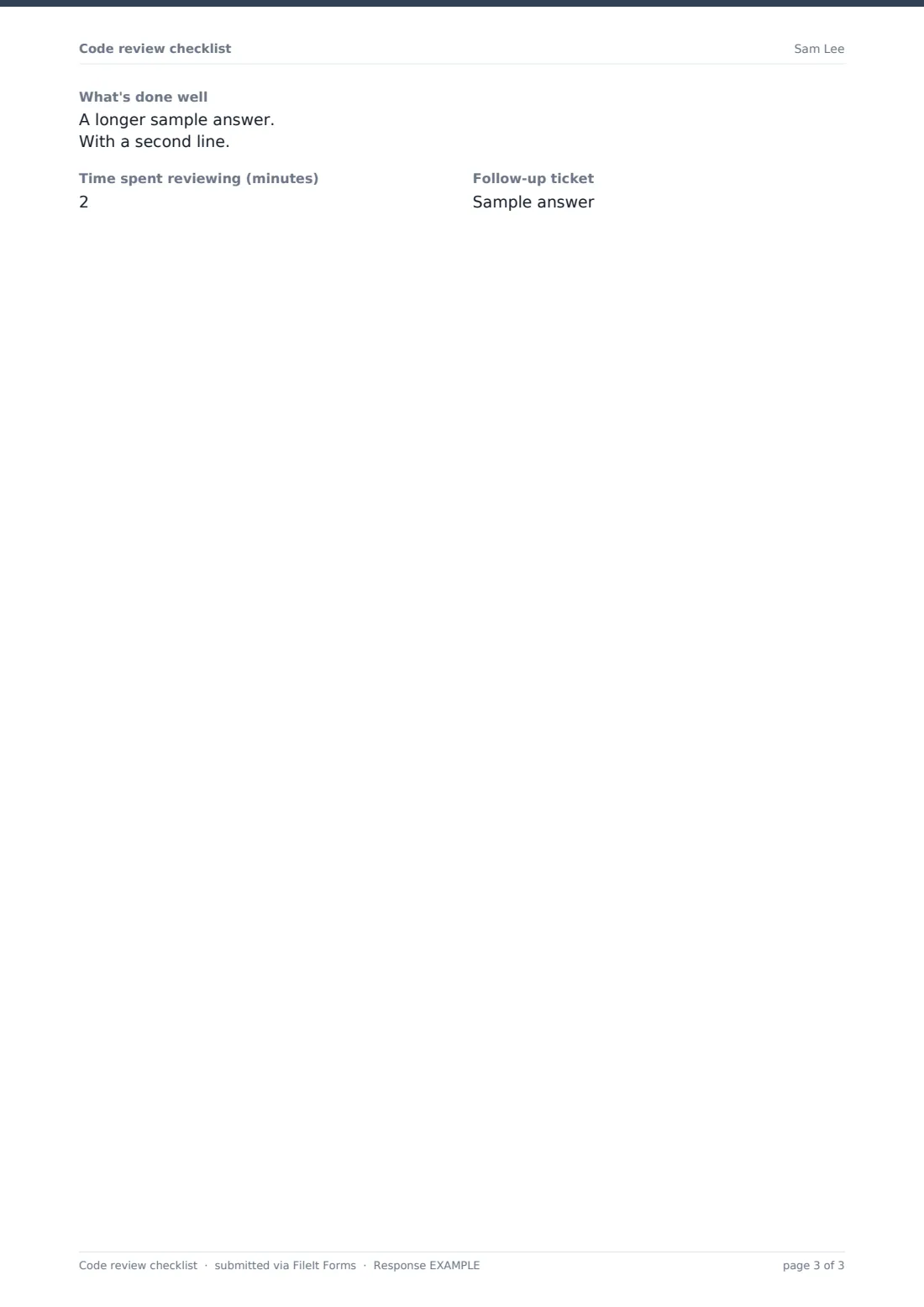
The decision is approve, approve with minor comments, request changes, or needs discussion. Requesting changes requires the blocking issues, and needing discussion asks who else should review. Non-blocking suggestions, what's done well, time spent and a follow-up ticket for deferred work complete the review.
Make the template yours
- Replace the checklist rows with your team's own review guidelines
- Add a language- or framework-specific grid, such as accessibility for front-end changes
- Make the form required only for high-risk changes and say so in the cover text
- File reviews into a vault folder per repository
- Email personal links to named reviewers so you know who each review came from
Tips for a better code review checklist form
- Keep comments on the pull request; use the form for the checklist and decision
- Review smaller pull requests; large ones hide problems
- Separate blocking issues from suggestions so authors know what must change
- Mention what's done well; it helps good patterns spread
- Pay extra attention to security items on authentication, payments and data access
Every response becomes a PDF in your vault
Each review is saved as a PDF in your FileIt vault, giving you a dated record of who reviewed which pull request and what they decided.
Export the Responses table to CSV to see which checklist items most often need work, which can point to training or tooling gaps.
- Start from this template. It opens in the FileIt Forms designer — change any question, add pages, set the rules for when questions appear.
- Share it. Turn on a public link, or send it to people by email, each with their own link. They don’t need a FileIt account.
- Get the answers as PDFs. Each response is saved as a PDF in the vault folder you choose, with uploaded files attached — and listed in a Responses table you can export to CSV.
Code review checklist form: frequently asked questions
Is this code review checklist template free?
Yes. It's included in the FileIt Forms app on every account, including the free plan, and every question can be edited, removed or added to in the form designer.
Does it integrate with GitHub or GitLab?
No. FileIt Forms doesn't connect to code hosting platforms. Reviewers paste the pull request link, and comments on code still belong in the pull request.
Is it a secure code review standard?
No. The security items are common checks, not a complete standard. For high-risk systems, use your organisation's secure coding guidelines alongside it.
Can we change the checklist items?
Yes. Every grid row can be edited, removed or added to in the designer.
Do we need a form for every review?
That's up to you. Many teams use it for high-risk changes, audits or training rather than every small pull request.
Do reviewers need a FileIt account to fill it in?
No. Anyone with the form's link can submit it without creating an account. You can also email personal links to specific people.