What is the catering event pack-out checklist form template?
Most catering problems on site start back in the kitchen: a forgotten box of chafing fuel, one hotel pan short, a cold dish that left warmer than it should have. A pack-out checklist catches them while there's still time to fix them. This catering event pack-out checklist template is built to be filled in on a phone by the loading door, in the last half hour before the van leaves.
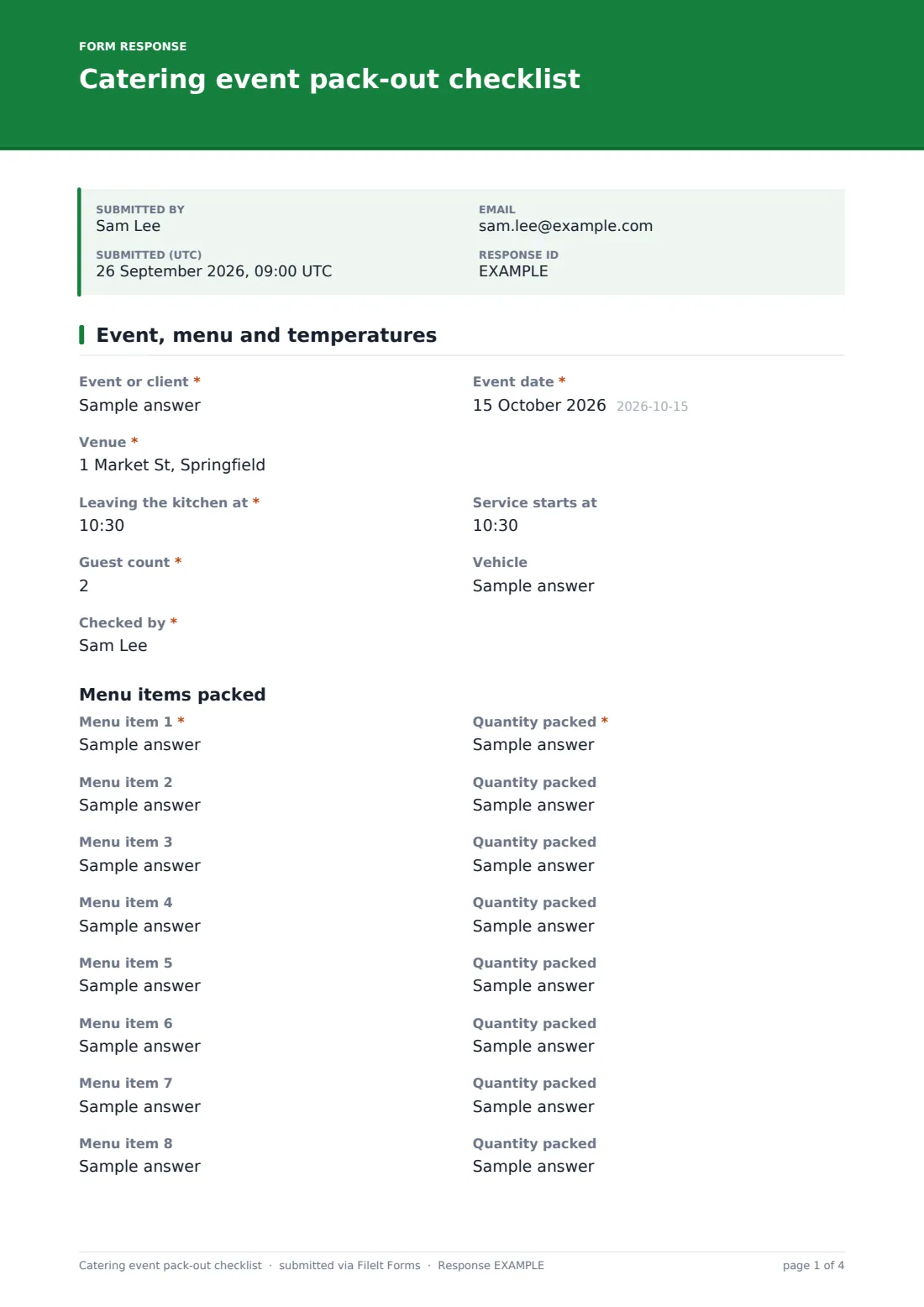
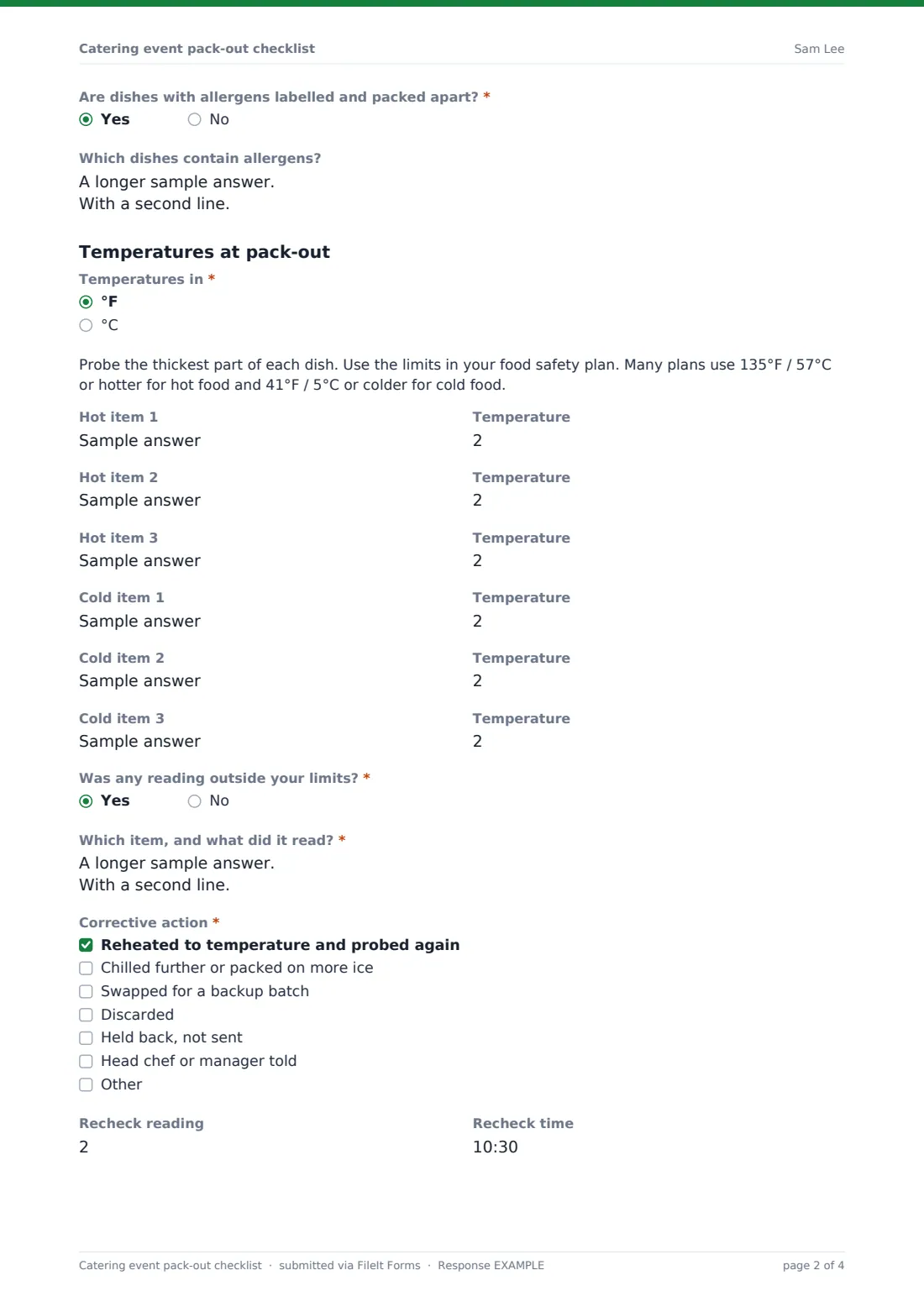
The first page covers the event and the food. The staff member records the venue, departure and service times, guest count and vehicle, then lists each menu item with the quantity packed. A new line appears as each one is filled. Hot and cold items are probed and recorded, and if any reading was outside your limits, the form asks which item it was, what corrective action was taken, and the recheck reading and time.
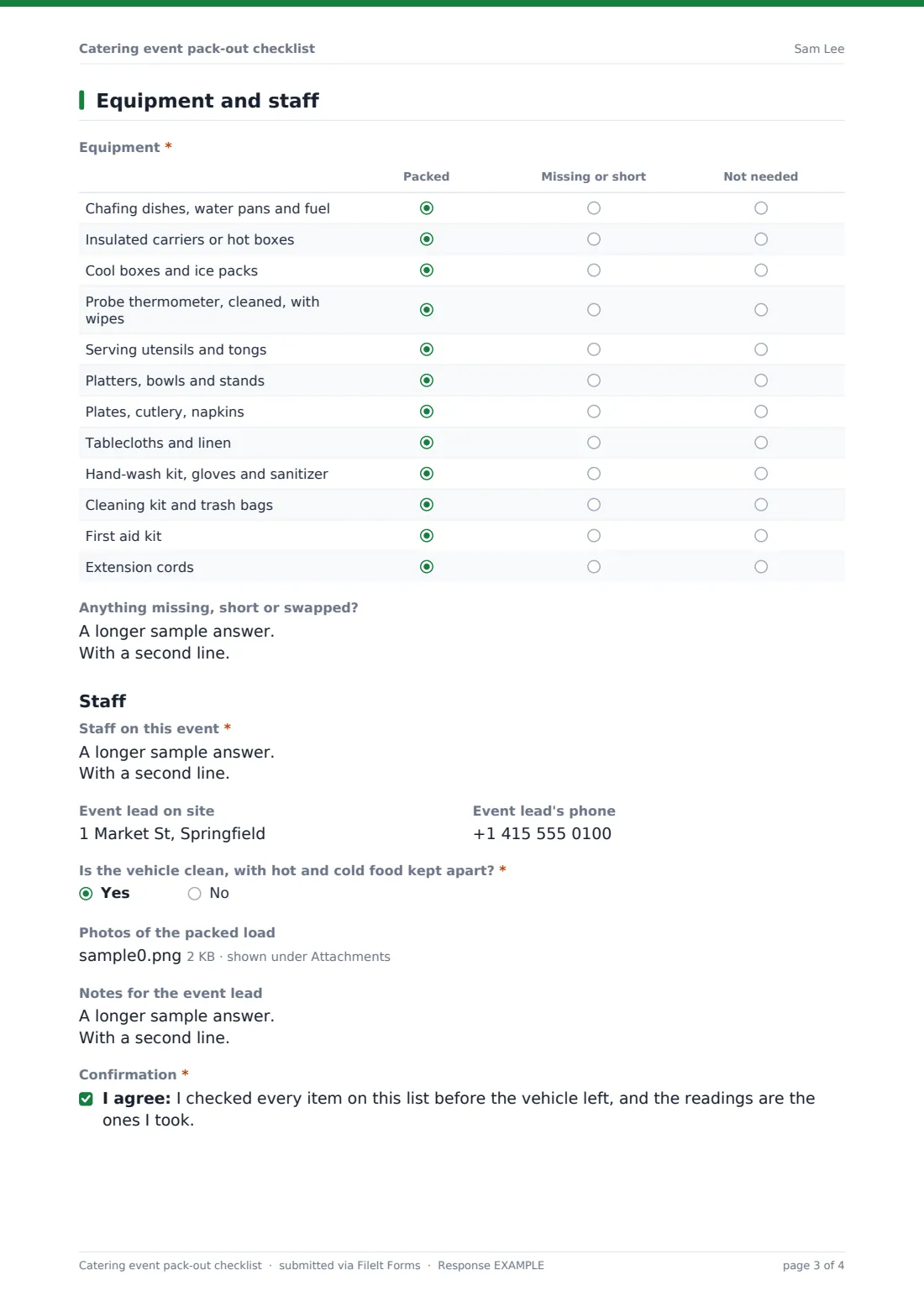
The second page covers equipment, a twelve-row grid from chafing dishes to the first aid kit, followed by the staff going and the event lead's details. The checklist is signed and saved as a PDF in your FileIt vault, with photos of the packed load attached.
- Best for
- Caterers, event kitchens, hotel banqueting teams, food trucks and restaurant catering arms
- Filled in by
- The chef or team member who packs the vehicle
- Time to complete
- About 10 minutes per event
- Includes
- Menu and quantity lines, hot and cold temperatures, corrective action logic, a 12-row equipment grid, staff list, photos, signature
Who uses a catering event pack-out checklist form?
- A catering company checking every van before it leaves for a wedding or corporate lunch
- A hotel banqueting team sending food to an off-site venue
- A restaurant delivering a large drop-off catering order
- A food truck packing for a festival weekend
- A school or hospital kitchen sending meals to another site
- Keeping temperature records for each event in case a client or inspector asks
Questions on this catering event pack-out checklist form
54 questions over 2 pages · includes signature, file upload, conditional questions, multiple pages, consent checkbox, ratings.
1 Event, menu and temperatures
- Event or client*
- Event date*
- Venue*
- Leaving the kitchen at*
- Service starts at
- Guest count*
- Vehicle
- Checked by*
- Menu item 1*
- Quantity packed*
- Menu item 2 asked only when it applies
- Quantity packed asked only when it applies
- Menu item 3 asked only when it applies
- Quantity packed asked only when it applies
- Menu item 4 asked only when it applies
- Quantity packed asked only when it applies
- Menu item 5 asked only when it applies
- Quantity packed asked only when it applies
- Menu item 6 asked only when it applies
- Quantity packed asked only when it applies
- Menu item 7 asked only when it applies
- Quantity packed asked only when it applies
- Menu item 8 asked only when it applies
- Quantity packed asked only when it applies
- Are dishes with allergens labelled and packed apart?*
- Which dishes contain allergens?
- Temperatures in* °F · °C
- Hot item 1
- Temperature asked only when it applies
- Hot item 2 asked only when it applies
- Temperature asked only when it applies
- Hot item 3 asked only when it applies
- Temperature asked only when it applies
- Cold item 1
- Temperature asked only when it applies
- Cold item 2 asked only when it applies
- Temperature asked only when it applies
- Cold item 3 asked only when it applies
- Temperature asked only when it applies
- Was any reading outside your limits?*
- Which item, and what did it read?* asked only when it applies
- Corrective action* asked only when it applies Reheated to temperature and probed again · Chilled further or packed on more ice · Swapped for a backup batch · Discarded · Held back, not sent · Head chef or manager told
- Recheck reading asked only when it applies
- Recheck time asked only when it applies
2 Equipment and staff
- Equipment* Packed · Missing or short · Not needed
- Anything missing, short or swapped?
- Staff on this event*
- Event lead on site
- Event lead's phone
- Is the vehicle clean, with hot and cold food kept apart?*
- Photos of the packed load
- Notes for the event lead
- Confirmation*
- Signature*
The catering event pack-out checklist form, page by page
1 Event, menu and temperatures
The page opens with the event or client, event date, venue, the time the van is leaving the kitchen, when service starts, the guest count, the vehicle and who checked the load.
Under Menu items packed, Menu item 1 and its quantity are required, with a prompt such as 120 pieces or 3 hotel pans. Each filled line opens the next, up to eight. Are dishes with allergens labelled and packed apart? is required, with a box to list which dishes contain allergens.
Temperatures at pack-out asks whether readings are in °F or °C, and a note reminds staff to probe the thickest part and follow the limits in their food safety plan. There are up to three hot items and three cold items, each with its temperature. Was any reading outside your limits? is required. A yes opens Which item, and what did it read?, Corrective action (reheated, chilled further, swapped for a backup batch, discarded, held back, head chef told, or something else), and the recheck reading and time.
2 Equipment and staff
Equipment is a grid of twelve rows, each marked Packed, Missing or short, or Not needed: chafing dishes, water pans and fuel; insulated carriers; cool boxes and ice packs; a cleaned probe thermometer with wipes; serving utensils; platters and stands; plates, cutlery and napkins; linen; a hand-wash kit with gloves and sanitizer; a cleaning kit; the first aid kit; and extension cords. A text box records anything missing, short or swapped.
Under Staff, the form lists who's working the event, the event lead on site and their phone. Is the vehicle clean, with hot and cold food kept apart? is required. Up to four photos of the packed load can be added, plus notes for the event lead. The person checking confirms they checked every item and took the readings shown, then signs.
Make the template yours
- Edit the equipment rows to match your own kit list, or add a second grid for bar equipment
- Change the temperature note to the exact limits in your food safety plan
- Add more hot and cold lines for large menus
- Add a question for the client's on-site contact and access instructions
- File checklists into one folder per month, or per client
- Add the head chef to the notification emails so out-of-range readings are seen straight away
Tips for a better catering event pack-out checklist form
- Probe food at the very end of packing, not when it comes off the stove
- Pack and label allergen dishes separately and tell the event lead which they are
- Count hotel pans and portions against the event order, not from memory
- Take one photo of the loaded van before the doors close
- Clean and sanitize the probe between hot and cold items
Every response becomes a PDF in your vault
Every checklist is saved as a signed PDF in your vault, titled with the date and the name of the person who checked it, with the load photos attached. You get an email for each one, so a manager can see an out-of-range reading straight away.
The Responses table keeps a running log of every event's pack-out. Filter it to find a particular event, or export to CSV to review temperatures and missing kit over a season.
- Start from this template. It opens in the FileIt Forms designer — change any question, add pages, set the rules for when questions appear.
- Share it. Turn on a public link, or send it to people by email, each with their own link. They don’t need a FileIt account.
- Get the answers as PDFs. Each response is saved as a PDF in the vault folder you choose, with uploaded files attached — and listed in a Responses table you can export to CSV.
Catering event pack-out checklist form: frequently asked questions
Is this catering pack-out checklist free?
Yes. It's a starter template in FileIt's Forms app, available on every plan, and you can change any of the checks.
What temperature limits does it use?
It doesn't set any. Staff record the reading and say whether it was within your limits. The note mentions common limits, but your own food safety plan is what counts.
What happens when a reading is out of range?
Answering yes opens questions for the item and reading, the corrective action taken, and a recheck reading and time.
Can staff fill it in on a phone?
Yes. It works on any phone browser, and photos can be taken straight from the camera.
Does this replace our food safety records?
It's a record you can keep alongside them. Whether it meets the rules where you operate is something to check with your local food safety authority.
Do staff need FileIt accounts?
No. Share the form's link with the team, and they fill it in without signing up.