What is the cap and gown order form template?
Graduation regalia has to be ordered weeks before the ceremony, and every order depends on a few small facts. How tall is the graduate, what size is their head, and which degree are they receiving? Get one wrong and someone walks across the stage in a gown that drags on the floor or a hood in the wrong colour.
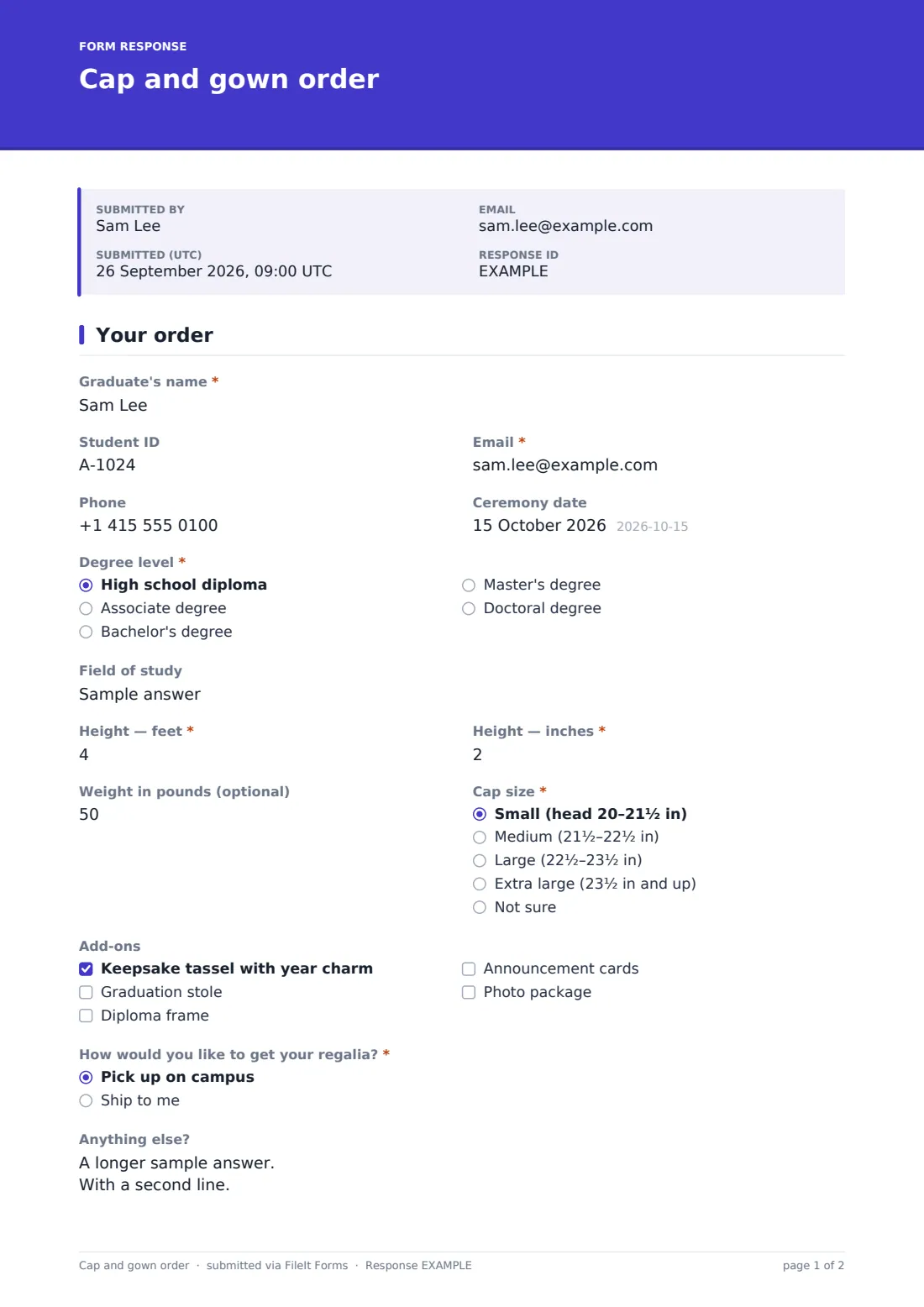
This one-page form collects exactly those facts. Graduates enter their name, student ID and contact details, choose a "Degree level" from a high school diploma to a doctorate, and give their "Field of study" so you can match hood or tassel colours. Height is split into feet and inches. "Cap size" offers four ranges, and anyone who picks "Not sure" is asked for a head measurement with instructions on how to take it.
Optional add-ons such as a keepsake tassel or a stole follow. The last choice is "How would you like to get your regalia?" Picking "Ship to me" opens a required shipping address. Each order is filed as a PDF in your FileIt vault.
- Best for
- High schools, colleges and universities, and graduation committees
- Filled in by
- Graduating students, or a parent on their behalf
- Time to complete
- About 3 minutes
- Includes
- Height and cap size, degree level, add-ons, shipping address when needed
Who uses a cap and gown order form?
- A high school senior class ordering caps and gowns in one batch
- A college registrar's office collecting hood and gown sizes for each degree level
- Online or distance graduates who need regalia shipped home
- A preschool or kindergarten graduation with small sizes
- A graduate program with a separate doctoral hooding ceremony
Questions on this cap and gown order form
17 questions · includes conditional questions, consent checkbox.
1 Your order
- Graduate's name*
- Student ID
- Email*
- Phone
- Ceremony date
- Degree level* High school diploma · Associate degree · Bachelor's degree · Master's degree · Doctoral degree
- Field of study
- Height — feet*
- Height — inches*
- Weight in pounds (optional)
- Cap size* Small (head 20–21½ in) · Medium (21½–22½ in) · Large (22½–23½ in) · Extra large (23½ in and up) · Not sure
- Head measurement in inches asked only when it applies
- Add-ons Keepsake tassel with year charm · Graduation stole · Diploma frame · Announcement cards · Photo package
- How would you like to get your regalia?* Pick up on campus · Ship to me
- Shipping address* asked only when it applies
- Anything else?
- Check your order*
The cap and gown order form, page by page
1 Your order
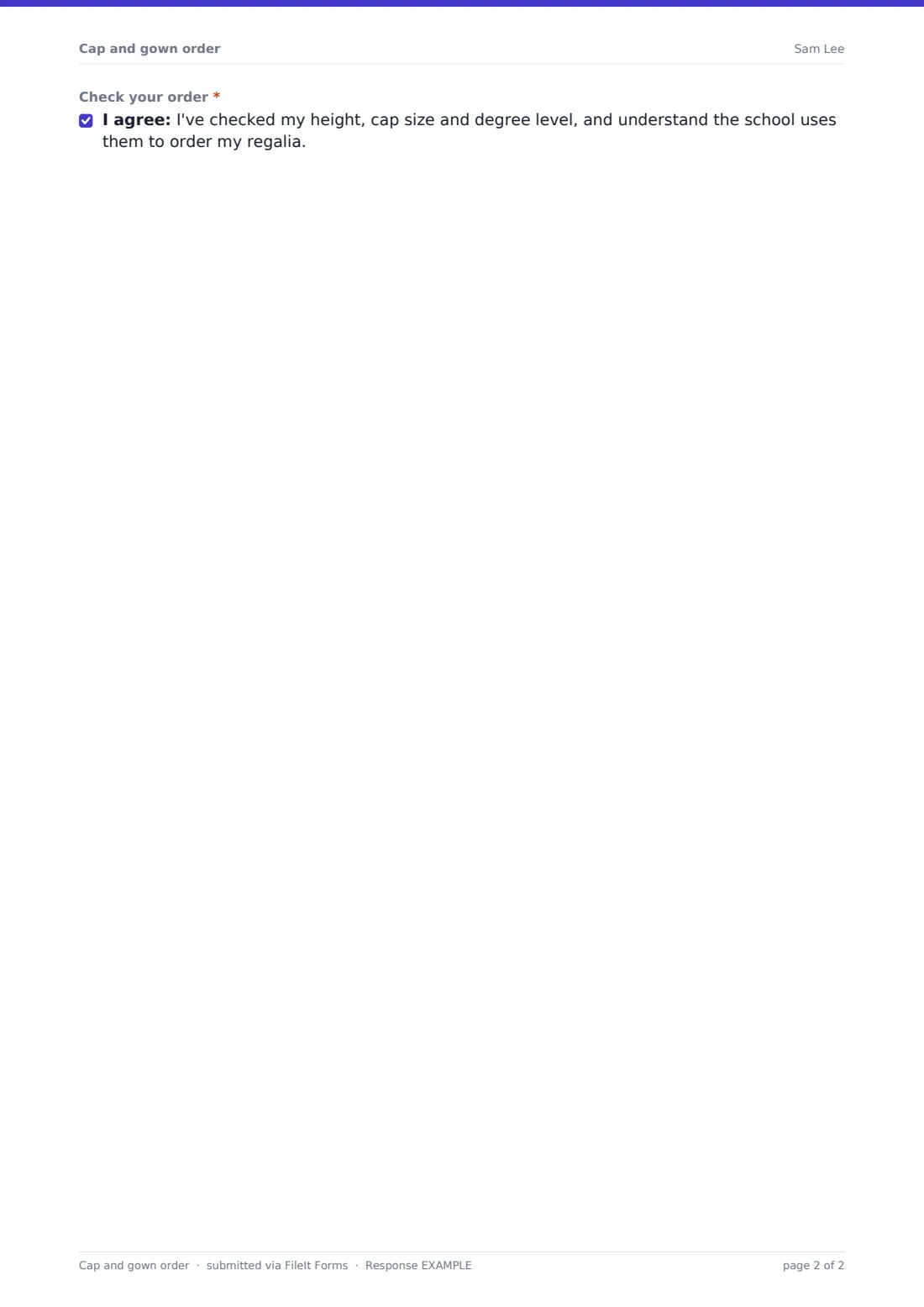
"Graduate's name" and "Email" are required, with optional "Student ID", phone and "Ceremony date". "Degree level" is required and lists the high school diploma, associate, bachelor's, master's and doctoral degrees. "Field of study" is optional, with help text explaining that it sets hood or tassel colours. "Height — feet" and "Height — inches" are required numbers, limited to sensible ranges. "Weight in pounds (optional)" is there for suppliers who size gowns by both. "Cap size" is required. "Not sure" opens "Head measurement in inches" with a reminder to measure just above the ears and eyebrows. "Add-ons" are optional checkboxes: a keepsake tassel with a year charm, a stole, a diploma frame, announcement cards and a photo package. "How would you like to get your regalia?" offers pickup on campus or shipping. Shipping opens a required address and a note about delivery times. An "Anything else?" box and a required check of the order complete the page.
Make the template yours
- Replace the cap size ranges with the size chart from your regalia supplier
- Delete the degree levels your school doesn't award, or rename them to match your diplomas
- Add prices to the add-ons, or remove the ones you don't sell
- Add a pickup date dropdown with your distribution days and times
- Set a close date so the form stops taking orders on your supplier's deadline
- Add a payment question if regalia isn't included in graduation fees
Tips for a better cap and gown order form
- Send the form at least six to eight weeks before the ceremony to leave time for the supplier
- Ask graduates to measure their height in shoes they'll wear on the day
- Export the CSV and sort by cap size and height to build your supplier order quickly
- Check the shipping addresses early so any typos can be fixed before orders go out
- Use the "Anything else?" answers to plan accessibility needs at the ceremony
Every response becomes a PDF in your vault
Each order is saved as a PDF titled with the graduate's name and filed in your chosen vault folder. The graduation coordinator is emailed when it arrives, and the graduate can receive a copy to keep as a record of what they ordered.
When the order window closes, the Responses table has every graduate in one list. Download the CSV to total gowns by height and caps by size, separate shipping orders from campus pickups, and pass a clean list to your supplier.
- Start from this template. It opens in the FileIt Forms designer — change any question, add pages, set the rules for when questions appear.
- Share it. Turn on a public link, or send it to people by email, each with their own link. They don’t need a FileIt account.
- Get the answers as PDFs. Each response is saved as a PDF in the vault folder you choose, with uploaded files attached — and listed in a Responses table you can export to CSV.
Cap and gown order form: frequently asked questions
What if a graduate doesn't know their cap size?
They choose "Not sure" and the form asks for their head measurement in inches, with a note on where to measure.
Can graduates have their regalia shipped?
Yes. Choosing "Ship to me" opens a required shipping address. Campus pickup orders skip it.
Does the form take payment?
No. FileIt Forms doesn't process payments. If graduates pay for regalia, add a question for how they've paid, and collect payment your usual way.
Can I close the form on the supplier's deadline?
Yes. Set a close date in the form's settings and it stops accepting responses after that date.
Do graduates need a FileIt account?
No. They open the link you share, fill it in and submit.
Is this template free?
Yes. It's part of the Forms app included on every FileIt account.