What is the community bulletin post request form template?
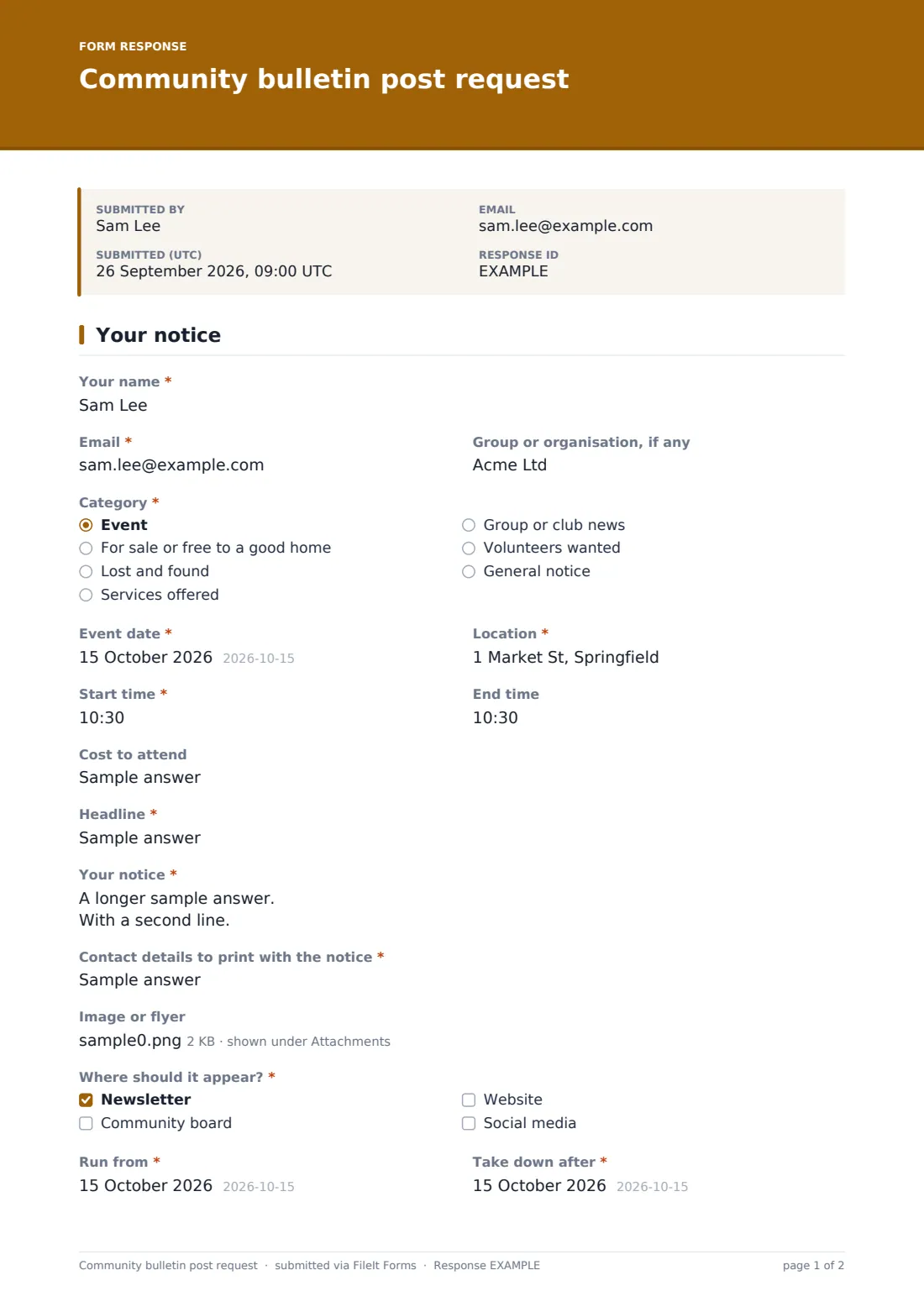
Whoever edits a community newsletter or keeps the noticeboard tidy knows the problem: notices arrive as texts, photos of handwritten cards and long emails with the date buried in paragraph three. This request form asks for each notice in the same parts, ready to drop into a layout: a headline, the message, a contact line to print and an optional image.
The category decides what else is needed. Choose "Event" and the form asks for the date, location, start and end times and the cost to attend — the details people most often leave out. A for-sale item, a lost cat or a volunteers-wanted notice skips them. Every notice gives run dates, so you know when to put it up and when it's safe to take it down, and says where it should appear: the newsletter, the community board, the website or social media.
Each request is filed as a PDF in your FileIt vault with the image attached at full size.
- Best for
- HOAs, apartment communities, libraries, community centres, churches and town newsletters
- Filled in by
- Residents, members and local groups
- Time to complete
- About 3 minutes
- Includes
- Category, event date, time and location, headline, notice text, printable contact, image, where to post, run dates, posting guidelines
Who uses a community bulletin post request form?
- An HOA or condo newsletter with a residents' notices page
- A library or community centre corkboard
- A church bulletin taking announcements from groups
- A small-town newsletter's community calendar
- An apartment building's lobby screen and group chat
Questions on this community bulletin post request form
17 questions · includes file upload, conditional questions, consent checkbox.
1 Your notice
- Your name*
- Email*
- Group or organisation, if any
- Category* Event · For sale or free to a good home · Lost and found · Services offered · Group or club news · Volunteers wanted · General notice
- Event date* asked only when it applies
- Location* asked only when it applies
- Start time* asked only when it applies
- End time asked only when it applies
- Cost to attend asked only when it applies
- Headline*
- Your notice*
- Contact details to print with the notice*
- Image or flyer
- Where should it appear?* Newsletter · Community board · Website · Social media
- Run from*
- Take down after*
- Posting guidelines*
The community bulletin post request form, page by page
1 Your notice
The person posting gives their name, email and any group or organisation. "Category" offers an event, something for sale or free, lost and found, services offered, group or club news, volunteers wanted or a general notice. An event opens "Event date", "Location", start and end times and "Cost to attend".
Every notice then has a "Headline" of up to 80 characters, "Your notice" of about 100 words (help text warns it may be shortened), and "Contact details to print with the notice" — kept separate from their private email. They can add one image or flyer, tick where it should appear, give the "Run from" and "Take down after" dates, and agree to the posting guidelines.
Make the template yours
- Put your publishing schedule and deadlines in the cover text
- Change the categories to match your newsletter's sections
- Remove "Services offered" if you don't take business notices
- Change the posting statement to your own guidelines
- Add the newsletter editor and the website volunteer to the notification list
Tips for a better community bulletin post request form
- Sort the Responses table by run dates to plan each issue
- Use the printable contact line as written — it's what the poster chose to share
- Take expired notices down promptly; a current board gets read
- Export to CSV to paste headlines and notices straight into your newsletter layout
- Reply when you decline a notice, with the reason
- Print the form's QR code on a card pinned to the board itself, so people can request a spot while they're reading it
- Set a regular deadline, such as each Wednesday for the weekend newsletter, and put it in the cover text so posters know when to submit
Every response becomes a PDF in your vault
Each request becomes a PDF in the vault folder you pick, with the image attached at its original size. You're emailed when one arrives, and the person posting gets a copy if you leave that on.
The Responses table lists notices with search by category or headline. Export to CSV for your newsletter or calendar.
- Start from this template. It opens in the FileIt Forms designer — change any question, add pages, set the rules for when questions appear.
- Share it. Turn on a public link, or send it to people by email, each with their own link. They don’t need a FileIt account.
- Get the answers as PDFs. Each response is saved as a PDF in the vault folder you choose, with uploaded files attached — and listed in a Responses table you can export to CSV.
Community bulletin post request form: frequently asked questions
Is this bulletin post request template free?
Yes. It's in the Forms app on every FileIt account, including the free plan.
Does FileIt publish the notice?
No. Requests come to you; you decide what to post and where.
Do residents need a FileIt account?
No. Share the link or a QR code on the board itself.
Can people send a flyer instead of typing it out?
They can upload one image or flyer, but the headline and notice text are still asked for so you can use it in the newsletter.
Can I charge for business notices?
The form doesn't take payments. Explain any charges in the cover text and handle payment separately.