What is the app development brief form template?
"How much does an app cost?" can't be answered without knowing what the app does, who uses it, which platforms it runs on and what it has to connect to. Discovery calls spend most of their time collecting exactly that — and the answers are often scattered across emails afterwards.
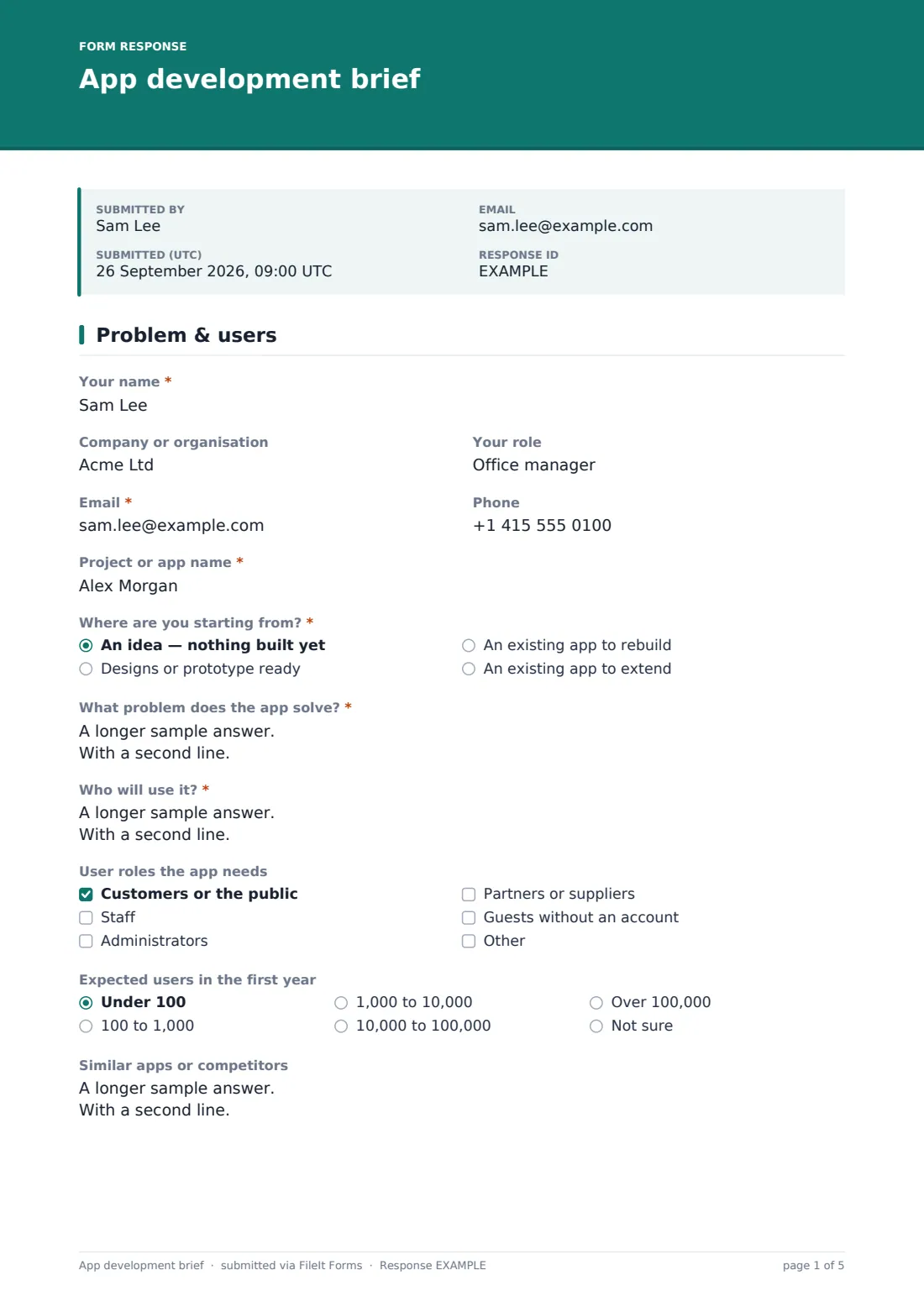
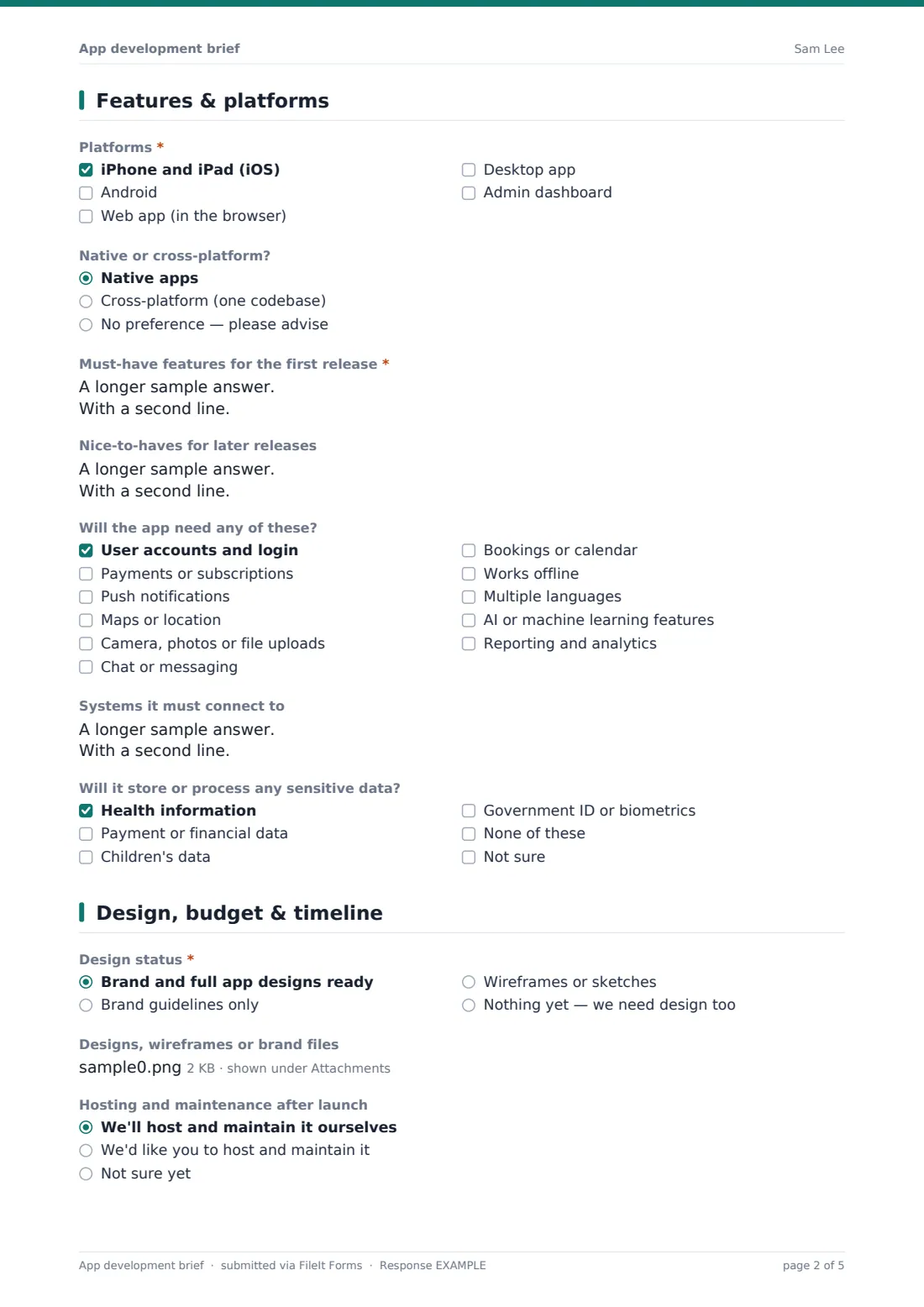
This app development brief gathers it in one place. The first page covers the starting point — an idea, designs ready, or an existing app to rebuild or extend — and the problem the app solves, the people who'll use it, user roles, expected first-year users and similar apps. The second page lists platforms, native or cross-platform preference, must-have and later features, a capability checklist from payments to offline use, integrations and any sensitive data.
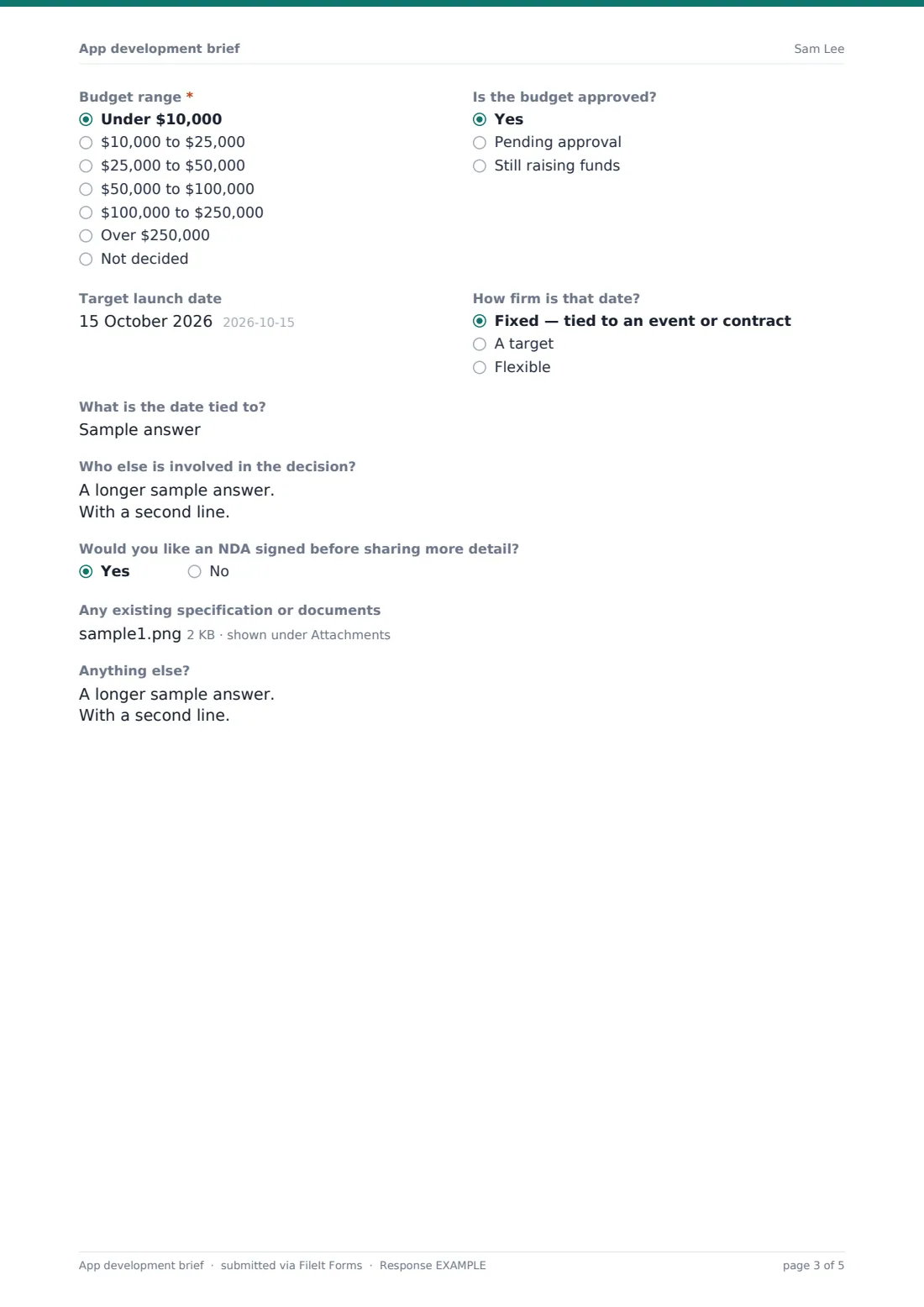
The last page records design status, hosting and maintenance expectations, budget range and approval, the target launch date and how firm it is, other decision-makers and whether an NDA is wanted. Every brief is saved as a PDF in your FileIt vault with its designs and documents attached.
- Best for
- App development agencies, freelance developers and product studios
- Filled in by
- A prospective client or internal project sponsor
- Time to complete
- About 15 minutes
- Includes
- Feature and capability lists, platform choice, sensitive-data check, budget range, launch date and file uploads
Who uses a app development brief form?
- A development agency qualifying inbound project enquiries
- A freelance developer scoping a client's MVP
- A startup founder organising their own thinking before talking to agencies
- An internal IT team gathering requirements for a staff app
- Comparing quotes from several studios against the same brief
- Scoping a rebuild of an existing app
Questions on this app development brief form
32 questions over 3 pages · includes file upload, conditional questions, multiple pages.
1 Problem & users
- Your name*
- Company or organisation
- Your role
- Email*
- Phone
- Project or app name*
- Where are you starting from?* An idea — nothing built yet · Designs or prototype ready · An existing app to rebuild · An existing app to extend
- Link to the current app or prototype asked only when it applies
- What problem does the app solve?*
- Who will use it?*
- User roles the app needs Customers or the public · Staff · Administrators · Partners or suppliers · Guests without an account
- Expected users in the first year Under 100 · 100 to 1,000 · 1,000 to 10,000 · 10,000 to 100,000 · Over 100,000 · Not sure
- Similar apps or competitors
2 Features & platforms
- Platforms* iPhone and iPad (iOS) · Android · Web app (in the browser) · Desktop app · Admin dashboard
- Native or cross-platform? Native apps · Cross-platform (one codebase) · No preference — please advise
- Must-have features for the first release*
- Nice-to-haves for later releases
- Will the app need any of these? User accounts and login · Payments or subscriptions · Push notifications · Maps or location · Camera, photos or file uploads · Chat or messaging · Bookings or calendar · Works offline · Multiple languages · AI or machine learning features · Reporting and analytics
- Systems it must connect to
- Will it store or process any sensitive data? Health information · Payment or financial data · Children's data · Government ID or biometrics · None of these · Not sure
3 Design, budget & timeline
- Design status* Brand and full app designs ready · Brand guidelines only · Wireframes or sketches · Nothing yet — we need design too
- Designs, wireframes or brand files asked only when it applies
- Hosting and maintenance after launch We'll host and maintain it ourselves · We'd like you to host and maintain it · Not sure yet
- Budget range* Under $10,000 · $10,000 to $25,000 · $25,000 to $50,000 · $50,000 to $100,000 · $100,000 to $250,000 · Over $250,000 · Not decided
- Is the budget approved? Yes · Pending approval · Still raising funds
- Target launch date
- How firm is that date? Fixed — tied to an event or contract · A target · Flexible
- What is the date tied to? asked only when it applies
- Who else is involved in the decision?
- Would you like an NDA signed before sharing more detail?
- Any existing specification or documents
- Anything else?
The app development brief form, page by page
1 Problem & users
Contact details come first, then the project or app name and Where are you starting from? — an idea, designs or a prototype, or an existing app to rebuild or extend. Anything other than an idea opens a field for a link to the current app or prototype.
What problem does the app solve? and Who will use it? are both required and ask for real context, not a feature list. A checklist of user roles, a dropdown for expected users in the first year and a box for similar apps or competitors round out the picture.
2 Features & platforms
Clients tick the platforms — iOS, Android, web app, desktop or an admin dashboard — and say whether they want native apps, one cross-platform codebase or advice. Must-have features for the first release are required, listed in priority order, with a separate box for nice-to-haves.
A capability checklist covers accounts and login, payments, push notifications, maps, camera and uploads, chat, bookings, offline use, multiple languages, AI features and reporting. The page closes with systems the app must connect to and a question on sensitive data such as health, payment, children's or ID data, which the help text explains affects the estimate.
3 Design, budget & timeline
Design status is required: full designs, brand guidelines only, wireframes, or nothing yet. If any design exists, an upload field appears. The client then says who will host and maintain the app after launch, picks a budget range and whether it's approved.
Target launch date is paired with how firm it is; choosing fixed asks what the date is tied to. The final questions cover other decision-makers, whether an NDA is wanted before sharing more, an upload for an existing specification and a free-text box.
Make the template yours
- Change the budget ranges or currency to match the projects you take on
- Remove platforms you don't build for
- Add a question about preferred technology if your clients often have one
- Make the NDA question reveal an upload for the client's own NDA
- Send new briefs to a sales inbox with owner notifications
- Edit the confirmation message to say when the client can expect an estimate
Tips for a better app development brief form
- Read the problem and users answers before the feature list — they tell you which features actually matter
- Treat the first-release list as a starting point for an MVP conversation, not a fixed scope
- Follow up on any sensitive data ticked; security and compliance work needs scoping of its own
- Ask about a fixed launch date early, since it can decide the whole approach
- Keep the brief with the proposal so changes in scope can be traced back to what was asked
- If the client wants an NDA, sign it before asking for more detail rather than after
Every response becomes a PDF in your vault
The brief is saved as a PDF in the vault folder you choose, with designs, wireframes and specification files kept alongside. Owner notifications email you as soon as it's submitted, and the client can receive a copy of their answers.
The Responses table shows every brief received; open any one in full or export them to CSV to track enquiries by budget range, platform or launch date.
- Start from this template. It opens in the FileIt Forms designer — change any question, add pages, set the rules for when questions appear.
- Share it. Turn on a public link, or send it to people by email, each with their own link. They don’t need a FileIt account.
- Get the answers as PDFs. Each response is saved as a PDF in the vault folder you choose, with uploaded files attached — and listed in a Responses table you can export to CSV.
App development brief form: frequently asked questions
Is this template free?
Yes. It's included in the FileIt Forms app on every account, including the free plan, and every question can be edited, removed or added to.
Does the client need a FileIt account?
No. Anyone with the form's link can fill it in without creating a FileIt account.
Can the client upload designs or a specification?
Yes. Design files can be uploaded whenever the client has any, and a separate upload on the last page takes an existing specification or other documents.
Can I change the budget ranges?
Yes. The budget is a dropdown you can edit in the designer, including the currency and the ranges.
Does it ask about sensitive data?
Yes. A checklist asks whether the app will handle health, payment, children's or government ID data, so you know to scope the extra security and compliance work.
Is this a contract or statement of work?
No. It's a brief to scope and estimate a project. Agree the final scope, price and terms in your own proposal or contract.
Can I embed it on my website?
You can share the form's public link from your website's contact or quote page, or email personal links to specific prospects.
Can it be used for internal projects?
Yes. Internal teams can use the same brief to gather requirements from a department before building a staff app.