What is the academic integrity report form template?
Fair handling of academic misconduct starts with a good report: what the assessment was, what was noticed and how, the evidence, and what the student said. When each instructor writes it up differently, panels spend their time reconstructing the facts instead of deciding the case.
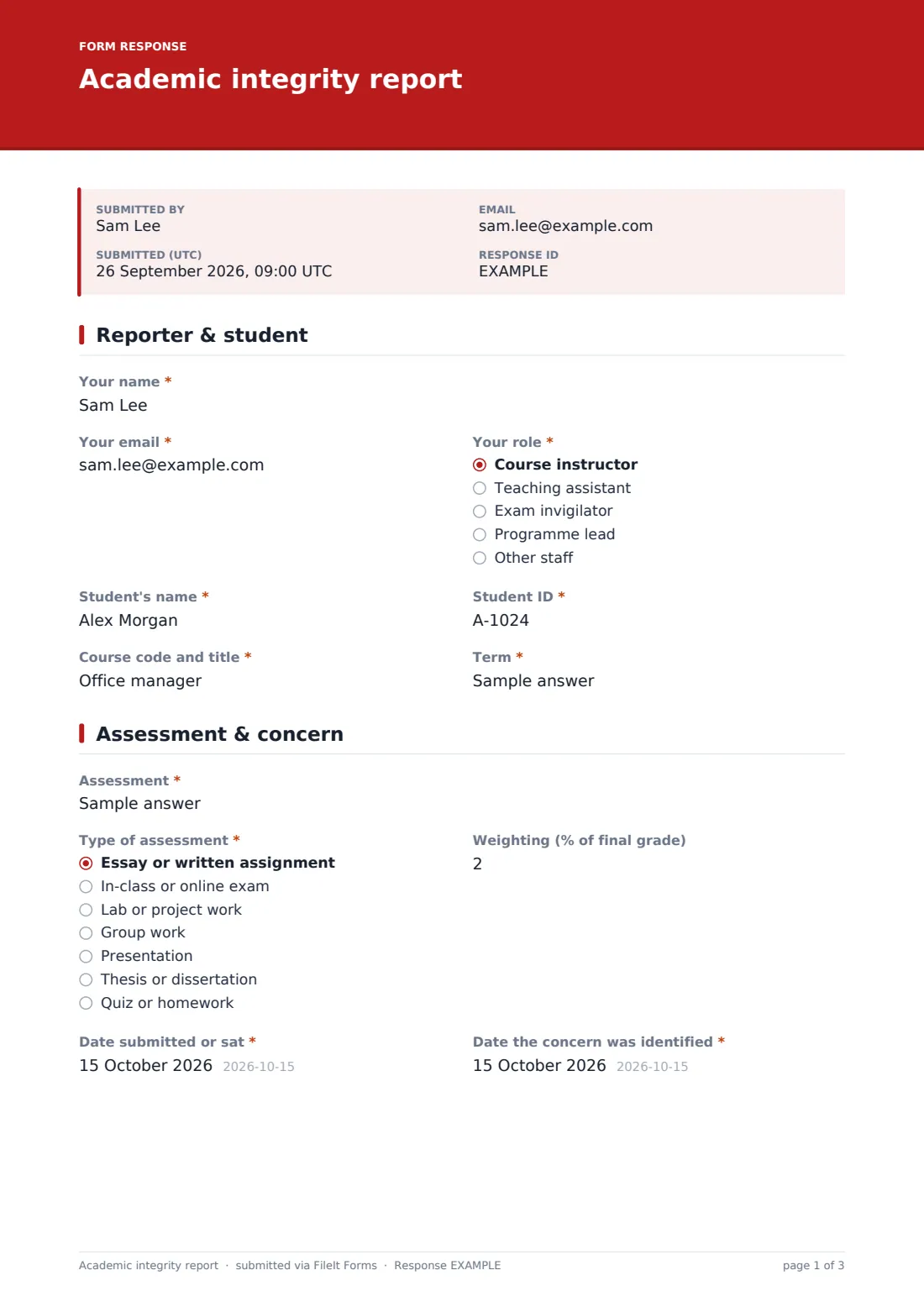
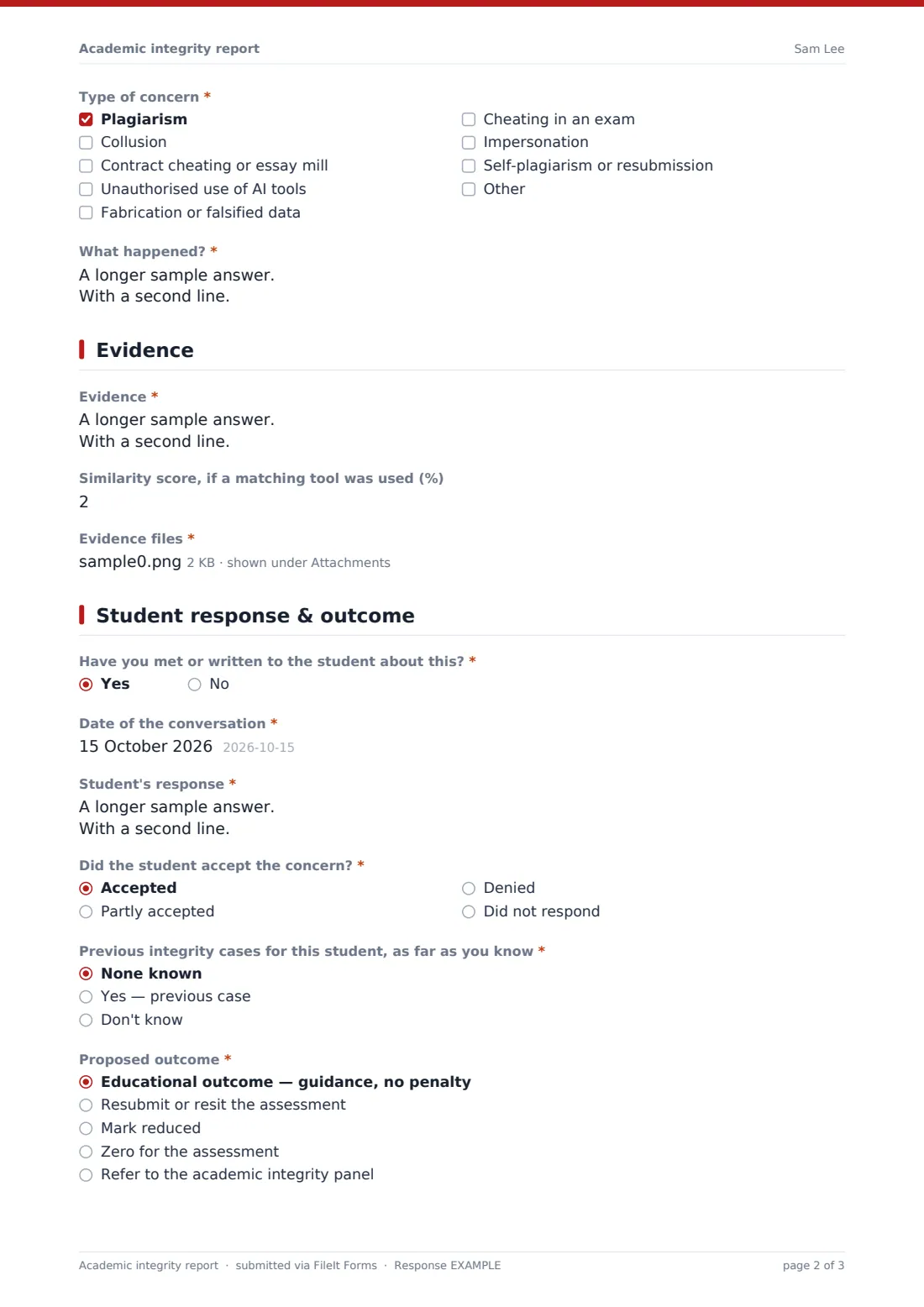
This template structures the report over four pages. The reporter identifies themselves, the student and the course. They then describe the assessment, its weighting, dates, the type of concern (from plagiarism and collusion to contract cheating, unauthorised AI use, fabrication or impersonation) and what happened, sticking to facts. The evidence page takes a list, an optional similarity score and file uploads, and asks whether AI guidance was given when AI misuse is suspected. The last page records any conversation with the student, their response, known prior cases and a proposed outcome.
Reports are saved as signed PDFs in your FileIt vault with the evidence attached, so your integrity officer receives a complete case file. The outcomes are examples; use your own institution's policy.
- Best for
- Universities, colleges and secondary schools with an academic integrity policy
- Filled in by
- Instructors, teaching assistants or invigilators
- Time to complete
- About 15 minutes, with evidence ready
- Includes
- Concern checklist, evidence upload, AI guidance follow-up, student response, proposed outcome, signature
Who uses a academic integrity report form?
- An instructor reports two essays with matching passages
- An invigilator records notes used in an exam
- A teaching assistant flags a lab report with suspected fabricated data
- A course lead reports suspected unauthorised AI use
- A school records a first, educational-outcome case
- An integrity officer collects every report in one format
Questions on this academic integrity report form
28 questions over 4 pages · includes signature, file upload, conditional questions, multiple pages, consent checkbox.
1 Reporter & student
- Your name*
- Your email*
- Your role* Course instructor · Teaching assistant · Exam invigilator · Programme lead · Other staff
- Student's name*
- Student ID*
- Course code and title*
- Term*
2 Assessment & concern
- Assessment*
- Type of assessment* Essay or written assignment · In-class or online exam · Lab or project work · Group work · Presentation · Thesis or dissertation · Quiz or homework
- Weighting (% of final grade)
- Date submitted or sat*
- Date the concern was identified*
- Type of concern* Plagiarism · Collusion · Contract cheating or essay mill · Unauthorised use of AI tools · Fabrication or falsified data · Cheating in an exam · Impersonation · Self-plagiarism or resubmission
- What happened?*
3 Evidence
- Evidence*
- Similarity score, if a matching tool was used (%)
- Evidence files*
- Was guidance on AI tool use given for this assessment?* asked only when it applies
- What did the guidance say? asked only when it applies
4 Student response & outcome
- Have you met or written to the student about this?*
- Date of the conversation* asked only when it applies
- Student's response* asked only when it applies
- Did the student accept the concern?* asked only when it applies Accepted · Partly accepted · Denied · Did not respond
- Previous integrity cases for this student, as far as you know* None known · Yes — previous case · Don't know
- Proposed outcome* Educational outcome — guidance, no penalty · Resubmit or resit the assessment · Mark reduced · Zero for the assessment · Refer to the academic integrity panel
- Mitigating circumstances or other context
- Declaration*
- Signature*
The academic integrity report form, page by page
1 Reporter & student
Required: your name, email and role, the student's name and ID, course code and title, and term.
2 Assessment & concern
The assessment, its type and optional weighting, the date submitted or sat and the date the concern was identified. A required checklist of the type of concern, with room for another, and a factual description of what happened.
3 Evidence
A required list of evidence, an optional similarity score and required evidence files, up to ten. If unauthorised AI use is ticked, the form asks whether guidance on AI use was given and, if so, what it said.
4 Student response & outcome
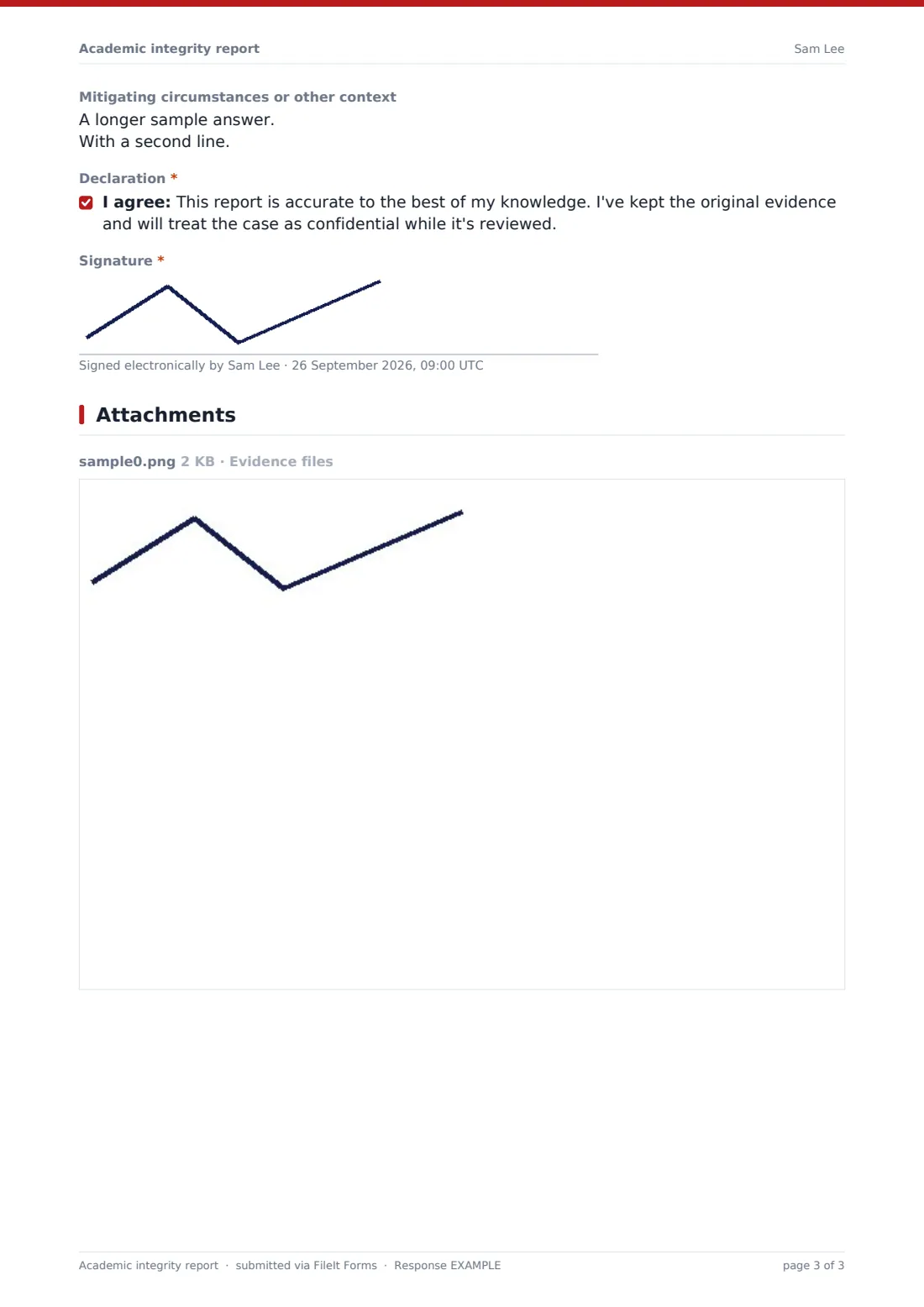
Whether you've met or written to the student. A yes asks for the date, their response and whether they accepted the concern. Then previous cases as far as you know, a proposed outcome from an educational outcome to a panel referral, mitigating context, the declaration and your signature.
Make the template yours
- Replace the proposed outcomes with the penalties in your own policy
- Add your similarity tool's name to the score label
- Remove the AI guidance question if your policy covers it elsewhere
- Add a second marker or moderator signature
- Route reports to a restricted folder that only the integrity team can open
- Add your policy link in a paragraph on the first page
Tips for a better academic integrity report form
- Write what you observed, not what you think the student intended
- Keep original files and exam scripts until the case is closed
- Give students a chance to respond before proposing an outcome where your policy allows
- Check whether your policy needs a different process for repeat cases
- Have your academic registry review the form before you publish it
Every response becomes a PDF in your vault
Each report is saved as a signed PDF in your vault with the evidence files attached, and the integrity officer is emailed. The reporter receives a copy.
The Responses table shows every open report by course and type of concern, and you can export a CSV for annual integrity reporting.
- Start from this template. It opens in the FileIt Forms designer — change any question, add pages, set the rules for when questions appear.
- Share it. Turn on a public link, or send it to people by email, each with their own link. They don’t need a FileIt account.
- Get the answers as PDFs. Each response is saved as a PDF in the vault folder you choose, with uploaded files attached — and listed in a Responses table you can export to CSV.
Academic integrity report form: frequently asked questions
Is this academic integrity report template free?
Yes. It's one of the Forms app's starter templates, available on every FileIt account, including the free plan.
Does FileIt detect plagiarism or AI-written text?
No. FileIt doesn't analyse submissions. The form records the evidence your staff have gathered, including a similarity score from any tool you use.
Is the proposed outcome final?
No. It's the reporter's recommendation. Decisions follow your institution's own policy and panel process.
Can staff upload evidence files?
Yes. Up to ten files, including PDFs, Word documents, images and text.
Who can see the reports?
Responses are saved in your vault. Use a folder that only your integrity team can access.
Do staff need a FileIt account?
No. Staff can submit from a link, or you can send personal links to instructors.