What is a sickness absence self-certification?
For short illnesses, many employers ask the employee to certify the absence themselves rather than get a doctor's note. A self-certification form gives payroll and HR the dates they need, and gives the employee a simple way to say what happened and whether anything would help now they're back.
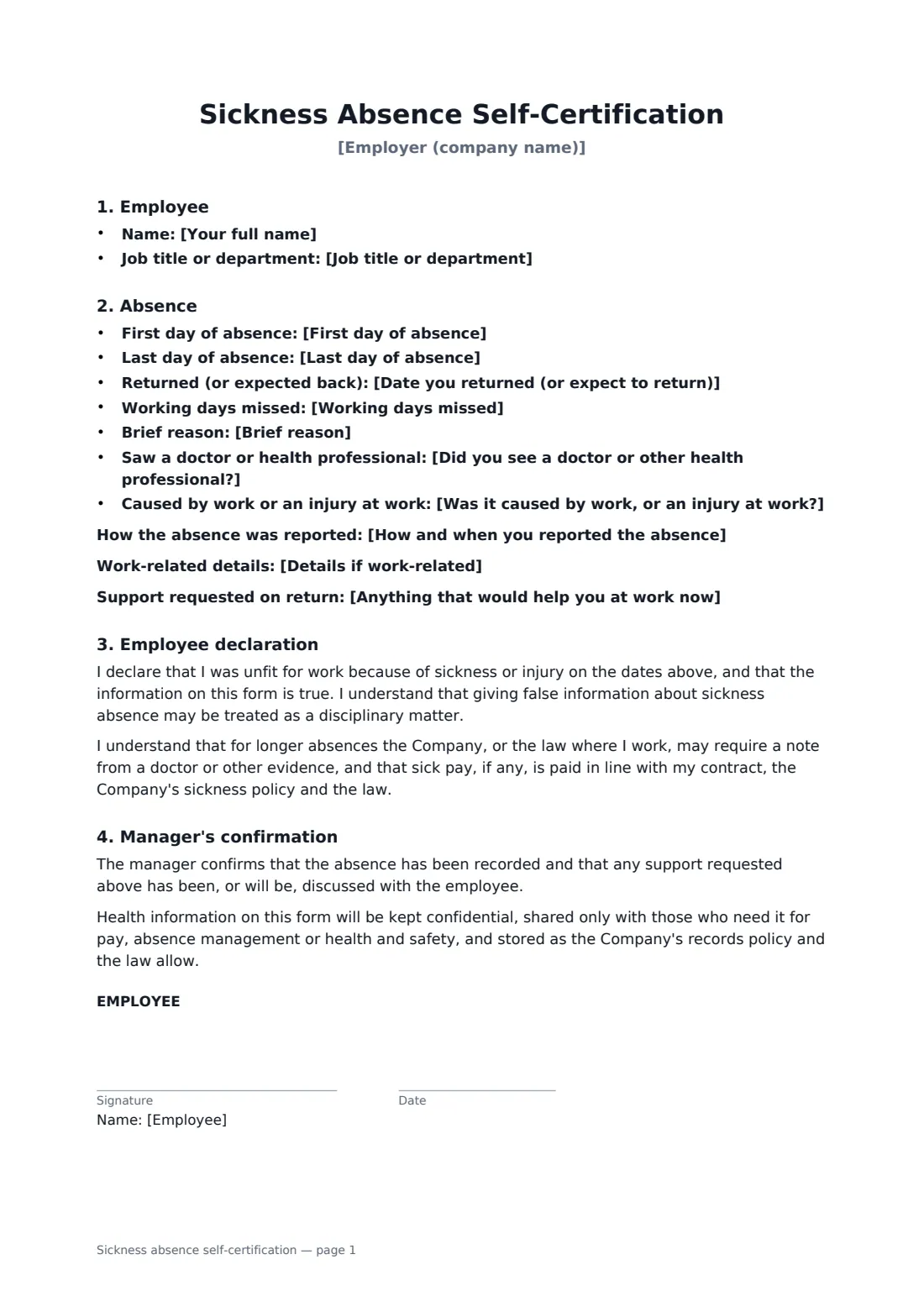
The employee enters the first and last days of absence, the return date, the working days missed and a brief reason, and says whether they reported the absence, saw a doctor, or think it was caused by work. They can ask for support on their return, such as lighter duties for a few days. They sign a short declaration that the information is true; the manager signs to confirm the absence is recorded. The form explains that longer absences may need other evidence, and that health information is kept confidential.
- Best for
- Short sickness absences that don't need a doctor's note
- Signed by
- The employee, then their manager
- Includes
- Dates, reason, work-related flag and support on return
- Length
- 1 to 2 pages
When to use a sickness absence self-certification
- A two-day absence with a cold or stomach bug
- Recording sick days for payroll and sick pay calculations
- Flagging an absence that may have been caused by work
- A quick conversation on return about any support needed
- Keeping consistent absence records across a team
What you fill in
13 blanks, then the name and email of each person who signs: employee, manager.
1 About you
- Employer (company name)*
- Your full name*
- Job title or department
2 The absence
- First day of absence*
- Last day of absence*
- Date you returned (or expect to return)*
- Working days missed*
- Brief reason*
- How and when you reported the absence
- Was it caused by work, or an injury at work?* No · Yes — please see the details below · Not sure
- Details if work-related
- Did you see a doctor or other health professional?* No · Yes
3 Back at work
- Anything that would help you at work now
4 Who signs
- Employee signature and date · The employee who was absent.
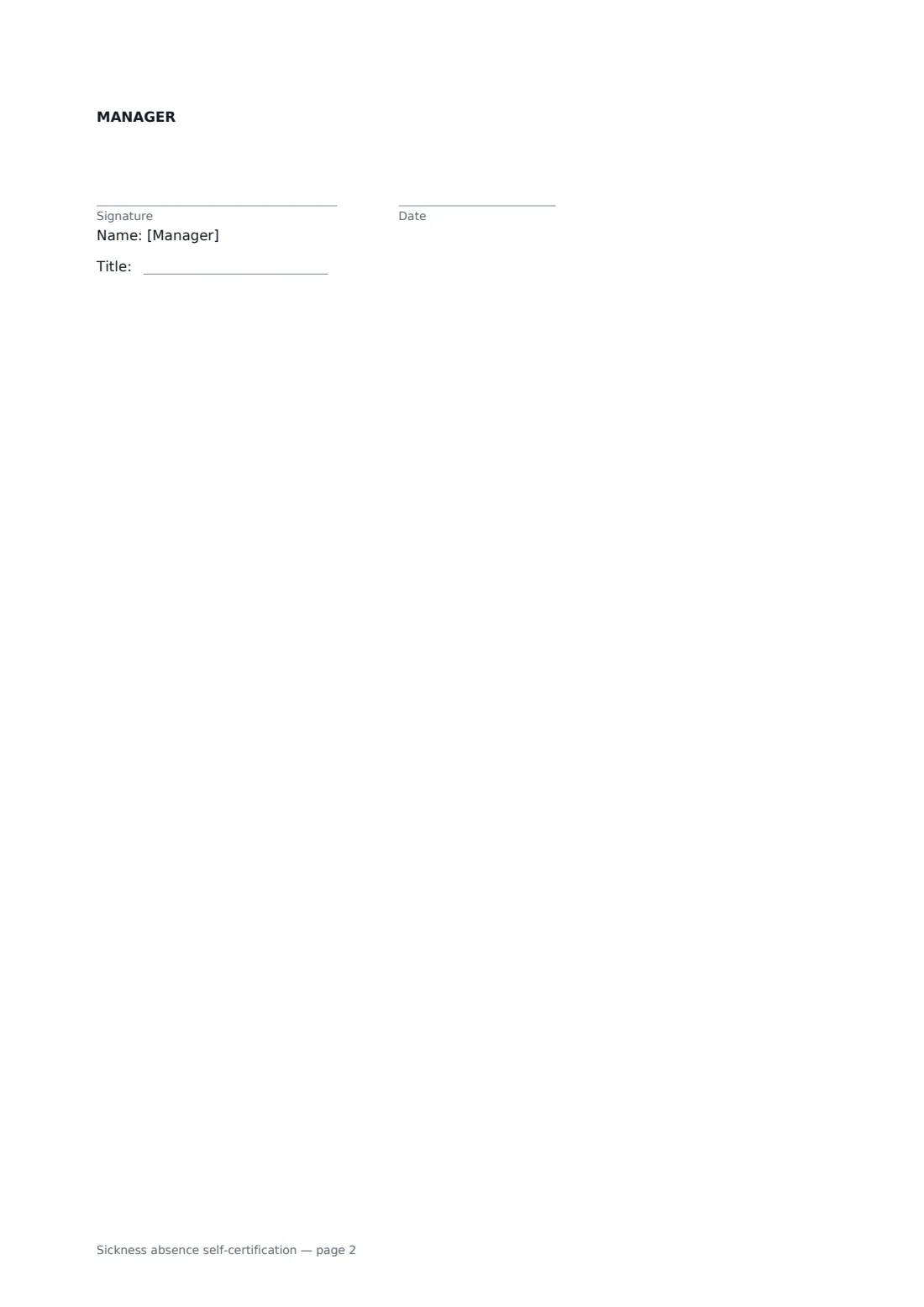
- Manager signature and date, job title · The manager or HR contact who records the absence.
What the sickness absence self-certification covers
- Employee
- Absence
- Employee declaration
- Manager's confirmation
Using the sickness absence self-certification, step by step
1 Enter your details
As the employee you send this form. Add your employer's name and your own details — your name can be pre-filled from your account.
2 Describe the absence
Enter the first and last days, your return date, the working days missed and a brief reason. Say how you reported it and whether you saw a doctor.
3 Flag anything work-related
If the illness or injury was caused by work, say so and add details. An incident report may also be needed.
4 Send to your manager
Add your manager or HR contact as the second signer. Once both have signed, the form is stored with its audit trail.
Tips before you send it
- Keep the reason brief. You don't have to share details you're not comfortable with.
- Employers: check how many days of self-certification your policy and local law allow before evidence is needed.
- Use the return to work agreement for longer absences that need a phased return or adjusted duties.
- Keep sickness forms separate from general personnel files, with restricted access.
Sign it online in minutes
- Fill in the blanks. Names, dates and amounts go straight into the agreement — the preview shows exactly where.
- Name who signs. Tick “This is me” for your own part. FileIt builds the PDF with every signature, date box on the right line, and you can check or move anything before sending.
- Send it. Each signer gets a secure link and signs from any device — no account needed. The signed PDF, with an audit trail and a Certificate of Completion, is filed in your vault and emailed to everyone.
Sickness absence self-certification: frequently asked questions
How long can I self-certify for?
It depends on your employer's policy and the law where you work. The form notes that longer absences may need a doctor's note or other evidence.
Does this form decide my sick pay?
No. Sick pay, if any, follows your contract, the company's sickness policy and the law. The form gives payroll the dates.
Who sees my health information?
The form says it will be kept confidential and shared only with those who need it for pay, absence management or health and safety.
Can a manager send this form instead?
Yes. A manager can start it and add the employee as a signer, filling in the details agreed with them, or place Text boxes in the editor for the employee to complete.