What is a school absence note?
Schools usually want a note from a parent when a child has been off, and many ask for a written request before any planned absence. A scribbled note in a school bag can get lost, and a phone message doesn't leave a record. A short signed note gives the class teacher and the attendance office everything they need in one place.
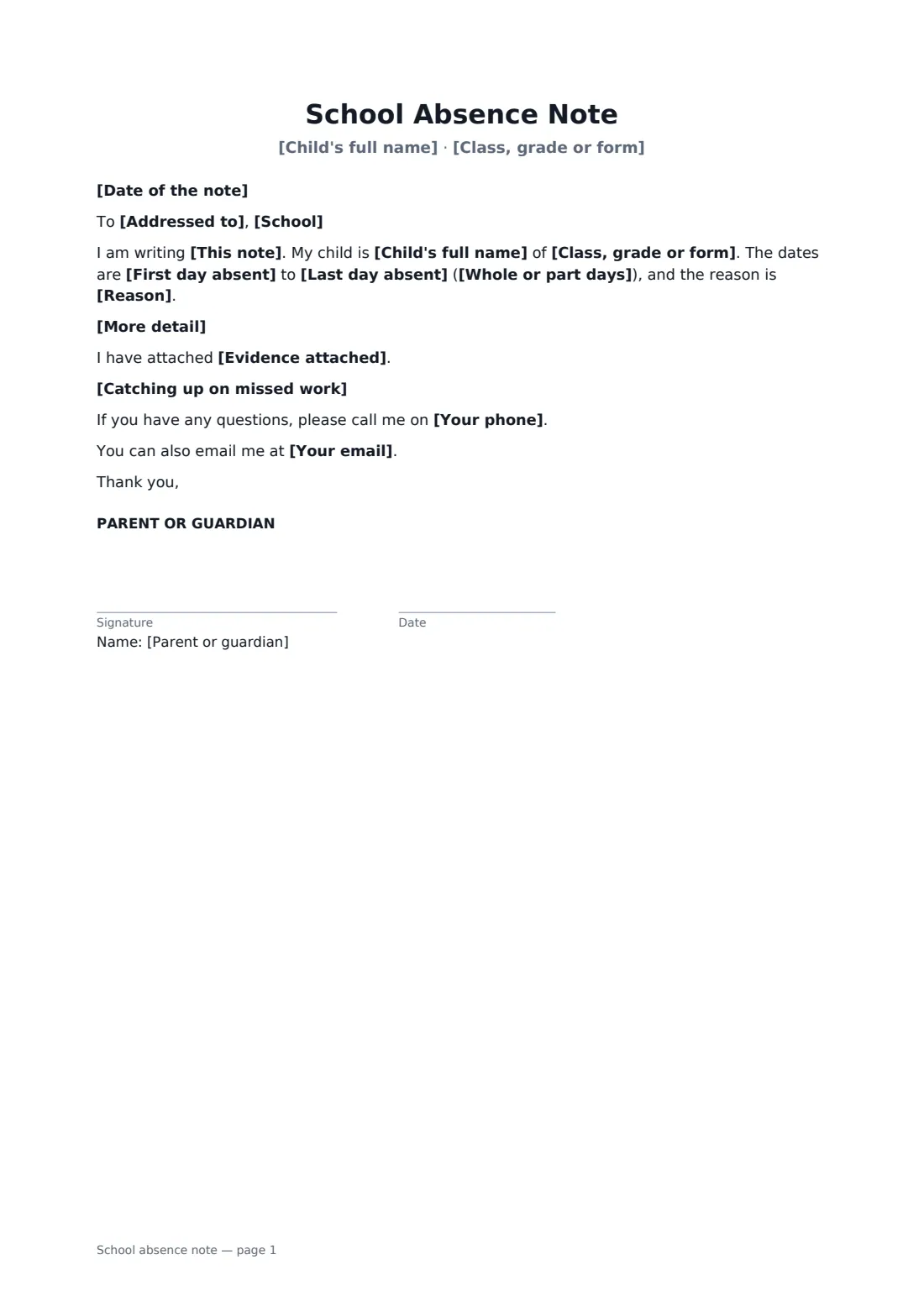
This template works both ways: to explain an absence that has already happened, or to ask permission in advance. It names the child and class, the dates and whether it was a whole or part day, and the reason, from illness or an appointment to a bereavement, religious observance or family event. You can add detail, mention evidence such as an appointment card, say how missed work will be caught up and give your phone and email. A request in advance notes that the school decides whether to authorise it under its own policy.
- Best for
- Parents and guardians of school-age children
- Signed by
- The parent or guardian
- Two uses
- Explaining a past absence, or asking for leave in advance
- Length
- 1 page
When to use a school absence note
- A day off with a stomach bug or a cold
- A morning out for a hospital or orthodontist appointment
- Time off for a funeral or a family emergency
- Asking in advance for a religious festival
- Requesting leave for a family wedding abroad
What you fill in
16 blanks, then the name and email of each person who signs: parent or guardian.
1 The note
- Date of the note*
- School*
- Addressed to*
- This note* to explain why my child was absent from school · to ask permission for my child to be absent from school
2 The child
- Child's full name*
- Class, grade or form*
3 The absence
- First day absent*
- Last day absent*
- Whole or part days* the whole school day · the morning only · the afternoon only · part of the day, as described below
- Reason* illness · a medical or dental appointment · a family emergency or bereavement · a religious observance · a family event · another reason, described below
- More detail
- Evidence attached
4 Follow-up
- Catching up on missed work* Please let me know what work was missed and we will make sure it is done at home. · Please send any work in advance and we will complete it while away. · No catch-up work needed.
- Your full name*
- Your phone*
- Your email
5 Who signs
- Parent or guardian signature and date
Using the school absence note, step by step
1 Choose the kind of note
Pick whether you're explaining an absence or asking permission in advance. Enter the school and who the note is for.
2 Add the child and dates
Enter your child's name and class, the first and last days, and whether it was the whole day or part of it.
3 Give the reason
Choose the reason and add a line of detail if it helps. Mention any evidence you're attaching. Share only what the school needs.
4 Sign and send
Choose how missed work will be caught up, add your phone and email, sign, and send the PDF to the school office.
Tips before you send it
- Send the note as soon as your child is back, or as early as you can for a planned absence.
- Schools in many places can only authorise leave in term time in exceptional circumstances. Check the attendance policy before booking a trip.
- If your child was off with an infectious illness, say when symptoms stopped. Many schools have rules about how long to stay home.
- Keep a copy. A record of notes helps if attendance is ever questioned.
Sign it online in minutes
- Fill in the blanks. Names, dates and amounts go straight into the agreement — the preview shows exactly where.
- Name who signs. Tick “This is me” for your own part. FileIt builds the PDF with every signature, date box on the right line, and you can check or move anything before sending.
- Send it. Each signer gets a secure link and signs from any device — no account needed. The signed PDF, with an audit trail and a Certificate of Completion, is filed in your vault and emailed to everyone.
School absence note: frequently asked questions
Does the school have to accept the reason?
No. The note explains the absence or asks for permission, but the school decides whether to record it as authorised under its attendance policy. The template says so for advance requests.
Can I use it for half a day?
Yes. Choose morning only, afternoon only, or part of the day, and add the times in the detail box.
How much medical detail should I give?
Only what the school needs, such as "a stomach bug" or "a hospital appointment". You don't have to share a diagnosis.
How do I get the note to the school?
Sign it online and download the PDF, then email it to the school office or upload it to the school's parent portal. You can also print it.