What is a private dining event agreement?
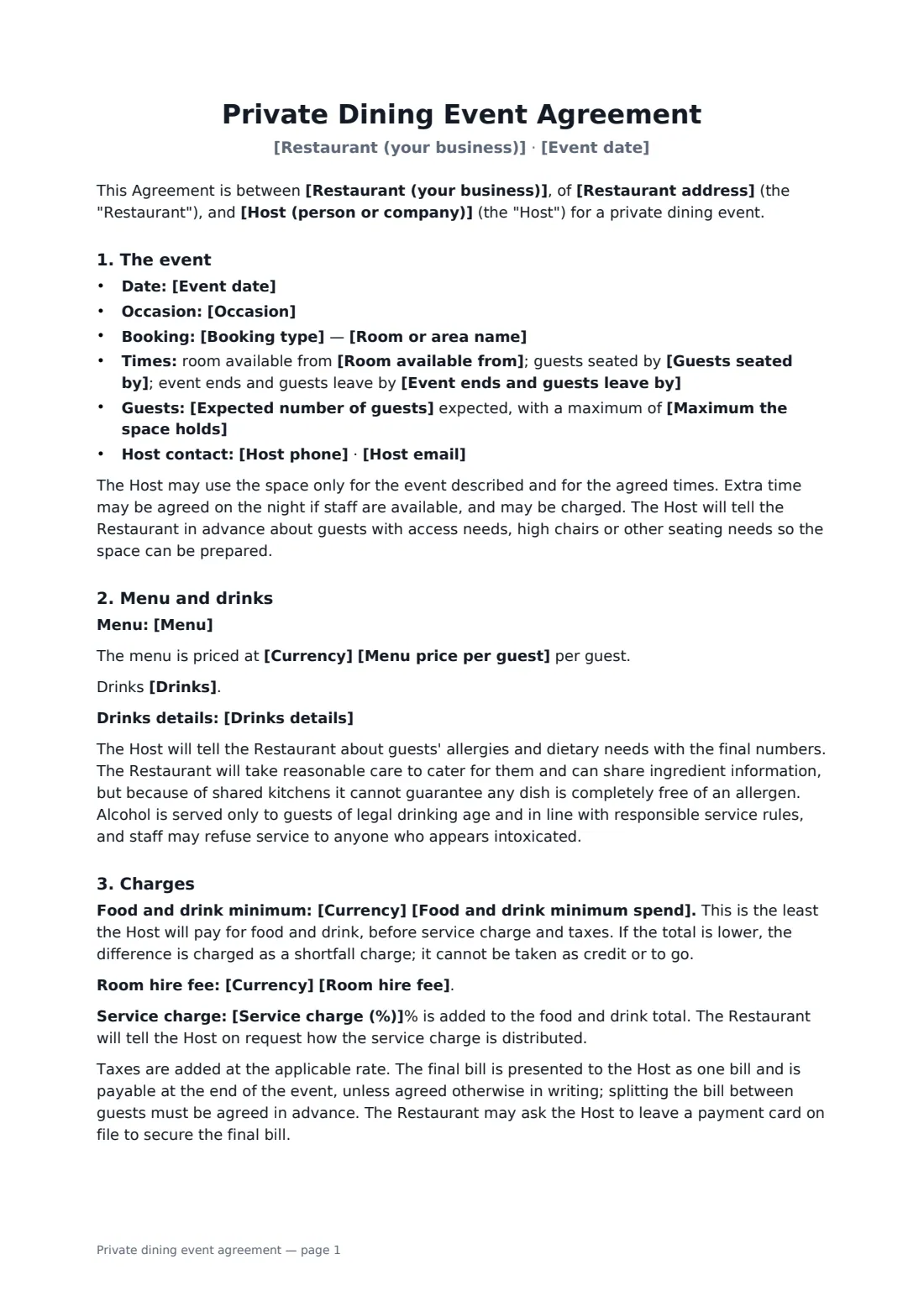
A private dining event agreement confirms a group booking between a restaurant and the person hosting the event — a birthday dinner, rehearsal dinner, team celebration or client entertaining. Restaurants hold back a room, plan staff and order food for these events, so the agreement needs to pin down the numbers, the money and what happens if plans change.
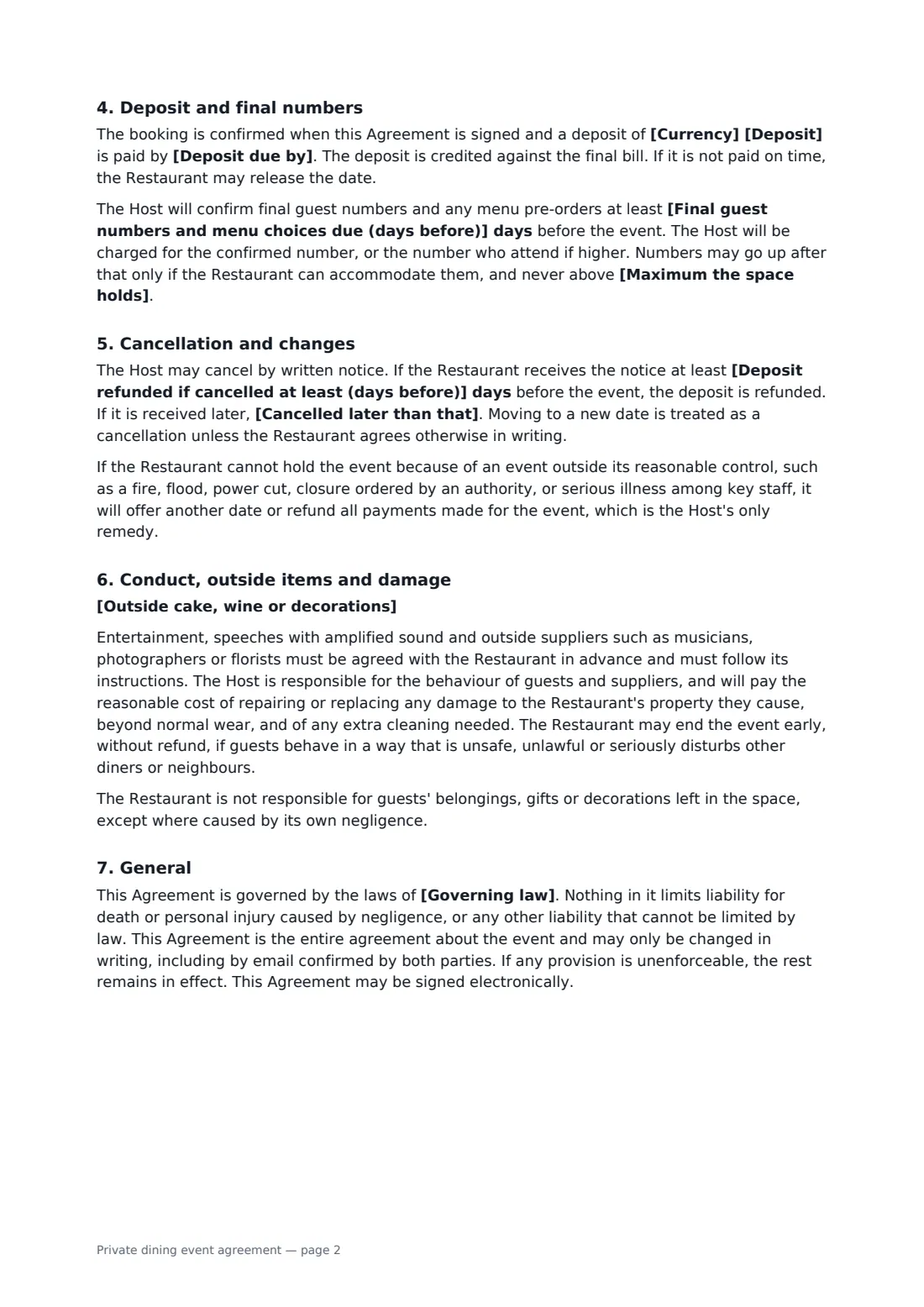
This template records the booking type (private room, semi-private area or full buyout), date and times, expected and maximum guests, the set menu and price per guest, and how drinks are handled — on consumption, a package, guests paying, or a tab up to a limit. It sets an optional food and drink minimum, room fee and service charge, the deposit and its due date, the deadline for final numbers and menu choices, cancellation with a refund cut-off, allergy and responsible-alcohol wording, outside cakes and decorations, suppliers, guest conduct and damage.
- Best for
- Restaurants taking private room bookings and buyouts
- Signed by
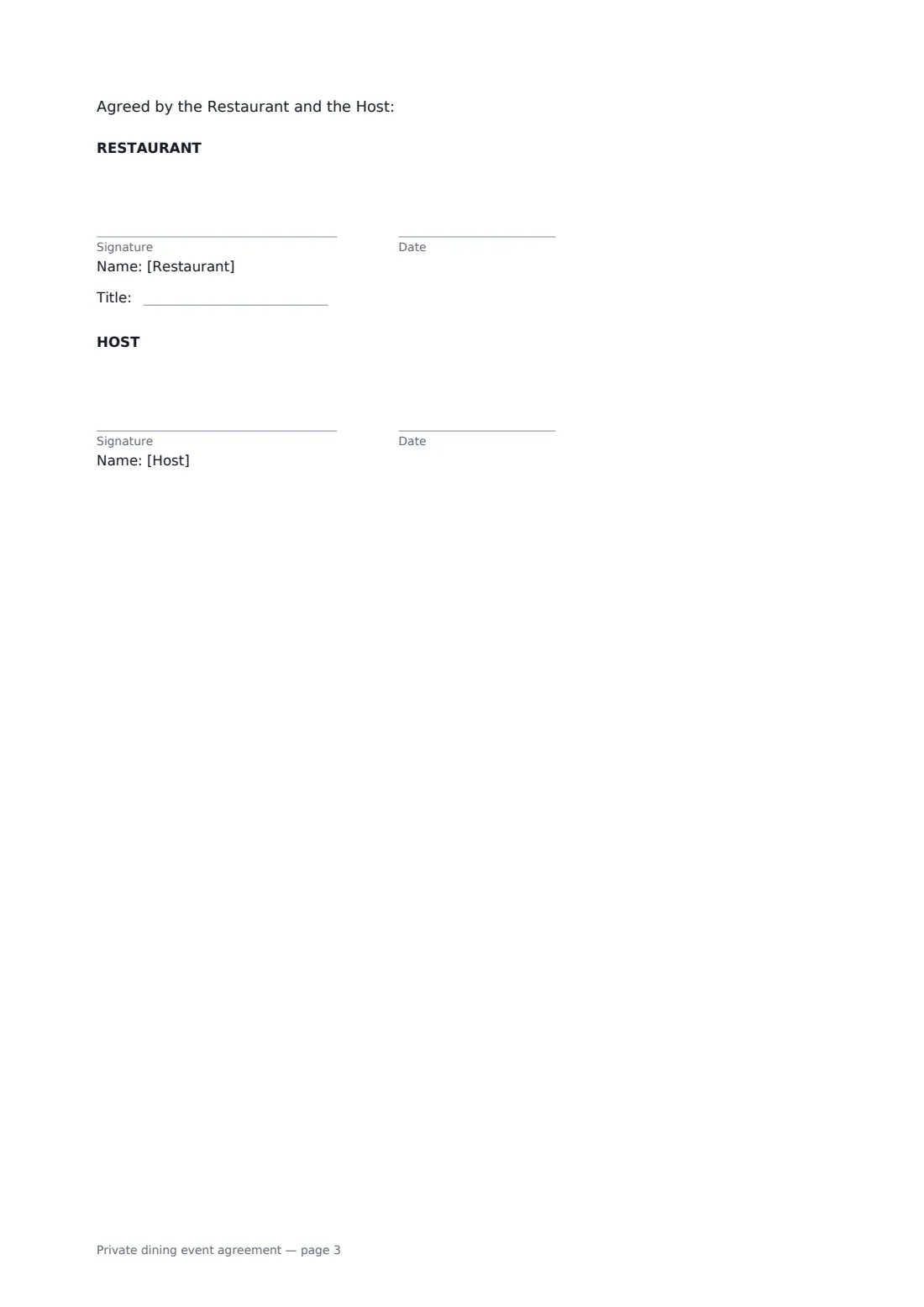
- The restaurant's manager (with job title) and the host
- Money terms
- Menu price, food and drink minimum, service charge and deposit
- Length
- About 3 pages
When to use a private dining event agreement
- A restaurant books its private dining room for a 40th birthday
- A couple reserves a full buyout for a rehearsal dinner
- A company hosts a client dinner with a set menu and drinks package
- A team celebration pays drinks on consumption up to a limit
- A semi-private area is booked for a family gathering with a minimum spend
What you fill in
29 blanks, then the name and email of each person who signs: restaurant, host.
1 The parties
- Restaurant (your business)*
- Restaurant address*
- Host (person or company)*
- Host phone
- Host email
2 The event
- Event date*
- Occasion
- Booking type* a private dining room · a semi-private area · a full buyout of the restaurant
- Room or area name
- Room available from*
- Guests seated by
- Event ends and guests leave by*
- Expected number of guests*
- Maximum the space holds*
3 Food and drink
- Menu*
- Currency*
- Menu price per guest
- Drinks* are charged to the Host on consumption · are included in a drinks package priced per guest · are paid for by each guest at the bar · are charged on consumption up to a limit set by the Host, then paid by guests
- Drinks details
4 Charges
- Food and drink minimum spend
- Room hire fee
- Service charge (%)
- Deposit*
- Deposit due by*
- Final guest numbers and menu choices due (days before)*
5 Cancellation and rules
- Deposit refunded if cancelled at least (days before)*
- Cancelled later than that* the deposit is kept · the deposit is kept and the Host also pays for food and drink already ordered for the event that cannot be used
- Outside cake, wine or decorations
- Governing law*
6 Who signs
- Restaurant signature and date, job title · The restaurant's events or general manager.
- Host signature and date · The person or company booking and paying for the event.
What the private dining event agreement covers
- The event
- Menu and drinks
- Charges
- Deposit and final numbers
- Cancellation and changes
- Conduct, outside items and damage
- General
Using the private dining event agreement, step by step
1 Describe the event
Choose the booking type and room, enter the date, arrival, seating and end times, and the expected and maximum number of guests.
2 Set the menu and drinks
Describe the menu, add a price per guest and choose how drinks are charged, with any package or limit details.
3 Agree the money
Enter any food and drink minimum, room fee and service charge, the deposit and its due date, and when final numbers are due.
4 Set cancellation and send
Choose the refund cut-off and late-cancellation terms, edit the outside-items rules, then add the host as a signer and send.
Tips before you send it
- Ask for allergies and dietary needs with the final numbers — the agreement asks the host to provide them.
- Make the minimum spend exclude service charge and taxes, as the template does, so there's no argument at the end of the night.
- If you add a service charge, be ready to explain how it is distributed; some places regulate this.
- Confirm the final numbers in writing so the bill matches what was agreed.
Sign it online in minutes
- Fill in the blanks. Names, dates and amounts go straight into the agreement — the preview shows exactly where.
- Name who signs. Tick “This is me” for your own part. FileIt builds the PDF with every signature, date box on the right line, and you can check or move anything before sending.
- Send it. Each signer gets a secure link and signs from any device — no account needed. The signed PDF, with an audit trail and a Certificate of Completion, is filed in your vault and emailed to everyone.
Private dining event agreement: frequently asked questions
What is a food and drink minimum?
The least the host will pay for food and drink, before service charge and taxes. If the total is lower, the difference is charged as a shortfall charge.
What happens if the host cancels?
If the restaurant receives written notice before the refund cut-off, the deposit is refunded. Later than that, the deposit is kept, and you can choose to also charge for food already ordered that can't be used.
What if more guests turn up?
The host is charged for the confirmed number or the number who attend, whichever is higher. Extra guests are allowed only if the restaurant can accommodate them, and never above the space's maximum.
Is a document signed electronically legally binding?
In most countries, including the US (ESIGN Act and UETA), the UK, the EU (eIDAS) and Canada, an electronic signature is generally valid for an ordinary agreement like this one. FileIt keeps an audit trail and a Certificate of Completion with the signed PDF as evidence of who signed and when.
Is this template free?
Yes. The template is free to use with the eSignature app in FileIt. The host doesn't need a FileIt account to sign.