What is a license to occupy agreement?
Sometimes a lease is the wrong tool. A shop wants to let a supplier keep stock in a back room for a few months; a landlord lets an incoming tenant fit out a unit before the lease starts; a business lets a partner use a corner of its warehouse. A licence to occupy gives permission to use the space without handing over the rights a tenant gets, so the owner keeps control and either side can end it on short notice.
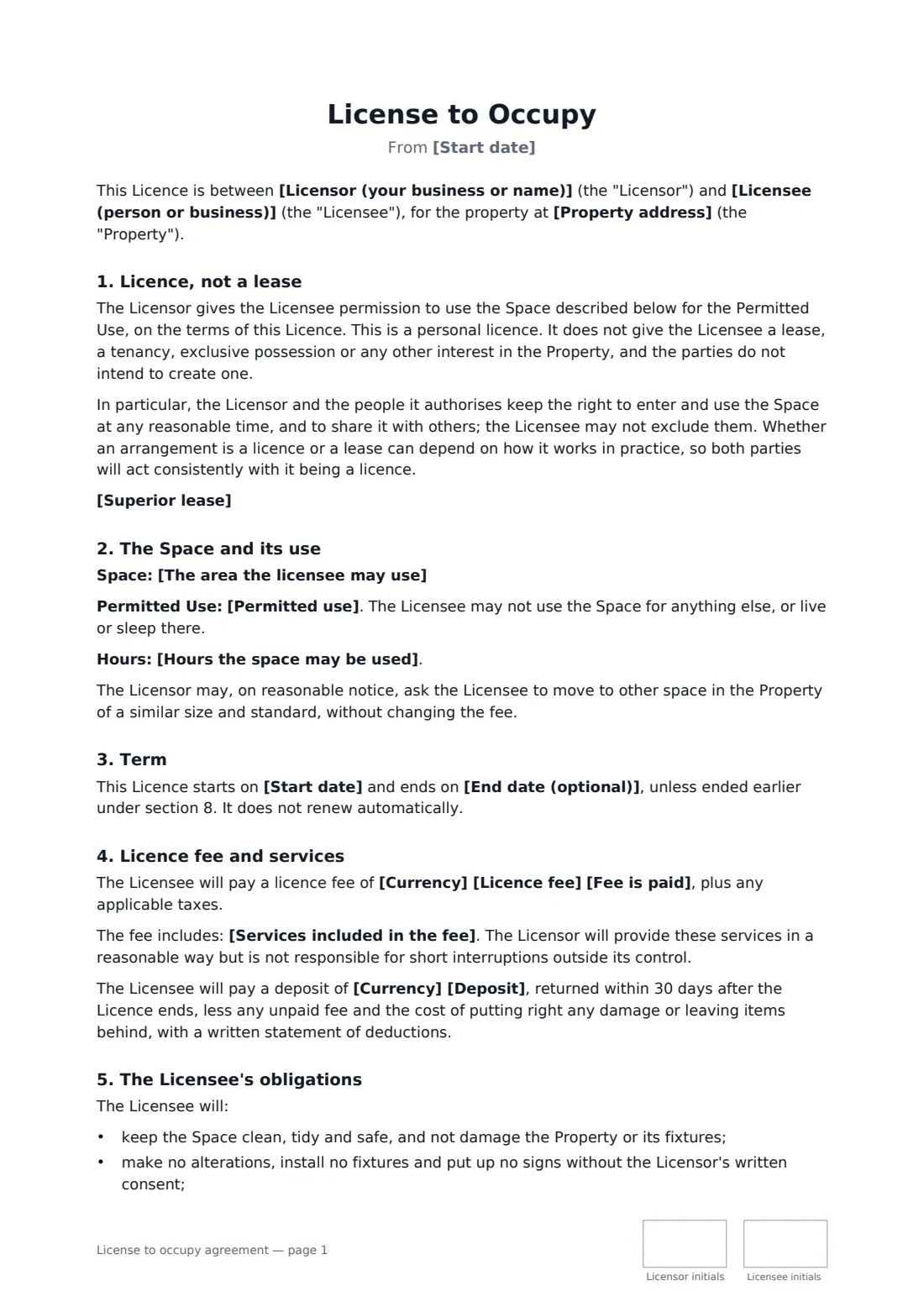
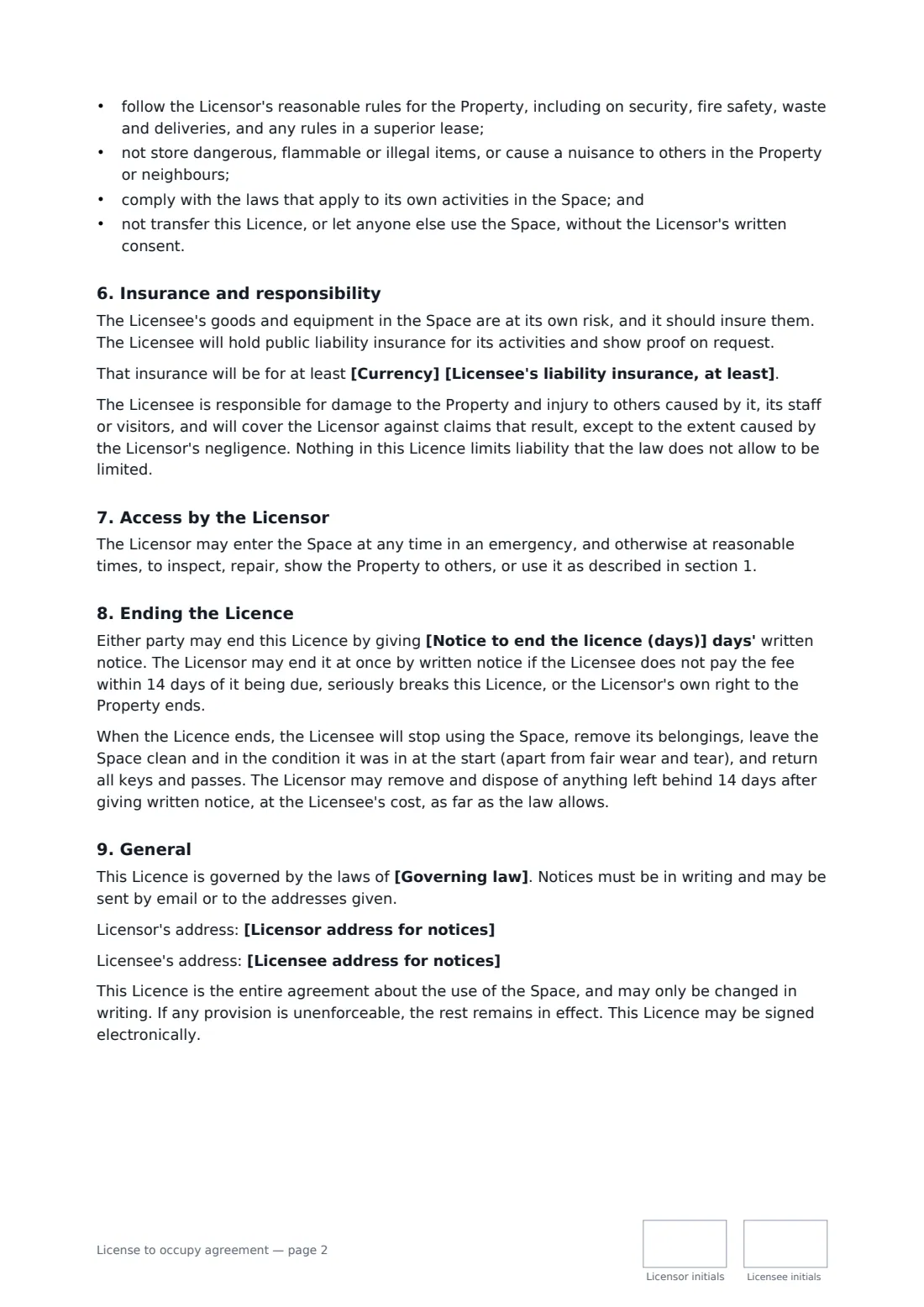
This template is built around that difference. It says plainly that the licence is personal and gives no lease, tenancy or exclusive possession, keeps the licensor's right to enter and share the space, and records whether the licensor owns the property or has its own landlord's consent. It describes the space, the permitted use and hours, the term (fixed or rolling) and the licence fee, with services included and an optional deposit. It lists the licensee's obligations, insurance and responsibility, the licensor's access, and notice to end, including leaving the space as found.
- Best for
- Short-term or flexible use of premises without a lease
- Signed by
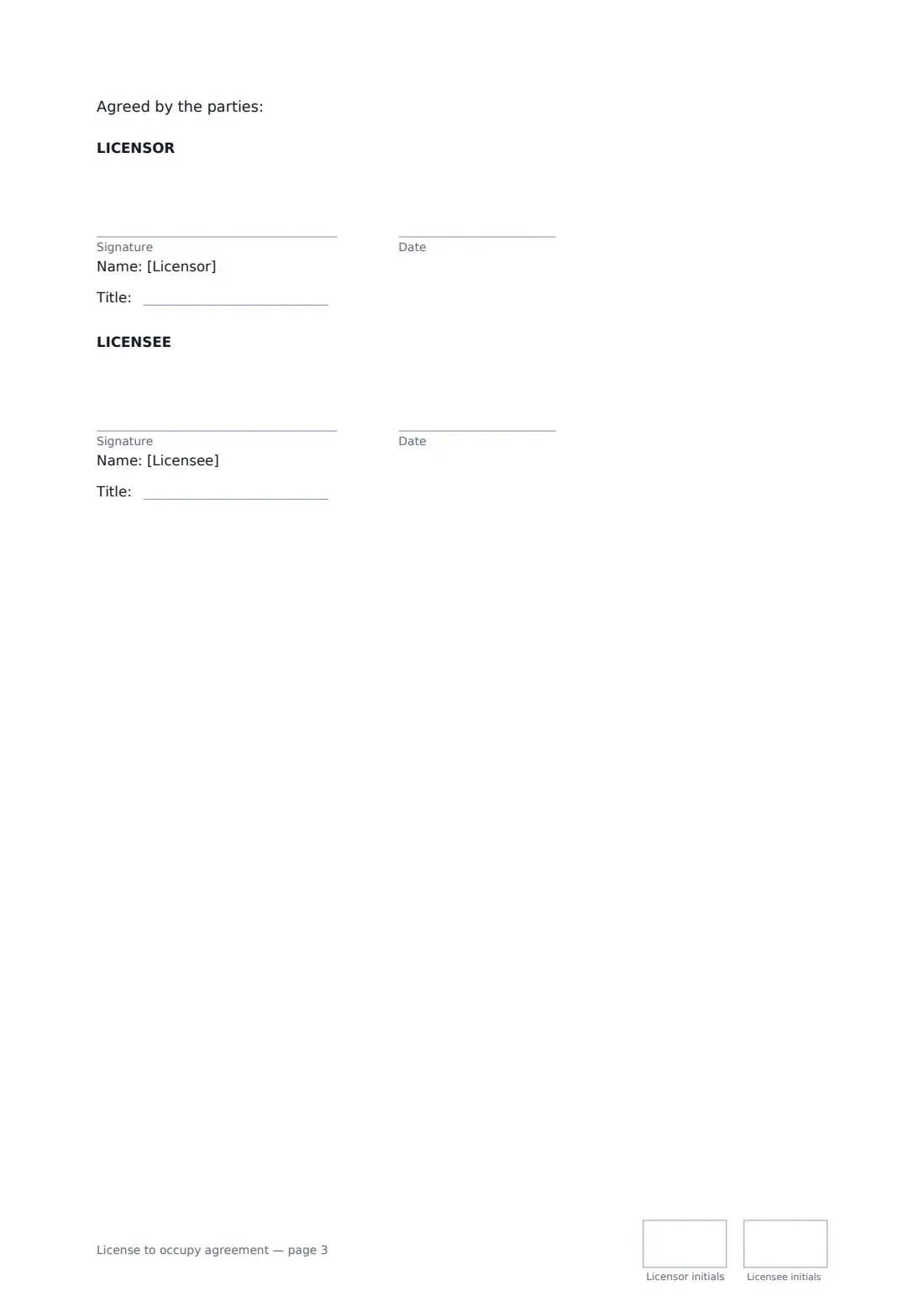
- The licensor and the licensee, with job titles
- Key point
- No exclusive possession — the licensor can enter and share the space
- Length
- About 3 pages, initialled on every page
When to use a license to occupy agreement
- A retailer letting a supplier store stock in a back room
- A landlord letting an incoming tenant start fitting out before the lease begins
- A warehouse owner licensing part of the floor to another business
- A church or community hall letting a group use a room on set days
- A business letting a contractor use a site office during a project
What you fill in
19 blanks, then the name and email of each person who signs: licensor, licensee.
1 The parties
- Licensor (your business or name)*
- Licensor address for notices
- Licensee (person or business)*
- Licensee address for notices
2 The space
- Property address*
- The area the licensee may use*
- Permitted use*
- Hours the space may be used
3 Term
- Start date*
- End date (optional)
- Notice to end the licence (days)*
4 Fee
- Currency*
- Licence fee*
- Fee is paid* per month, in advance · per week, in advance · once, for the whole term
- Services included in the fee
- Deposit
5 Other terms
- Licensee's liability insurance, at least
- Superior lease* The Licensor owns the property. · The Licensor is a tenant, and its lease allows this licence or its landlord has consented.
- Governing law*
6 Who signs
- Licensor signature and date, job title, initials on every page · The owner, or the tenant with the right to grant the licence.
- Licensee signature and date, job title, initials on every page · The person or business allowed to use the space.
What the license to occupy agreement covers
- Licence, not a lease
- The Space and its use
- Term
- Licence fee and services
- The Licensee's obligations
- Insurance and responsibility
- Access by the Licensor
- Ending the Licence
- General
Using the license to occupy agreement, step by step
1 The property and space
Enter the property address and describe the area the licensee may use — attach a plan in the editor if that's clearer. Add the permitted use and the hours.
2 Term and fee
Set the start date and either an end date or a rolling licence, the notice period, the licence fee and how often it's paid, the services included and any deposit.
3 Your own position
Say whether you own the property or are a tenant whose lease allows the licence or whose landlord has consented. Add a minimum insurance level if you want one.
4 Send
Add the governing law and the parties' addresses for notices, then send it. Both sides sign with job titles and initial each page.
Tips before you send it
- Calling something a licence doesn't make it one. If the licensee in practice has the space to themselves and keeps you out, the law in many places may treat it as a lease. Keep using your right to enter and share.
- If you're a tenant yourself, check your lease before granting a licence — many leases forbid sharing occupation without consent.
- Use a licence for genuinely flexible or short arrangements. For long-term exclusive use of a defined unit, a lease is usually the honest choice.
- Rules on licences, leases and tenant protections differ a lot between countries and states. For anything long or valuable, take local advice.
Sign it online in minutes
- Fill in the blanks. Names, dates and amounts go straight into the agreement — the preview shows exactly where.
- Name who signs. Tick “This is me” for your own part. FileIt builds the PDF with every signature, date and initials box on the right line, and you can check or move anything before sending.
- Send it. Each signer gets a secure link and signs from any device — no account needed. The signed PDF, with an audit trail and a Certificate of Completion, is filed in your vault and emailed to everyone.
License to occupy agreement: frequently asked questions
What is the difference between a licence and a lease?
A lease usually gives the tenant exclusive possession of the property for a term, along with legal protections. A licence is permission to use the space without exclusive possession — the owner keeps control, can enter and share it, and the arrangement is easier to end. Which one you have depends on how the arrangement works in practice, not just its name.
Can a licence to occupy be used for someone's home?
This template isn't meant for that. It forbids living or sleeping in the space. Residential arrangements are often treated as tenancies whatever they're called; use a residential or room rental agreement instead.
How is a licence ended?
Either side can end it with the notice period you set. The licensor can end it at once if the fee is more than 14 days late, the licensee seriously breaks the terms, or the licensor's own right to the property ends.
Can a license to occupy be signed electronically?
In many places, yes — electronic signatures are generally valid for commercial agreements like this in the US (ESIGN Act and UETA), the UK, the EU (eIDAS) and Canada. Some property documents need extra formalities, so check local rules for long arrangements. FileIt keeps an audit trail and a Certificate of Completion with the signed PDF.
Is this template free?
Yes. It's free in the eSignature app in FileIt, and the licensee signs from a link without needing an account.