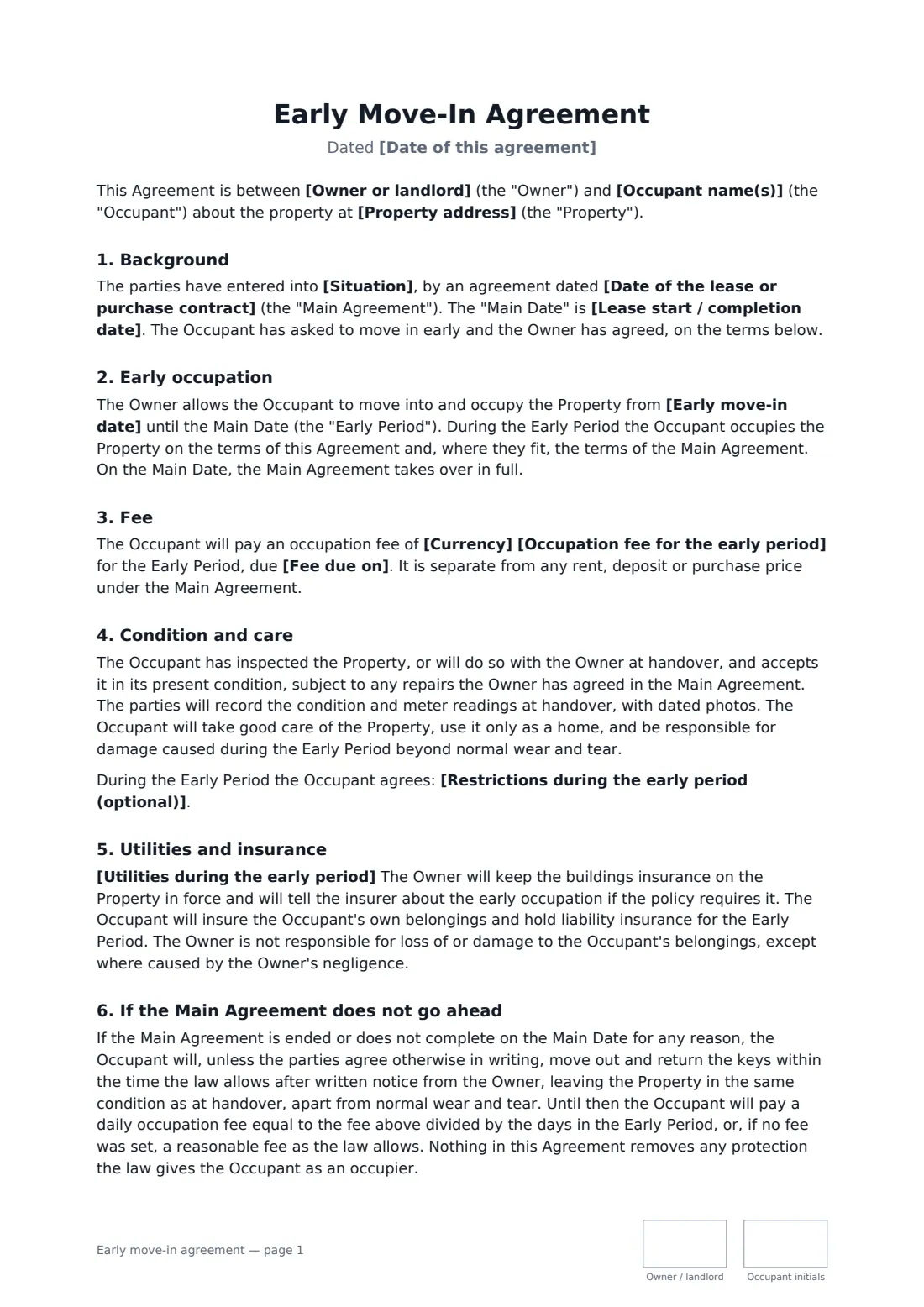
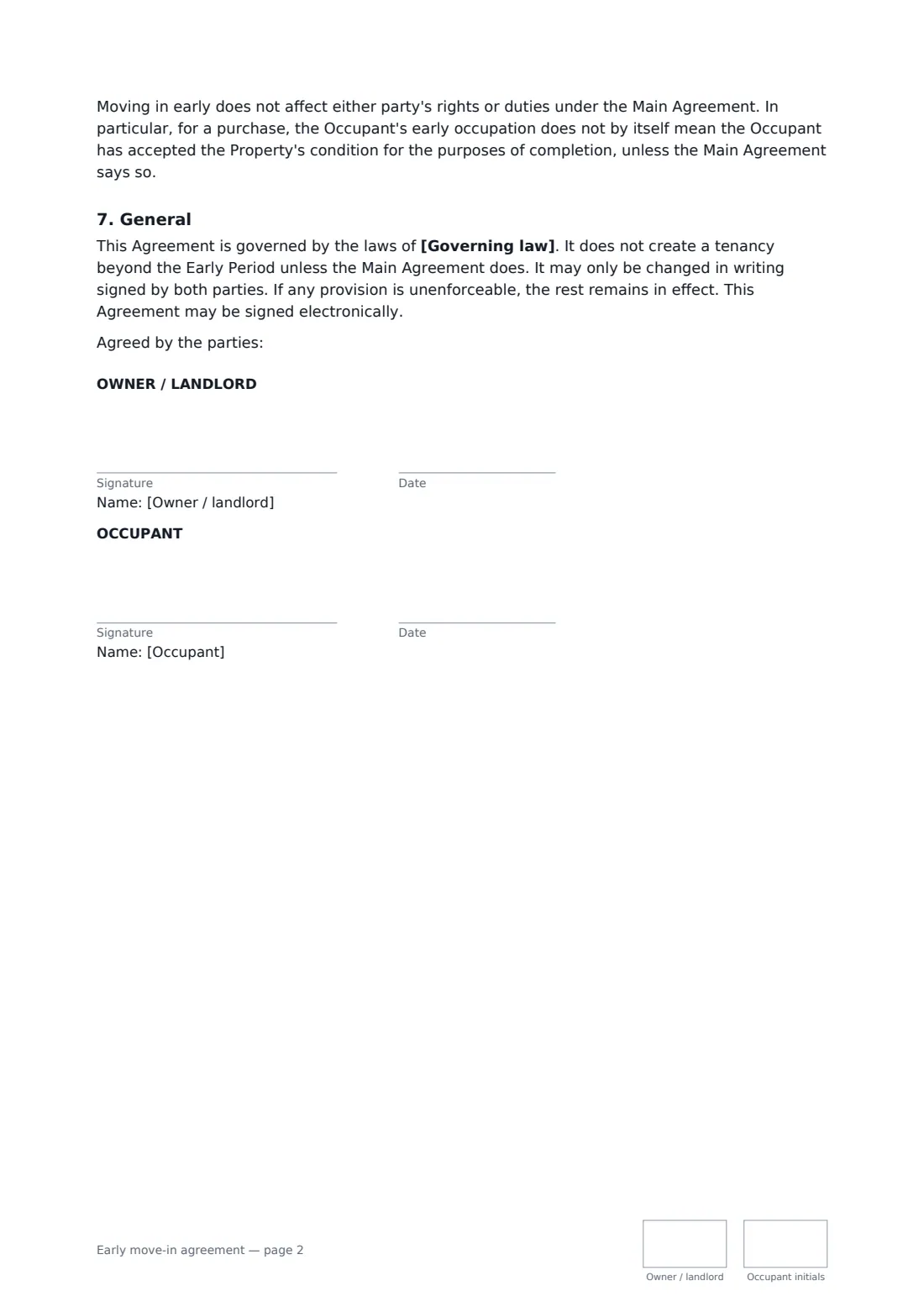
What is a early move-in agreement?
A tenant or buyer moves into a property before the lease starts or the sale completes — the early date, any rent or occupation fee, insurance, condition, utilities and what happens if the lease or sale falls through. Start from this template in FileIt eSignature: fill in the blanks, add the people who sign, and send it. Everyone signs online and the signed PDF is filed in your vault.
What you fill in
14 blanks, then the name and email of each person who signs: owner / landlord, occupant.
1 The parties
- Date of this agreement*
- Owner or landlord*
- Occupant name(s)*
- Property address*
- Situation* a lease of the Property to the Occupant that starts on the Main Date · a contract for the Occupant to buy the Property that is due to complete on the Main Date
- Date of the lease or purchase contract*
2 Dates and fee
- Early move-in date*
- Lease start / completion date*
- Currency*
- Occupation fee for the early period
- Fee due on
3 Terms
- Utilities during the early period* The Occupant will transfer the utility accounts into the Occupant's name from the early move-in date and pay for all use from then. · The Owner will keep the utility accounts, and the Occupant will repay the Owner for use from the early move-in date, based on meter readings taken at handover.
- Restrictions during the early period (optional)
- Governing law*
4 Who signs
- Owner / landlord signature and date, initials on every page · The landlord or the seller who owns the property.
- Occupant signature and date, initials on every page · The incoming tenant or buyer who moves in early.
What the early move-in agreement covers
- Background
- Early occupation
- Fee
- Condition and care
- Utilities and insurance
- If the Main Agreement does not go ahead
- General
Sign it online in minutes
- Fill in the blanks. Names, dates and amounts go straight into the agreement — the preview shows exactly where.
- Name who signs. Tick “This is me” for your own part. FileIt builds the PDF with every signature, date and initials box on the right line, and you can check or move anything before sending.
- Send it. Each signer gets a secure link and signs from any device — no account needed. The signed PDF, with an audit trail and a Certificate of Completion, is filed in your vault and emailed to everyone.