What is a freight rate confirmation?
A rate confirmation ("rate con") is the short, load-specific document a freight broker sends a carrier for every shipment. The master broker-carrier agreement sets the general rules; the rate confirmation records what both sides agreed for this one load — where and when to pick up and deliver, what is being hauled, the equipment, and exactly what the carrier will be paid.
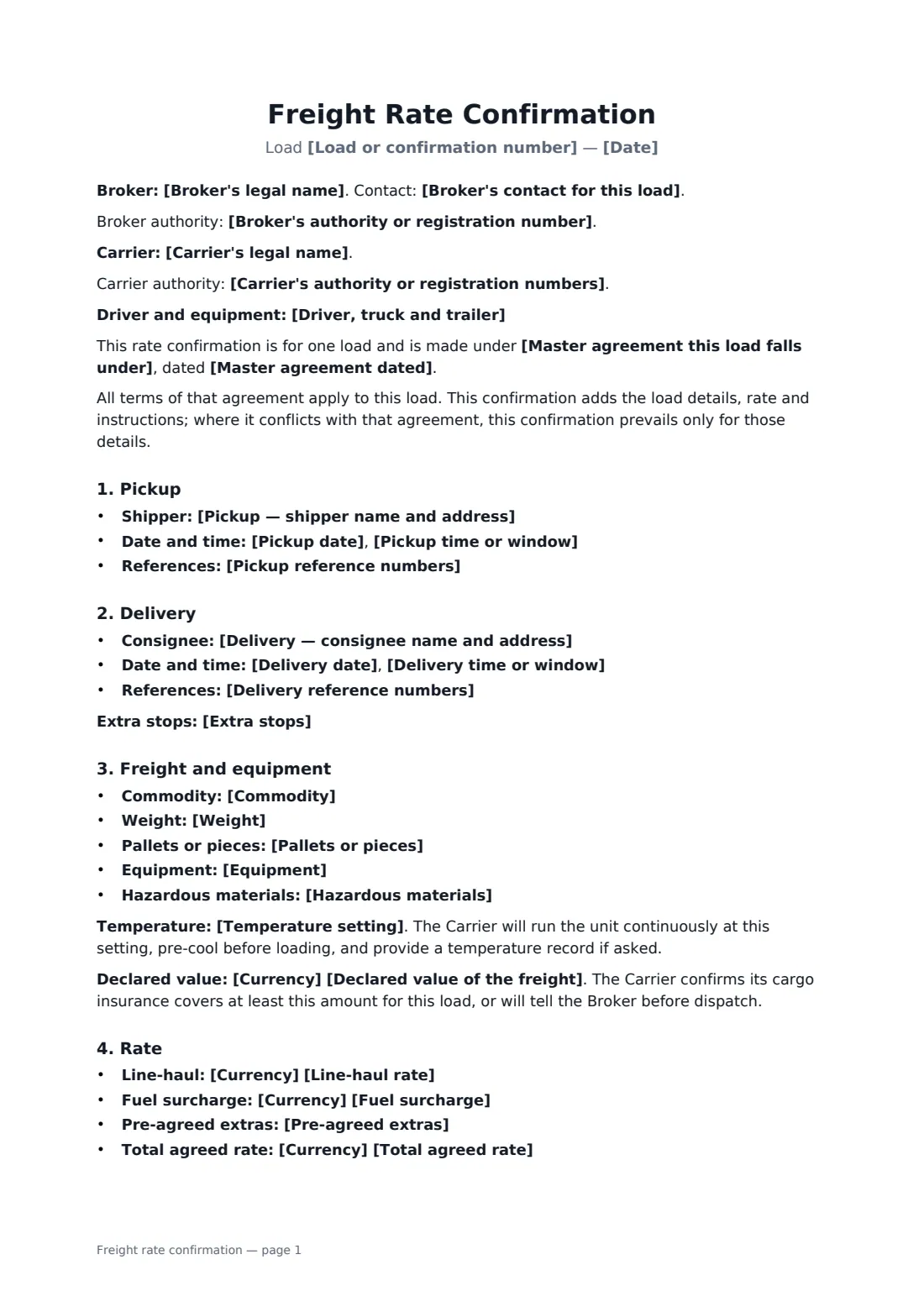
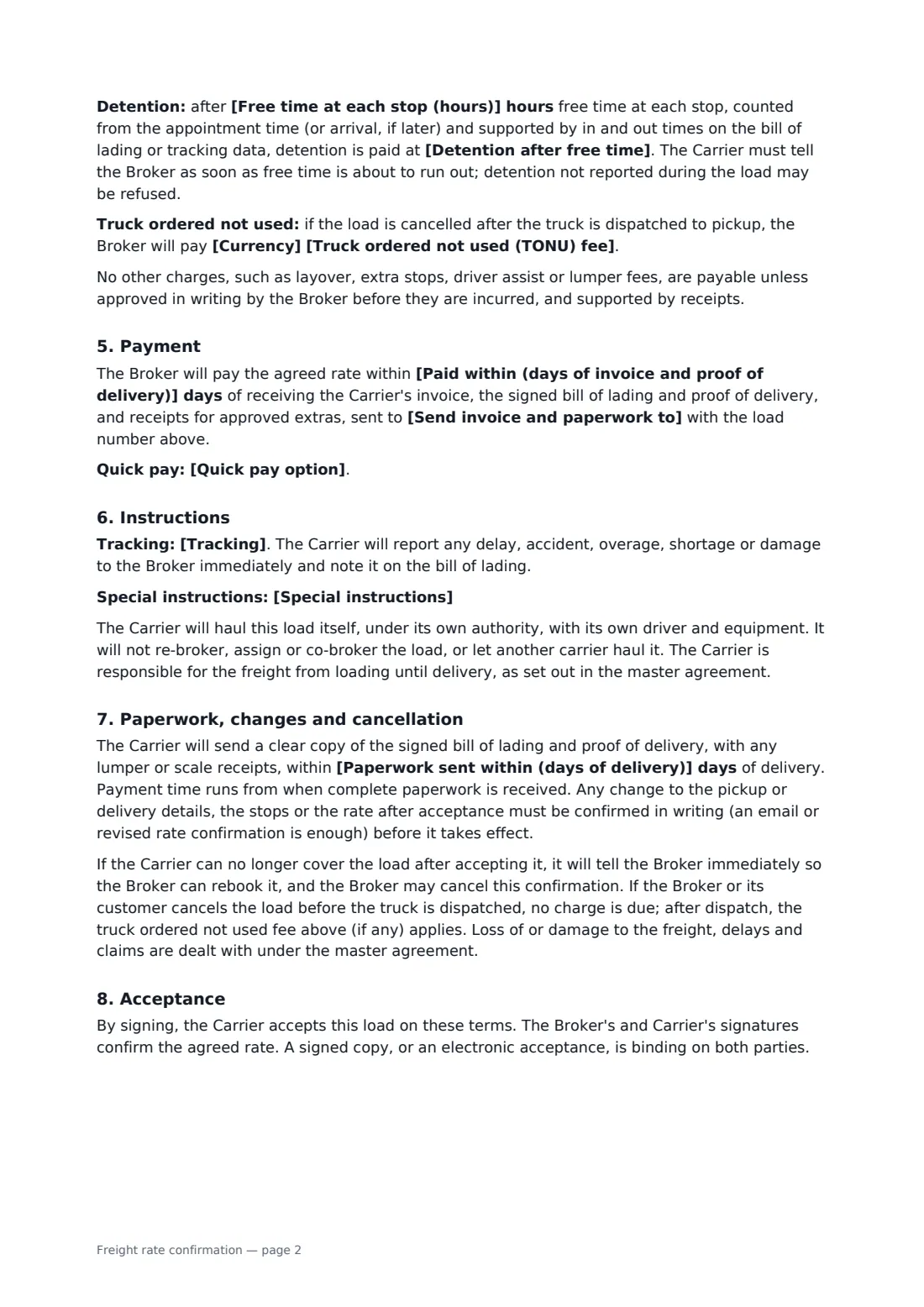
This template covers the load number, both parties and their authority numbers, the driver and equipment, the master agreement it falls under (which prevails except for load details), pickup and delivery with times and reference numbers, extra stops, commodity, weight, pallets, equipment type, temperature settings, hazardous materials and declared value, the line-haul rate, fuel surcharge, pre-agreed extras and the total, detention after free time, a truck-ordered-not-used fee, payment terms and quick pay, tracking, special instructions, no double brokering, paperwork, changes and cancellation.
- Best for
- Freight brokers and carriers confirming individual truckloads
- Signed by
- The broker and the carrier, each with a job title
- Works with
- A master broker-carrier agreement, which it names
- Length
- 3 pages
When to use a freight rate confirmation
- A broker tendering a dry van load to a regular carrier
- Confirming a refrigerated load with a set temperature and download required
- Booking a multi-stop load with pre-agreed stop-off pay
- A small brokerage replacing emailed load details with a signed confirmation
- A carrier keeping a signed record of the agreed rate and detention terms
What you fill in
40 blanks, then the name and email of each person who signs: broker, carrier.
1 The load
- Load or confirmation number*
- Date*
- Broker's legal name*
- Broker's authority or registration number
- Broker's contact for this load*
- Carrier's legal name*
- Carrier's authority or registration numbers
- Driver, truck and trailer
- Master agreement this load falls under*
- Master agreement dated
2 Pickup and delivery
- Pickup — shipper name and address*
- Pickup date*
- Pickup time or window*
- Pickup reference numbers
- Delivery — consignee name and address*
- Delivery date*
- Delivery time or window*
- Delivery reference numbers
- Extra stops
3 Freight and equipment
- Commodity*
- Weight*
- Pallets or pieces
- Equipment* 53 ft dry van · 53 ft refrigerated trailer · 48 ft flatbed · step deck · power only · box truck · container chassis · other (see special instructions)
- Temperature setting
- Hazardous materials* No · Yes (details in special instructions)
- Declared value of the freight
4 Rate
- Currency*
- Line-haul rate*
- Fuel surcharge
- Pre-agreed extras
- Total agreed rate*
- Free time at each stop (hours)*
- Detention after free time*
- Truck ordered not used (TONU) fee
5 Payment and instructions
- Paid within (days of invoice and proof of delivery)*
- Quick pay option
- Paperwork sent within (days of delivery)*
- Send invoice and paperwork to*
- Tracking* app or ELD tracking required from pickup to delivery · check calls every 4 hours and at each stop · check calls at pickup and delivery only
- Special instructions
6 Who signs
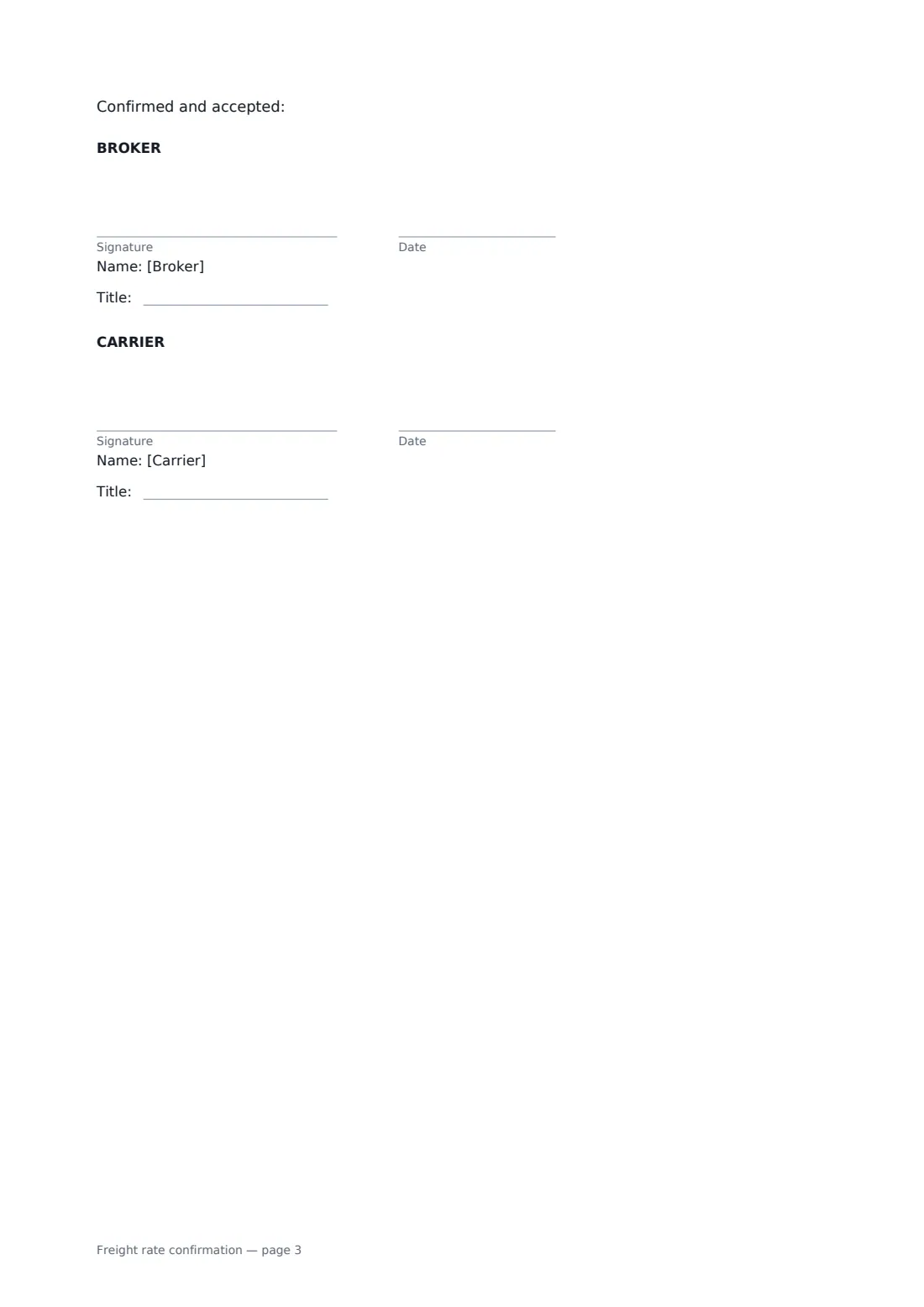
- Broker signature and date, job title · The broker's agent or dispatcher confirming the load.
- Carrier signature and date, job title · The carrier's dispatcher, owner or authorised manager accepting the load.
What the freight rate confirmation covers
- Pickup
- Delivery
- Freight and equipment
- Rate
- Payment
- Instructions
- Paperwork, changes and cancellation
- Acceptance
Using the freight rate confirmation, step by step
1 Enter the load and the parties
Add the load number, both parties' legal names and authority numbers, the broker contact for the load, the driver and equipment if known, and the master agreement (and its date) the load falls under.
2 Add the stops
Enter the shipper and consignee addresses, dates, time windows and reference numbers, and any extra stops.
3 Describe the freight and equipment
Enter the commodity, weight and pallets, choose the equipment, and add a temperature setting, hazmat status and declared value where they apply.
4 Set the rate and payment
Enter the line-haul, fuel surcharge, pre-agreed extras and total, the free time and detention rate, any truck-ordered-not-used fee, payment days and quick pay, and where paperwork goes.
5 Send for acceptance
Send it to the carrier's dispatcher. Their signature accepts the load on these terms, and the signed confirmation is filed in your vault with the load paperwork.
Tips before you send it
- Put every extra you agree on the rate confirmation. Under the template, charges not listed or approved in writing before they are incurred are not payable.
- Report detention while it is happening. The template allows detention not reported during the load to be refused.
- Make sure the master agreement is signed first — the rate confirmation relies on it for liability, insurance and claims.
- Confirm any change to stops, times or rate in writing; an email or revised confirmation is enough under the template.
Sign it online in minutes
- Fill in the blanks. Names, dates and amounts go straight into the agreement — the preview shows exactly where.
- Name who signs. Tick “This is me” for your own part. FileIt builds the PDF with every signature, date box on the right line, and you can check or move anything before sending.
- Send it. Each signer gets a secure link and signs from any device — no account needed. The signed PDF, with an audit trail and a Certificate of Completion, is filed in your vault and emailed to everyone.
Freight rate confirmation: frequently asked questions
What is the difference between a rate confirmation and a broker-carrier agreement?
The broker-carrier agreement is the master contract for every load: insurance, liability, claims, payment rules, no double brokering. The rate confirmation covers one load — its stops, freight, equipment and rate — and prevails over the master agreement only for those details.
When is detention paid?
After the free time you set at each stop, counted from the appointment time (or arrival, if later) and supported by in and out times on the bill of lading or tracking data. The carrier must tell the broker when free time is about to run out.
What happens if the load is cancelled?
If the broker or its customer cancels before the truck is dispatched, nothing is due. After dispatch, the truck-ordered-not-used fee applies if you set one. If the carrier can no longer cover the load, it must tell the broker immediately so it can be rebooked.
Can a rate confirmation be signed electronically?
In most countries, including the US (ESIGN Act and UETA), the UK, the EU (eIDAS) and Canada, an electronic signature is generally valid for an ordinary commercial contract like this one. FileIt keeps an audit trail and a Certificate of Completion with the signed PDF as evidence of who signed and when.
Is this template free?
Yes. The template is free to use with the eSignature app in FileIt, and the people you send it to don't need a FileIt account to sign.