What is a event AV production agreement?
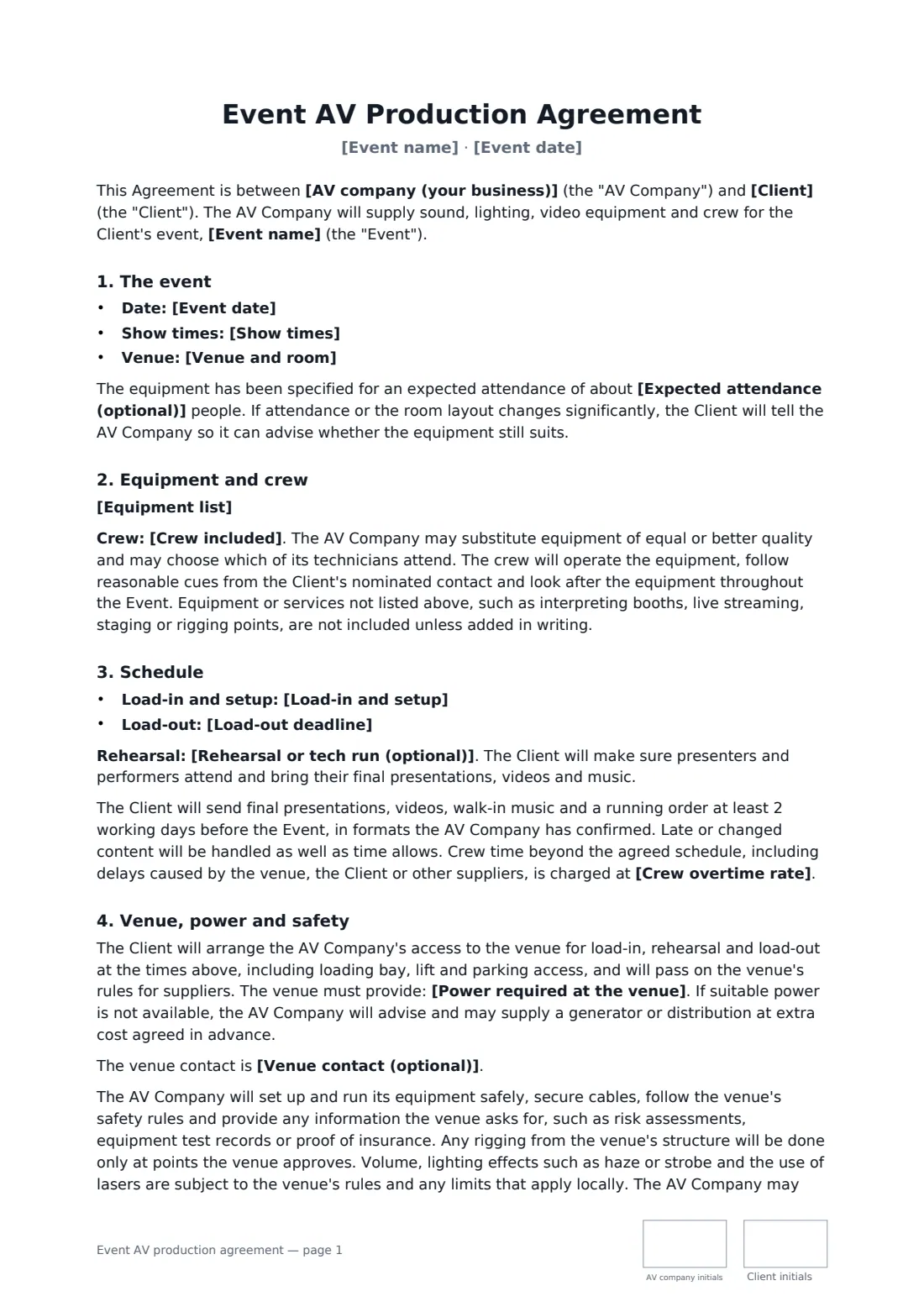
An event AV production agreement records what an audio-visual company will bring to an event, who will run it and when, and what the client and venue must provide — especially access and power, which can make or break a show.
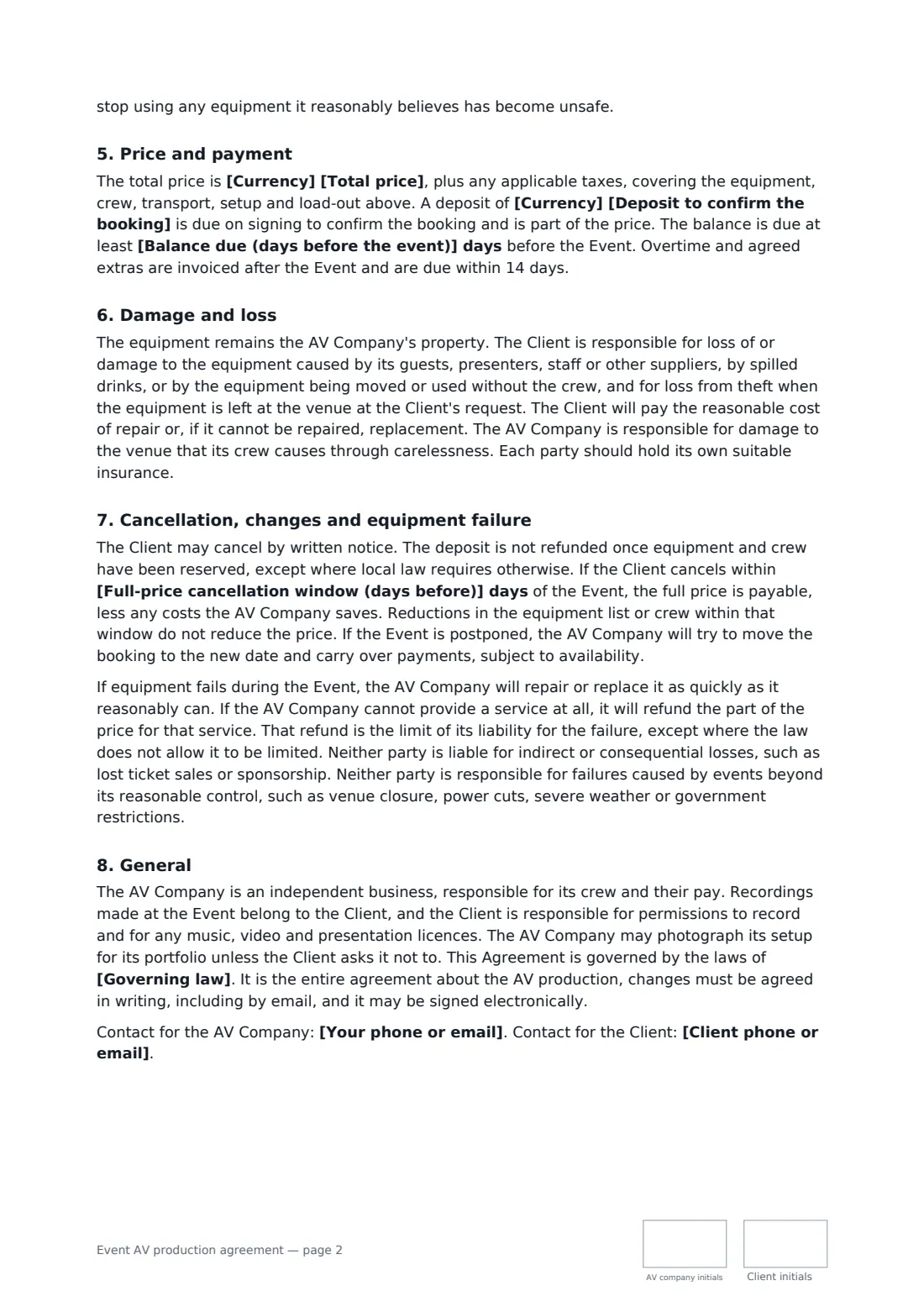
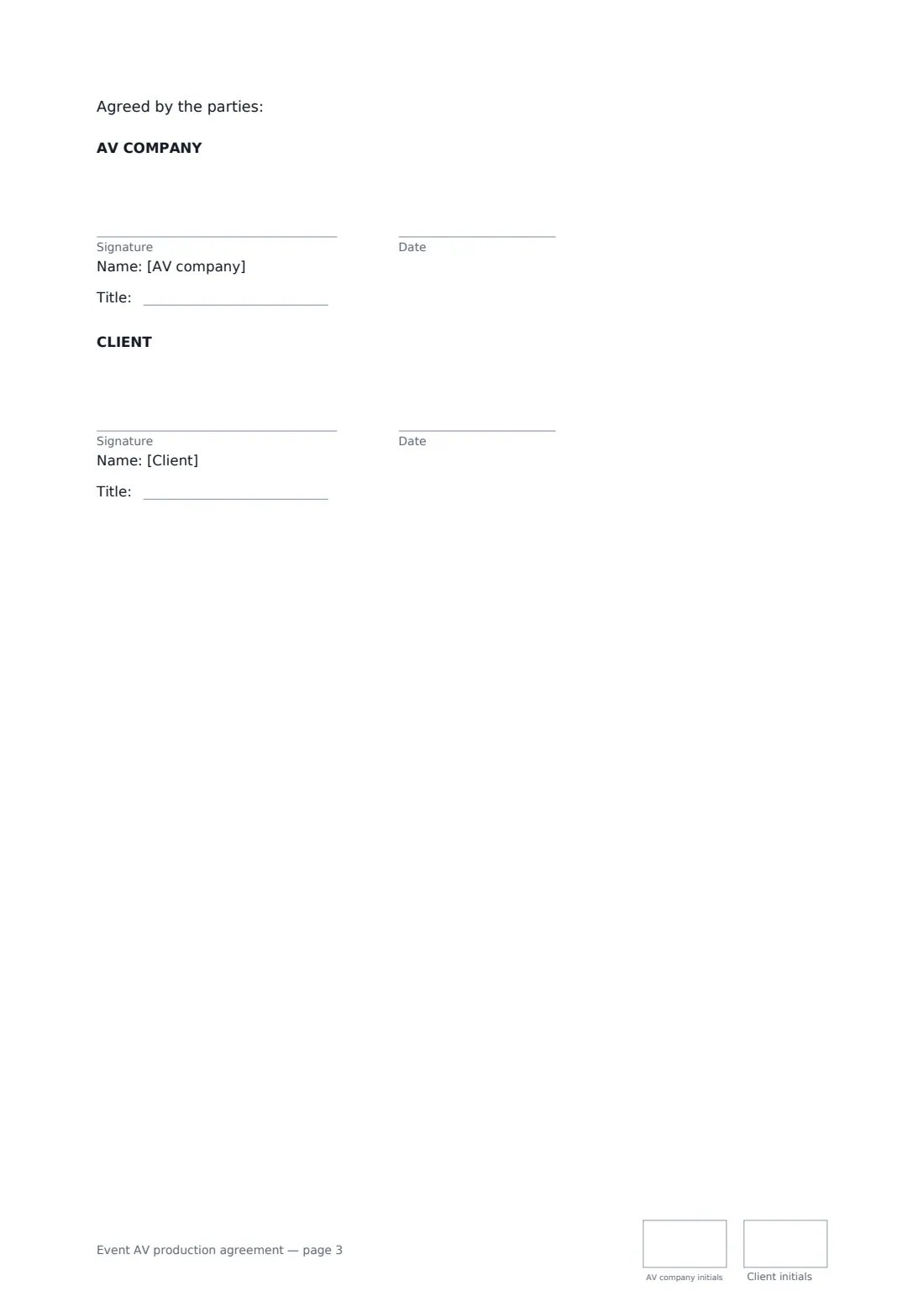
This template covers the event details, an equipment list, the crew, load-in, rehearsal and load-out times, deadlines for presentations and running orders, crew overtime, venue access and power requirements, safety and rigging, effects such as haze and lasers subject to venue rules, price, deposit and balance, responsibility for damaged or lost equipment, cancellation and postponement, equipment failure and recordings. FileIt places the signature, date, job-title and initials boxes for the AV company and the client.
- Best for
- AV and production companies, conference organisers, event planners
- Signed by
- The AV company and the client
- Covers
- Equipment, crew, schedule, power, damage, cancellation
- Length
- About 3 pages, initialled on every page
When to use a event AV production agreement
- A corporate conference with PA, projection and lectern lighting
- An awards dinner with stage lighting, screens and walk-up music
- A product launch with LED wall, cameras and recording
- A gala or charity auction with sound and uplighting
- A seminar with presentation switching and a camera recording to file
What you fill in
23 blanks, then the name and email of each person who signs: av company, client.
1 The parties
- AV company (your business)*
- Your phone or email*
- Client*
- Client phone or email*
2 The event
- Event name*
- Event date*
- Show times*
- Venue and room*
- Expected attendance (optional)
3 Equipment and crew
- Equipment list*
- Crew included*
4 Schedule
- Load-in and setup*
- Rehearsal or tech run (optional)
- Load-out deadline*
5 Venue and power
- Power required at the venue*
- Venue contact (optional)
6 Price and payment
- Currency*
- Total price*
- Deposit to confirm the booking*
- Balance due (days before the event)*
- Crew overtime rate*
7 Cancellation and terms
- Full-price cancellation window (days before)*
- Governing law*
8 Who signs
- AV company signature and date, job title, initials on every page · The production company supplying the equipment and crew.
- Client signature and date, job title, initials on every page · The organiser booking the AV for the event.
What the event AV production agreement covers
- The event
- Equipment and crew
- Schedule
- Venue, power and safety
- Price and payment
- Damage and loss
- Cancellation, changes and equipment failure
- General
Using the event AV production agreement, step by step
1 Enter the event
Add the event name, date, show times, venue and room, and the expected attendance if you have it.
2 List the kit and crew
Paste the equipment list for sound, lighting and video, and name the crew roles included.
3 Set the schedule and power
Enter load-in, any rehearsal or tech run, the load-out deadline and the power you need at the venue.
4 Price and send
Enter the total price, deposit, when the balance is due, the overtime rate and the full-price cancellation window, then add the client as a signer.
Tips before you send it
- Be specific about power: number of supplies, rating and distance from the stage. Ask the venue to confirm in writing.
- Ask for final presentations and the running order in advance — the template sets a deadline of 2 working days.
- Check the venue's rules on haze, strobe, lasers and sound limits before promising effects.
- Rigging from the venue's structure should only use points the venue approves.
Sign it online in minutes
- Fill in the blanks. Names, dates and amounts go straight into the agreement — the preview shows exactly where.
- Name who signs. Tick “This is me” for your own part. FileIt builds the PDF with every signature, date and initials box on the right line, and you can check or move anything before sending.
- Send it. Each signer gets a secure link and signs from any device — no account needed. The signed PDF, with an audit trail and a Certificate of Completion, is filed in your vault and emailed to everyone.
Event AV production agreement: frequently asked questions
Who pays if equipment is damaged?
The client is responsible for loss or damage caused by its guests, presenters, staff or other suppliers, by spilled drinks, or by equipment being moved or used without the crew. The AV company is responsible for venue damage its crew causes through carelessness.
What if the event runs late?
Crew time beyond the agreed schedule, including delays caused by the venue, the client or other suppliers, is charged at the overtime rate you enter.
What if equipment fails during the show?
The AV company repairs or replaces it as quickly as it reasonably can. If a service can't be provided at all, it refunds that part of the price, which is the limit of its liability unless the law says otherwise.
Is it valid if signed online?
In most countries, including the US (ESIGN Act and UETA), the UK, the EU (eIDAS) and Canada, an electronic signature is generally valid for an ordinary services contract like this one. FileIt keeps an audit trail and a Certificate of Completion with the signed PDF as evidence of who signed and when.
Can I change the wording?
You fill in the blanks and choose the options on the setup page; optional clauses appear only when you fill them in. If you need different clauses, draft your own document and upload it to FileIt eSignature instead — you can still place the signature boxes in the editor.
Is this template free?
Yes. The template is free to use with the eSignature app in FileIt. The person you send it to doesn't need a FileIt account to sign.