What is a employee offboarding checklist?
When someone leaves, the risks are quiet ones: a laptop that never comes back, an account still active months later, a customer who doesn't know who to call, or company files sitting in a personal inbox. A signed offboarding checklist turns the last week into a record you can rely on.
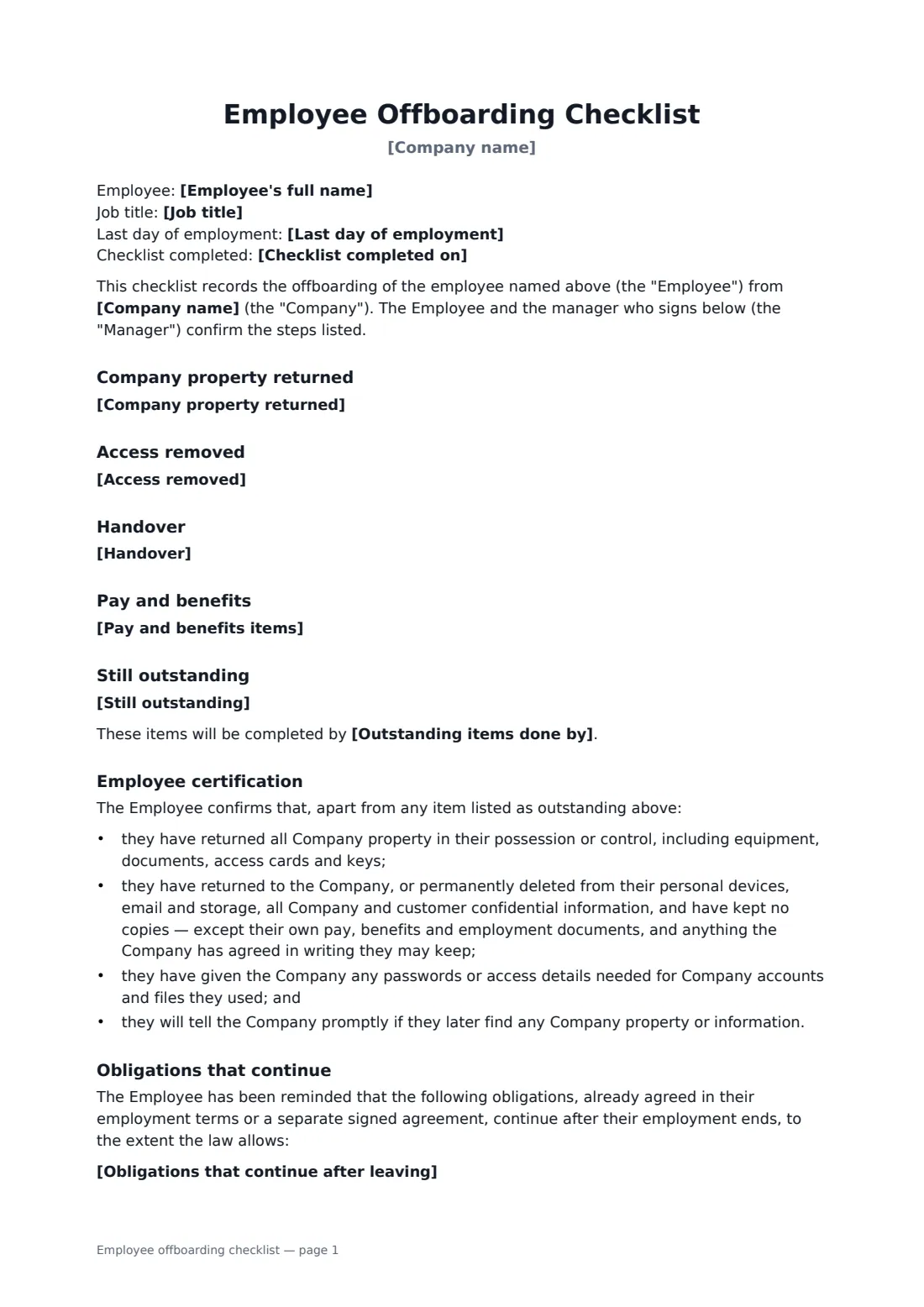
This checklist has editable lists for company property returned, access removed, handover and pay and benefits items, each pre-filled with sensible defaults. Anything still outstanding gets a deadline. The employee certifies they have returned or deleted company information and handed over access details, and is reminded of obligations they already agreed to, such as confidentiality. It doesn't create new restrictions or waive anyone's rights, and it says the leaver can still report unlawful conduct to the authorities.
- Best for
- Any employee leaving — resignation, retirement, end of contract or dismissal
- Signed by
- The departing employee and their manager or HR
- Includes
- Property, access, handover, pay items and an exit certification
- Length
- 1 to 2 pages
When to use a employee offboarding checklist
- Making sure laptops, phones, cards and keys come back before the last day
- Recording that system and building access was removed on time
- Confirming a client-facing employee handed over accounts and contacts
- Getting a written certification that confidential files were returned or deleted
- Keeping a consistent record for every leaver, for audits and security reviews
What you fill in
13 blanks, then the name and email of each person who signs: employee, manager.
1 The leaver
- Company name*
- Employee's full name*
- Job title
- Last day of employment*
- Checklist completed on*
2 Steps completed
- Company property returned
- Access removed
- Handover
- Pay and benefits items
3 Still outstanding
- Still outstanding
- Outstanding items done by
4 Continuing obligations
- Obligations that continue after leaving
5 Contact
- Employee's forwarding address or personal email
6 Who signs
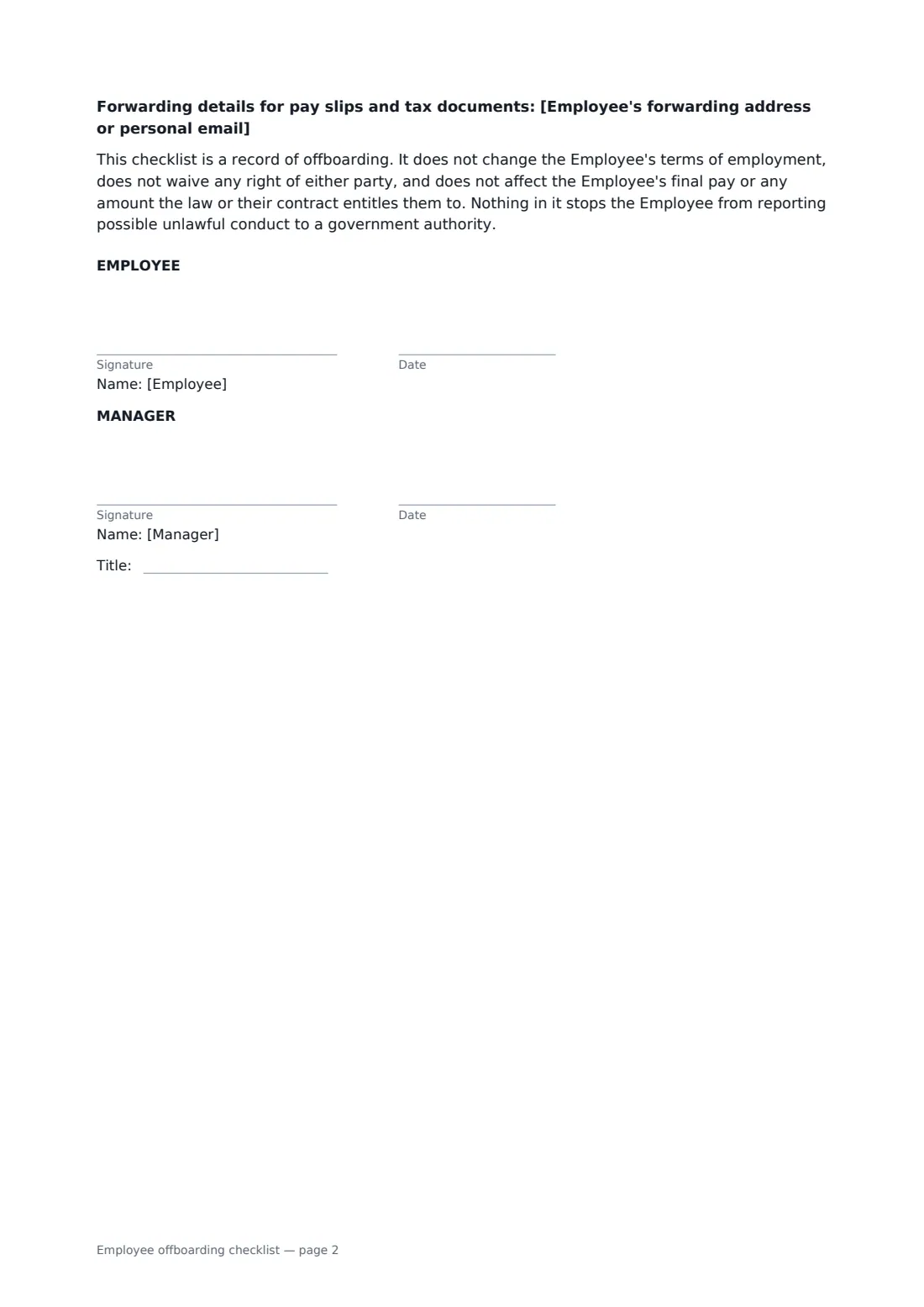
- Employee signature and date · The person leaving.
- Manager signature and date, job title · The manager or HR person completing the checklist.
What the employee offboarding checklist covers
- Company property returned
- Access removed
- Handover
- Pay and benefits
- Still outstanding
- Employee certification
- Obligations that continue
Using the employee offboarding checklist, step by step
1 Enter the leaver's details
Add the employee's name, job title, last day and the date the checklist is completed.
2 Edit each list
Change the default lists to match what actually happened — one item per line, with serial numbers if you track them. Clear a list to leave that section out.
3 Note anything outstanding
List anything still to come back or be done, with a date. Add the continuing obligations the employee already agreed to, and a forwarding address for pay slips.
4 Sign on or near the last day
Send it to the employee, then sign as the manager. The completed checklist is filed in your vault with its audit trail.
Tips before you send it
- Start the checklist when notice is given, not on the last afternoon.
- Disable access at the end of the last day, and change passwords on any shared accounts.
- Don't hold back final pay to force the return of property unless the law and the contract clearly allow it.
- Pair this checklist with an exit interview form if you want feedback on why people leave.
Sign it online in minutes
- Fill in the blanks. Names, dates and amounts go straight into the agreement — the preview shows exactly where.
- Name who signs. Tick “This is me” for your own part. FileIt builds the PDF with every signature, date box on the right line, and you can check or move anything before sending.
- Send it. Each signer gets a secure link and signs from any device — no account needed. The signed PDF, with an audit trail and a Certificate of Completion, is filed in your vault and emailed to everyone.
Employee offboarding checklist: frequently asked questions
Does this checklist add a non-compete or other restriction?
No. It only reminds the employee of obligations they already agreed to in their contract or a separate signed agreement, to the extent the law allows.
What if the employee still has some property?
List it under "Still outstanding" with a date. The employee's certification covers everything except the outstanding items.
Can the employee keep any documents?
Yes. The certification lets them keep their own pay, benefits and employment documents, and anything the company agrees in writing they may keep.
Does the employee need a FileIt account to sign?
No. They receive a link by email and sign in the browser. You keep the signed PDF and its audit trail.