What is a dance class enrollment agreement?
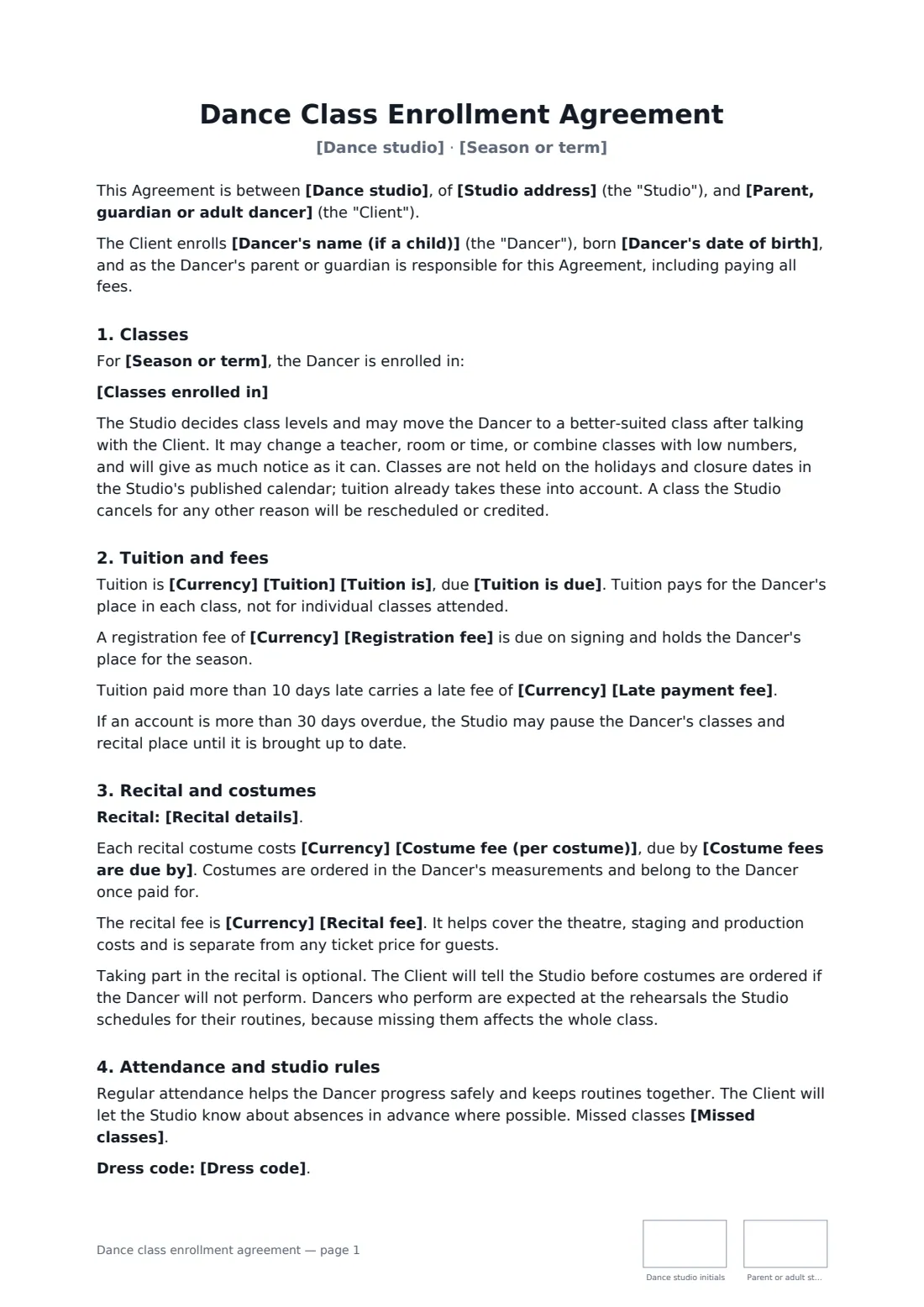
Most of the friction at a dance studio comes from money nobody expected: a costume fee in January, a recital fee in March, tuition still due after a dancer stopped coming. A dance class enrollment agreement puts all of it in front of the family on day one, along with the rules that keep classes safe and running — attendance, dress code, drop-off and pick-up, and how the studio uses photos of the dancers.
This template records the dancer's details and any injuries or health notes, the season and the classes enrolled in, tuition per month, term or season with an optional registration and late fee, costume and recital fees and due dates, rehearsal expectations, missed classes with or without make-ups, the dress code, hands-on corrections with consent, risk and first aid, a three-way choice on photo and video use, the notice to withdraw and your refund policy in your own words.
- Best for
- Dance studios, ballet schools and community dance programs
- Signed by
- A parent or guardian (or an adult dancer) and the studio
- Fees covered
- Tuition, registration, late fee, costumes and recital
- Length
- About 3 pages, initialled on every page
When to use a dance class enrollment agreement
- Registering a child for ballet and tap at the start of the season
- An adult enrolling in a weekly contemporary or salsa class
- A competition team family agreeing to extra rehearsals and costume costs
- A studio moving every family onto the same written policies
- Re-enrolling returning dancers when tuition changes
What you fill in
26 blanks, then the name and email of each person who signs: dance studio, parent or adult student.
1 The parties
- Dance studio*
- Studio address
- Studio phone or email
- Parent, guardian or adult dancer*
- Their phone and email*
2 The dancer
- Dancer's name (if a child)
- Dancer's date of birth
- Injuries, health conditions or allergies
3 Classes
- Season or term*
- Classes enrolled in*
4 Tuition and fees
- Currency*
- Tuition*
- Tuition is* per month, for the classes above · per term, for the classes above · for the whole season, for the classes above
- Tuition is due*
- Registration fee
- Late payment fee
5 Recital and costumes
- Costume fee (per costume)
- Costume fees are due by
- Recital fee
- Recital details
6 Studio rules
- Dress code
- Missed classes* may be made up in another class at the same or a lower level within 30 days · are not made up or refunded
- Photos and video of the dancer* may be used on the studio's website and social media, without the dancer's full name · may be shared only privately with studio families · may not be used
7 Withdrawal and refunds
- Notice to withdraw* 30 days' written notice · written notice before the next tuition payment is due · written notice before the start of the next term
- Refunds*
- Governing law*
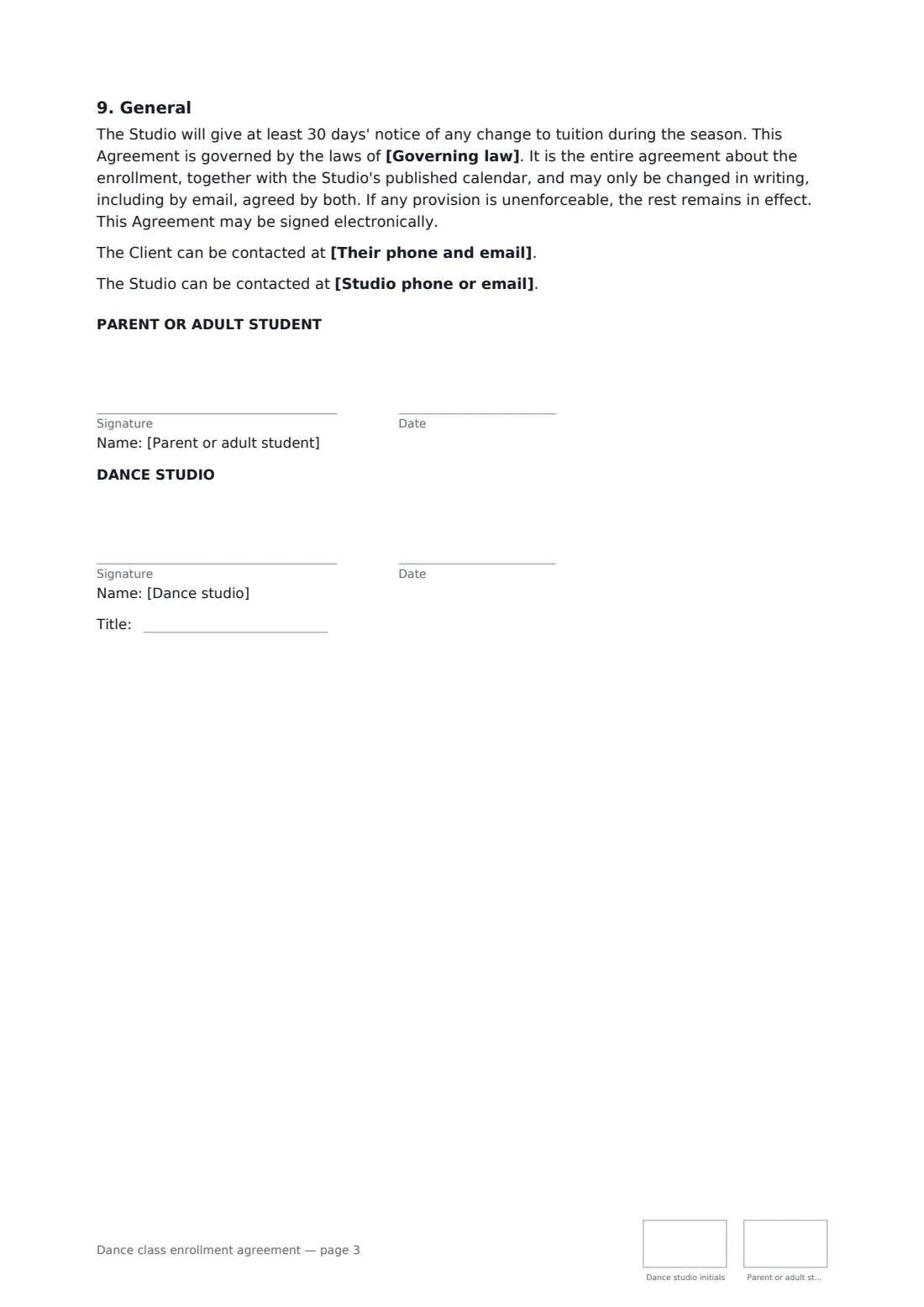
8 Who signs
- Dance studio signature and date, job title, initials on every page · The studio owner, director or office manager.
- Parent or adult student signature and date, initials on every page · A parent or guardian for a dancer under 18, or the adult dancer themselves.
What the dance class enrollment agreement covers
- Classes
- Tuition and fees
- Recital and costumes
- Attendance and studio rules
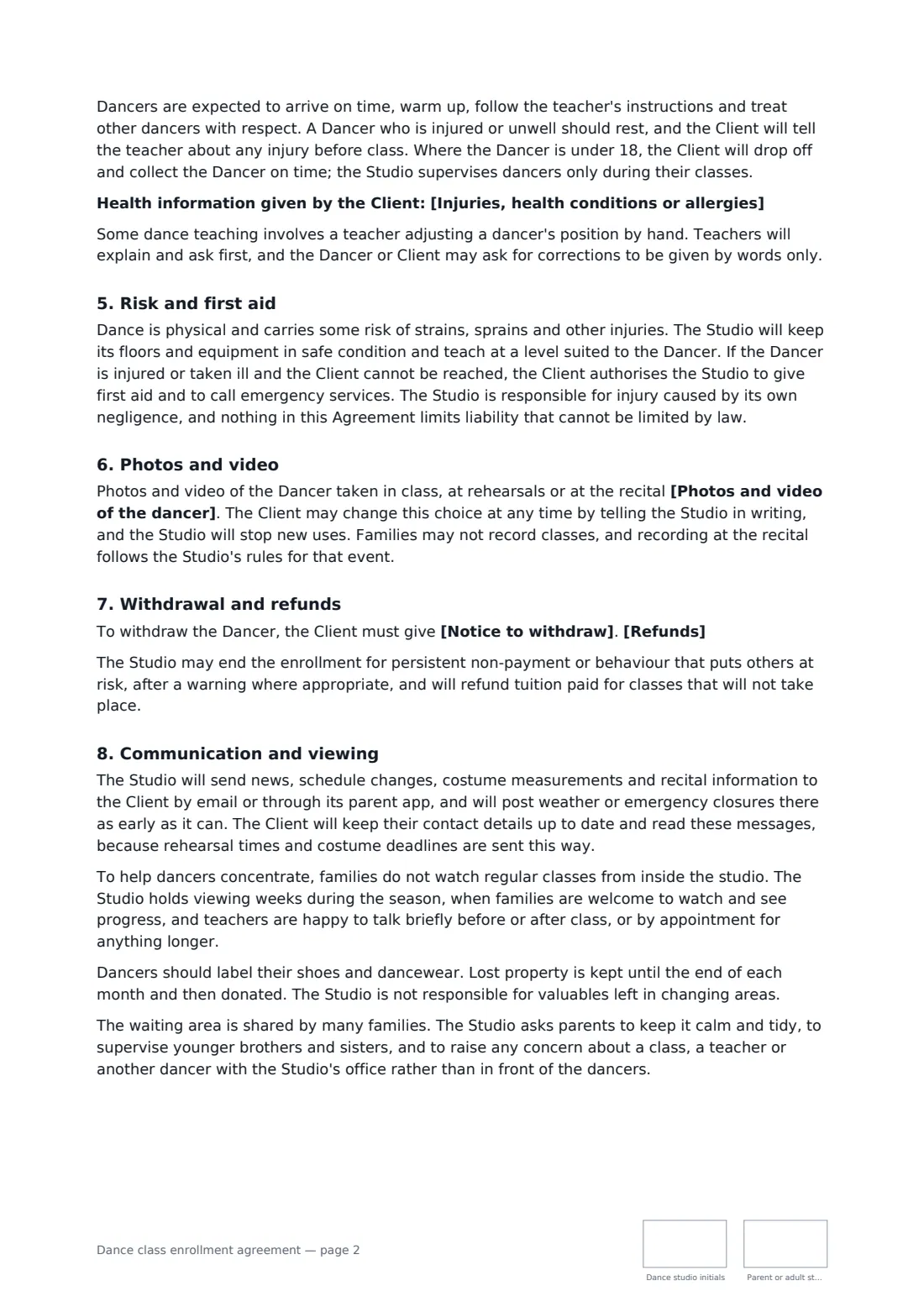
- Risk and first aid
- Photos and video
- Withdrawal and refunds
- Communication and viewing
- General
Using the dance class enrollment agreement, step by step
1 Enter the family and the dancer
Add the parent or guardian who signs and pays, the dancer's name and date of birth, and any injuries, conditions or allergies the teachers should know about.
2 List the classes and tuition
Name the season and list each class with its day and time. Enter tuition and whether it's monthly, per term or for the season, when it's due, and any registration or late fee.
3 Add costume and recital costs
Enter the cost per costume and the deadline, the recital fee and the show date. Leave them empty if you don't run a recital.
4 Choose rules, photos and refunds
Adjust the dress code, choose whether missed classes can be made up and how photos may be used, set the withdrawal notice and edit the refund wording. Add the parent as a signer and send.
Tips before you send it
- Put the costume deadline before your order date with the supplier, so a family that opts out of the recital can tell you in time.
- Explain in your own refund wording which fees stop being refundable once costumes are ordered.
- Respect the photo choice the family makes — the template lets them change it later in writing.
- Re-send the agreement each season. It's quicker than chasing families about a fee change.
Sign it online in minutes
- Fill in the blanks. Names, dates and amounts go straight into the agreement — the preview shows exactly where.
- Name who signs. Tick “This is me” for your own part. FileIt builds the PDF with every signature, date and initials box on the right line, and you can check or move anything before sending.
- Send it. Each signer gets a secure link and signs from any device — no account needed. The signed PDF, with an audit trail and a Certificate of Completion, is filed in your vault and emailed to everyone.
Dance class enrollment agreement: frequently asked questions
Is tuition charged for classes a dancer misses?
Yes. Tuition pays for the dancer's place in the class rather than each class attended. You choose whether missed classes can be made up in another class within 30 days or not at all.
Does every dancer have to be in the recital?
No. The template makes the recital optional, as long as the family tells the studio before costumes are ordered. Dancers who perform are expected at the rehearsals for their routines.
Who signs for a child dancer?
A parent or guardian signs as the client and is responsible for the fees. An adult dancer signs for themselves, and the child's details are simply left empty.
Is a dance studio enrollment form signed online valid?
In most countries, including the US (ESIGN Act and UETA), the UK, the EU (eIDAS) and Canada, an electronic signature is generally valid for an ordinary services contract like this one. FileIt keeps an audit trail and a Certificate of Completion with the signed PDF as evidence of who signed and when.
Can I change the wording?
You fill in the blanks and choose the options on the setup page; optional clauses appear only when you fill them in. If you need different clauses, draft your own document and upload it to FileIt eSignature instead — you can still place the signature boxes in the editor.
Is this template free?
Yes. The template is free to use with the eSignature app in FileIt. The family you send it to doesn't need a FileIt account to sign.