What is a as-is sale acknowledgement?
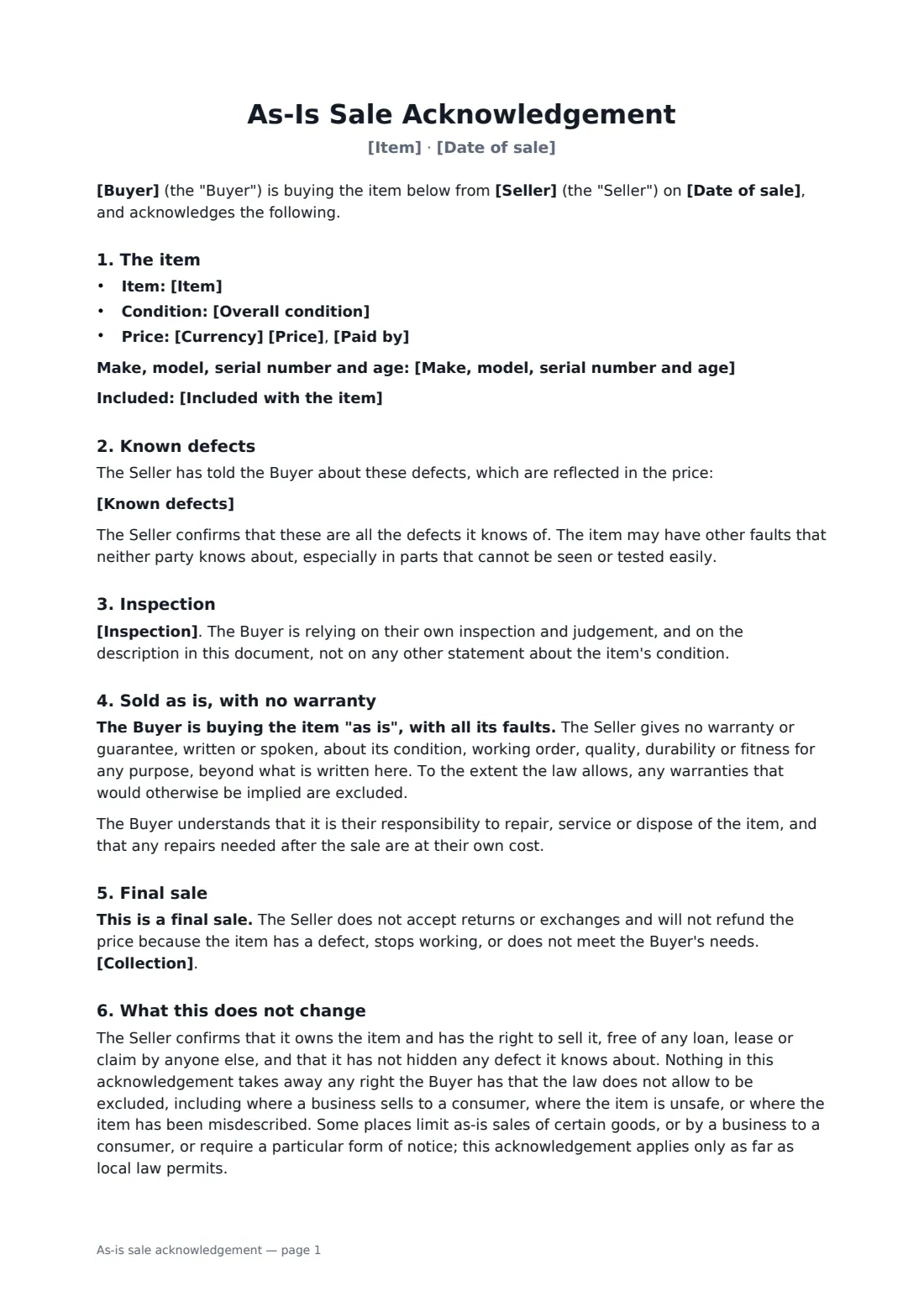
Selling something used, ex-display or broken is easier for everyone when the buyer knows exactly what they're getting. An as-is sale acknowledgement records the item, the price, every defect the seller knows about and whether the buyer inspected it, and then has the buyer confirm in writing that there's no warranty and no returns. It's the signed answer to "you never told me it leaked".
This template covers the item, make, model, serial number and age, its overall condition (used, with listed defects, for parts or repair, or ex-display), known defects reflected in the price, what's included, price and payment, three inspection options, reliance on the buyer's own judgement, the as-is and no-warranty statement, repairs at the buyer's cost, final sale with no returns or exchanges, collection, and the seller's confirmation that it owns the item and hasn't hidden any known fault. It also says plainly that rights the law won't let you exclude still apply.
- Best for
- Used equipment sellers, second-hand shops, clearance sales and private sellers
- Signed by
- The buyer and the seller
- Key point
- Known defects listed, no warranty, final sale
- Length
- About 2 pages
When to use a as-is sale acknowledgement
- A café selling its old espresso machine to another business
- A shop clearing ex-display furniture with marks and scuffs
- Selling a broken laptop or appliance for parts
- A private sale of used gym equipment
- An auction or estate sale handing over items without warranty
What you fill in
16 blanks, then the name and email of each person who signs: seller, buyer.
1 The parties
- Seller*
- Seller phone or email
- Buyer*
- Buyer phone or email
- Date of sale*
2 The item
- Item*
- Make, model, serial number and age*
- Overall condition* used, with normal wear for its age · used, with the defects listed below · not working, sold for parts or repair · ex-display or returned stock
- Known defects*
- Included with the item
3 Price
- Currency*
- Price*
- Paid by*
4 Inspection
- Inspection* The Buyer inspected the item in person before buying · The Buyer was offered the chance to inspect the item in person and chose not to · The Buyer inspected the item and had it checked by someone of their choice
- Collection*
- Governing law*
5 Who signs
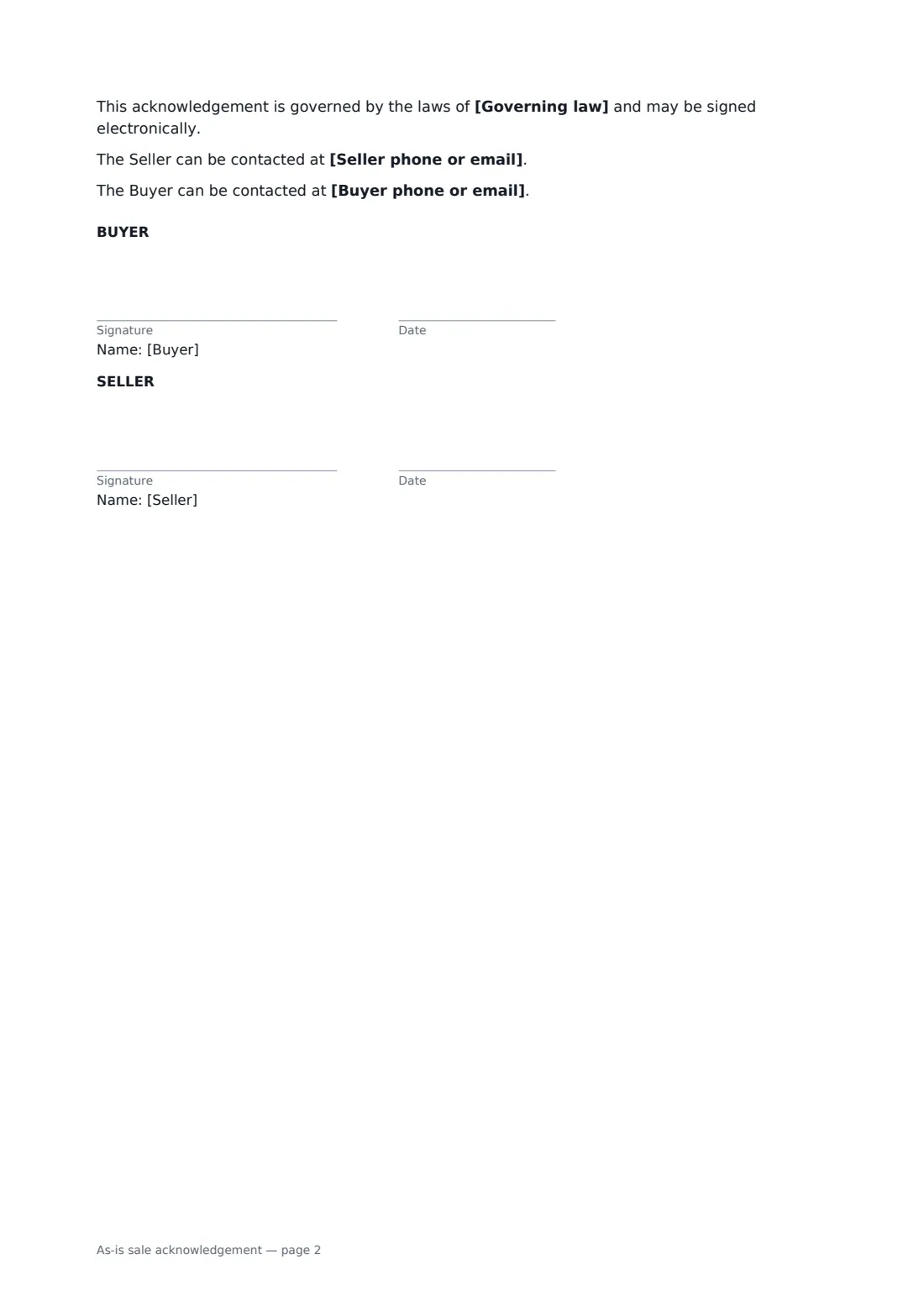
- Seller signature and date · The business or person selling the item.
- Buyer signature and date
What the as-is sale acknowledgement covers
- The item
- Known defects
- Inspection
- Sold as is, with no warranty
- Final sale
- What this does not change
Using the as-is sale acknowledgement, step by step
1 Describe the item
Enter the item, its make, model, serial number and age, choose its overall condition, and list what's included.
2 List every known defect
Write down each fault you know about — leaks, cracks, things that don't work. This is the most important part of the form.
3 Price and inspection
Enter the price and how it was paid, then choose whether the buyer inspected the item, declined to, or had it checked by someone else. Adjust the collection line.
4 Sign
Add the buyer as a signer and send, or have both of you sign on a phone at hand-over.
Tips before you send it
- Disclose everything you know. An as-is clause doesn't protect a seller who hides a defect.
- Offer an inspection even if the buyer is in a hurry, and record their choice on the form.
- Businesses selling to consumers often can't exclude basic quality rights. Check local consumer law before relying on "as is".
- Vehicles have their own rules in many places — use the vehicle bill of sale and any official forms where they apply.
Sign it online in minutes
- Fill in the blanks. Names, dates and amounts go straight into the agreement — the preview shows exactly where.
- Name who signs. Tick “This is me” for your own part. FileIt builds the PDF with every signature, date box on the right line, and you can check or move anything before sending.
- Send it. Each signer gets a secure link and signs from any device — no account needed. The signed PDF, with an audit trail and a Certificate of Completion, is filed in your vault and emailed to everyone.
As-is sale acknowledgement: frequently asked questions
What does selling "as is" mean?
The buyer takes the item with all its faults, and the seller gives no warranty about its condition or working order beyond what's written. Repairs after the sale are the buyer's cost, and there are no returns or refunds for defects.
Does an as-is sale protect against every claim?
No. The seller still confirms it owns the item and hasn't hidden known defects, and any rights the law doesn't allow to be excluded — common when a business sells to a consumer, or the item is unsafe or misdescribed — still apply.
Should the buyer inspect the item?
It's strongly recommended. The form records whether the buyer inspected it, declined the chance, or had someone of their choice check it.
Is an as-is acknowledgement signed online valid?
In most countries, including the US (ESIGN Act and UETA), the UK, the EU (eIDAS) and Canada, an electronic signature is generally valid for an ordinary sale like this one. FileIt keeps an audit trail and a Certificate of Completion with the signed PDF as evidence of who signed and when.
Can I change the wording?
You fill in the blanks and choose the options on the setup page; optional clauses appear only when you fill them in. If you need different clauses, draft your own document and upload it to FileIt eSignature instead — you can still place the signature boxes in the editor.
Is this template free?
Yes. The template is free to use with the eSignature app in FileIt. The buyer doesn't need a FileIt account to sign.