

What is Form G-639?
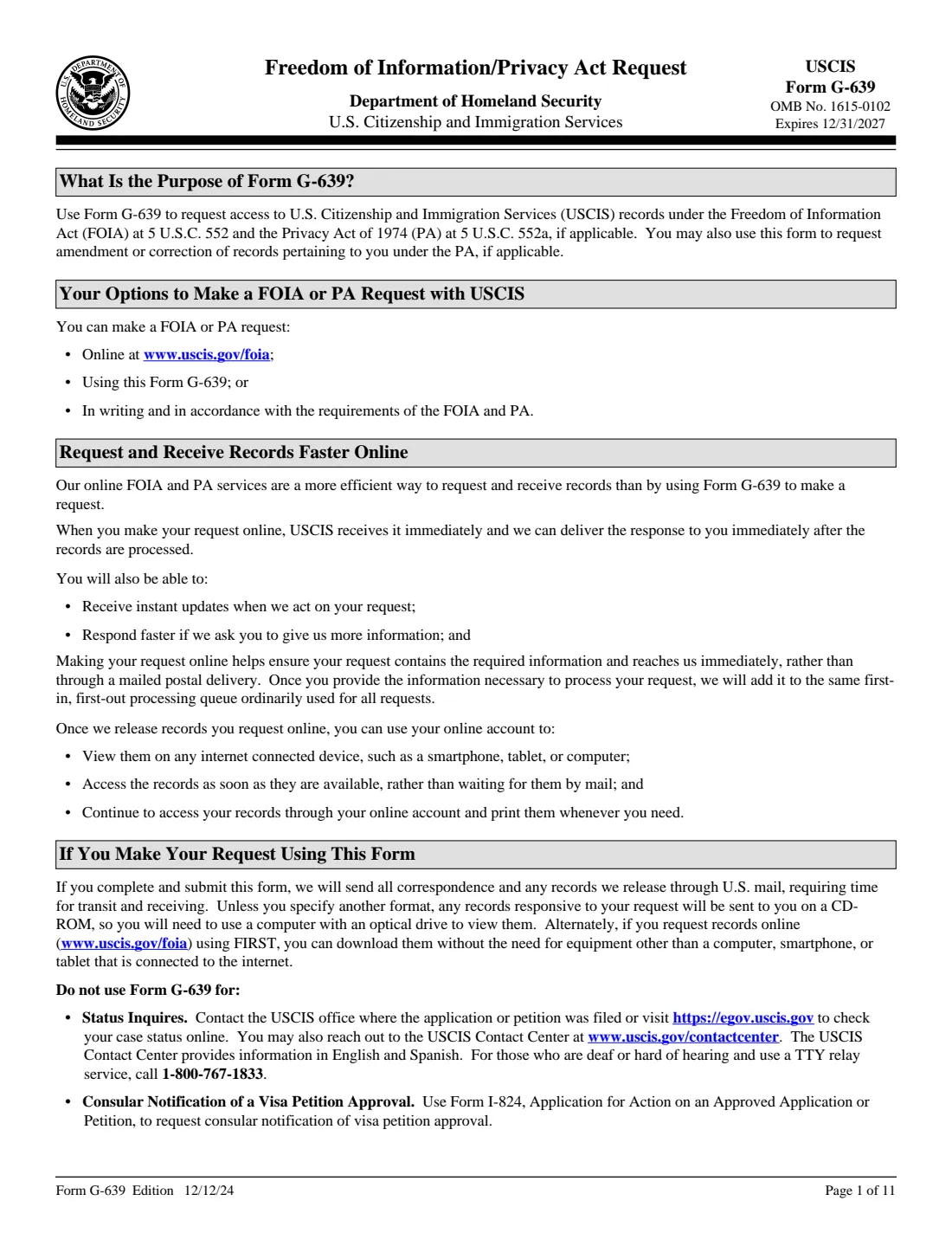
Form G-639 is the paper way to request U.S. Citizenship and Immigration Services records under the Freedom of Information Act and, for records about yourself, the Privacy Act. People use it to get copies of their A-File or specific documents such as an I-94, a naturalization certificate, past petitions or a record of removal, often to prepare a new application or a court case. It can also ask USCIS to amend or correct your record under the Privacy Act.
You choose the type of request, tick the documents you want, and may ask for expedited processing or flag an upcoming immigration court date. Then you identify the subject of record: A-Numbers, date and country of birth, receipt numbers, names used, address and parents. A third-party requestor, such as a parent, an attorney or someone asking about a deceased relative, adds their own details and normally the subject's consent.
USCIS says requests made online through its FIRST system arrive immediately and records can be downloaded; by mail, records usually come on a CD-ROM. If you prefer paper, FileIt asks the questions part by part, checks that the right parts go together, and prints everything on USCIS's 12/12/24 PDF, including the extra-information page.
- Who fills it
- The subject of record, or a third-party requestor with the subject's consent or proof of death.
- Fees
- Agreement to pay up to $25; USCIS contacts you if fees apply. Don't send money with the form.
- Signature
- The requestor signs under penalty of perjury; the subject's consent can be sworn or notarized.
- Online option
- uscis.gov/foia (FIRST), which USCIS says is faster.
- Edition
- 12/12/24 (OMB No. 1615-0102, expires 12/31/2027)
- Agency
- U.S. Citizenship and Immigration Services (USCIS)
Who needs to fill out Form G-639?
- Immigrants who want a copy of their own A-File or particular documents before filing a new application.
- People in removal proceedings who need their records for an immigration court hearing.
- Parents or guardians asking for a child's records.
- Relatives researching the records of someone who has died.
- Attorneys and accredited representatives acting for a client, and journalists asking for policy records.
When to use Form G-639
- To obtain USCIS records you can't get another way, or to correct a record about you under the Privacy Act.
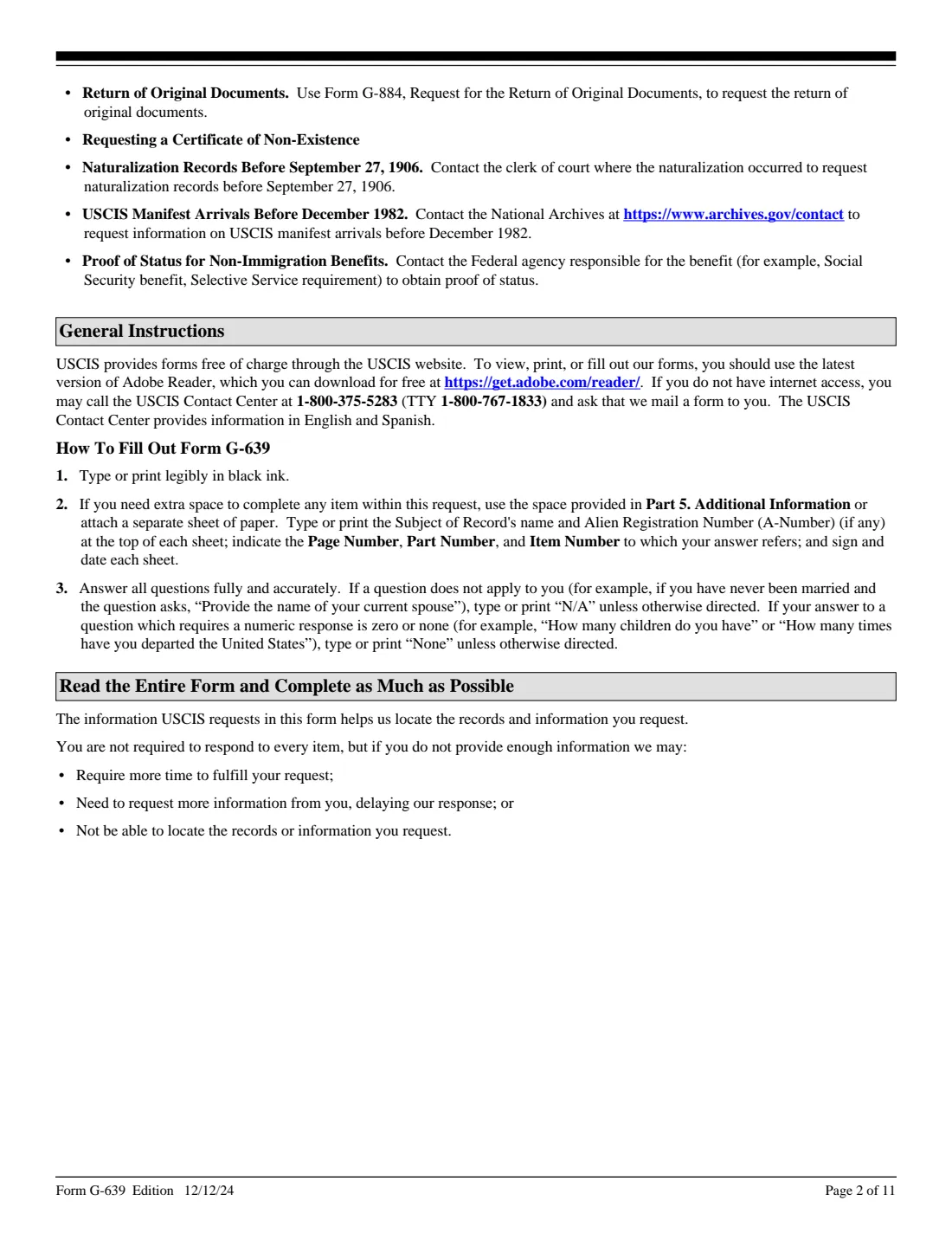
- Not for case status, the return of original documents (Form G-884), consular notification (Form I-824), naturalization records before September 27, 1906, or manifests before December 1982.
What you need before you start
- As many identifiers of the subject as you have: A-Numbers, receipt numbers, date and country of birth, all names used.
- The subject's mailing address, phone and email.
- Names of parents and family members who may appear in the records.
- For a third-party request, the subject's signed consent or proof of death, or proof you're the parent or guardian.
- For an expedite request, a detailed written reason; for a court date, a copy of the Notice to Appear or similar.
What’s on Form G-639
The 2024 edition has 11 pages. FileIt asks for it in 7 parts, and it is signed by Requestor and Subject of record (consent):
- Part 1. Nature of your requestRequestor
- Part 2. The subject of recordRequestor
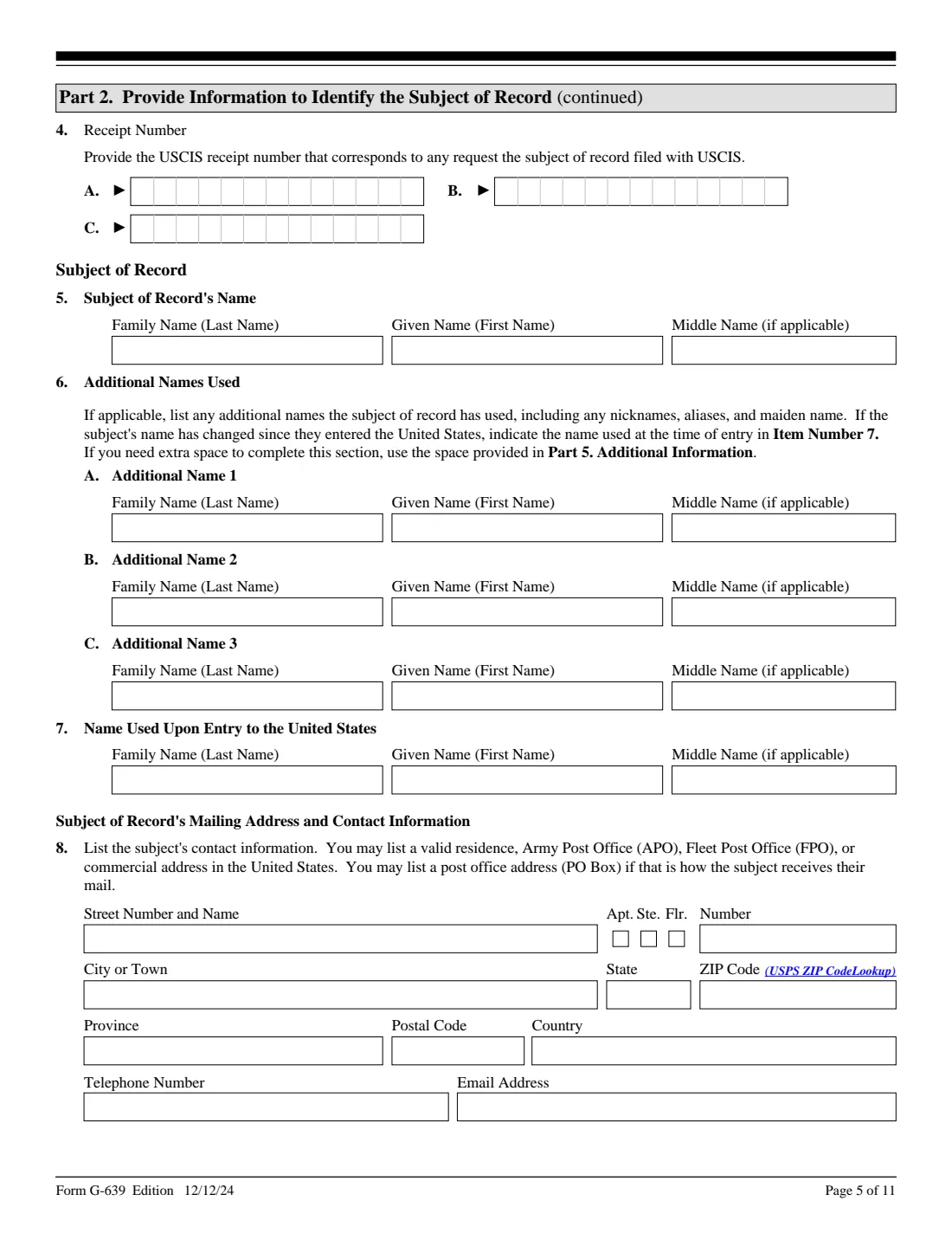
- Part 2 (continued). Parents and family membersRequestor
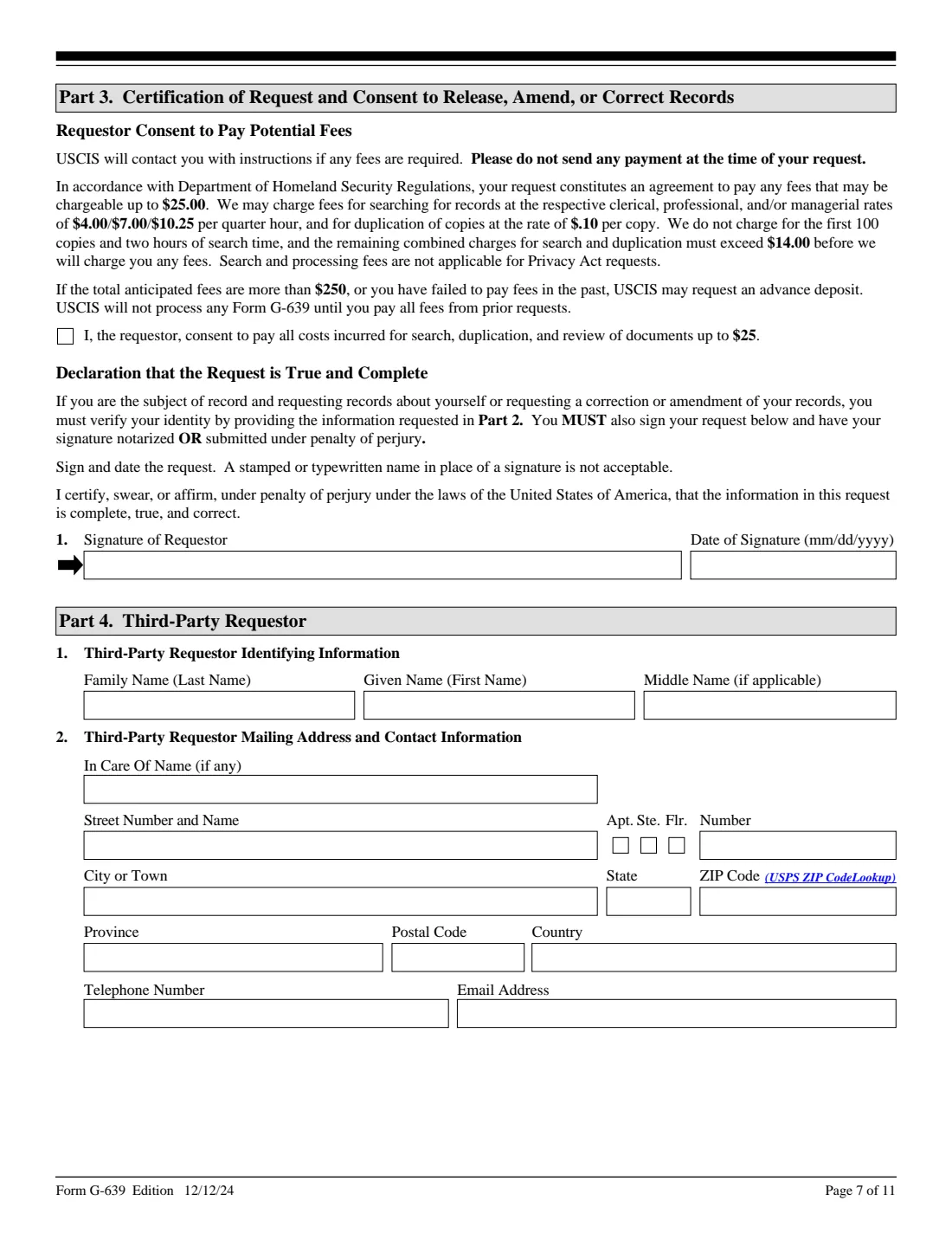
- Part 3. Certification and signature of the requestorRequestor
- Part 4. Third-party requestorRequestor
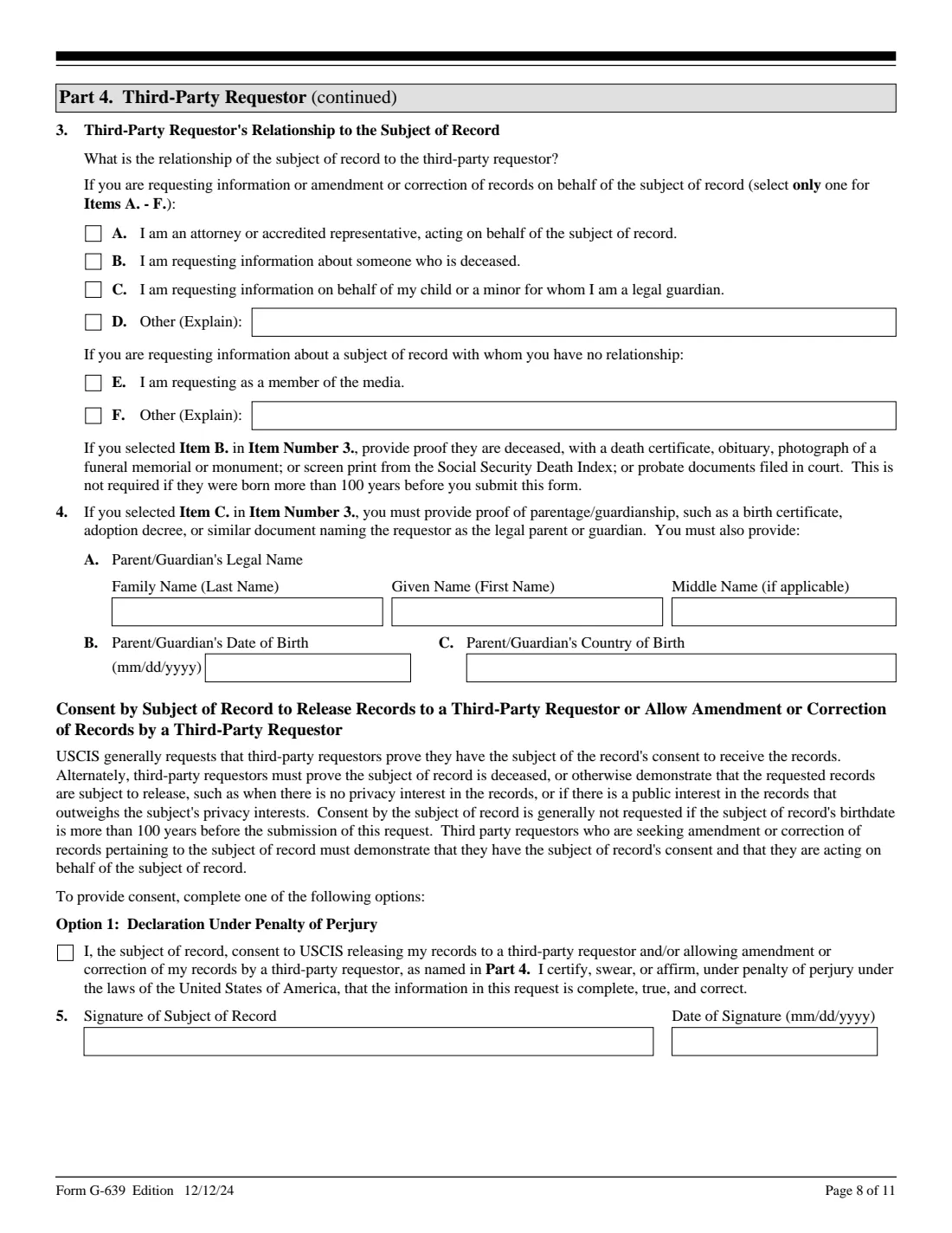
- Part 4. Consent of the subject of record (Option 1: under penalty of perjury)Subject of record (consent)
- Part 5. Additional informationRequestor
How to fill out Form G-639, step by step
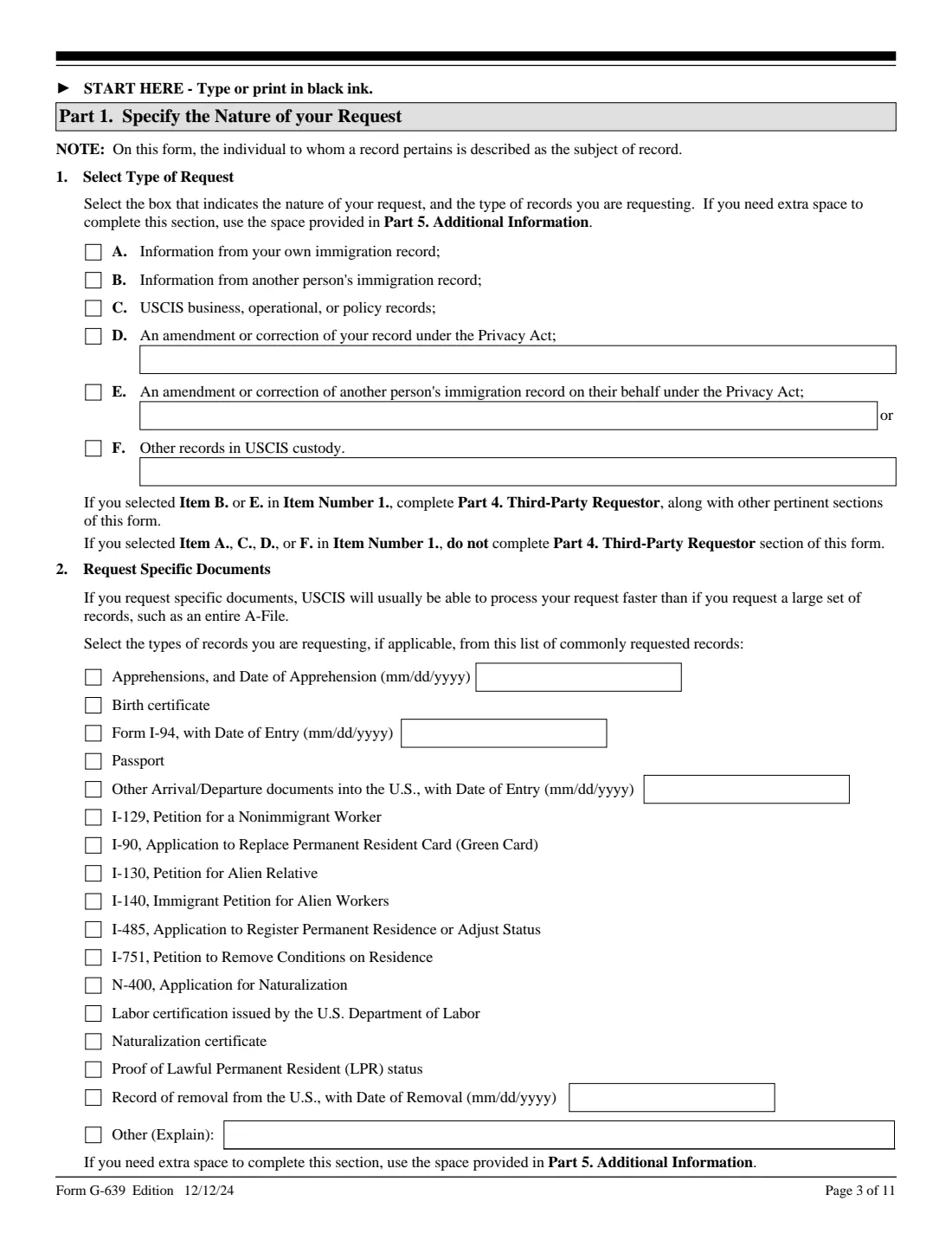
1 Part 1. Nature of the request
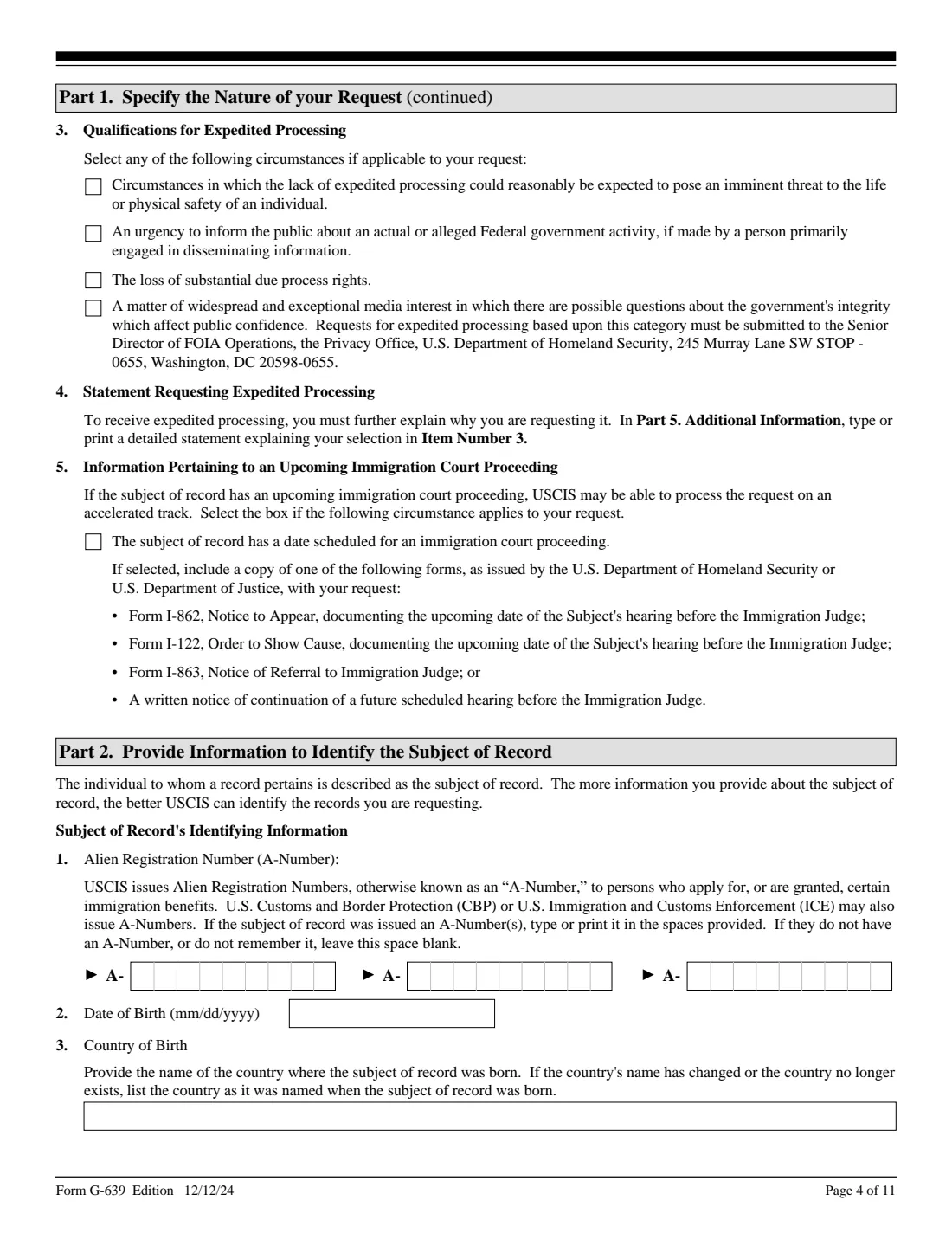
Pick one type, from your own record to another person's, policy records, or a Privacy Act amendment. Ticking specific documents is usually faster than asking for the whole A-File. Expedited processing needs one of four grounds and a detailed statement in Part 5.
2 Part 2. Subject of record
Identifying numbers, birth details, current and past names, the name used on entry, address and contact details, parents, and family members who may be named in the records. You don't have to answer everything, but more detail helps USCIS find the file.
3 Part 3. Certification
Agree to pay fees up to $25 and sign under penalty of perjury. A stamped or typed name isn't accepted.
4 Part 4. Third-party requestor
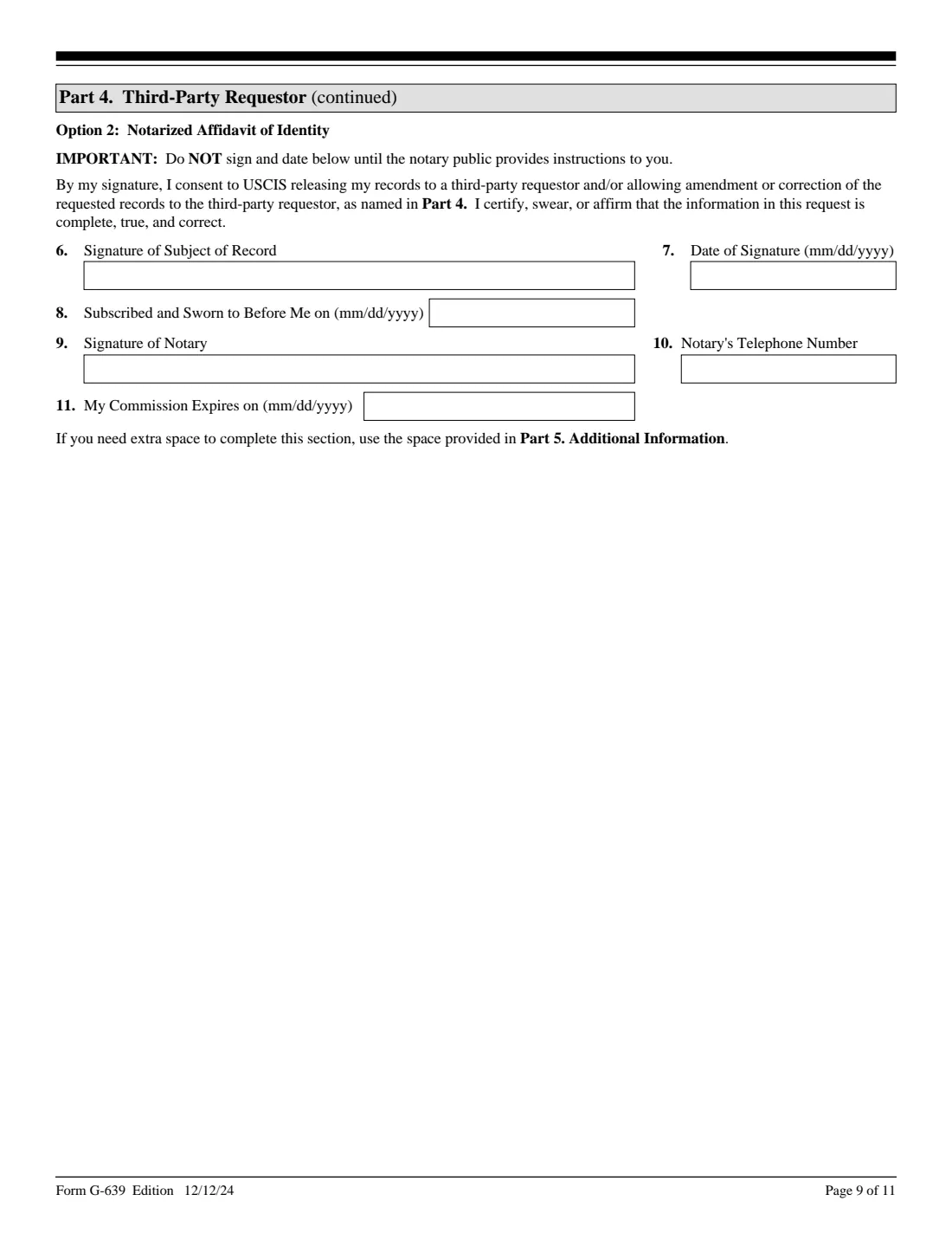
Only for someone else's records: your name and address, your relationship to the subject, and the subject's consent by declaration (Option 1) or notarized affidavit (Option 2).
5 Part 5. Additional information
Five entries for anything that didn't fit, each tied to a page, part and item. FileIt shows how your text wraps onto the three printed lines.
Common mistakes to avoid
- Asking for "everything" when a few specific documents would be quicker.
- Requesting someone else's records without their consent, proof of death or proof of guardianship.
- Ticking an expedite ground without explaining it in Part 5.
- Sending payment with the request.
- Using G-639 to check case status or to get original documents back.
After you fill it out
Sign and date Part 3 (and have the subject sign the consent if needed), attach the supporting documents, and send the request to the address on USCIS's G-639 page.
Watch your mail: by default USCIS sends records on a CD-ROM unless you ask for another format.
Keep the copy FileIt saves in the vault, with the date you sent it, to track the request.
Fill out Form G-639 online with FileIt
- Pick the person. Choose someone from People and FileIt fills in their name, date of birth, address and other details it already knows.
- Answer plain-language questions. One part of the form at a time, with the official help text beside each question — 148 fields in all. Your answers save as you go.
- Check the live preview. Watch your answers land on the real U.S. Citizenship and Immigration Services (USCIS) form, and let FileIt do any worksheet arithmetic.
- Generate the official PDF. FileIt prints your answers into the agency’s own PDF and files it in that person’s folder in your vault. Sign it, or send it for e-signature.
FileIt fills the form — it never files or submits anything for you. Deliver the finished form to whoever asked for it, the way the form’s instructions say.
Start Form G-639 now — it’s freeForm G-639: frequently asked questions
How do I get a copy of my A-File?
Request your own immigration record under Part 1, item A, either online at uscis.gov/foia or with Form G-639 by mail.
Is there a fee for a FOIA request?
Your request is an agreement to pay up to $25. The first 100 copies and two hours of search are free, and Privacy Act requests have no search or processing fees. USCIS tells you if anything is due.
Can I request my parent's records?
Yes as a third-party requestor, with their consent or, if they've died, proof of death. Consent isn't usually needed if they were born more than 100 years ago.
Can I speed it up?
You can ask for expedited processing on the grounds listed in Part 1, item 3, with a detailed statement. An upcoming immigration court date may put the request on an accelerated track.
Is online faster than mailing G-639?
USCIS says yes: online requests arrive immediately and you can download released records.
Does FileIt submit my request?
No. FileIt fills USCIS's PDF and saves it in your vault. You sign it and send it yourself.
Official sources
- Blank form (PDF), published by U.S. Citizenship and Immigration Services (USCIS): https://www.uscis.gov/sites/default/files/document/forms/g-639.pdf
- Official instructions and guidance: https://www.uscis.gov/g-639
- Edition shown on this page: 12/12/24 (checked 2026-10-19).
FileIt is not affiliated with or endorsed by U.S. Citizenship and Immigration Services (USCIS) or any government. This page explains the form in general terms and is not legal, tax or immigration advice. Always read the official instructions, and check that you are using the edition the recipient accepts. Page last reviewed 2026-10-19.