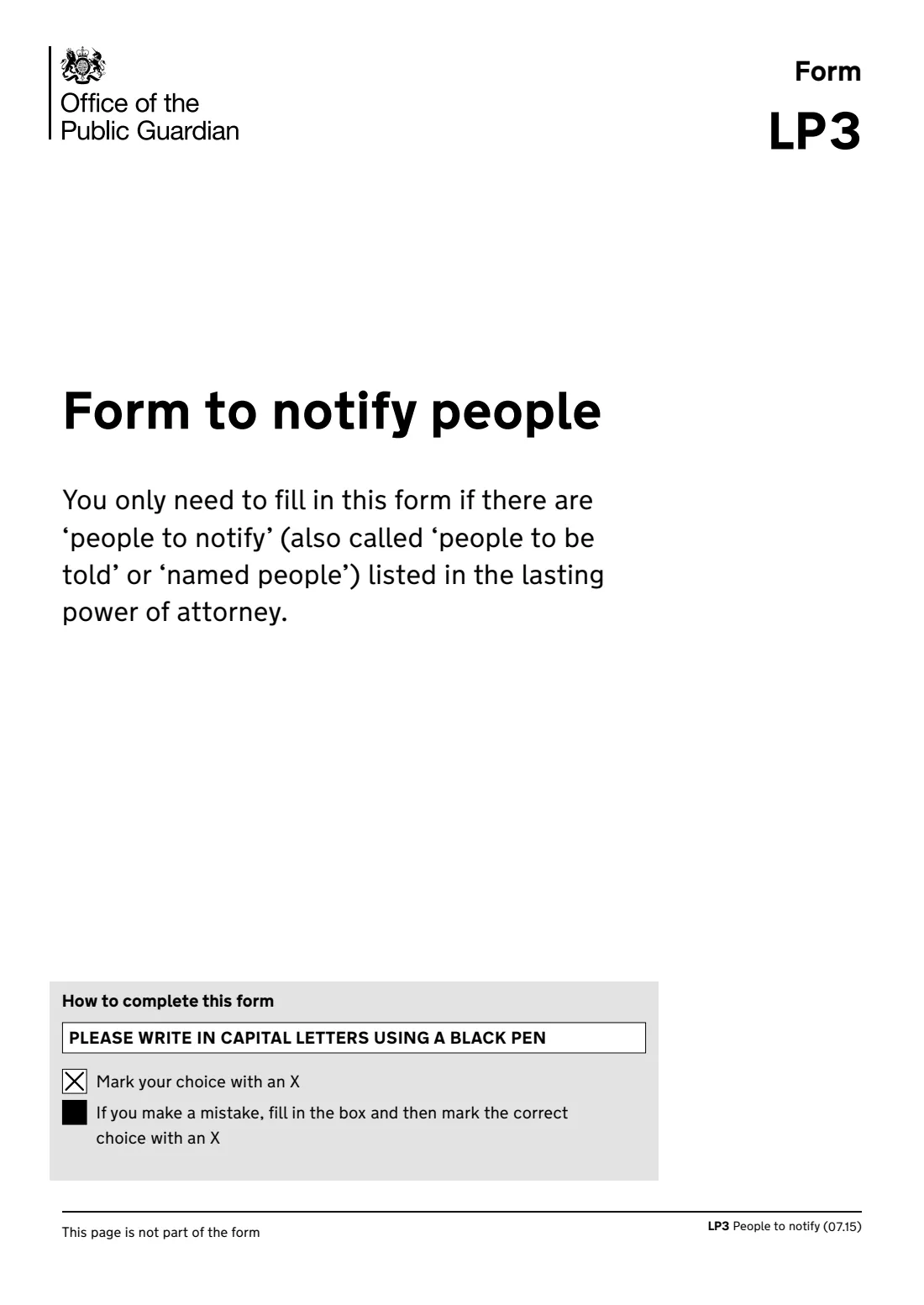
What is LP3 Notify people about an LPA?
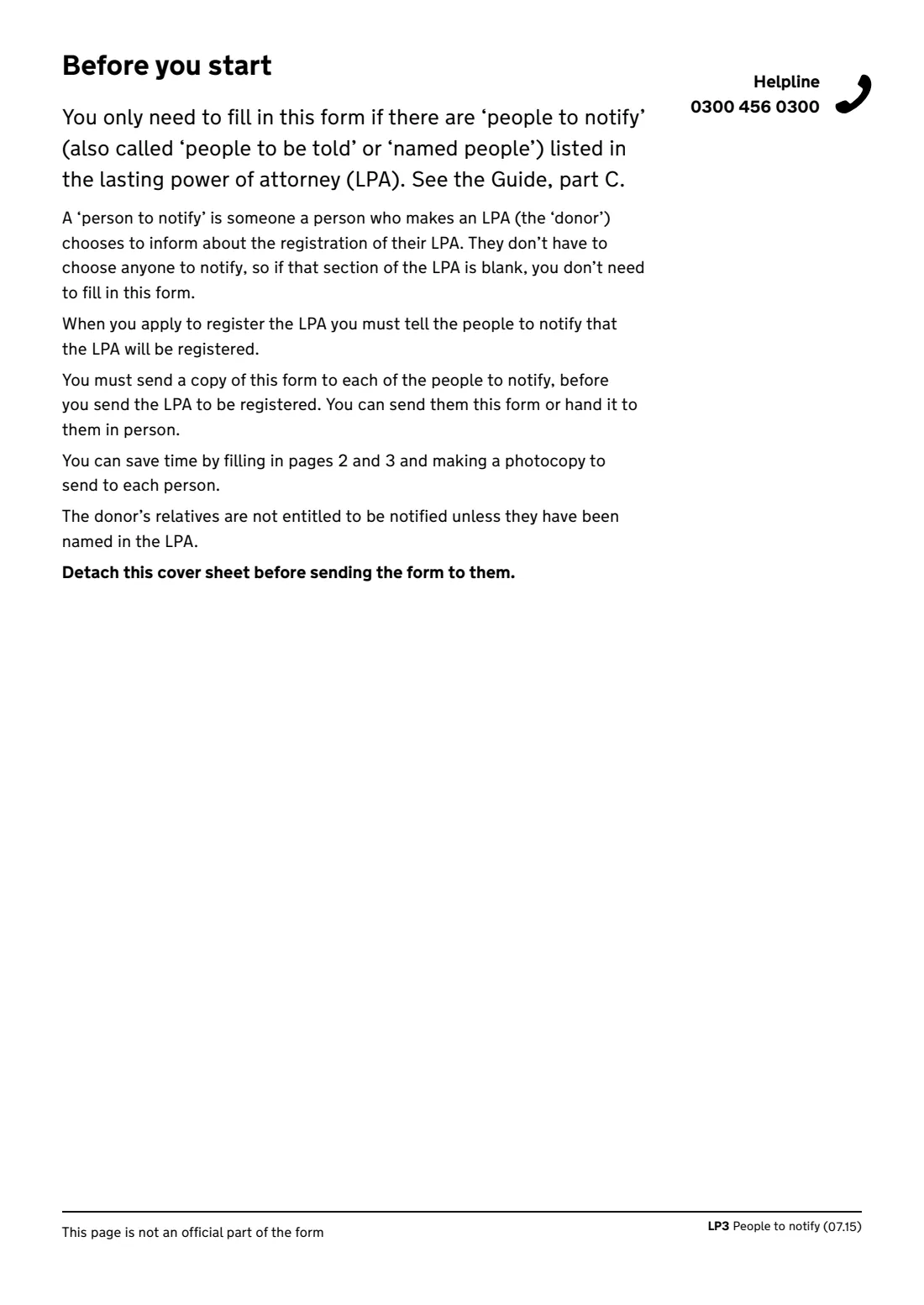
When someone makes a lasting power of attorney (LPA) in England and Wales, they can name 'people to notify': people who know them well and would speak up if something seemed wrong. Before the LPA is sent to the Office of the Public Guardian (OPG) to be registered, whoever is applying, the donor or the attorneys, must send each of those people a copy of form LP3.
The LP3 tells the person who the donor is, what type of LPA it is, when the donor signed it, who is applying, how the attorneys are appointed, and who the attorneys are. Its last page explains how they can object and the 3-week time limit for doing so. If the LPA names no people to notify, you don't need it.
FileIt fills in the official LP3 (07.15 edition, still the form OPG lists alongside the paper LPA forms) for one person to notify at a time, with accented and Eastern European letters printed correctly. Make one for each person named in the LPA. The LP3 isn't signed. You send or hand it to each person yourself; FileIt never sends anything for you.
- Who fills it
- The person applying to register the LPA: the donor or the attorneys
- Given to
- Each person to notify named in the LPA, not to OPG
- When
- Before sending the LPA to OPG to be registered
- Objection window
- 3 weeks from the date of the notice
- Signature
- None
- Edition
- LP3 People to notify (07.15)
Who needs to fill out LP3 Notify people about an LPA?
- A donor registering their own paper LPA that names people to notify.
- Attorneys registering the donor's LPA when it names people to notify.
- Families helping a parent or relative register an LPA.
- Not needed if section 6 of the LPA (people to notify) is blank. The donor's relatives aren't entitled to be notified unless they're named.
When to use LP3 Notify people about an LPA
- Just before sending the LPA to the Office of the Public Guardian to be registered.
- Once for each person to notify named in the LPA.
- Not if you made the LPA with the online service, which gov.uk says creates and fills in the LP3 forms for you.
What you need before you start
- The signed LPA, to copy the details from.
- The name and address of each person to notify.
- The donor's name and address, and the date the donor signed the LPA.
- The type of LPA (property and financial affairs, or health and welfare) and who is applying to register it.
- How the attorneys are appointed, and each attorney's name and address.
What’s on LP3 Notify people about an LPA
The 2015 edition has 6 pages. FileIt asks for it in 6 parts:
- Person to notifyApplicant (donor or attorneys)
- Details of the lasting power of attorneyApplicant (donor or attorneys)
- Attorney 1Applicant (donor or attorneys)
- Attorney 2Applicant (donor or attorneys)
- Attorney 3Applicant (donor or attorneys)
- Attorney 4Applicant (donor or attorneys)
How to fill out LP3 Notify people about an LPA, step by step
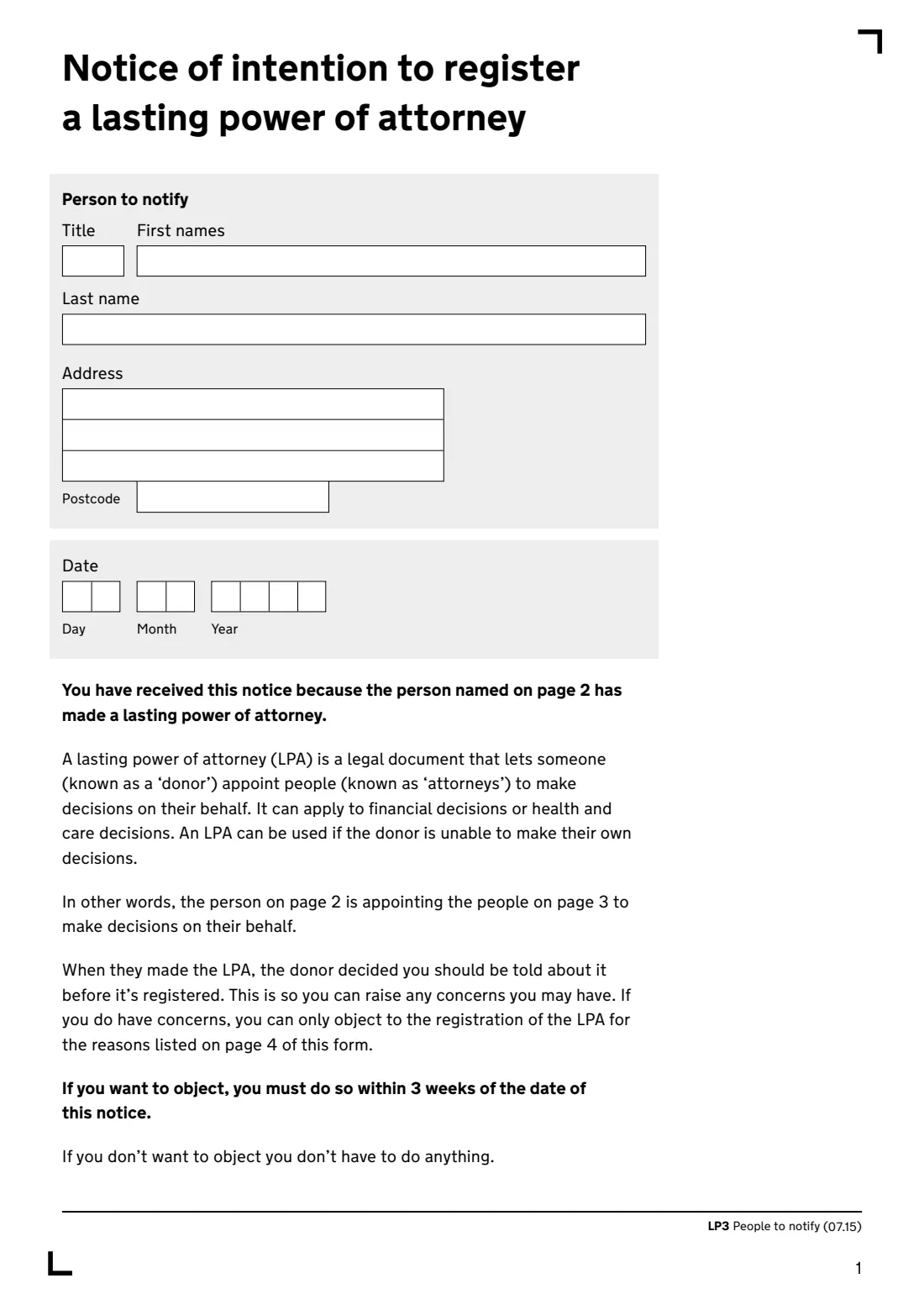
1 Person to notify
The name and address of the person you're sending this copy to, and the date of the notice. They have 3 weeks from that date to object.
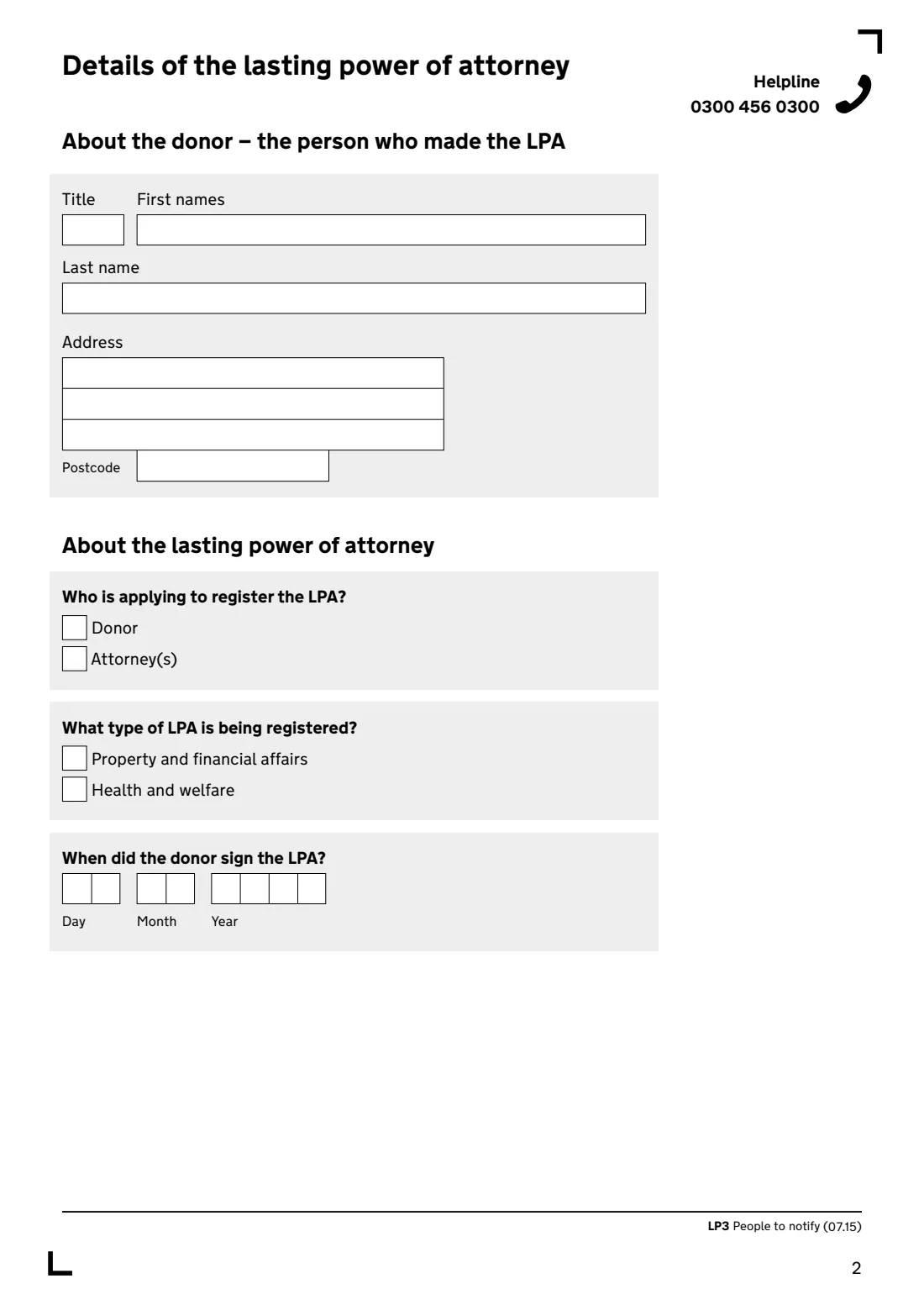
2 About the donor
The name and address of the person who made the LPA.
3 About the LPA
Who is applying to register it (the donor or the attorneys), which type it is, and the date the donor signed it.
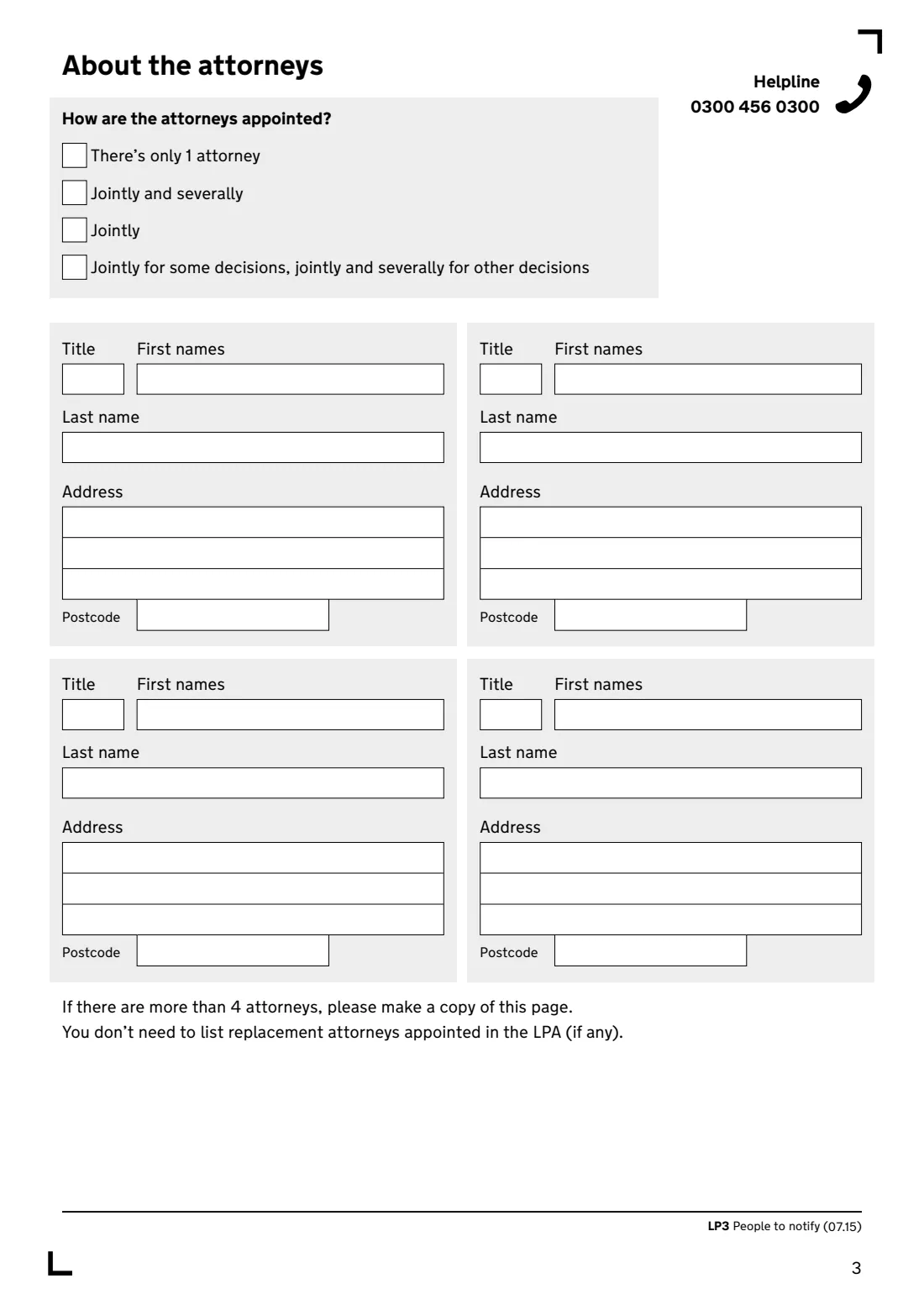
4 About the attorneys
How the attorneys are appointed (only one, jointly, jointly and severally, or a mix), then up to four attorneys' names and addresses. You don't need to list replacement attorneys. For more than four, the form says to copy the attorneys page.
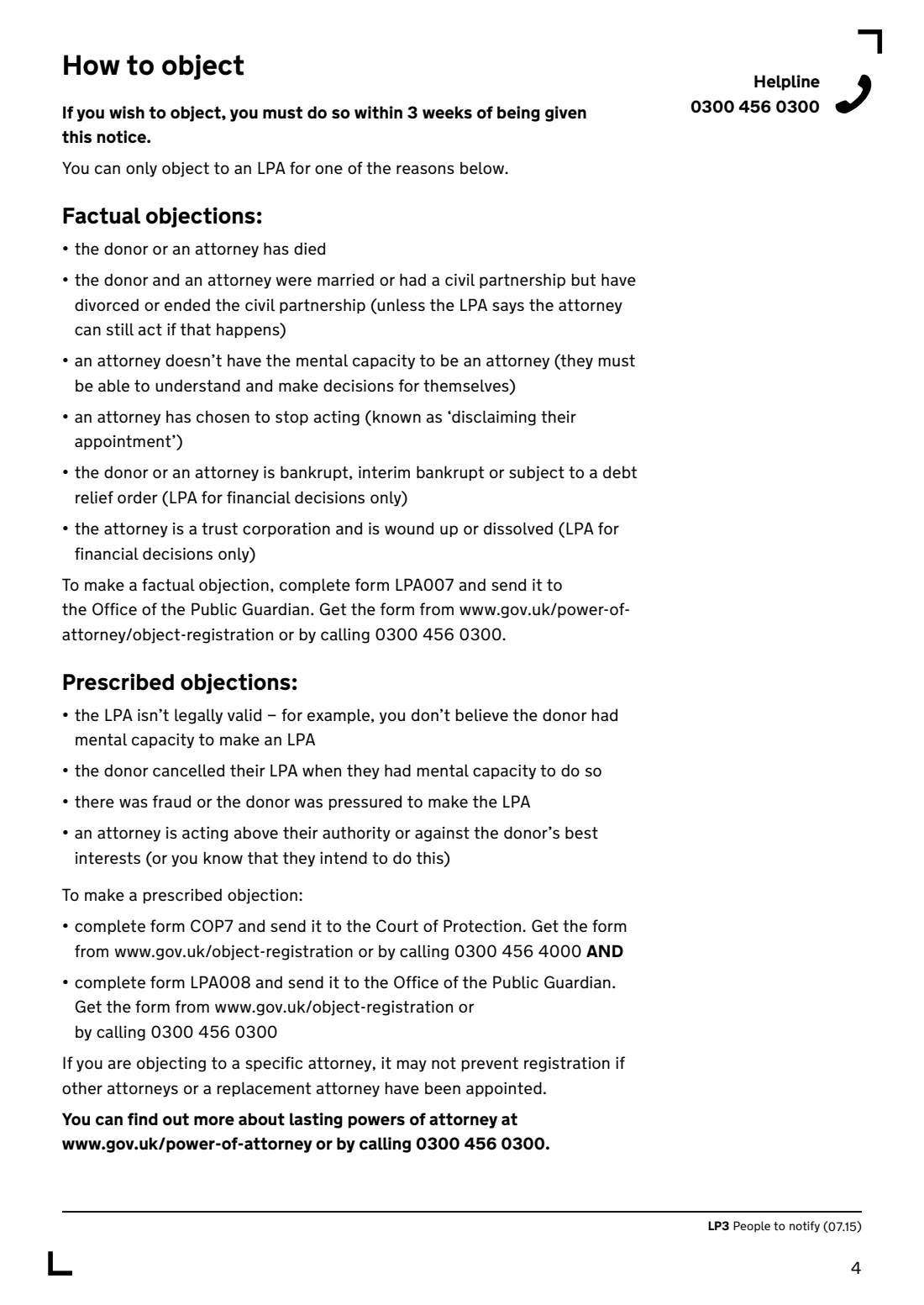
5 How to object
The last page is information for the person notified: the factual and prescribed grounds for objecting and which forms to use. Leave it in when you send the notice.
Common mistakes to avoid
- Sending the LPA for registration before notifying the people named in it.
- Using one LP3 for several people instead of one each.
- Leaving the cover sheet attached. The form says to detach it before sending.
- Listing replacement attorneys. They aren't needed on the LP3.
- Missing out the last page that explains how to object.
After you fill it out
Print the LP3, detach the cover sheet, and send it to or hand it to each person to notify. FileIt doesn't send it for you.
Then send the LPA to the Office of the Public Guardian to be registered.
Keep a note of when you sent each notice, with the LPA, in the donor's FileIt folder.
Fill out LP3 Notify people about an LPA online with FileIt
- Pick the person. Choose someone from People and FileIt fills in their name, date of birth, address and other details it already knows.
- Answer plain-language questions. One part of the form at a time, with the official help text beside each question — 47 fields in all. Your answers save as you go.
- Check the live preview. Watch your answers land on the real Office of the Public Guardian (OPG) form, and let FileIt do any worksheet arithmetic.
- Generate the official PDF. FileIt prints your answers into the agency’s own PDF and files it in that person’s folder in your vault.
FileIt fills the form — it never files or submits anything for you. Deliver the finished form to whoever asked for it, the way the form’s instructions say.
Start LP3 Notify people about an LPA now — it’s freeLP3 Notify people about an LPA: frequently asked questions
Do I always need form LP3?
No. You only need it if the LPA names people to notify. If that section of the LPA is blank, the form says you don't need it.
Does the LP3 go to the Office of the Public Guardian?
No. It goes to each person to notify. You send it before you send the LPA to OPG to be registered.
How long does a person notified have to object?
The form says they must object within 3 weeks of the date of the notice, and only for the reasons listed on its last page.
Does the LP3 need a signature?
No. There's no signature box on the form.
Is this the right form for an LPA made online?
gov.uk says the online service creates and fills in the LP3 forms for you. This one is for paper LPAs.
Official sources
- Blank form (PDF), published by Office of the Public Guardian (OPG): https://assets.publishing.service.gov.uk/media/5a818274ed915d74e33fe98a/LP3-Form-to-notify-people.pdf
- Official instructions and guidance: https://www.gov.uk/government/publications/lasting-power-of-attorney-forms
- Edition shown on this page: LP3 People to notify (07.15) (checked 2026-10-01).
FileIt is not affiliated with or endorsed by Office of the Public Guardian (OPG) or any government. This page explains the form in general terms and is not legal, tax or immigration advice. Always read the official instructions, and check that you are using the edition the recipient accepts. Page last reviewed 2026-10-01.