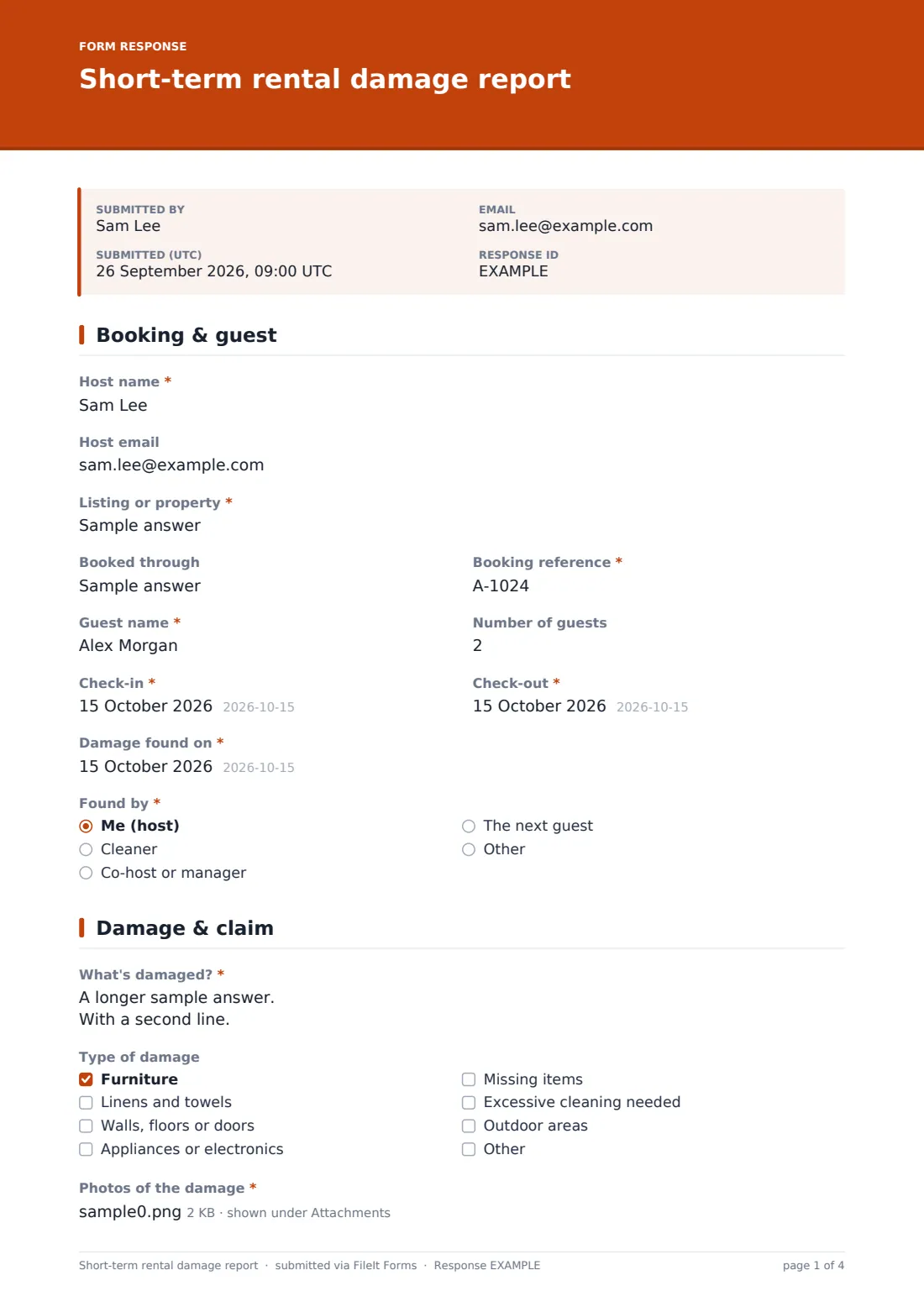
What is the short-term rental damage report form template?
Hosts usually find damage at the worst moment: the cleaner calls during turnover, the next guest arrives in four hours, and the booking platform wants evidence within a few days of checkout. A clear report written on the spot — which booking, what's broken, how much it costs, what the guest said — is what makes a claim go smoothly, whether you settle with the guest directly or go through the platform.
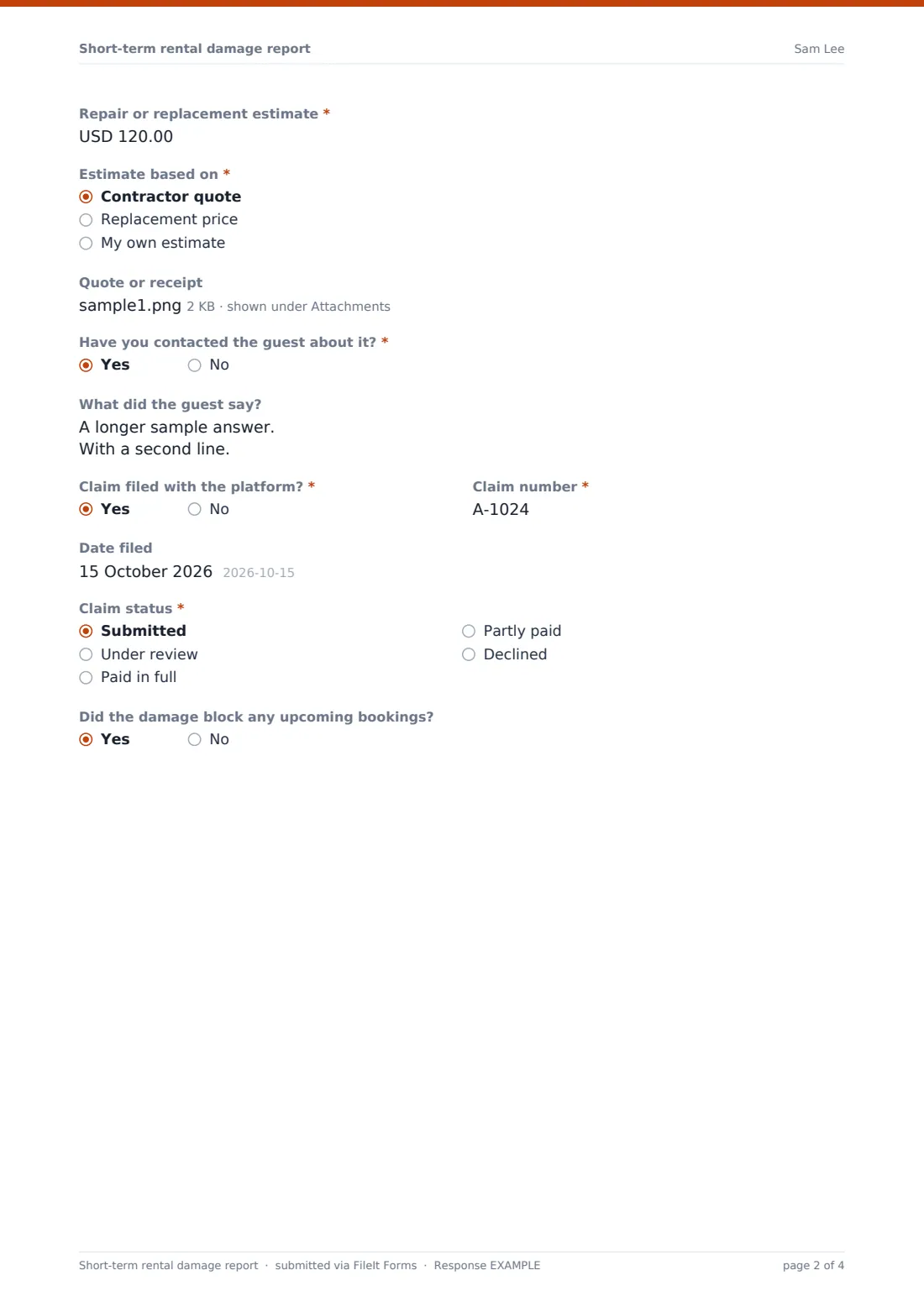
The first page pins down the stay: "Listing or property", where it was booked, the "Booking reference", the guest's name, the number of guests, check-in and check-out, and who found the damage and when. The second page is the evidence. "What's damaged?" asks for the item, the room and what happened, a "Type of damage" list covers furniture, linens, walls and floors, electronics, missing items and extra cleaning, and "Photos of the damage" is required. You then give a "Repair or replacement estimate" and what it's based on: a contractor quote, a replacement price or your own estimate.
Two questions handle what comes next. "Have you contacted the guest about it?" opens a box for their reply. "Claim filed with the platform?" opens the claim number, the date filed and a "Claim status" from submitted through paid or declined. Each report is filed as a PDF in your FileIt vault with all photos attached.
- Best for
- Short-term and holiday rental hosts, co-hosts and management companies
- Filled in by
- The host, co-host or property manager
- Time to complete
- About 8 minutes
- Includes
- Booking and guest details, damage types, required photos, estimate and its basis, guest contact and claim tracking
Who uses a short-term rental damage report form?
- A cleaner reports a broken lamp or stained sofa during turnover
- Items missing from the inventory after checkout
- A party left extra cleaning and damage to the garden
- Building evidence for a platform damage claim
- Co-hosts reporting damage back to the property owner
- Tracking which claims are still open across several listings
Questions on this short-term rental damage report form
24 questions over 2 pages · includes file upload, conditional questions, multiple pages.
1 Booking & guest
- Host name*
- Host email
- Listing or property*
- Booked through
- Booking reference*
- Guest name*
- Number of guests
- Check-in*
- Check-out*
- Damage found on*
- Found by* Me (host) · Cleaner · Co-host or manager · The next guest
2 Damage & claim
- What's damaged?*
- Type of damage Furniture · Linens and towels · Walls, floors or doors · Appliances or electronics · Missing items · Excessive cleaning needed · Outdoor areas
- Photos of the damage*
- Repair or replacement estimate*
- Estimate based on* Contractor quote · Replacement price · My own estimate
- Quote or receipt
- Have you contacted the guest about it?*
- What did the guest say? asked only when it applies
- Claim filed with the platform?*
- Claim number* asked only when it applies
- Date filed asked only when it applies
- Claim status* asked only when it applies Submitted · Under review · Paid in full · Partly paid · Declined
- Did the damage block any upcoming bookings?
The short-term rental damage report form, page by page
1 Booking & guest
Host name and email, then "Listing or property" and "Booked through" — a platform name, or direct. The booking reference, guest name and number of guests, check-in and check-out dates, "Damage found on" and "Found by": you, a cleaner, a co-host or manager, the next guest, or someone else.
2 Damage & claim
"What's damaged?" is a required description. "Type of damage" can have several boxes ticked. Up to ten photos are required, and the help text suggests including a before photo from your listing or last turnover. The estimate and "Estimate based on" come next, with an optional quote or receipt upload. "Have you contacted the guest about it?" opens "What did the guest say?". "Claim filed with the platform?" opens the claim number, the date filed and the claim status. Last, "Did the damage block any upcoming bookings?" records lost nights.
Make the template yours
- Turn "Listing or property" into a dropdown of your listings
- Add an inventory checklist for the items that most often go missing
- Change the currency to the one your listings are priced in
- Notify the property owner when a co-host files a report
- File reports into a vault folder per listing
- Add a cleaner's signature if they're the one reporting
Tips for a better short-term rental damage report form
- Photograph damage before anything is cleaned or moved
- Keep dated before photos from every turnover to compare against
- Get a written quote — platforms usually ask for more than your own estimate
- Message the guest through the platform so the conversation is on record
- Check your platform's claim deadline and file well inside it
Every response becomes a PDF in your vault
The report is filed as a PDF in your vault, with every photo and quote attached as separate files you can upload to a claim. You get an email, and so does anyone on the notification list.
When the claim moves on, submit a short follow-up report with the new status so the history stays in one place. The Responses table lists every report by date and guest.
- Start from this template. It opens in the FileIt Forms designer — change any question, add pages, set the rules for when questions appear.
- Share it. Turn on a public link, or send it to people by email, each with their own link. They don’t need a FileIt account.
- Get the answers as PDFs. Each response is saved as a PDF in the vault folder you choose, with uploaded files attached — and listed in a Responses table you can export to CSV.
Short-term rental damage report form: frequently asked questions
Is this guest damage report template free?
Yes. It's one of the starter templates in FileIt's Forms app, available on every plan including free.
Does FileIt submit the claim to the platform for me?
No. The report organises the evidence. You file the claim with the platform yourself and record its number and status here.
Why are photos required?
A damage claim without photos is hard to support, so the form won't submit without at least one.
Can my cleaner fill it in?
Yes. Share the link with them. Anyone with it can file a report from their phone.
Can I use it for direct bookings?
Yes. Put "direct" in "Booked through" and answer no to the platform claim question.