What is the rent payment receipt form template?
A rent receipt is a small document that settles big arguments. Tenants who pay in cash or by check need proof they paid. Landlords need a record that matches their books. And when a payment only covers part of the month, both sides need to see the balance still owed and when it's due. Handwritten receipt books do the job until one goes missing.
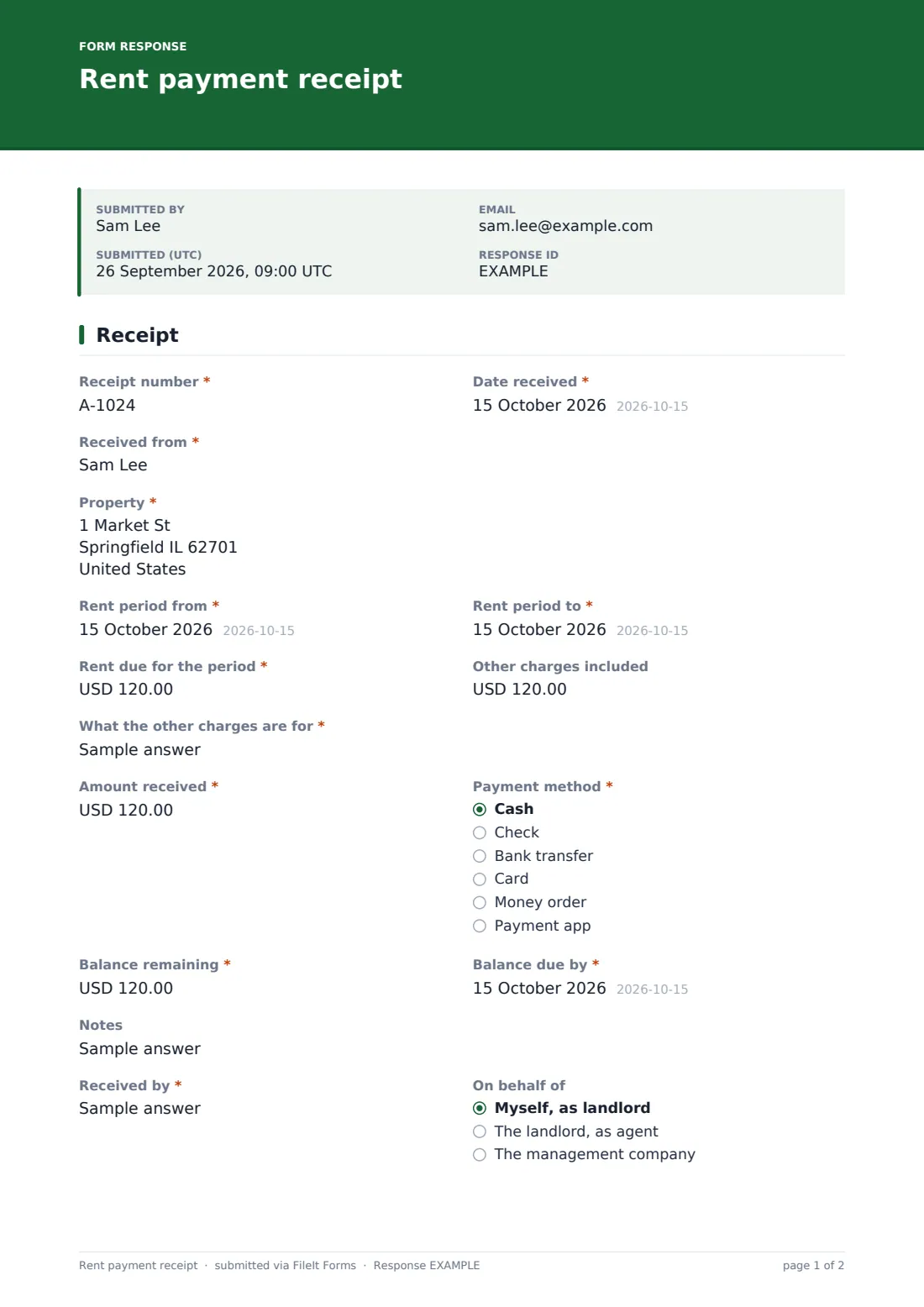
This one-page template is filled in by the landlord, agent or manager each time rent comes in. It records the "Receipt number", "Date received", who it was received from and the property, then the rent period with a from and to date. "Rent due for the period" sits beside "Other charges included"; any amount there asks what the charges are for.
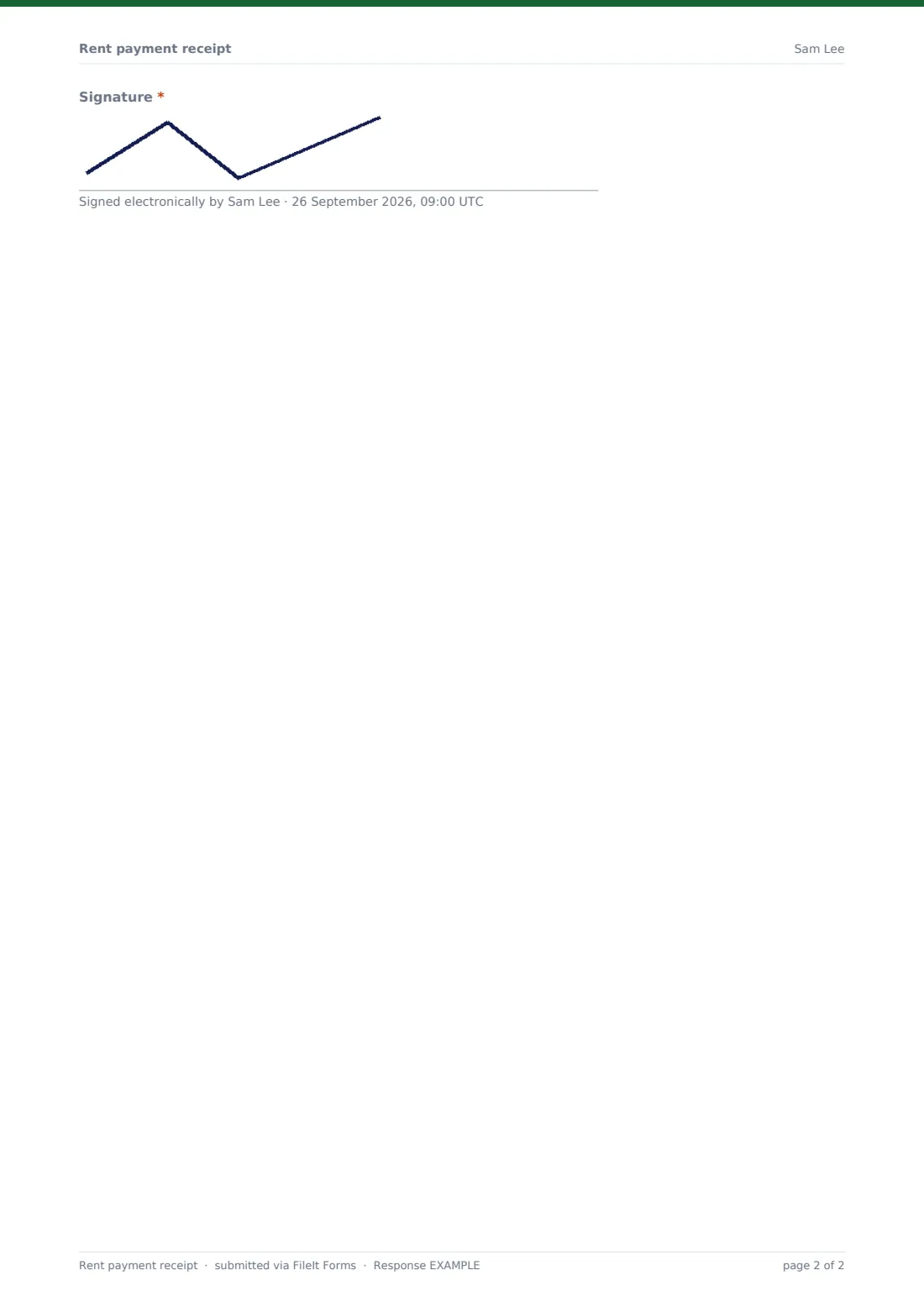
"Amount received" and "Payment method" come next, with a check or money order number when that's how the tenant paid. "Balance remaining" is required — enter 0 when the period is paid in full. Anything more than zero reveals "Balance due by", so the receipt doubles as a clear note of what's still owed. The person receiving the money adds their name, who they're acting for and a signature, and the receipt is filed as a PDF in your FileIt vault.
- Best for
- Landlords, letting agents and property managers
- Filled in by
- Whoever receives the rent
- Time to complete
- About 1 minute
- Includes
- Receipt number, tenant, property, period, rent due, other charges, amount, method, balance and due date, signature
Who uses a rent payment receipt form?
- Tenants who pay rent in cash
- Recording check and money order payments with their numbers
- Partial payments where a balance is still owed
- Room rentals and lodgers in the landlord's own home
- Tenants who need proof of rent paid for an application
- Keeping a dated payment history for each property
Questions on this rent payment receipt form
18 questions · includes signature, conditional questions.
1 Receipt
- Receipt number*
- Date received*
- Received from*
- Property*
- Rent period from*
- Rent period to*
- Rent due for the period*
- Other charges included
- What the other charges are for* asked only when it applies
- Amount received*
- Payment method* Cash · Check · Bank transfer · Card · Money order · Payment app
- Check or money order number asked only when it applies
- Balance remaining*
- Balance due by* asked only when it applies
- Notes
- Received by*
- On behalf of Myself, as landlord · The landlord, as agent · The management company
- Signature*
The rent payment receipt form, page by page
1 Receipt
"Receipt number" and "Date received" sit side by side. "Received from" takes the tenant's first and last name, and the property address is required. "Rent period from" and "Rent period to" set the dates covered. "Rent due for the period" is required; "Other charges included" is optional and asks for a description when used. "Amount received" must be more than zero, and "Payment method" covers cash, check, bank transfer, card, money order and payment app; a check asks for its number. "Balance remaining" reveals "Balance due by" for anything above zero. Optional notes, "Received by", "On behalf of" and a signature close the receipt.
Make the template yours
- Change the currency to match where your property is
- Turn the property into a dropdown of your rentals
- Remove payment methods you don't accept
- Set the document title to include the property, so receipts sort neatly in the vault
- File receipts into a vault folder per tenant or per tax year
- Turn on the respondent copy if a colleague issues receipts and wants their own copy
Tips for a better rent payment receipt form
- Use a simple numbering scheme, such as the year plus a running number
- Write a receipt for every cash payment, the same day
- Record partial payments as they arrive rather than at month end
- Give the tenant their copy promptly — download or print the PDF from your vault
- Check the receipt amount against your bank or cash records each month
Every response becomes a PDF in your vault
Each receipt is filed as a signed PDF in the vault folder you choose. Download or print it to hand to the tenant — the confirmation message reminds you.
The Responses table is a running rent ledger: search by tenant or property and export to CSV to reconcile payments and outstanding balances.
- Start from this template. It opens in the FileIt Forms designer — change any question, add pages, set the rules for when questions appear.
- Share it. Turn on a public link, or send it to people by email, each with their own link. They don’t need a FileIt account.
- Get the answers as PDFs. Each response is saved as a PDF in the vault folder you choose, with uploaded files attached — and listed in a Responses table you can export to CSV.
Rent payment receipt form: frequently asked questions
Is this rent receipt template free?
Yes. It's one of the starter templates in FileIt's Forms app, included on the free plan.
Who fills it in, the landlord or the tenant?
The landlord or whoever receives the rent. The tenant gets the finished PDF.
Does FileIt send the receipt to the tenant?
Not automatically. The receipt is filed in your vault, and you share the PDF with the tenant.
What if the tenant only paid part of the rent?
Enter the amount received and the balance remaining. Any balance above zero asks for the date it's due.
Can I record other charges, like parking?
Yes. Enter them under "Other charges included" and the form asks what they're for.
Can I use it on my phone when collecting cash?
Yes. Open the form's link on your phone, fill it in and sign with your finger.