What is the new supplier request form template?
New suppliers tend to appear through the side door: an invoice arrives from a company nobody in finance recognises, set up because one team needed something quickly. A short request form gives procurement the chance to check the supplier first — and to point out when an approved supplier could have done the job.
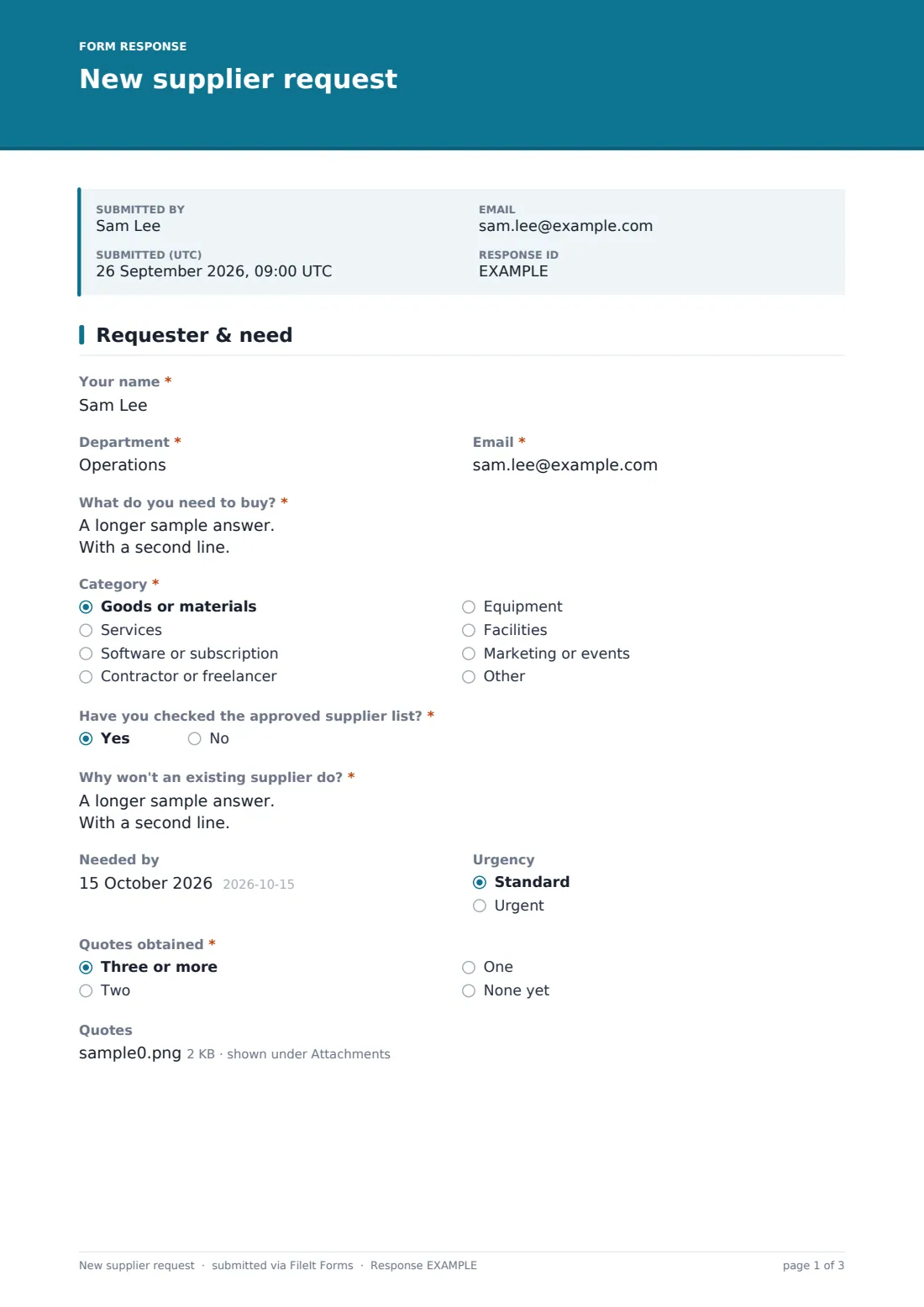
This new supplier request form starts with the requester, department, what needs buying, the category, whether they've checked the approved supplier list and why existing suppliers won't do. It also records when it's needed, how urgent it is and how many quotes were obtained, with an upload for the quotes.
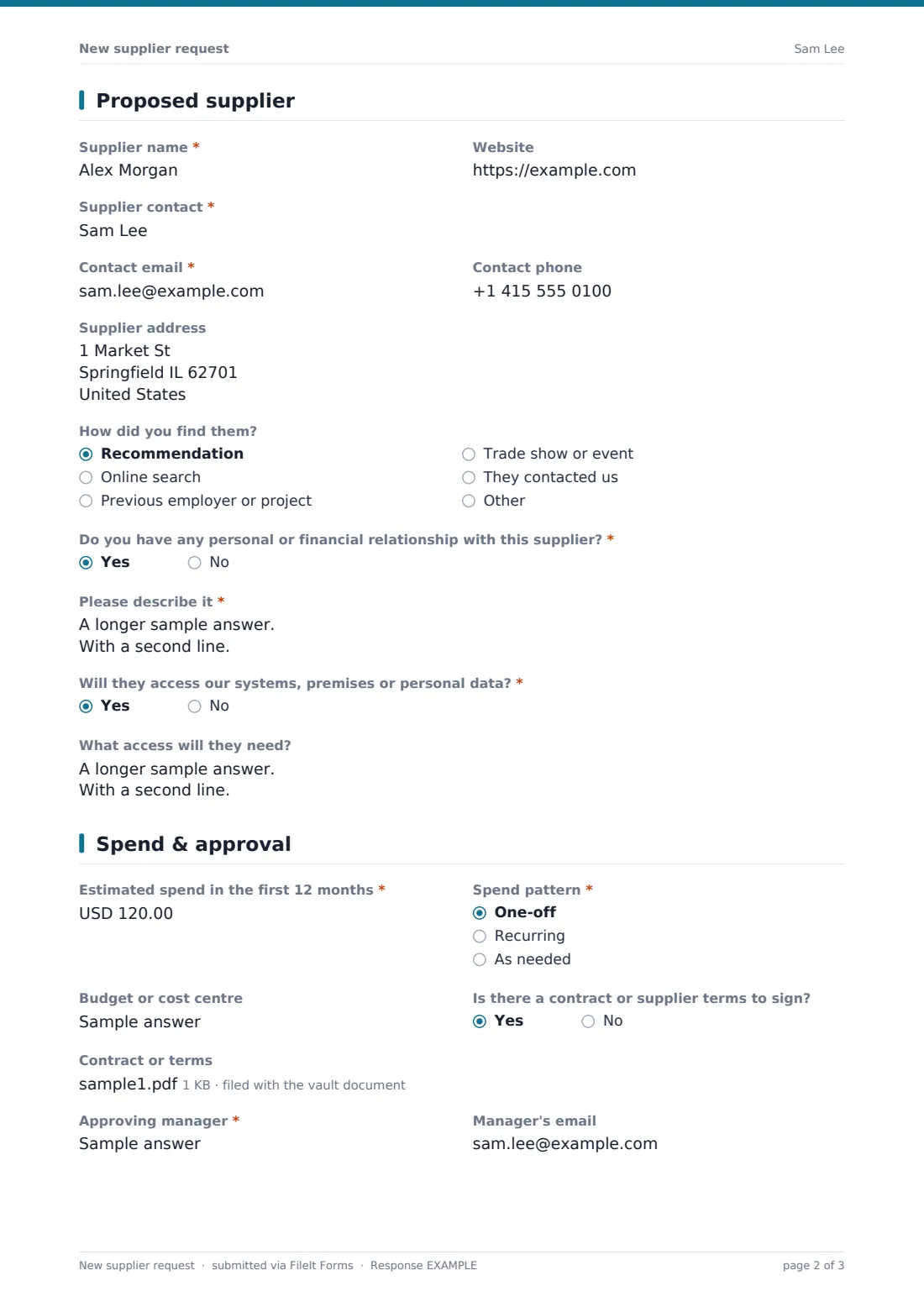
The second page captures the proposed supplier's name, website, contact and address, how they were found, any personal or financial relationship the requester has with them, and whether they'll access your systems, premises or personal data. The last page covers estimated first-year spend, spend pattern, cost centre, any contract to sign and the approving manager. Each request is saved as a PDF in your FileIt vault for procurement's review.
- Best for
- Procurement, finance and operations teams in growing organisations
- Filled in by
- The employee who wants to use the new supplier
- Time to complete
- About 8 minutes
- Includes
- Need and justification, quote upload, relationship and data-access questions, spend estimate and confirmation
Who uses a new supplier request form?
- Controlling new supplier set-up in a company with an approved supplier list
- A finance team stopping unexpected invoices from unknown suppliers
- Capturing conflict-of-interest declarations when a supplier is proposed
- Flagging suppliers that will need a security or data protection review
- A school or nonprofit managing purchasing across departments
- Collecting quotes before a supplier is added to the finance system
Questions on this new supplier request form
31 questions over 3 pages · includes file upload, conditional questions, multiple pages, consent checkbox.
1 Requester & need
- Your name*
- Department*
- Email*
- What do you need to buy?*
- Category* Goods or materials · Services · Software or subscription · Contractor or freelancer · Equipment · Facilities · Marketing or events · Other
- Have you checked the approved supplier list?*
- Why won't an existing supplier do?*
- Needed by
- Urgency Standard · Urgent
- Quotes obtained* Three or more · Two · One · None yet
- Quotes asked only when it applies
2 Proposed supplier
- Supplier name*
- Website
- Supplier contact*
- Contact email*
- Contact phone
- Supplier address
- How did you find them? Recommendation · Online search · Previous employer or project · Trade show or event · They contacted us
- Do you have any personal or financial relationship with this supplier?*
- Please describe it* asked only when it applies
- Will they access our systems, premises or personal data?*
- What access will they need? asked only when it applies
3 Spend & approval
- Estimated spend in the first 12 months*
- Spend pattern* One-off · Recurring · As needed
- Budget or cost centre
- Is there a contract or supplier terms to sign?
- Contract or terms asked only when it applies
- Approving manager*
- Manager's email
- Anything else procurement should know?
- Confirmation*
The new supplier request form, page by page
1 Requester & need
The requester gives their name, department and email, describes what they need to buy, and chooses a category from goods and services to software, contractors, equipment and facilities. Have you checked the approved supplier list? and Why won't an existing supplier do? are both required.
Needed by and urgency follow. Quotes obtained — three or more, two, one or none yet — opens an upload for up to 5 quotes whenever at least one exists.
2 Proposed supplier
Supplier name, contact and contact email are required, with website, phone and address optional. How did you find them? covers recommendations, search, previous work, events and suppliers who made contact.
Two required yes/no questions follow. A personal or financial relationship with the supplier must be described if the answer is yes. If the supplier will access your systems, premises or personal data, the requester describes the access needed, with a note that extra checks may follow.
3 Spend & approval
Estimated spend in the first 12 months and the spend pattern — one-off, recurring or as needed — are required. Cost centre, whether there's a contract or terms to sign (with an upload if so), and the approving manager's name and email follow.
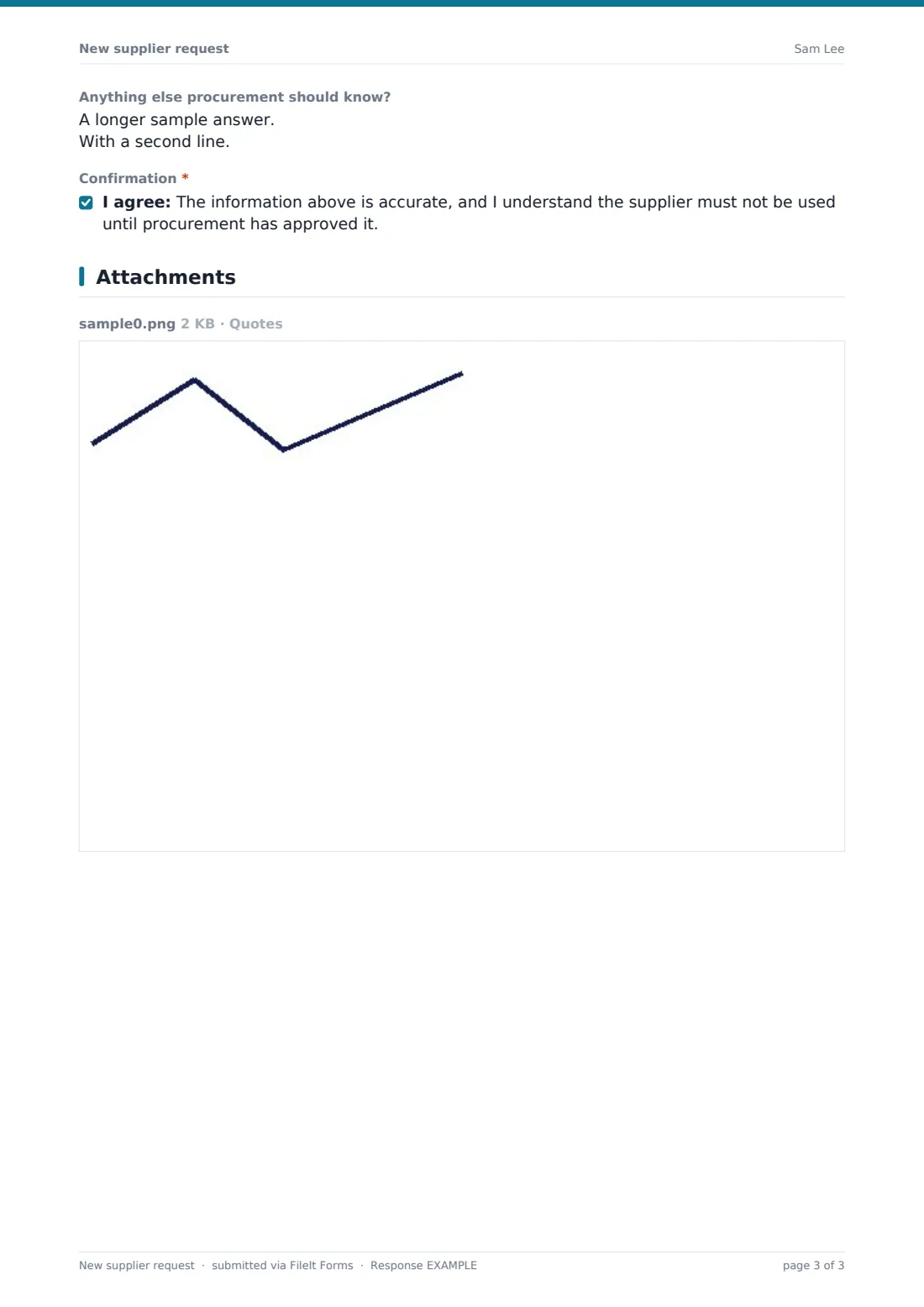
The requester adds any notes and confirms the information is accurate and that the supplier won't be used until procurement approves it.
Make the template yours
- Add a paragraph with your spend thresholds for one, two or three quotes
- Change the category list to match your finance system's categories
- Add questions on insurance, certifications or sustainability if you check them
- Change the currency on the spend field
- Notify procurement and finance inboxes on each request
- Route requests with data access to a separate vault folder for security review
Tips for a better new supplier request form
- Make the approved supplier list easy to find, so requesters can check it before asking
- Review the relationship answer carefully; a declared connection isn't a problem in itself, but it should be managed
- Send suppliers who will handle personal data through your data protection checks before approval
- Ask for bank details directly from the supplier through your own process, not through the requester
- Tell requesters the outcome promptly, including why a request was declined
- Use the spend estimates to decide which suppliers need a contract
Every response becomes a PDF in your vault
Each request is saved as a PDF in the vault folder you choose, with quotes and any contract attached. Owner notifications email procurement when a request arrives, and the requester can receive a copy.
The Responses table lists every request, so procurement can track what's pending, look up past requests for the same supplier and export to CSV.
- Start from this template. It opens in the FileIt Forms designer — change any question, add pages, set the rules for when questions appear.
- Share it. Turn on a public link, or send it to people by email, each with their own link. They don’t need a FileIt account.
- Get the answers as PDFs. Each response is saved as a PDF in the vault folder you choose, with uploaded files attached — and listed in a Responses table you can export to CSV.
New supplier request form: frequently asked questions
Is this template free?
Yes. It's included in the FileIt Forms app on every account, including the free plan, and every question can be edited, removed or added to.
Who fills in this form — staff or the supplier?
Staff. It's an internal request to procurement. If you need information from the supplier itself, use a vendor information form once the request is approved.
Does it collect the supplier's bank details?
No, deliberately. Bank details are better collected directly from the supplier through your finance team's own checks.
Does approving the request set the supplier up in our finance system?
No. FileIt Forms doesn't connect to finance or ERP systems; procurement sets the supplier up as usual after review.
Can staff attach quotes?
Yes. If any quotes were obtained, an upload for up to 5 files appears.
Does it ask about conflicts of interest?
Yes. A required question asks whether the requester has any personal or financial relationship with the supplier and asks for detail if they do.
Can I add our spend thresholds?
Yes. Add a paragraph to the first page explaining how many quotes are needed at each spend level.
Do staff need a FileIt account?
No. Anyone with the form's link can fill it in without creating a FileIt account.