What is the mental health safety plan form template?
A safety plan is a short, personal list of what someone can do when they notice a crisis building. It starts with things they can try alone, then moves to people, then professionals. It's most useful when it's written with a clinician in the client's own words, and when the client can actually find it on a bad night.
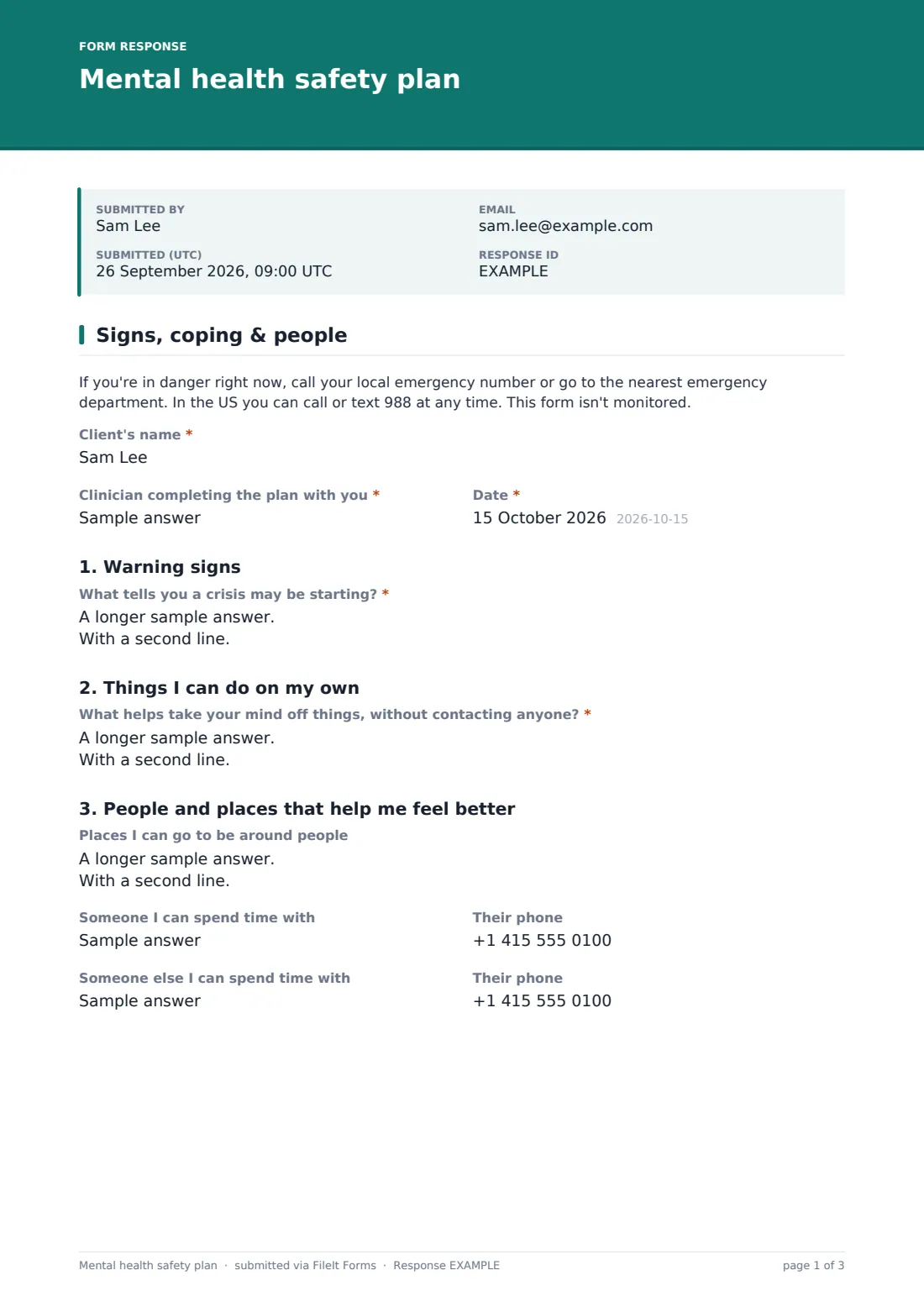
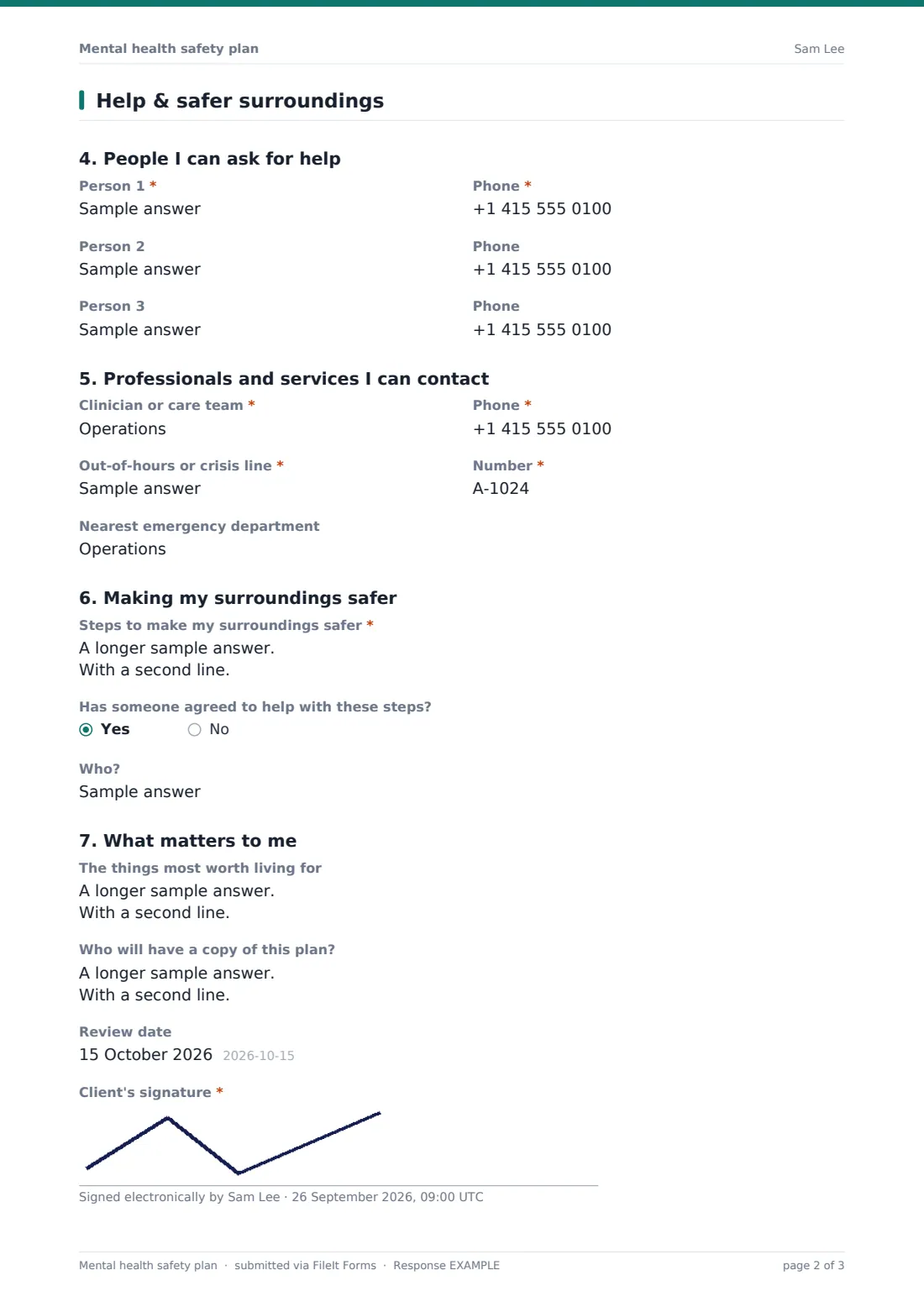
This template follows the familiar seven steps. "Warning signs" comes first, then "Things I can do on my own", "People and places that help me feel better", "People I can ask for help", "Professionals and services I can contact", "Making my surroundings safer" and "What matters to me". Each step has its own heading and the questions under it, with names and phone numbers side by side.
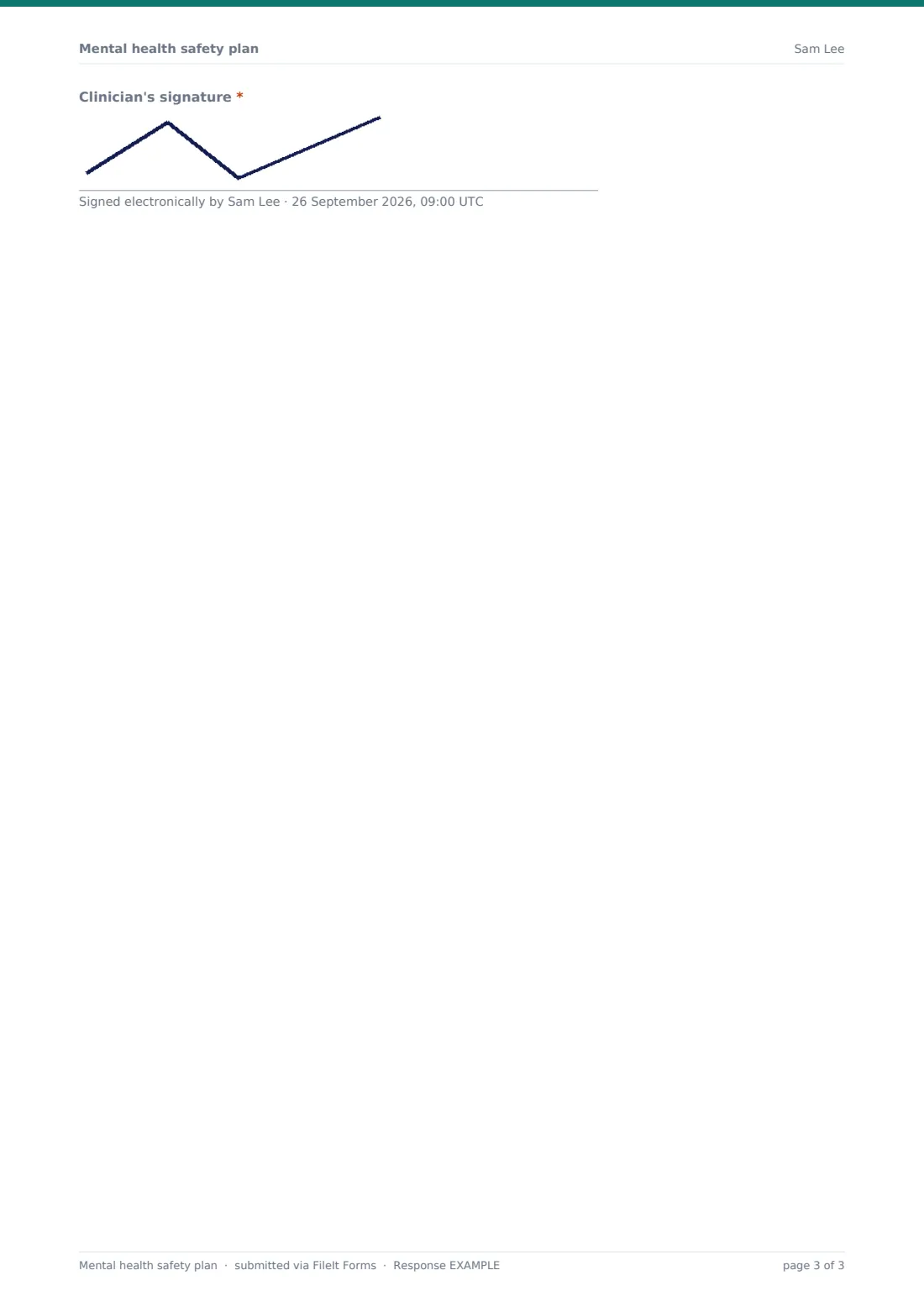
The plan opens with an emergency notice and ends with the client's and clinician's signatures. When it's submitted, FileIt saves it as a PDF in the vault, and the client can be emailed a copy to keep on their phone.
- Best for
- Therapists, counsellors, mental health teams, crisis services and student support services
- Filled in by
- The client and clinician together, in session
- Time to complete
- 20–30 minutes in session
- Includes
- Seven steps, contact names and phone numbers, review date, two signatures
Who uses a mental health safety plan form?
- Writing a plan with a client after a risk assessment
- Discharge planning from an inpatient or crisis service
- A counselling service's standard plan for clients who disclose suicidal thoughts
- Reviewing and updating an existing plan at a set review date
- A school or university wellbeing team supporting a student
Questions on this mental health safety plan form
29 questions over 2 pages · includes signature, conditional questions, multiple pages.
1 Signs, coping & people
- Client's name*
- Clinician completing the plan with you*
- Date*
- What tells you a crisis may be starting?*
- What helps take your mind off things, without contacting anyone?*
- Places I can go to be around people
- Someone I can spend time with
- Their phone
- Someone else I can spend time with
- Their phone
2 Help & safer surroundings
- Person 1*
- Phone*
- Person 2
- Phone
- Person 3
- Phone
- Clinician or care team*
- Phone*
- Out-of-hours or crisis line*
- Number*
- Nearest emergency department
- Steps to make my surroundings safer*
- Has someone agreed to help with these steps?
- Who? asked only when it applies
- The things most worth living for
- Who will have a copy of this plan?
- Review date
- Client's signature*
- Clinician's signature*
The mental health safety plan form, page by page
1 Signs, coping & people
An emergency notice sits above everything, with the local emergency number and the US 988 line. "Client's name", "Clinician completing the plan with you" and the date are required. Step 1 asks "What tells you a crisis may be starting?", in the client's own words. Step 2, "What helps take your mind off things, without contacting anyone?", is required too. Step 3 has places to be around people and two people to spend time with, each with a phone number.
2 Help & safer surroundings
Step 4 lists up to three people to ask for help. Person 1 and their phone are required. Step 5 records the "Clinician or care team" with their phone, the "Out-of-hours or crisis line" and its number, and the "Nearest emergency department". Step 6, "Steps to make my surroundings safer", is required, and "Has someone agreed to help with these steps?" asks who. Step 7 asks for "The things most worth living for". The plan finishes with who will have a copy, a review date, and signatures from the client and the clinician.
Make the template yours
- Put your service's own out-of-hours and crisis numbers in the emergency notice and placeholders
- Rename the steps to match the safety planning model your team uses
- Set a standard review period and mention it in the review date's help text
- File plans in each client's folder so the latest version is easy to find
- Remove the signatures if plans are written over a video call and signed separately
- Translate the labels for clients who'd rather plan in their first language
Tips for a better mental health safety plan form
- Write the client's words, not clinical terms. They have to recognise it in a crisis
- Make the coping strategies specific and doable, like "walk to the park" rather than "exercise"
- Check that the people listed have agreed and that the phone numbers work
- Make sure the client leaves with a copy, on paper and on their phone
- Revisit the plan at each review, and after any crisis
Every response becomes a PDF in your vault
The plan becomes a signed PDF titled with the client's name and the date, filed in the vault folder you've chosen. Turn on the emailed copy and the client receives the PDF to keep on their phone. The clinician or team inbox is notified too.
Each review creates a new dated PDF, so the Responses table shows how the plan has changed over time. Only people with access to the folder can see the plans.
- Start from this template. It opens in the FileIt Forms designer — change any question, add pages, set the rules for when questions appear.
- Share it. Turn on a public link, or send it to people by email, each with their own link. They don’t need a FileIt account.
- Get the answers as PDFs. Each response is saved as a PDF in the vault folder you choose, with uploaded files attached — and listed in a Responses table you can export to CSV.
Mental health safety plan form: frequently asked questions
Is this form monitored?
No. The form says so at the top and gives emergency numbers. It's a plan written together in session, not a way to ask for urgent help.
Does FileIt provide crisis support?
No. FileIt stores the plan and doesn't give medical advice or crisis support. The plan points the client to the people and services listed in it.
Can the client keep a copy on their phone?
Yes. With the emailed copy turned on, the client gets the PDF by email when the plan is submitted.
Can we use our own safety planning model?
Yes. Every heading, question and placeholder can be edited in the Forms designer.
Is this template free?
Yes. It's one of the starter templates in the FileIt Forms app, on every plan including the free one.