What is the affiliate & influencer application form template?
A good affiliate or influencer partnership depends on fit — the right audience, the right niche and content that matches your brand. Sorting through direct messages and emails to find that out is slow, and you rarely get the numbers you need to compare applicants fairly.
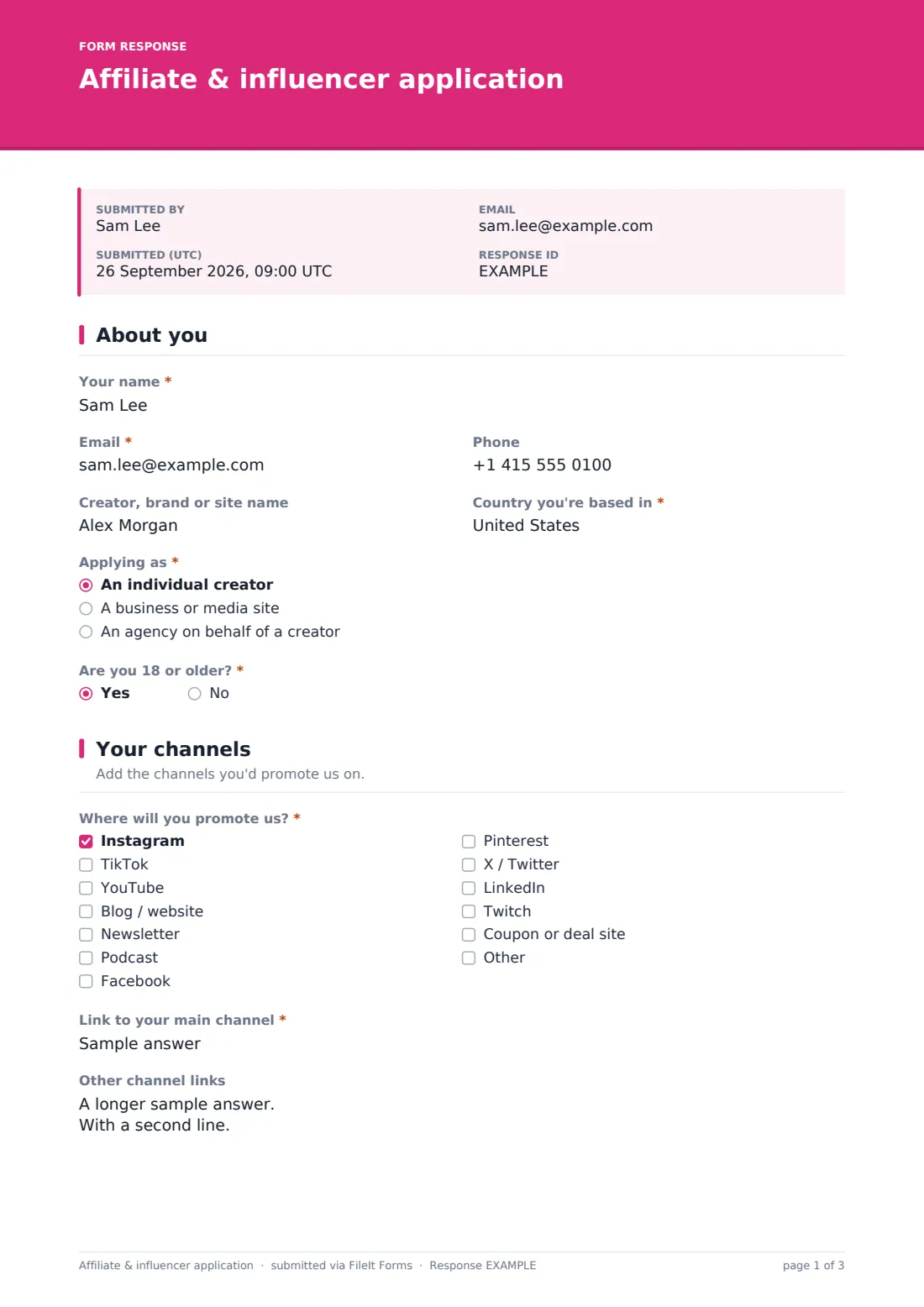
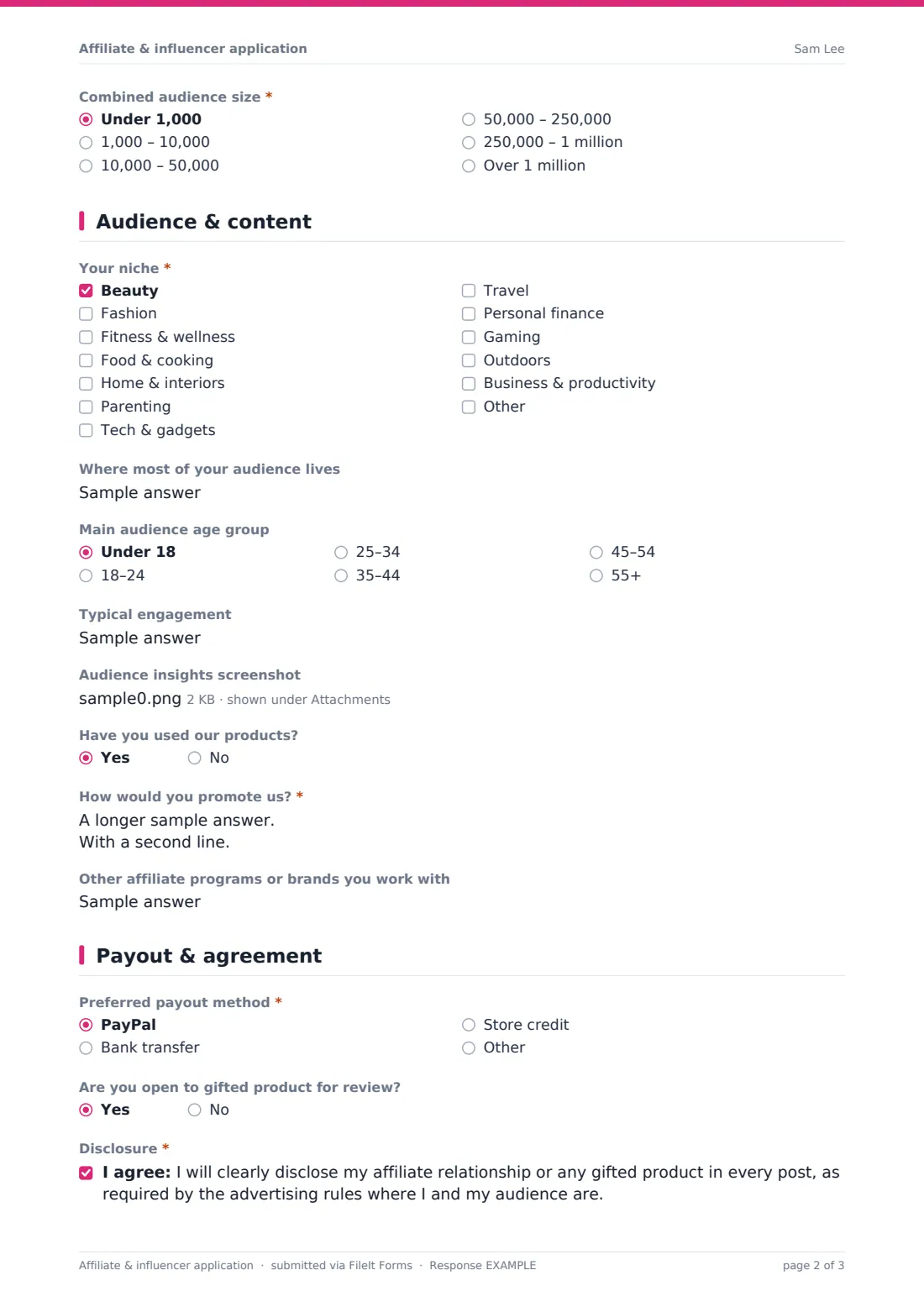
This application template asks creators for their details, the channels they'd promote you on with links, a combined audience size, their niche, where their audience lives and its main age group, typical engagement and an analytics screenshot. They explain how they'd promote you and choose a payout method, then agree to disclose the relationship in their posts and to your program terms.
Each application is saved as a PDF in your FileIt vault, so you have a record of every applicant and exactly what they agreed to when they joined.
- Best for
- E-commerce brands, SaaS companies and creators' agencies running affiliate or influencer programs
- Filled in by
- Creators, bloggers, publishers and agencies applying to the program
- Time to complete
- About 6 minutes
- Includes
- Channel checklist with links, audience size and demographics, niche picker, analytics upload, payout choice and two consents
Who uses a affiliate & influencer application form?
- A direct-to-consumer brand launching its first affiliate program
- A beauty or fashion label choosing creators for a gifting campaign
- A software company recruiting bloggers and YouTubers to review its product
- An agency collecting applications from creators on behalf of a brand
- Replacing an 'apply here' email address in your site footer
- Screening creators before adding them to an affiliate network
Questions on this affiliate & influencer application form
26 questions over 4 pages · includes file upload, conditional questions, multiple pages, consent checkbox.
1 About you
- Your name*
- Email*
- Phone
- Creator, brand or site name
- Country you're based in*
- Applying as* An individual creator · A business or media site · An agency on behalf of a creator
- Creator you represent* asked only when it applies
- Are you 18 or older?*
2 Your channels
- Where will you promote us?* Instagram · TikTok · YouTube · Blog / website · Newsletter · Podcast · Facebook · Pinterest · X / Twitter · LinkedIn · Twitch · Coupon or deal site
- Link to your main channel*
- Other channel links
- Combined audience size* Under 1,000 · 1,000 – 10,000 · 10,000 – 50,000 · 50,000 – 250,000 · 250,000 – 1 million · Over 1 million
- Monthly website visitors asked only when it applies
- Newsletter subscribers asked only when it applies
3 Audience & content
- Your niche* Beauty · Fashion · Fitness & wellness · Food & cooking · Home & interiors · Parenting · Tech & gadgets · Travel · Personal finance · Gaming · Outdoors · Business & productivity
- Where most of your audience lives
- Main audience age group Under 18 · 18–24 · 25–34 · 35–44 · 45–54 · 55+
- Typical engagement
- Audience insights screenshot
- Have you used our products?
- How would you promote us?*
- Other affiliate programs or brands you work with
4 Payout & agreement
- Preferred payout method* PayPal · Bank transfer · Store credit
- Are you open to gifted product for review?
- Disclosure*
- Program terms*
The affiliate & influencer application form, page by page
1 About you
The creator gives their name, email, phone, creator or brand name and country, and says whether they're applying as an individual, a business or an agency — agencies name the creator they represent. They confirm whether they're 18 or older; answering no shows a note that under-18s need a parent or guardian to get in touch first.
2 Your channels
A checklist covers Instagram, TikTok, YouTube, blogs, newsletters, podcasts and more, followed by a link to the main channel, other links and a combined audience size. Ticking blog or newsletter opens questions for monthly visitors or subscriber numbers.
3 Audience & content
Creators pick up to three niches, describe where their audience lives and its main age group, share typical engagement and can upload an analytics screenshot. They say whether they've used your products, explain how they'd promote you and list other programs they work with.
4 Payout & agreement
The creator chooses a payout method and whether they're open to gifted product. Two consents close the form: one to disclose the affiliate relationship or gifted product in every post, and one to the program terms, including no paid search bidding on your brand name, no misleading claims and no unapproved coupon posting.
Make the template yours
- Link to your full program terms and commission rates in the cover text
- Edit the terms statement so it matches your actual program rules
- Replace the niche list with categories relevant to your products
- Add a minimum audience size note if you only accept creators above a threshold
- Remove the payout question if your affiliate platform handles payouts
- Set the confirmation message to explain how and when applicants will hear back
Tips for a better affiliate & influencer application form
- Look at recent posts, not just follower counts — engagement and tone matter more for fit
- Ask for the analytics screenshot rather than relying on self-reported numbers
- Check the disclosure rules that apply to your market and make sure creators understand them
- Reply to rejected applicants too; many will grow and reapply
- Keep the approved creators' applications — they record what each person agreed to
Every response becomes a PDF in your vault
When a creator applies, FileIt saves the application as a PDF with any screenshots, files it in your vault and notifies you. The applicant can receive a copy of their answers.
In the Responses table you can sort and export applications to compare audience sizes, niches and channels, then add approved creators to your affiliate platform.
- Start from this template. It opens in the FileIt Forms designer — change any question, add pages, set the rules for when questions appear.
- Share it. Turn on a public link, or send it to people by email, each with their own link. They don’t need a FileIt account.
- Get the answers as PDFs. Each response is saved as a PDF in the vault folder you choose, with uploaded files attached — and listed in a Responses table you can export to CSV.
Affiliate & influencer application form: frequently asked questions
Is this affiliate application template free?
Yes. It's included in FileIt's Forms app on every plan, including the free plan.
Does it replace an affiliate platform?
No. It collects and records applications. Tracking links, commissions and payouts still happen in your affiliate software.
Why does it ask about disclosure?
Many advertising rules require creators to disclose paid or affiliate relationships. The consent reminds applicants of that; check the rules that apply to you.
Can agencies apply for their creators?
Yes. Choosing 'An agency on behalf of a creator' asks for the name of the creator they represent.
Can I change the program terms statement?
Yes. Both consent statements are editable in the designer, so you can match them to your own program terms.
Where are applications stored?
Each one is saved as a PDF in your FileIt vault and listed in the Responses table.