What is a retirement notice letter?
After years, sometimes decades, in one job, the retirement letter is a small piece of paper with a big job to do. It makes your decision official, fixes the date everything else hangs on, from your final pay to your pension paperwork, and starts the conversation about who will take over your work.
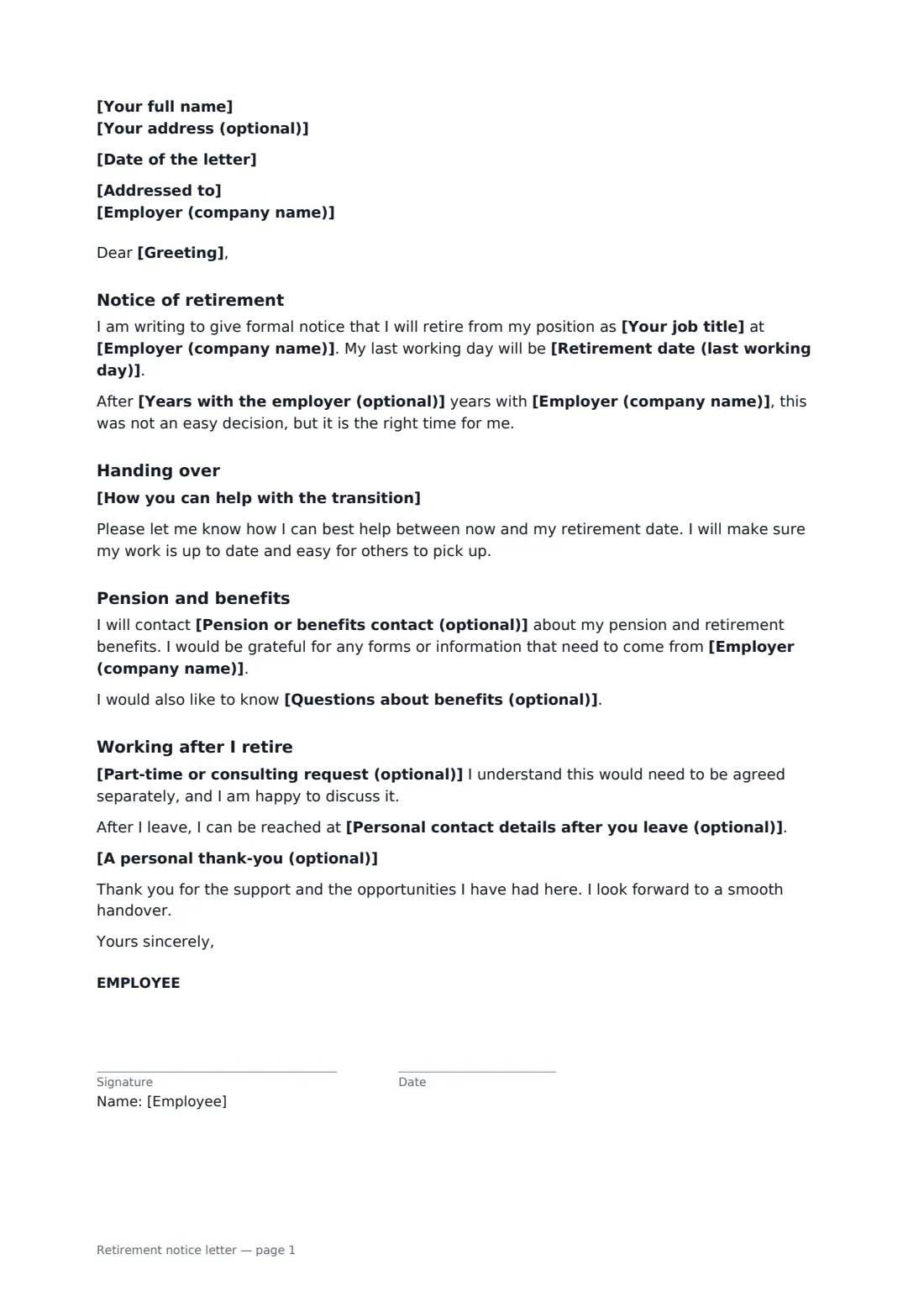
This template is written from your side. It names your retirement date and, if you like, how long you have been with the company. It offers practical help with the handover, in words you can edit, and either names your pension or benefits contact or asks who it should be. You can add questions about benefits such as health cover after retirement. If you would like to keep a foot in the door, there is an optional request for part-time or consulting work, which the letter says will be agreed separately. Your manager or HR signs an acknowledgement section that records the date.
- Best for
- Employees giving formal notice that they are retiring
- Signed by
- You, then your employer to acknowledge receipt
- Covers
- Retirement date, handover offer, pension contact, benefits questions, further work
- Length
- 1–2 pages
When to use a retirement notice letter
- Retiring after a long career with one employer
- Giving early notice of retirement to allow time to recruit a successor
- Asking about health cover and pension paperwork at the same time
- Offering to work part-time or as a consultant for a few months after retiring
- Confirming a retirement date already discussed with your manager
What you fill in
15 blanks, then the name and email of each person who signs: employee, employer.
1 You
- Date of the letter*
- Your full name*
- Your address (optional)
- Your job title*
- Years with the employer (optional)
2 Your employer
- Employer (company name)*
- Addressed to*
- Greeting*
3 Retirement
- Retirement date (last working day)*
- How you can help with the transition
4 Pension and benefits
- Pension or benefits contact (optional)
- Questions about benefits (optional)
5 After retirement
- Part-time or consulting request (optional)
- Personal contact details after you leave (optional)
- A personal thank-you (optional)
6 Who signs
- Employee signature and date · The person retiring.
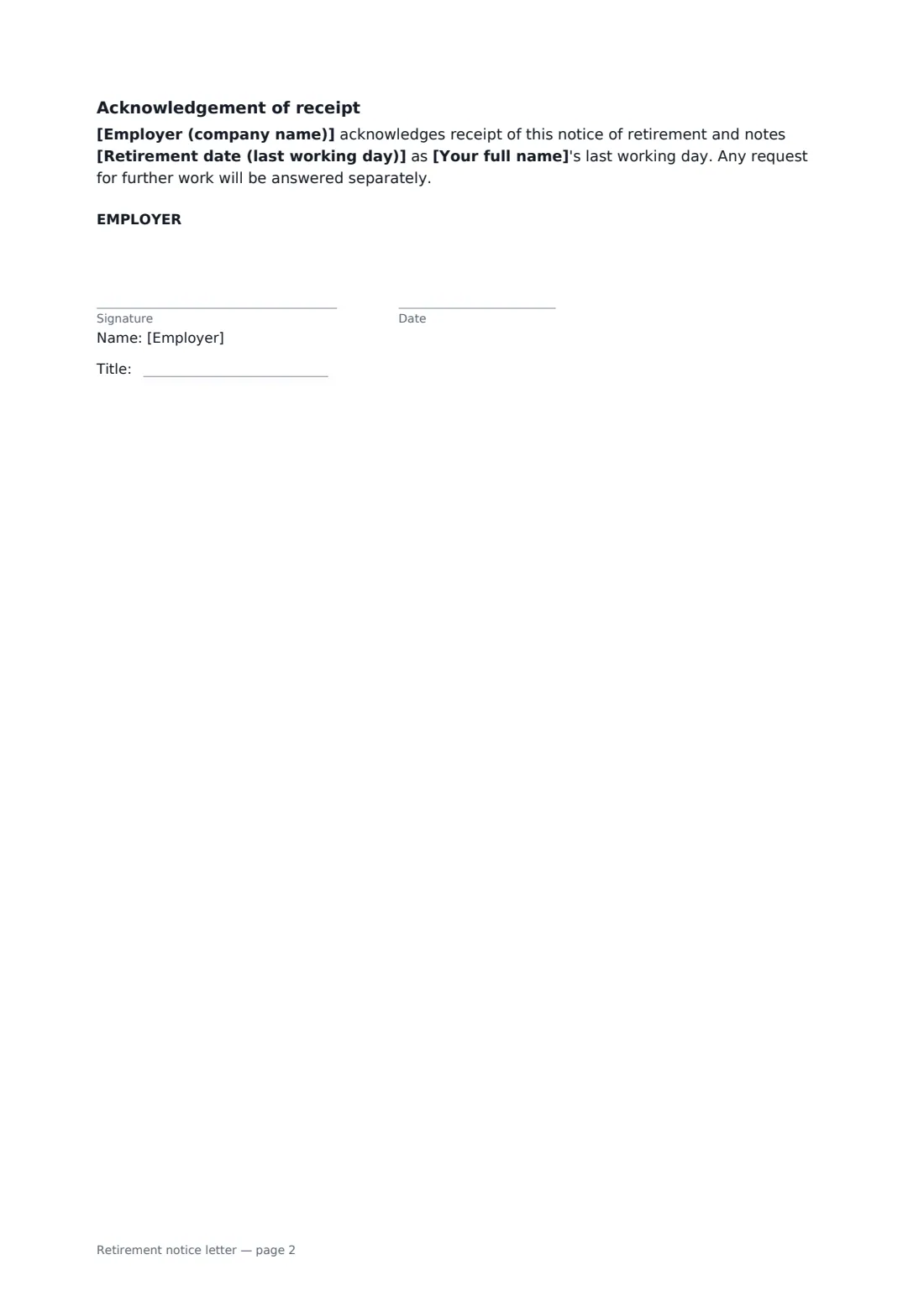
- Employer signature and date, job title · Your manager or someone in HR, who signs to acknowledge receipt.
What the retirement notice letter covers
- Notice of retirement
- Handing over
- Pension and benefits
- Working after I retire
- Acknowledgement of receipt
Using the retirement notice letter, step by step
1 Add your details
Enter your name, job title and, if you want to mention it, your years of service. Add the person you are writing to and the greeting you use with them.
2 Set the date and the handover
Enter your last working day. Keep or edit the paragraph about helping with the transition, such as training your successor or writing up your processes.
3 Pension and benefits
Name your pension contact if you know it, or leave it empty and the letter asks who to speak to. Add any questions about benefits after you retire.
4 Optional extras and send
Add a request for part-time or consulting work, personal contact details and a thank-you if you wish. Send it to your manager or HR, who signs the acknowledgement. You both get the signed copy.
Tips before you send it
- Tell your manager in person first, then send the letter to confirm.
- Give more notice than your contract requires if you can. Finding and training a successor often takes months.
- Check pension scheme deadlines early. Some schemes need forms weeks before your retirement date.
- If you want to keep working on reduced hours rather than retire outright, a phased retirement agreement may suit you better.
Sign it online in minutes
- Fill in the blanks. Names, dates and amounts go straight into the agreement — the preview shows exactly where.
- Name who signs. Tick “This is me” for your own part. FileIt builds the PDF with every signature, date box on the right line, and you can check or move anything before sending.
- Send it. Each signer gets a secure link and signs from any device — no account needed. The signed PDF, with an audit trail and a Certificate of Completion, is filed in your vault and emailed to everyone.
Retirement notice letter: frequently asked questions
How much notice should I give before retiring?
At least the notice period in your contract. Many people give more as a courtesy, especially in senior or specialist roles. Check any retirement policy and your pension scheme's timelines too.
Is a retirement letter different from a resignation letter?
Both end your employment, but a retirement letter usually also deals with pension and benefits contacts, a longer handover and sometimes a request for part-time work afterwards.
Can I ask to keep working part-time?
Yes. The optional section lets you ask, and the letter makes clear any arrangement will be agreed separately. Your employer doesn't have to say yes.
Why ask my employer to sign it?
Their signature confirms they received your notice and noted your retirement date, which helps with pension and final pay paperwork. FileIt keeps the signed PDF and a Certificate of Completion for both of you.