What is a photo booth hire agreement?
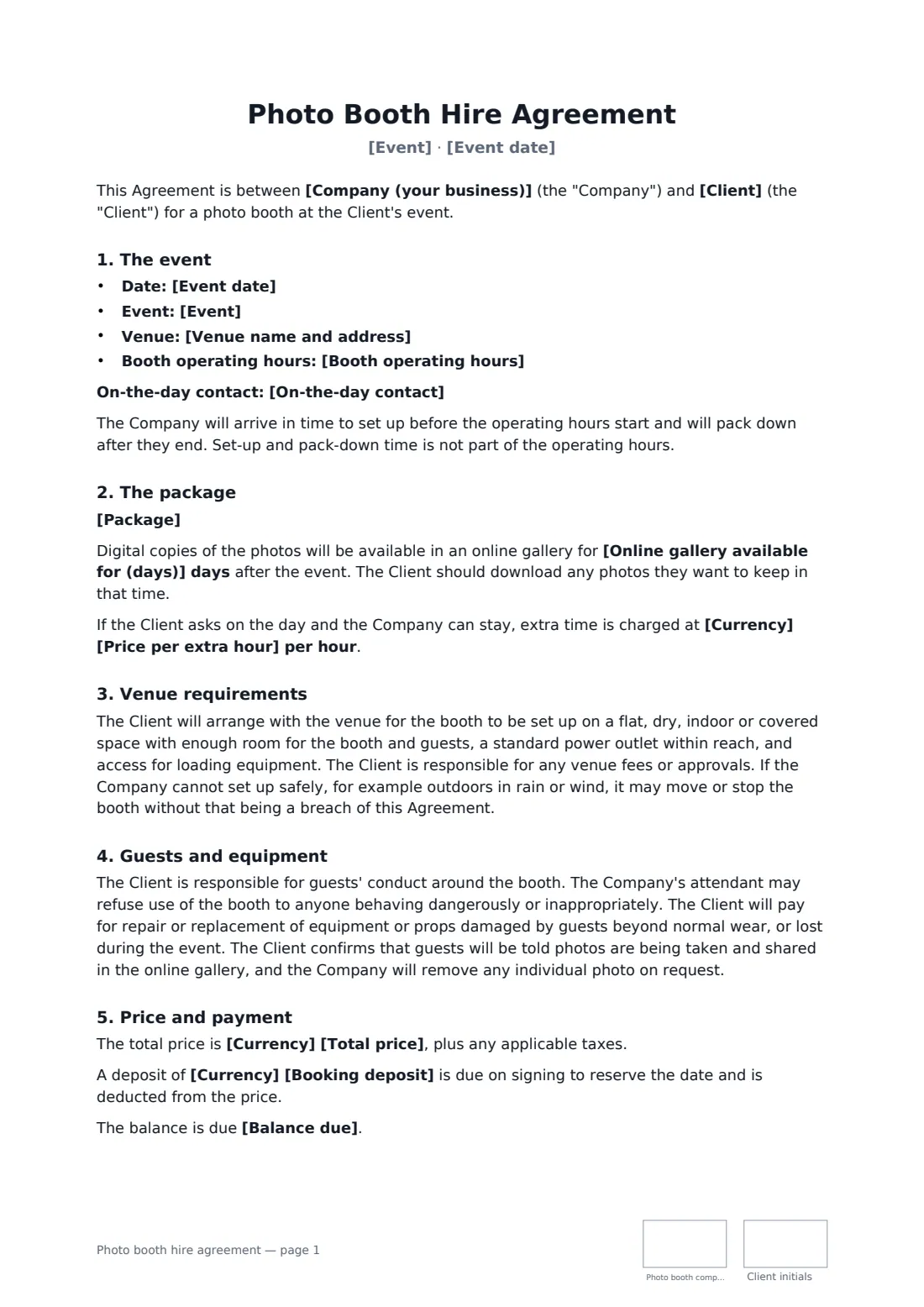
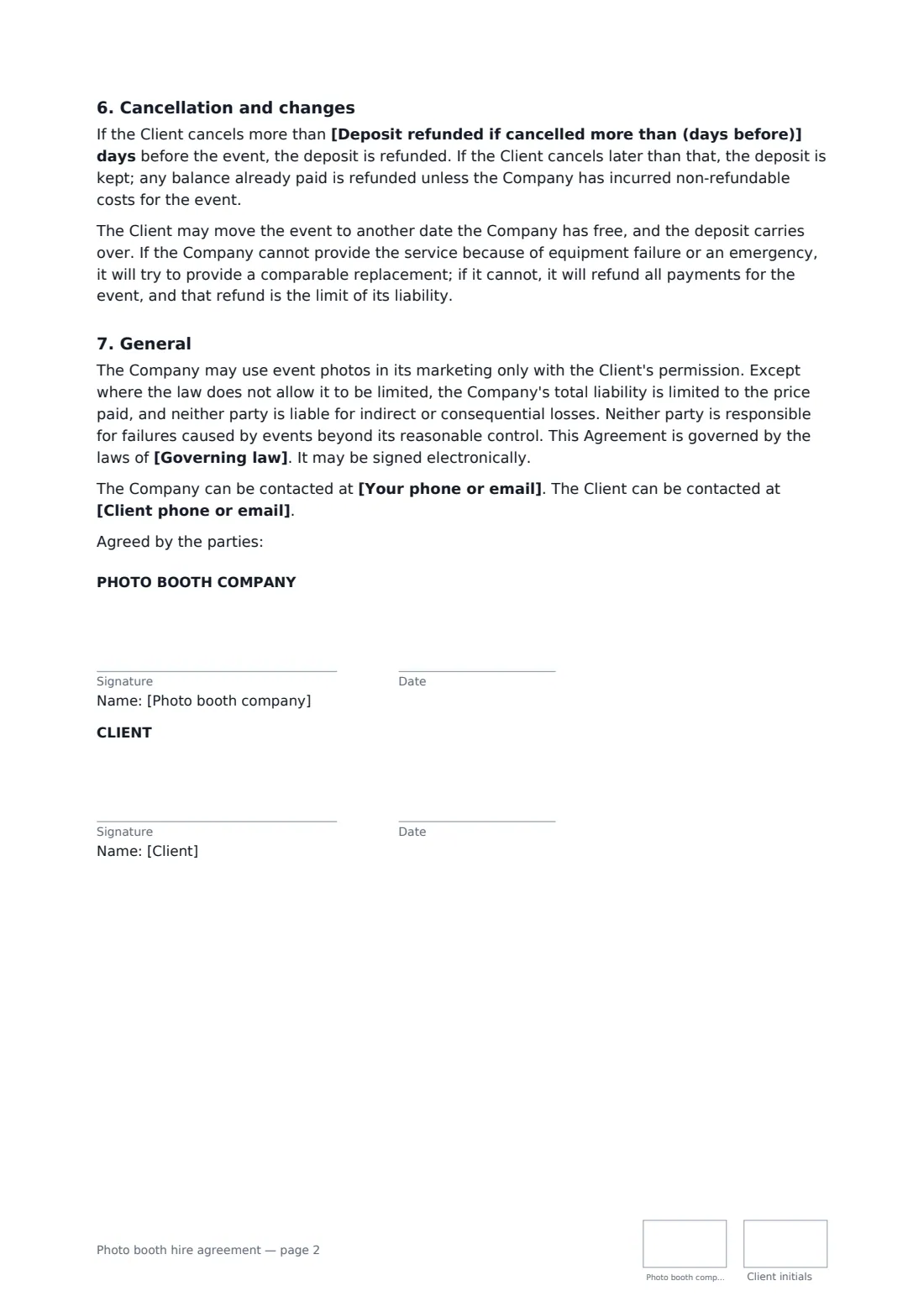
A photo booth company and a client agree a booth for a wedding, party or corporate event — booth type, hours, attendant, prints and digital gallery, venue needs, props, damage, deposit and payment. Start from this template in FileIt eSignature: fill in the blanks, add the people who sign, and send it. Everyone signs online and the signed PDF is filed in your vault.
What you fill in
18 blanks, then the name and email of each person who signs: photo booth company, client.
1 The parties
- Company (your business)*
- Your phone or email*
- Client*
- Client phone or email*
2 The event
- Event date*
- Event*
- Venue name and address*
- Booth operating hours*
- On-the-day contact
3 The package
- Package*
- Online gallery available for (days)
4 Price and payment
- Currency*
- Total price*
- Booking deposit
- Balance due* 7 days before the event · 14 days before the event · 30 days before the event · on the day of the event
- Price per extra hour
- Deposit refunded if cancelled more than (days before)
- Governing law*
5 Who signs
- Photo booth company signature and date, initials on every page · The photo booth business.
- Client signature and date, initials on every page · The person or organisation booking the booth.
What the photo booth hire agreement covers
- The event
- The package
- Venue requirements
- Guests and equipment
- Price and payment
- Cancellation and changes
- General
Sign it online in minutes
- Fill in the blanks. Names, dates and amounts go straight into the agreement — the preview shows exactly where.
- Name who signs. Tick “This is me” for your own part. FileIt builds the PDF with every signature, date and initials box on the right line, and you can check or move anything before sending.
- Send it. Each signer gets a secure link and signs from any device — no account needed. The signed PDF, with an audit trail and a Certificate of Completion, is filed in your vault and emailed to everyone.