What is a job offer acceptance letter?
Job offers are often made on the phone and finalised over a string of emails. Before you hand in your notice, it is worth sending one clear letter that says yes and restates the essentials: the role, the start date and the salary. If anything was misheard along the way, this is when it comes to light, not on your first payslip.
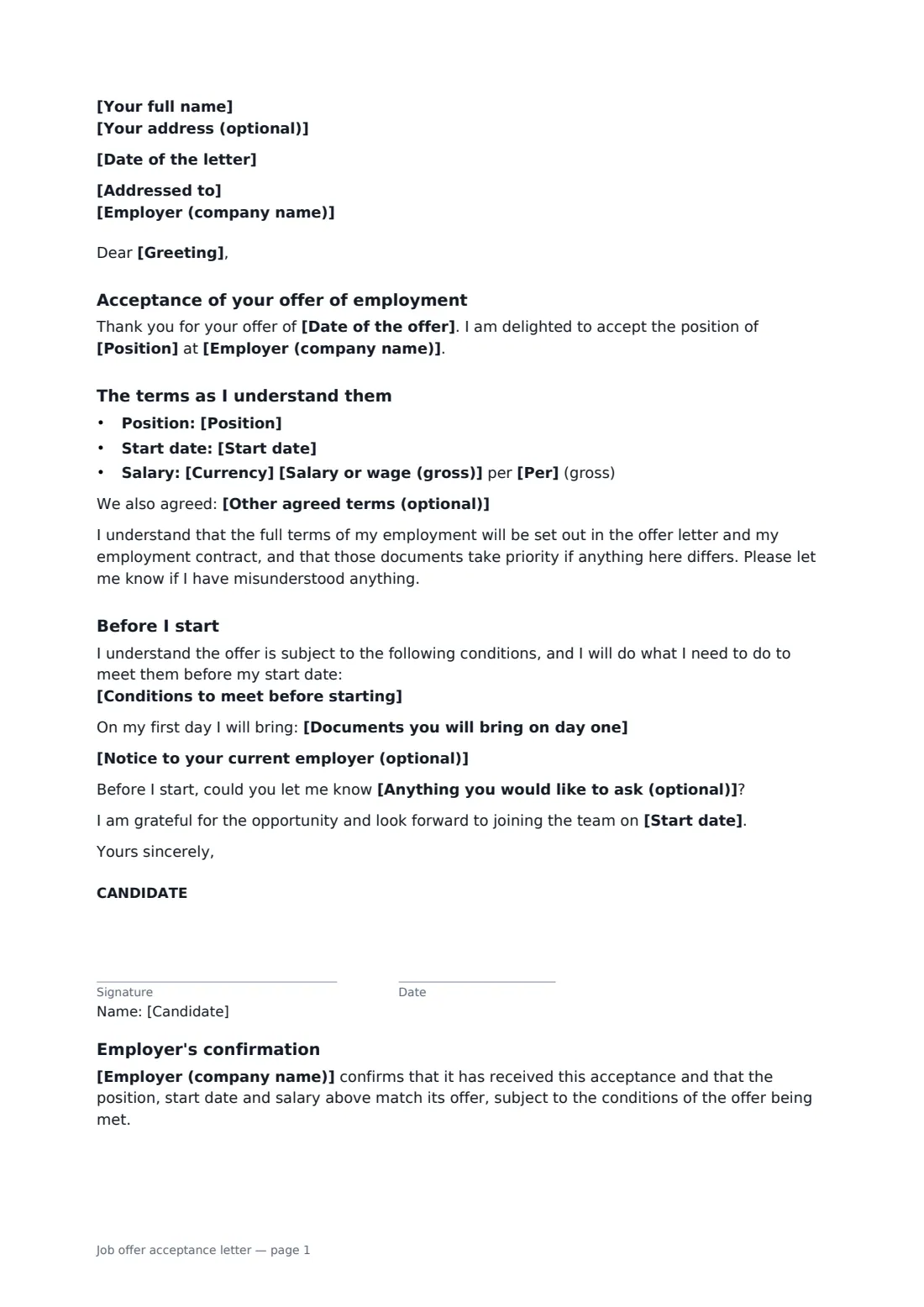
This template thanks the employer, accepts the offer by its date, and lists the position, start date and pay, with room to confirm anything else you agreed, such as hybrid working or a sign-on bonus. It says the offer letter and contract take priority, so it doesn't override them. You can list the pre-employment conditions you will meet, the documents you will bring on day one, a note about your current notice and any questions about your first day. The employer signs a short confirmation that the terms match their offer.
- Best for
- Candidates accepting a job offer before resigning from their current job
- Signed by
- You, then the employer to confirm
- Covers
- Position, start date, salary, other agreed terms, conditions, documents
- Length
- 1–2 pages
When to use a job offer acceptance letter
- Accepting an offer made by phone and confirming the salary in writing
- Recording hybrid working or a sign-on bonus agreed in negotiation
- Confirming a start date that fits around your current notice period
- Accepting a conditional offer and listing what you still need to provide
- Getting written confirmation before resigning from your current job
What you fill in
17 blanks, then the name and email of each person who signs: candidate, employer.
1 You
- Date of the letter*
- Your full name*
- Your address (optional)
2 The employer
- Employer (company name)*
- Addressed to*
- Greeting*
3 The offer
- Date of the offer*
- Position*
- Start date*
- Currency*
- Salary or wage (gross)*
- Per* year · month · week · hour
- Other agreed terms (optional)
4 Before you start
- Conditions to meet before starting
- Documents you will bring on day one
- Notice to your current employer (optional)
- Anything you would like to ask (optional)
5 Who signs
- Candidate signature and date · The person accepting the offer.
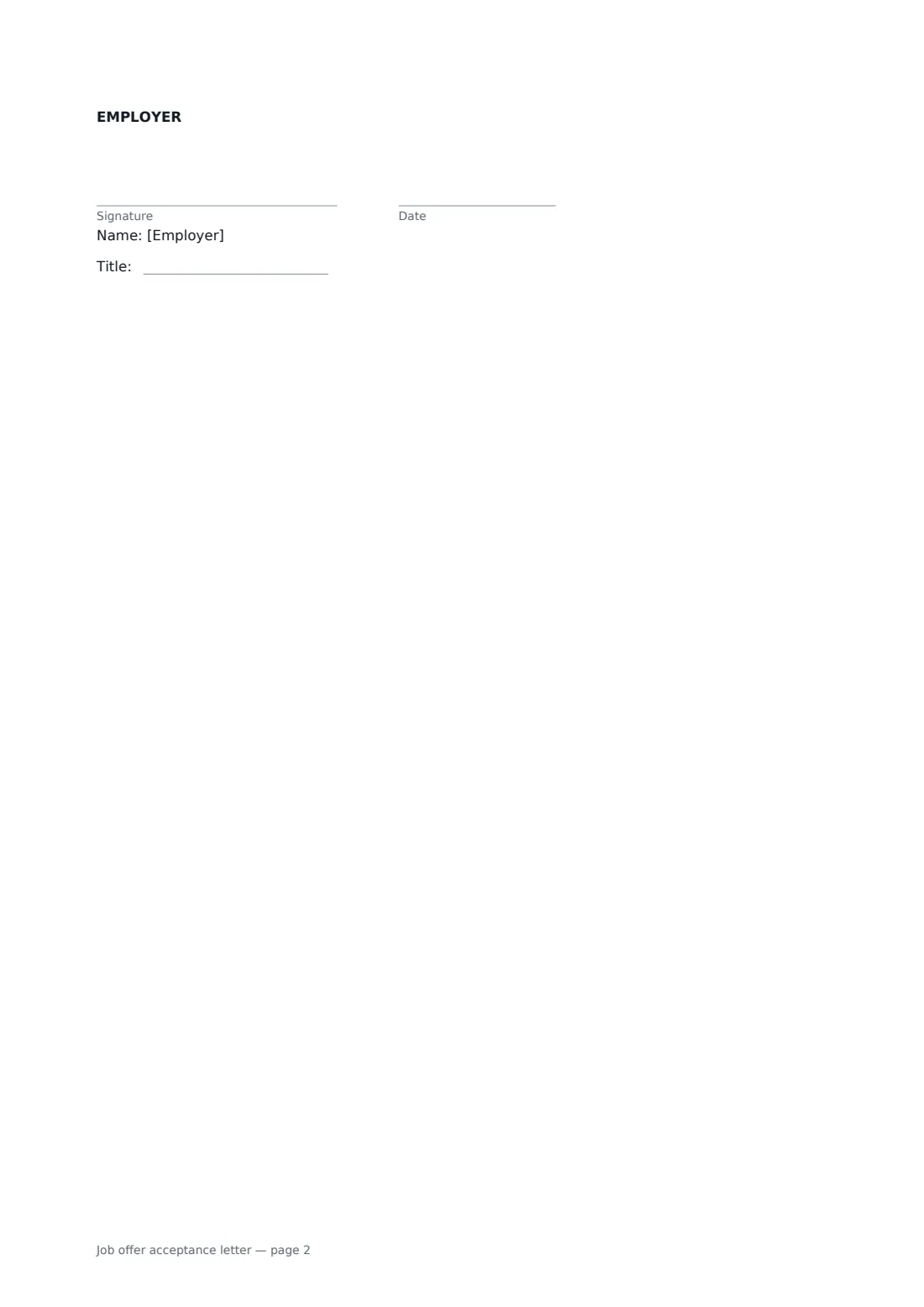
- Employer signature and date, job title · The hiring manager or HR person who made the offer, who countersigns.
What the job offer acceptance letter covers
- Acceptance of your offer of employment
- The terms as I understand them
- Before I start
- Employer's confirmation
Using the job offer acceptance letter, step by step
1 Address the letter
Enter your name, the company and the person who made the offer, and the greeting you use with them.
2 Confirm the terms
Add the offer date, the position, start date and salary. Use the other terms box for anything extra you agreed, such as remote days or a bonus.
3 List what happens before day one
Copy the pre-employment conditions from the offer, list the documents you will bring, and add a note about your current notice and any first-day questions.
4 Send for confirmation
Send the letter to the hiring manager or HR. You sign first and they countersign, and you each get the signed PDF to keep with your other employment records.
Tips before you send it
- Wait for the employer's confirmation before handing in your notice, especially if the offer is conditional.
- Copy the salary exactly as it appears in the offer. If the offer only said it verbally, this letter is your chance to get it in writing.
- Keep the tone short and positive. This is a thank-you as well as a record.
- Store the signed letter in FileIt with your contract and payslips, so it is easy to find later.
Sign it online in minutes
- Fill in the blanks. Names, dates and amounts go straight into the agreement — the preview shows exactly where.
- Name who signs. Tick “This is me” for your own part. FileIt builds the PDF with every signature, date box on the right line, and you can check or move anything before sending.
- Send it. Each signer gets a secure link and signs from any device — no account needed. The signed PDF, with an audit trail and a Certificate of Completion, is filed in your vault and emailed to everyone.
Job offer acceptance letter: frequently asked questions
Do I need to send an acceptance letter if I've already said yes?
It isn't always required, but it is a simple way to confirm the terms in writing before you resign from your current job, and the employer's signature shows you agree on the details.
What if the employer's numbers differ from mine?
The letter asks them to tell you if you have misunderstood anything, and their confirmation section only works if the terms match. Sort out any difference before either of you signs.
Does this replace the employment contract?
No. It says that the offer letter and the contract take priority. It is a confirmation, not a contract on its own terms.
Can I sign and send it from my phone?
Yes. Fill in the blanks, sign, and FileIt emails the employer a link to countersign. Both signatures are recorded in the audit trail.